
Blog – iPTV Tips
Hot Player on Firestick and Google TV: Install Guide and Is It Free?

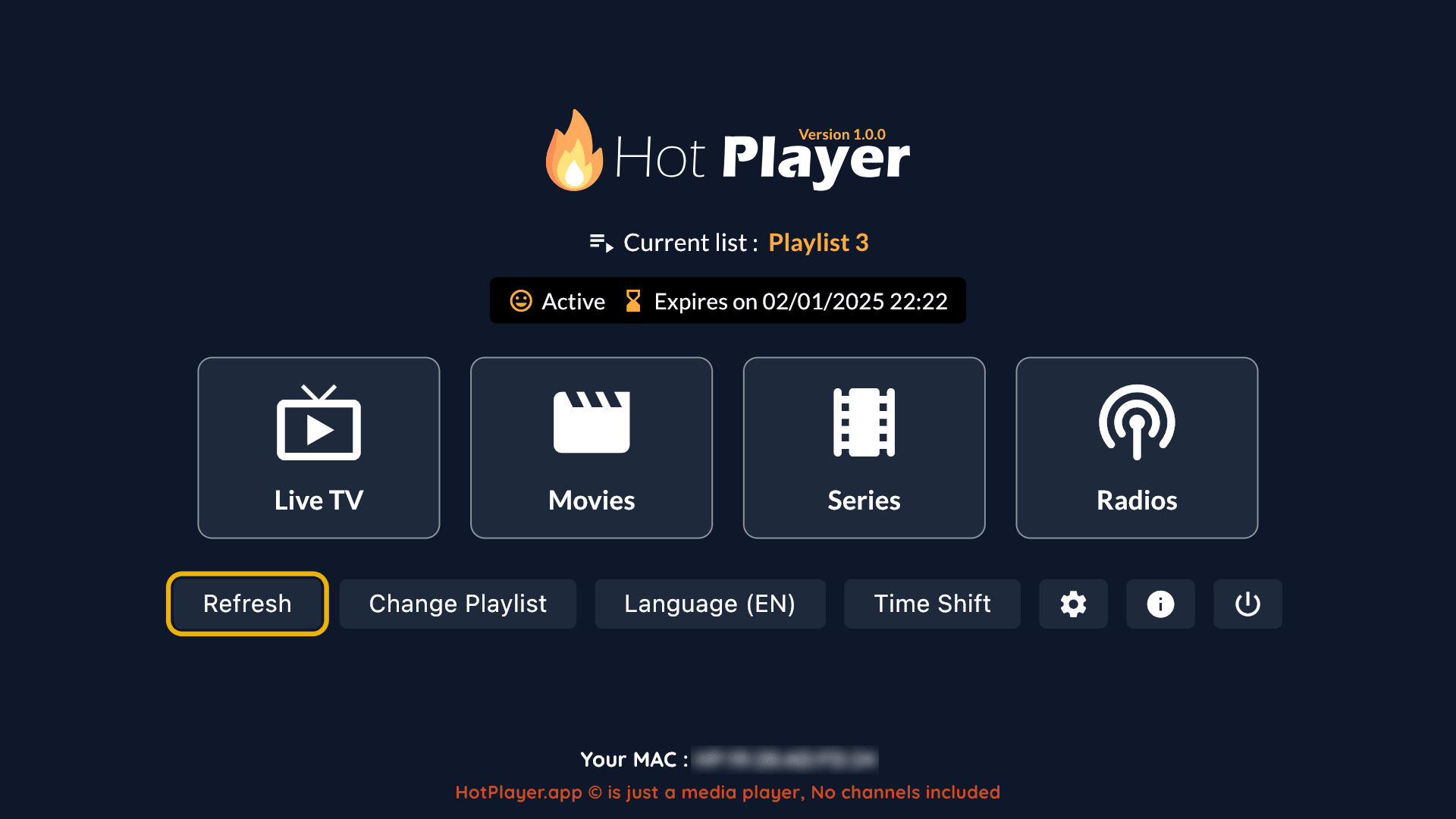
Hot Player is one of the most popular IPTV players thanks to its clean design, fast channel switching and support for many devices. Two questions come up again and again: is Hot Player free, and how do I install it on Firestick or Google TV? This guide answers both.
Is Hot Player free?
Hot Player usually offers a free trial period so you can test it. After that, the app needs to be activated: with a yearly fee or a one-time lifetime activation. Prices can change, so always check the latest offer.
GoToIPTV customers can get Hot Player lifetime activation for $19.95, with no yearly renewal. See the details on our Hot Player page or go straight to the Hot Player lifetime activation product.
Important: Hot Player is only a player. It does not include channels. You add your IPTV subscription (such as GoToIPTV) inside the app.
How to install Hot Player on Google TV and Android TV
- On your Google TV home screen, open Apps and search for “Hot Player”, or open the Google Play Store.
- Select the app and click Install.
- Open Hot Player. The screen shows your device MAC address and a device key. Write them down.
- Activate the app (trial or paid activation).
- Add your IPTV playlist (see below).
If the app is not available in your region’s store, search the Play Store for an official Hot Player listing from the developer, or contact GoToIPTV support on WhatsApp for help.
How to install Hot Player on Firestick
- On the Fire TV home screen, go to Find → Search and type “Hot Player”.
- If it appears in the Amazon Appstore, select Get / Download.
- Open the app and note the MAC address shown on screen.
- Activate the app and add your playlist.
Prefer official app stores. If Hot Player is not listed in the Appstore in your country, ask our support team for the safest installation method for your device instead of downloading files from unknown websites. For general Firestick setup tips, see IPTV on Firestick.
How to add your IPTV playlist to Hot Player
Hot Player playlists are usually added through the developer’s website using your device’s MAC address:
- Open the Hot Player website on your phone or computer and go to the playlist upload page.
- Enter your device MAC address (and device key, if asked).
- Paste your M3U playlist link or Xtream details from your GoToIPTV email.
- Save, then go back to the TV and restart Hot Player (or press refresh).
- Your channels, movies and series appear in a few seconds.
GoToIPTV can also send your playlist to Hot Player for you. Just ask support on WhatsApp.
Hot Player not working? Quick fixes
- “Playlist not loaded”: check that the MAC address was typed correctly, then restart the app.
- Expired: the trial or activation ended. Renew or activate lifetime.
- Buffering: see our IPTV buffering fix guide.
- Wrong time in the TV guide: check the time zone on your TV device.
Frequently asked questions
How much is the Hot Player app?
Hot Player offers a trial, then a paid activation. GoToIPTV offers lifetime activation for $19.95.
Does Hot Player work on Samsung and LG TVs?
Hot Player is available for many smart TV platforms. See our Samsung and LG guides for setup tips.
Can I use Hot Player without an IPTV subscription?
You can open the app, but there is nothing to watch until you add a playlist. Start with the GoToIPTV 24-hour free trial.
Get Hot Player plus GoToIPTV
Try GoToIPTV free for 24 hours, then add Hot Player lifetime activation for the easiest setup on Firestick and Google TV.