Blog – iPTV Tips
Lifetime IPTV Box: What You Really Buy and a Better Way to Pay Once

A lifetime IPTV box sounds like a great deal: pay once for a small box, plug it into your TV and never see a monthly bill again. Online listings call it an “IPTV box with lifetime subscription”, an “IPTV box no monthly fee” offer or an “IPTV box no subscription” deal. The promise is the same every time: one payment, TV forever.
Before you buy a lifetime IPTV box, it helps to know what you are really paying for. This guide explains what is inside the box, what can go wrong, what to ask the seller, and a simpler route that is easy to miss: the TV, stick or phone you already own, plus a lifetime IPTV subscription that renews itself.
Table of Contents
What Is a Lifetime IPTV Box?
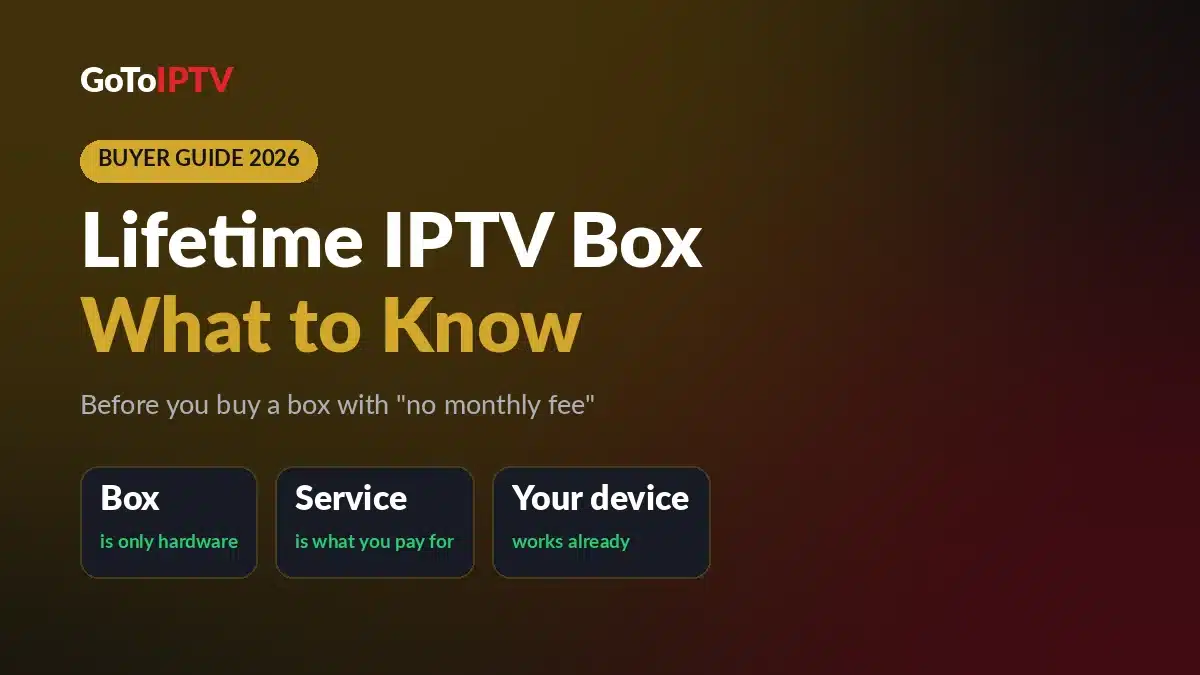
A lifetime IPTV box is a small TV box sold with an IPTV service already set up on it. You plug it in, sign in once (or not at all) and start watching live TV, movies and series. The seller says you will never pay a monthly fee.
It looks like one product, but you are really buying two separate things in one package: a piece of hardware and a service. Almost every question about a lifetime IPTV box comes down to which of the two you are talking about.
The box: hardware you can hold
The box itself is a set-top box: a small computer that connects to your TV with an HDMI cable and to the internet with Wi-Fi or a network cable. Many of these boxes run Android, the same family of software behind Android TV and Google TV devices.
You own the hardware. It has a processor, some memory, a remote and a home screen with apps. But it does not hold the channels.
The service: where the channels really come from
The channels, movies and series do not live inside the box. They stream over the internet from an IPTV service, which is how internet TV works on every device, from a phone to a big Smart TV. The box only plays what that service sends.
So the “lifetime” in a lifetime IPTV box is a promise about the service, not about the hardware. The box is only hardware; the channels come from a service, and if that service stops, the box stops showing them.
What “no monthly fee” really means
“No monthly fee” means you do not pay every month. It does not mean the service costs nothing to run. IPTV lines run on renewals, and someone has to keep renewing them for the channels to keep playing.
That is why the most useful question is not “Is there a monthly fee?” It is “Who renews the service behind this box, and for how long?” A clear answer to that question tells you more than any list of features.
Why People Look for a Lifetime IPTV Box
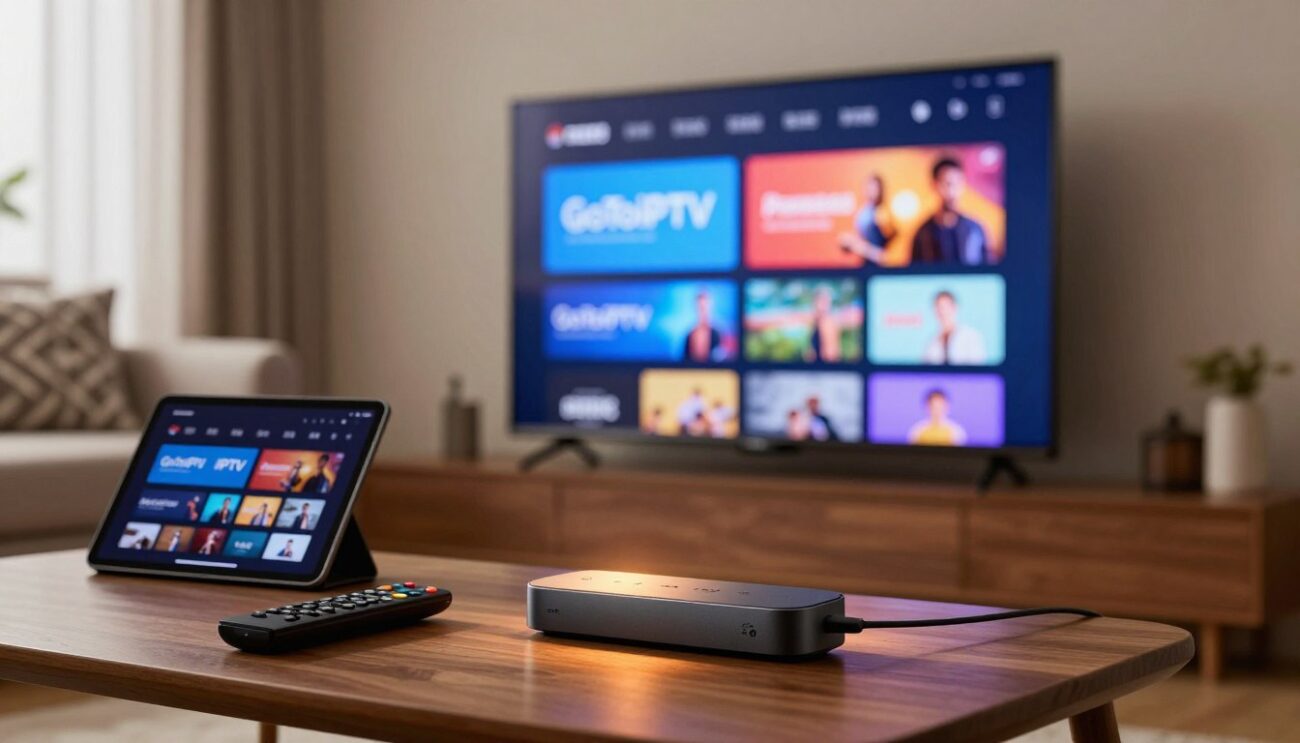
Type “IPTV box lifetime” into a search bar and you will find plenty of these offers. The appeal is easy to understand. Monthly bills add up, renewal dates are easy to forget, and nobody enjoys the TV going dark in the middle of a movie because a plan ran out.
A box with “everything included” also feels simple. There is nothing to install, nothing to type and nothing to renew. That makes a lifetime IPTV box tempting as a gift for parents or grandparents who just want the TV to work.
Those are good goals: one payment, no renewals, no setup stress. The real question is whether a box is the best way to reach them. The hardware is the easy part. The hard part is a service that keeps running and a team you can reach when you need help.
Common Problems With a Lifetime IPTV Box
Not every lifetime IPTV box or seller has these problems. They are simply the risks that come with buying hardware and a service as one package, and they are worth knowing before you pay.
The service behind it can stop
This is the big one. If the service set up on your lifetime IPTV box shuts down, changes its servers or simply stops getting renewed, the channels disappear. The box still turns on and the menus still load, but there is nothing to watch.
A box seller cannot promise more than the service behind the box can deliver. In practice, “lifetime” can only ever mean the life of that service. If you do not know who runs it, you have no way to judge how long that is.
Old software that cannot update
Some boxes ship with an old version of Android and never receive a system update. Over time, newer apps may stop supporting that version, and security fixes never arrive.
A box that cannot update is stuck with the software it had on day one. That matters more every year you keep it, which is exactly what a “lifetime” purchase asks you to do.
No one to contact
When channels stop or a login fails, you need a real person to talk to. Some boxes are sold through one-off listings with no WhatsApp, phone number or email for the service itself.
If the seller moves on, so does your support. You are left with a lifetime IPTV box, a remote and nobody to ask.
Apps you cannot change
Some boxes come locked to one preinstalled app, with the login hidden inside it. You cannot switch to a better player, move your login to another device or even see what you are paying for.
If that one app stops working, the whole box loses its purpose. A good setup lets you choose the player, so a problem with one app is never the end of your TV.
The “lifetime” is tied to one box
If the service only works on that exact box, a broken box can mean starting over. The same goes for upgrades: a new 4K TV or a faster stick may not be able to use what you already paid for.
Your TV, your phone and your habits will change over the years. A lifetime plan should be able to move with you, not stay behind on an old lifetime IPTV box in a drawer.
What to Check Before You Buy a Lifetime IPTV Box
If you still like the idea of a box, ask the seller these questions before you pay. A good seller answers all of them clearly, in writing.
- Who runs the service? Ask for the name of the IPTV service behind the box, not just the box model.
- Who renews it, and for how long? “Lifetime” should say whose lifetime: the box, the seller or the service.
- Can you reach a person? Send a message before you buy and see how fast someone answers.
- Does the box get updates? Ask which version of Android it runs and when it was last updated.
- Can you install your own player app? Avoid a box locked to one app you cannot change.
- Can the service move to a new device? Ask what happens if the box breaks or you buy a new TV.
- How many screens at once? Check if it covers one screen or several at the same time.
- How do you pay? Use a payment service you know, and keep the reference.
If the answers are vague, that is your answer. And if most answers boil down to “it depends on the box”, you may not need a lifetime IPTV box at all.
Do You Even Need an IPTV Box?
Probably not. A lifetime IPTV box solves one problem: a TV that cannot run apps. If your TV, stick or phone can already install apps, it can play IPTV with the right player app, with no extra hardware.
GoToIPTV works on all of these devices. Pick yours and follow the step-by-step guide:
- Fire TV and Firestick: IPTV on Firestick
- Samsung Smart TV: IPTV on Samsung Smart TV
- LG Smart TV: IPTV on LG Smart TV
- Android TV box: IPTV on Android TV box
- Google TV: IPTV on Google TV
- Apple TV: IPTV on Apple TV
- Windows PC and Mac: IPTV on PC and Mac
- Phones: install a player app and sign in, just like on a TV
Only have an older TV with no apps? Then you do need a small device, but not a special one. A streaming stick or an Android TV box that can install a player app turns that TV into an IPTV screen, and you choose the service separately.
That is the honest version of the “IPTV Android TV box no monthly fees” promise: hardware you own, plus a service you pay for once, from a team you can reach.
Pick a player app
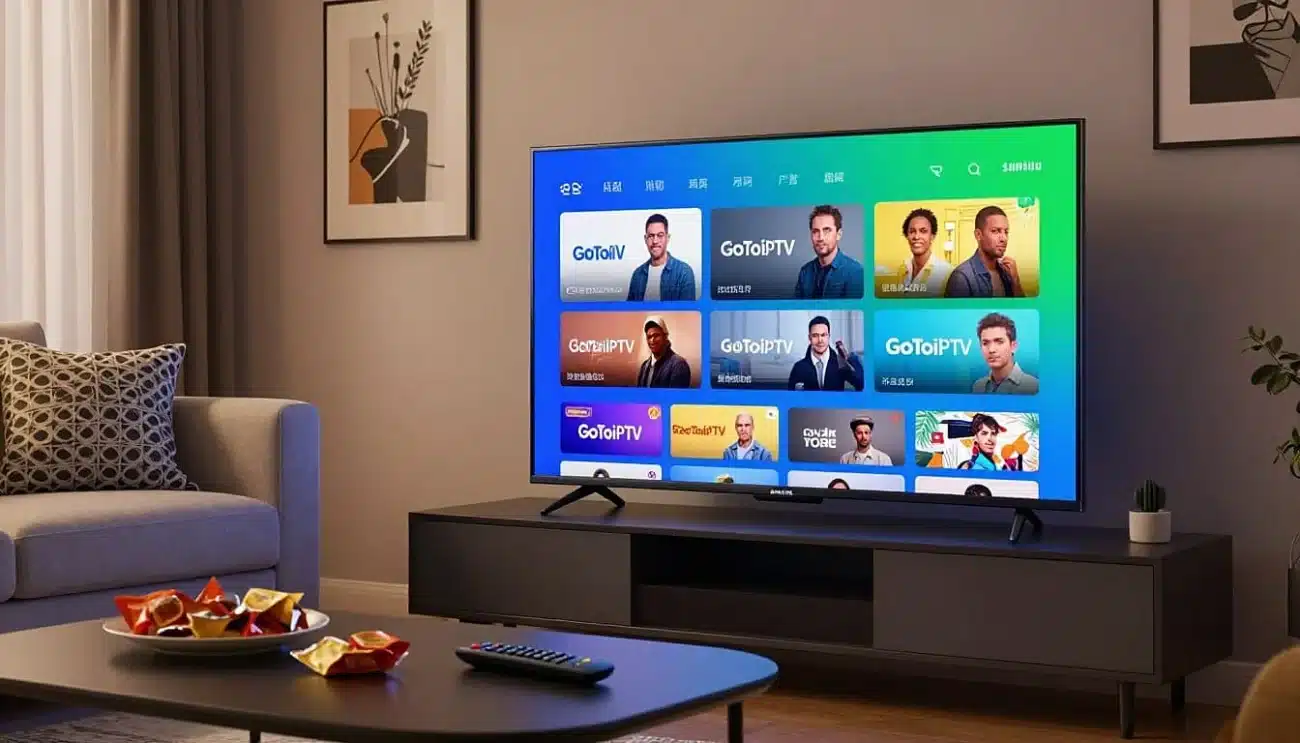
A player app is what shows the channels on your screen. It does not come with channels; it plays the ones your IPTV service sends. You have two easy options:
- Hot Player: runs on Smart TVs, sticks and phones. Its lifetime activation normally costs $20 per device, and it is free with our Lifetime Activation.
- GoTo Player: our free player for Fire TV, Android TV, Android phones and Windows. The iPhone version is coming soon.
Because the player and the service are separate, you can change either one without losing the other. That is exactly the freedom a locked box takes away.
Check your internet speed
A box does not make your internet faster, so the same speed rule applies to every device. As a rule of thumb, per screen:
- HD: 10–15 Mbps
- Full HD: 15–20 Mbps
- 4K: 25 Mbps or more
The Better Route: Your Own Device + Lifetime Activation
If what you really want is “pay once and never think about renewals again”, you do not need a box. You need a service that renews itself, on a device you already know. That is exactly what our Lifetime Activation is.
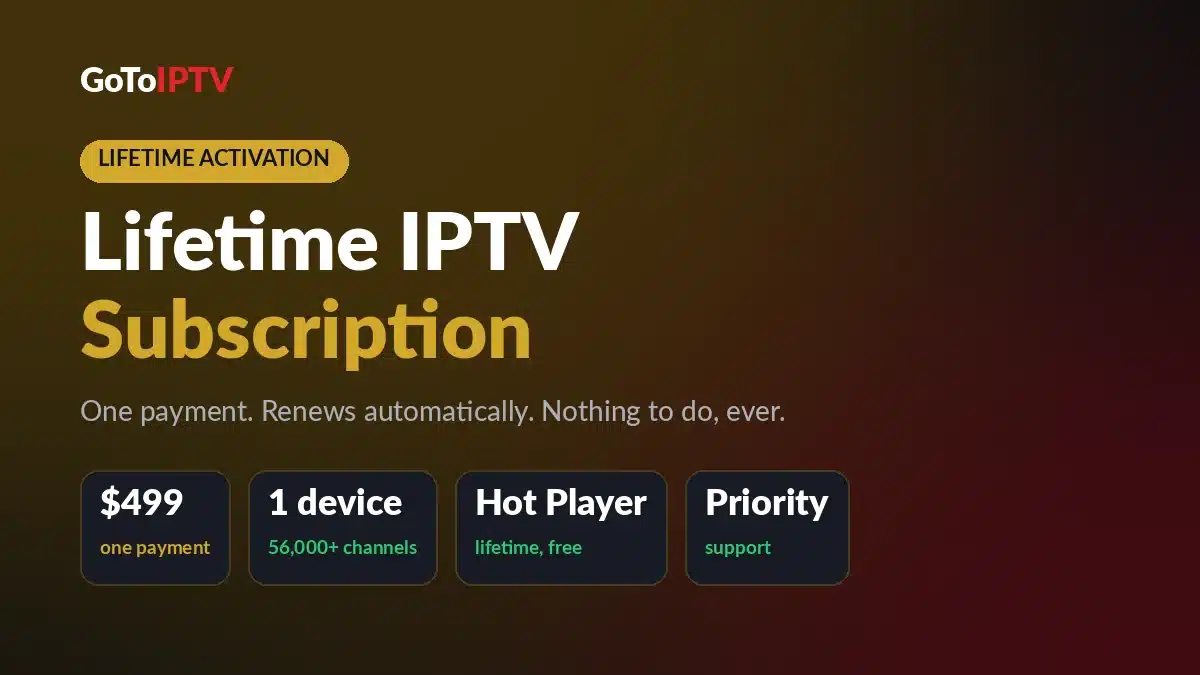
You pay $499 once for 1 device (one connection at a time). We renew your line automatically on our side, so you never pay again and never need to do anything. “Lifetime” means the life of the service: as long as GoToIPTV runs it, your line keeps renewing.
What you get with Lifetime Activation
- 56,000+ live channels from every country, including English, French and Québec, Indian and international channels
- 150,000+ movies and series on demand
- HD, Full HD and 4K where available, plus a TV guide
- A free Hot Player lifetime activation (normally $20), linked to your account
- Priority support on WhatsApp
- The same login for life
Changing your TV or phone later? Message support and we move your activation to the new device. Your lifetime plan follows you, not a box.
How it solves the usual box problems
- The service stops? You know exactly who runs and renews it: GoToIPTV, automatically, on our side.
- Old software? You watch on your own device, and you can replace it whenever you want a newer one.
- No one to contact? Priority support on WhatsApp at +1 (917) 924-8236, or email contact@gotoiptv.com.
- Locked apps? You choose the player: Hot Player, with the lifetime activation included, or our free GoTo Player.
- Tied to one box? Your login stays the same for life, and support moves the activation to your new TV or phone.
How to Set Up Lifetime Activation in a Few Steps
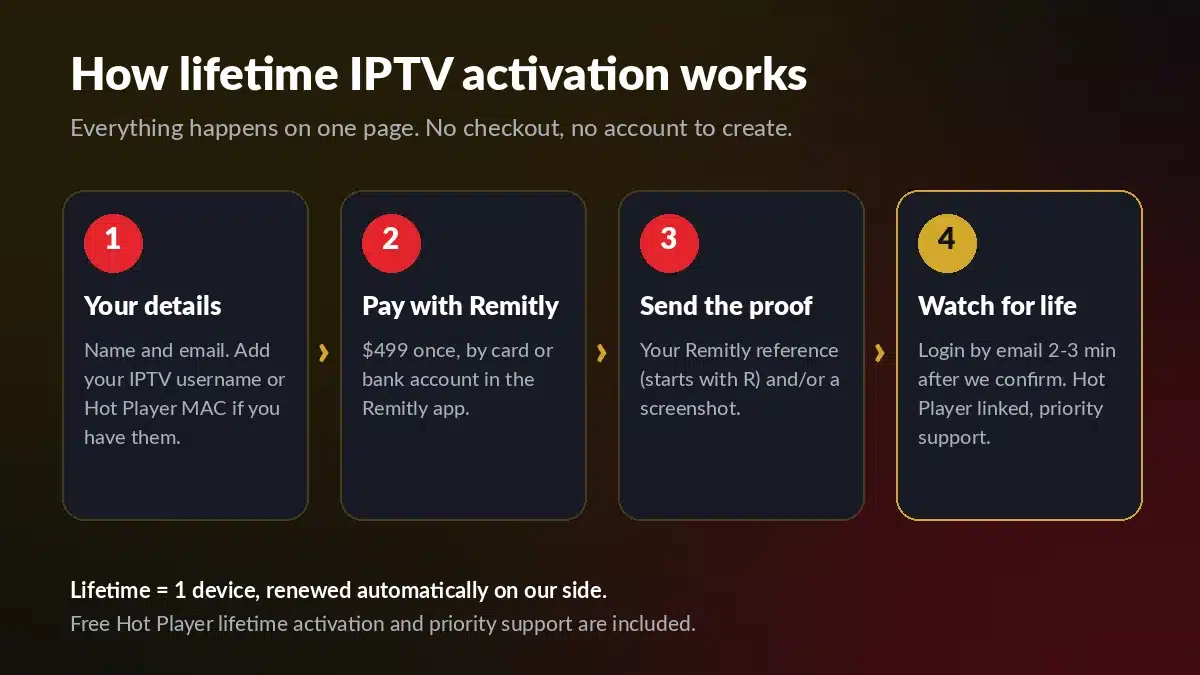
Everything happens on one page, with no special hardware to buy. Here is the whole process:
- Choose your device. Use the TV, stick, box, phone or computer you already own.
- Install a player. Hot Player or GoTo Player. For the free Hot Player activation, note its MAC address.
- Fill in the form. On the Lifetime Activation page, add your name and email. Optional: your IPTV username and your Hot Player MAC address.
- Pay with Remitly. Pay $499 by debit card, credit card or bank account in the Remitly app or on its website.
- Send the proof. Add your Remitly reference (it starts with R) and/or a screenshot.
- Start watching. Your login details arrive by email within 2–3 minutes after the payment is confirmed.
Already a GoToIPTV client? Add your IPTV username in the optional field, so we can keep the login you already use. Questions before you order? Ask us on WhatsApp first.
Lifetime IPTV Box vs Your Own Device + Lifetime Activation
Here is the short version, side by side:
| What matters | Lifetime IPTV box | Your own device + Lifetime Activation |
|---|---|---|
| What you pay for | A box with a service already set up on it | The GoToIPTV service on a device you already own |
| Price | Set by each seller | $499, one payment |
| Who renews the service | Ask the seller | GoToIPTV, automatically on our side |
| If the service stops | The box stops showing channels | Lifetime means the life of the GoToIPTV service |
| Software updates | Depends on the box | Your own device, which you can replace any time |
| Player app | Sometimes locked to one app | Hot Player (lifetime activation free) or GoTo Player |
| New TV or phone | The service may stay on the old box | Support moves the activation for you |
| Support | Depends on the seller | Priority support on WhatsApp |
| Screens at once | Check with the seller | 1 device; 2–5 screens with multi-line plans |
A lifetime IPTV box can still be a fine piece of hardware. Just buy it as hardware, for its picture, speed and remote, and get your service separately from a team you can reach.
Already Own a Lifetime IPTV Box?
If you already have a lifetime IPTV box and its channels stopped, the hardware may still be useful. Check whether it can install apps. If it can, install a player such as GoTo Player or Hot Player, then add a GoToIPTV login, just like on any other Android TV box.
If the box is locked to one app and cannot install anything else, it cannot use another service. In that case, a TV, stick or phone you already own is the easier path. Our Android TV box guide shows the setup step by step.
No Box and No Monthly Fee: Other GoToIPTV Plans
Lifetime is not the only way to avoid monthly bills. Every normal GoToIPTV plan is a one-time payment with no automatic renewal, so nothing is charged again unless you decide to renew:
- 1 Month + 1 Free: $12 for 2 months of TV
- 3 Months + 1 Free: $25 for 4 months
- 6 Months + 2 Free: $40 for 8 months
- 12 Months + 2 Free: $60 for 14 months, about $4.29 a month
Need several screens at the same time? Our multi-screen plans cover 2 to 5 screens. Every plan works on the devices listed above, and you can compare them all on our price list.
Related lifetime guides: Is lifetime IPTV worth it? · Lifetime IPTV player vs lifetime IPTV service · Lifetime IPTV subscription: how to order
Lifetime IPTV Box FAQ
Short answers to common questions about a lifetime IPTV box, a box with no monthly fee and our Lifetime Activation.
What is a lifetime IPTV box?
A lifetime IPTV box is a TV box sold with an IPTV service already set up on it and a promise of no monthly fee. The box is only hardware; the channels come from a service, and if that service stops, the box stops showing them.
Does an IPTV box with no monthly fee really last for life?
Only as long as the service behind it keeps running and someone keeps renewing it. Before you buy, ask who runs the service, who renews it and how you can reach them.
Do I need a lifetime IPTV box to watch GoToIPTV?
No. GoToIPTV works on Fire TV and Firestick, Android TV boxes, Google TV, Samsung and LG Smart TVs, Apple TV, phones, Windows PC and Mac. Start with our Firestick guide or the guide for your own device.
Can I use GoToIPTV on a lifetime IPTV box I already own?
Yes, if the box can install apps. Install Hot Player or our free GoTo Player, then add your GoToIPTV login; our Android TV box guide shows each step.
How much is GoToIPTV Lifetime Activation?
It is $499, one payment, for 1 device. We renew your line automatically on our side, and it includes a free Hot Player lifetime activation (normally $20), priority support on WhatsApp and the same login for life. See the Lifetime Activation page.
What happens if I change my TV or phone?
Message our support team and we move your Lifetime Activation to the new device. Your login stays the same.
How fast do I get my login details?
Your login details arrive by email within 2–3 minutes after your Remitly payment is confirmed.
Can I watch on more than one screen?
Lifetime Activation covers 1 device, one connection at a time. For 2 to 5 screens at once, see our multi-screen plans.
Bottom line: a lifetime IPTV box is only as good as the service behind it. Keep the hardware you already own, pick a player you like, and let a team you can reach handle the renewals with a GoToIPTV lifetime IPTV subscription.
