Blog – iPTV Tips
IPTV Box UK 2026: Best Android TV Box for IPTV and Easy Set-Up

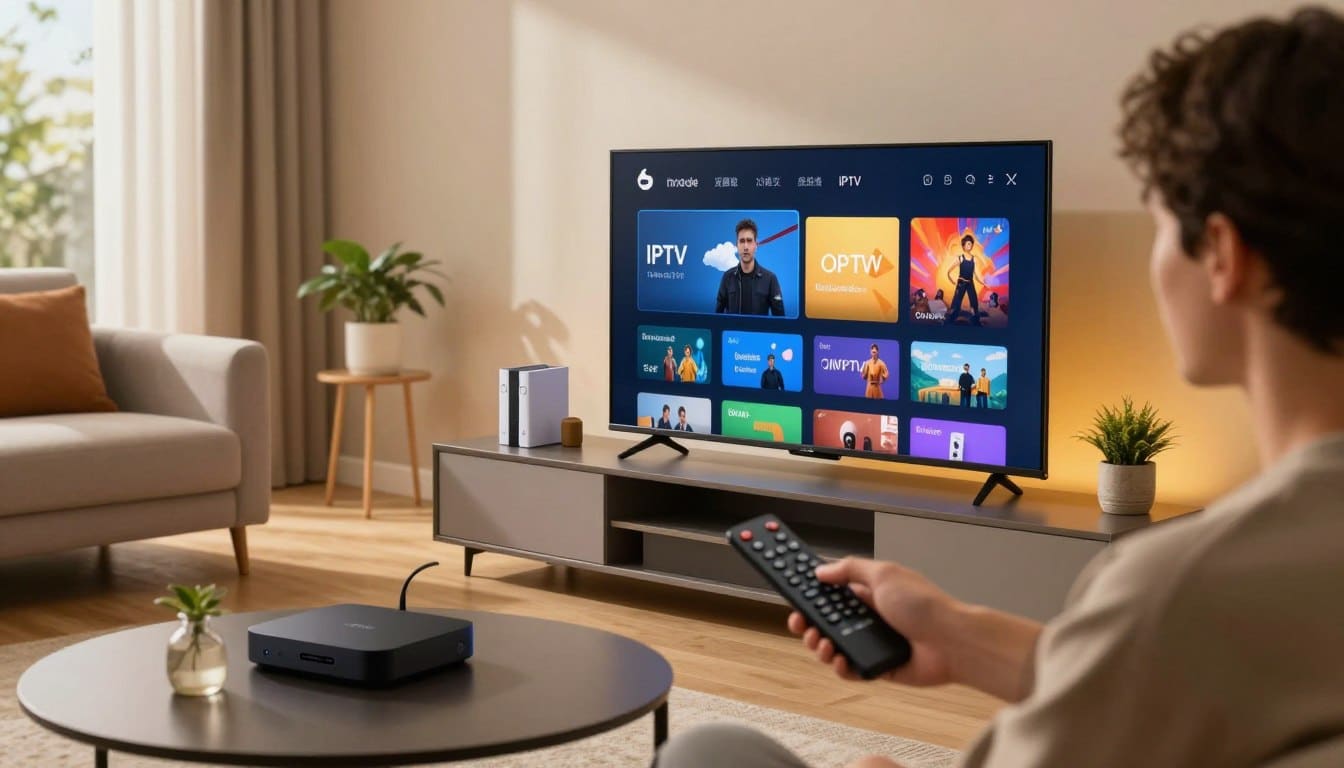
An Android TV box is one of the most flexible ways to watch IPTV. It plugs into any TV with HDMI, runs hundreds of apps from Google Play and gets regular updates. This guide shows you how to choose the right Android TV box, set up IPTV step by step and use the settings that give the smoothest picture.
You will be watching in about ten minutes.
Table of Contents
Why Use an Android TV Box for IPTV?
- Works with any TV: even an older TV becomes a smart TV.
- Huge app choice: many IPTV players are available on Google Play.
- Strong hardware: good boxes handle 4K and fast channel switching.
- Ethernet port: most boxes have a network port for a rock-solid connection.
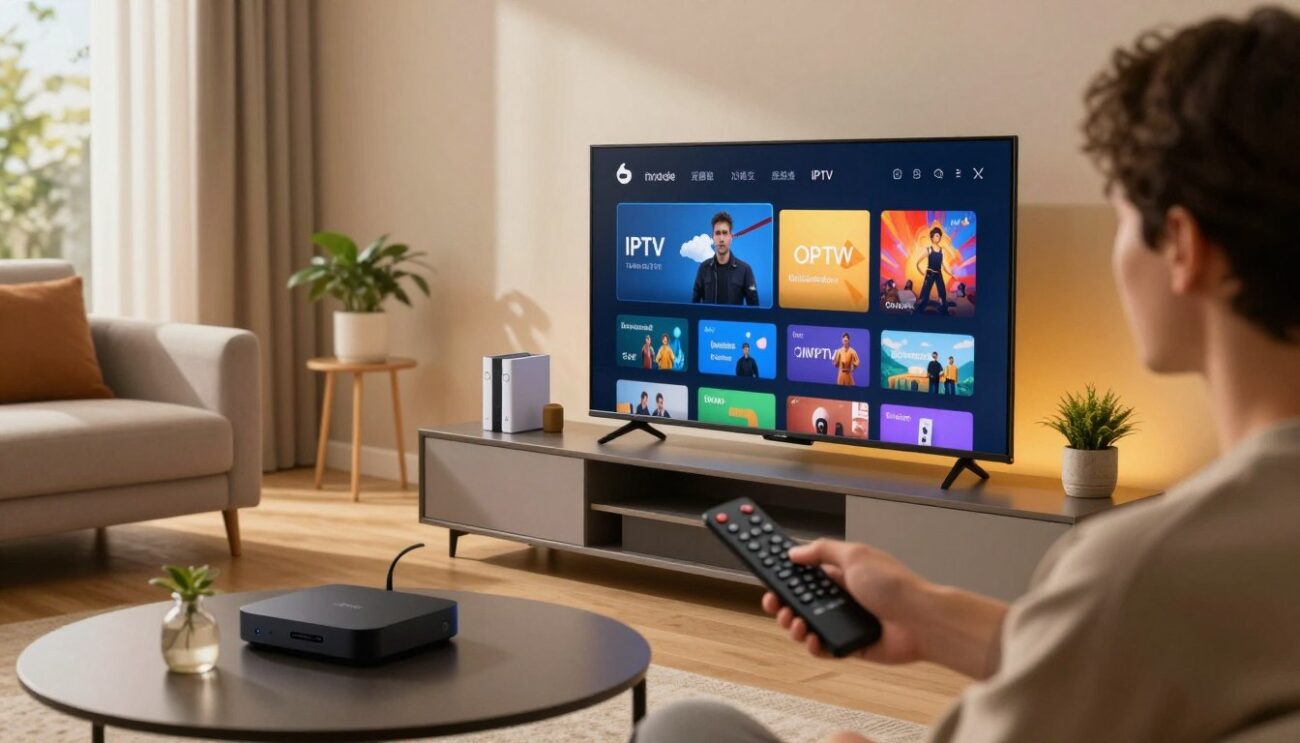
Android TV Box vs Google TV vs Firestick
| Device | App store | Strengths | Our guide |
|---|---|---|---|
| Android TV box | Google Play | Flexible, Ethernet, many apps | This guide |
| Google TV device | Google Play | Clean home screen, voice search | IPTV on Google TV |
| Fire TV and Firestick | Amazon Appstore | Cheap, simple, popular | IPTV on Firestick |
Certified Android TV and Google TV devices get regular security updates and the full Play Store. Generic boxes running a phone version of Android also work, but updates are often rare.
How to Choose a Good Android TV Box
- Certified Android TV or Google TV: regular updates and the official Play Store.
- Memory: at least 2 GB of RAM and 8 GB of storage; 3 to 4 GB of RAM is better for 4K.
- Connection: an Ethernet port, or Wi-Fi 5 or Wi-Fi 6.
- Picture: 4K, HDR and Dolby support if you have a 4K TV.
- Remote: a voice button makes searching much faster.
- Avoid “fully loaded” boxes sold with apps already installed. They often come with security risks and no updates.
What You Need
- An Android TV box connected to your TV and the internet
- An IPTV player app from Google Play
- Your GoToIPTV login details, or a free 24-hour trial that only needs your email
- About 10 to 15 Mbps for HD and 25 Mbps for 4K
Step 1: Update Your Android TV Box
Go to Settings, Device Preferences, About, System update and install any updates. Then open the Play Store and update your apps. An updated Android TV box is more stable and more secure.
Step 2: Install an IPTV Player
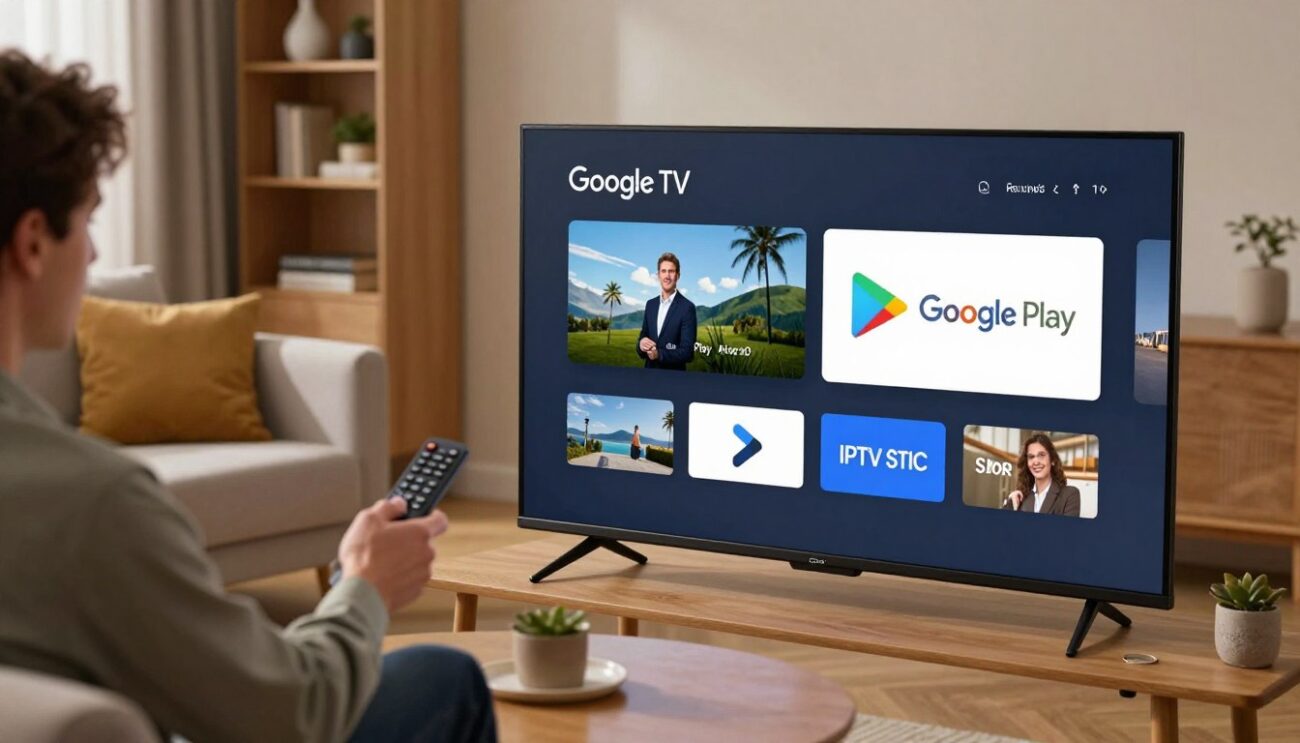
Open the Google Play Store, search for “IPTV player” and choose a well-reviewed app that is updated regularly and supports Xtream login, M3U playlists and a TV guide. Hot Player is a popular, simple option. Pick Hot Player and skip the typing in Step 3: connect Hot Player in about a minute with your GoToIPTV login and the MAC address shown in the app.
Avoid downloading app files from unknown websites. Installing apps from unofficial sources can put your device and your data at risk.
Step 3: Add Your GoToIPTV Account
- Open the player and choose Add playlist or Login.
- Pick username login (username, password and server) or playlist link, as shown in your email.
- Enter the details carefully. A phone keyboard app or a small USB keyboard makes typing much easier.
- Save and let the channels, movies, series and TV guide load.
Step 4: Best Settings for a Smooth Picture
| Setting | Where | Recommended |
|---|---|---|
| Resolution | Settings, Display and Sound | Match your TV (4K on a 4K TV) |
| Match frame rate | Display and Sound | On, if available |
| Video decoder | Inside the player app | Hardware first, software if a channel freezes |
| Buffer size | Inside the player app | Medium or large |
| Network | Settings, Network | Ethernet when possible |
If a channel stutters, switching between hardware and software decoding in the player usually fixes it straight away.
Fixing Common Problems
- Buffering or freezing: use Ethernet, restart the router and follow our IPTV buffering fix guide.
- Channels missing: refresh the playlist in the app settings.
- Empty TV guide: update the EPG and check the time zone of your Android TV box.
- Box running slow: clear the app cache in Settings, Apps, your player, Clear cache, and uninstall apps you do not use.
- Remote not working in the app: some players prefer a voice remote or an air mouse; try the app’s own navigation settings.
You can check your speed on Speedtest from a browser on the box.
Keep Your Android TV Box Fast
- Keep at least 1 GB of free storage.
- Turn off auto-play previews on the home screen if the box feels slow.
- Restart the box once a week.
- Update the player app whenever an update is available.
- Unplug devices you do not use from the same USB hub.
Parental Controls for Families
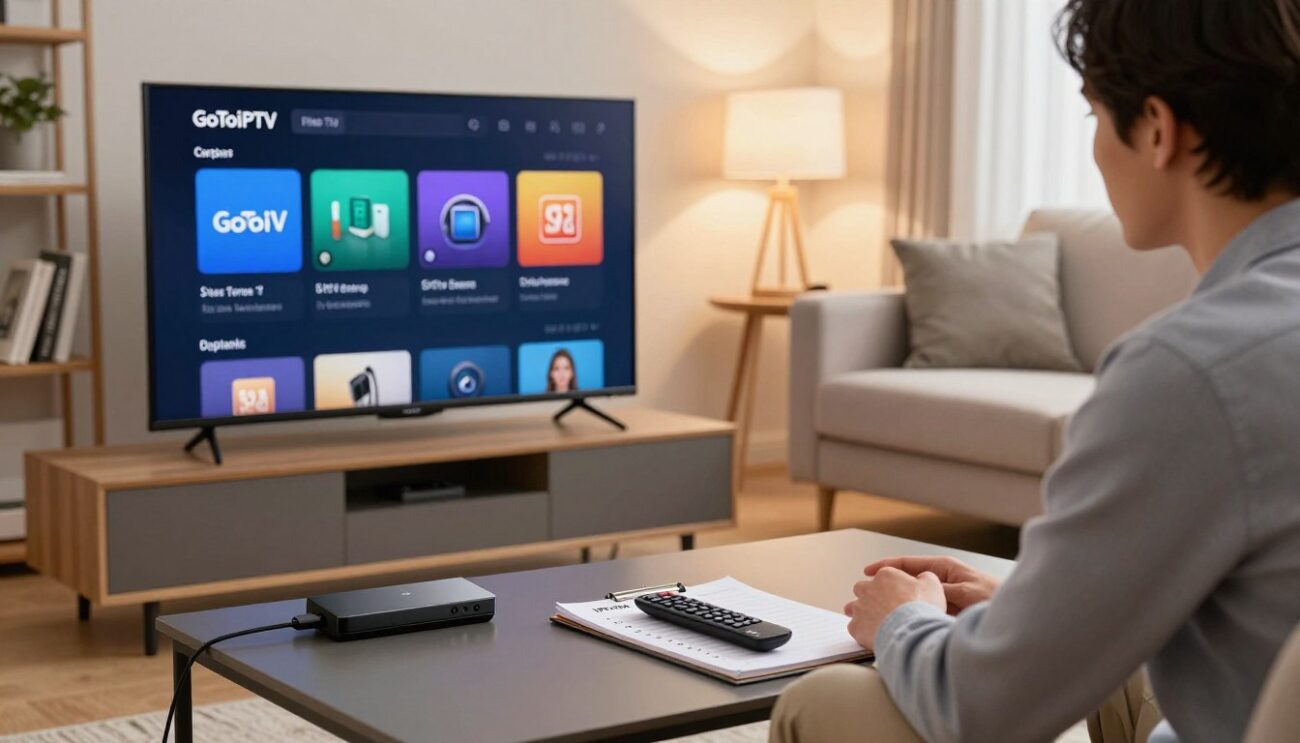
If children use the TV, set up a little protection in two places. First, in the box settings, create a restricted profile or turn on Play Store parental controls so kids cannot install new apps. Second, inside your IPTV player, set a PIN for adult categories and hide channel groups you do not want them to see. Most players let you lock individual categories, so cartoons stay open while other content needs the PIN.
Moving From a Cable Box
Switching from a cable or satellite receiver is easier than most people expect:
- Keep your old box connected until your new setup is working.
- Plug the new device into a free HDMI port and set it up with your trial login.
- Recreate your favourites list in the player with the channels you watch most.
- Check the TV guide shows the right times for your area.
- Once everyone at home is happy, return the rented receiver and cancel at the end of your contract to avoid fees.
Tips for Easier Typing and Searching
Long passwords and server addresses are the most annoying part of setting up any TV device. Three tricks make it painless: use the free remote app on your phone to type with your phone keyboard, plug in a small wireless keyboard for the first setup, or choose a player that lets you add your account from a web page or by scanning a QR code. After the first login you rarely need to type again.
Get Your GoToIPTV Plan
Every plan includes 56,000+ live channels and 150,000+ movies and series in HD and 4K, with a TV guide and 24/7 support.
| Plan | Price | Best for |
|---|---|---|
| 1 Month + 1 Free | $12 | Trying it out |
| 3 Months + 1 Free | $25 | Short term |
| 6 Months + 2 Free | $40 | Great value |
| 12 Months + 2 Free | $60 | Best value |
Two boxes or two TVs at once? Choose a 2-line or 3-line plan, or customize your plan.
Try It Free for 24 Hours
The free trial only needs your email: confirm it and your trial login arrives in your inbox. No card is needed. Install your player on the Android TV box, add the trial details and watch for a full day.
Already a customer? Renew your subscription in a few clicks and keep your settings.
IPTV Box UK: The Short Answer
An IPTV box in the UK is simply a streaming device that runs an IPTV player app: a Fire TV Stick, a Google TV device or an Android TV box. The box itself is legal and contains no channels. You add a player such as GoTo Player and log in with your provider’s details. The best IPTV box UK buyers can choose is usually a well-known 4K stick or Google TV device.
Best IPTV Box UK Options in 2026
| Device | Good for | Note |
|---|---|---|
| Fire TV Stick 4K / 4K Max | Most UK homes | Cheap, easy with Downloader; check newer models allow outside apps |
| Google TV device (4K) | Smooth 4K, Google Play | Installs TiviMate from Google Play |
| Android TV box (known brand) | Storage, recordings | Buy from a UK retailer |
| Smart TV app | No extra box | App availability varies by model |
Buy from a UK retailer you know, with a warranty and UK plug. A good IPTV box UK buyers keep for years costs less than a few months of a typical satellite package.
Avoid “Fully Loaded” Boxes
Boxes sold at markets or on social media as “fully loaded” with free premium channels and films are a different thing: they come pre-set with apps that stream content without a licence. Selling them is illegal in the UK, and using them is not legal either. They also tend to stop working without warning. Choose a normal box and a proper subscription instead.
Set Up an IPTV Box in the UK in 5 Minutes
- Plug the box into the TV and connect it to your broadband, by cable if possible.
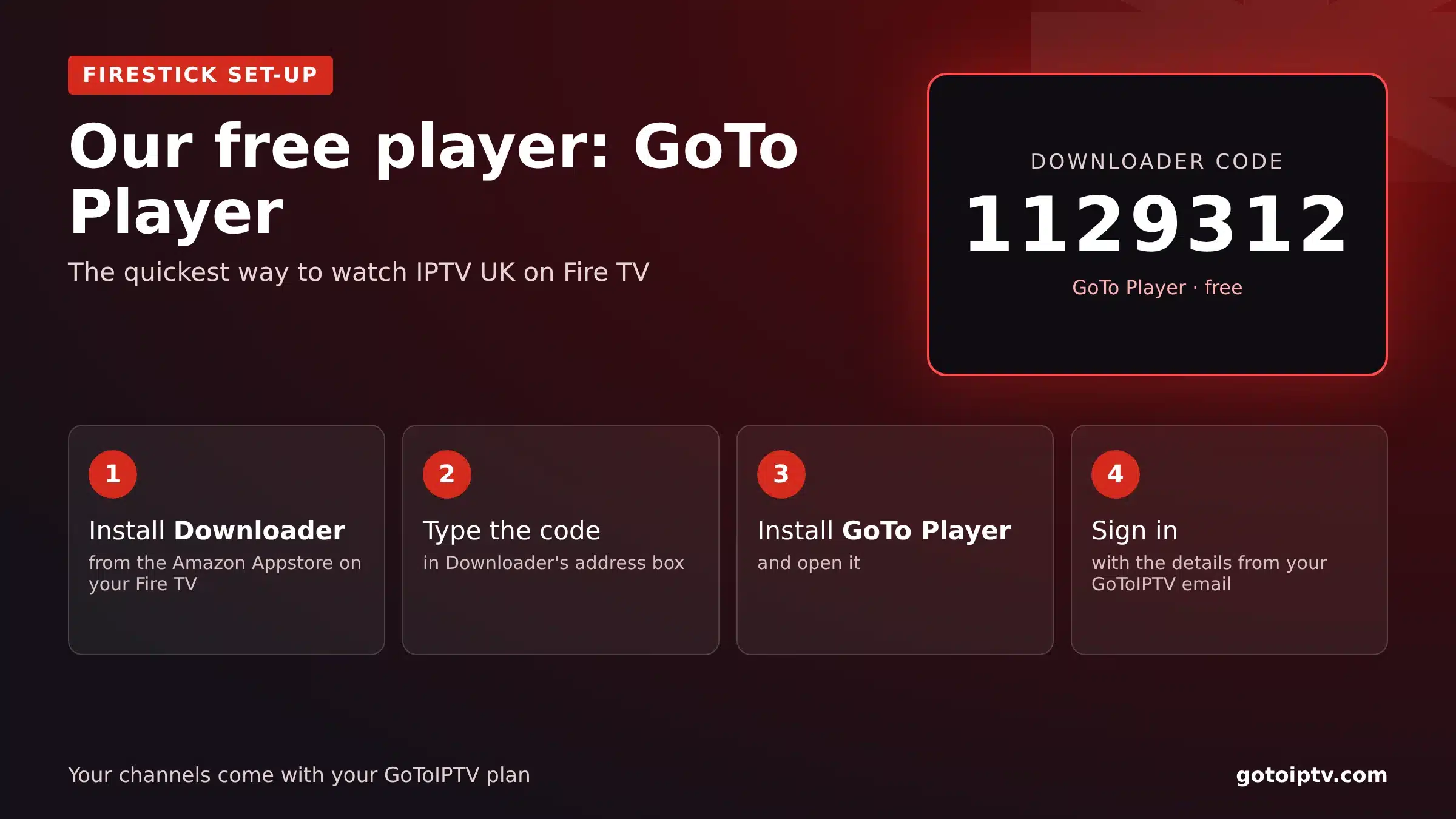
- Install Downloader and type 1129312 for GoTo Player, our recommended free player.
- Log in with your provider’s details.
- Set the time zone to London so the guide follows GMT and BST.
Best Android TV Box UK for 4K
For 4K, choose a box with a 4K HDR output, at least 2 GB of RAM, Wi-Fi 6 or an Ethernet port, and regular software updates. Pair it with about 25 Mbps per screen. Our IPTV UK plans include 4K wherever the channel or film is available in 4K.
TV Licence and Your IPTV Box
Using an IPTV box does not change the TV licence rules: if you watch or record live TV on any channel, or use BBC iPlayer, you need a TV licence. On-demand viewing outside iPlayer does not.
Android TV Box FAQ
Which Android TV box is best for IPTV?
A certified Android TV or Google TV device with at least 2 GB of RAM, an Ethernet port or fast Wi-Fi and regular updates gives the best experience.
Can I use the same account on two boxes?
At the same time, you need a 2-line or 3-line plan. A 1-line plan works on one screen at a time.
Do I need to root the box?
No. Everything works with official apps from Google Play, without rooting or changing the system.
Does GoToIPTV work in 4K?
Yes, on 4K boxes and TVs, where 4K content is available and your internet is fast enough.
Is an Android TV box better than a Smart TV app?
Often yes. A box usually has a faster processor, more apps and more frequent updates than the apps built into many TVs.
Can I use the box for other apps too?
Yes. You can keep your favourite streaming apps, YouTube and music apps on the same box and switch between them and IPTV from the home screen.
New to IPTV?
Read this short overview of internet television, then try it free for a day.
Are IPTV boxes legal in the UK?
Yes, a streaming box is legal. “Fully loaded” boxes pre-set with apps that stream content without a licence are not, and selling them is a criminal offence.
Which is the best IPTV box UK buyers can get?
For most homes, a 4K Fire TV Stick or a Google TV device from a UK retailer. Choose an Android TV box with Ethernet if you want recordings.
Do I need an IPTV box if I have a smart TV?
Not always. Many smart TVs run player apps, but app choice varies by model. A box gives you more apps and faster menus.
What is the best Android TV box UK for IPTV?
A well-known brand with 4K HDR, at least 2 GB of RAM, Ethernet or Wi-Fi 6 and regular updates, bought from a UK retailer.
Start Watching Today
Pick a good Android TV box, install a player and add your login. Ten minutes later you are watching.
Questions before you choose a plan? Our support team answers 24/7 on WhatsApp and by email.

3 thoughts on “IPTV Box UK 2026: Best Android TV Box for IPTV and Easy Set-Up”