
Extend Your IPTV Subscription
Extend Your IPTV Subscription in One Minute
Check how many days you have left, choose a plan with free bonus months and pay in a few taps. When you extend your IPTV subscription here, your request reaches us instantly, with the same login and no new setup.
On This Page
How to Extend Your IPTV Subscription
Three simple steps on this page let you extend your IPTV subscription. No account to create, no new login.
- 1
Check your account. Type your IPTV username and password from your welcome email. We read your end date from the server live and show the days left.
- 2
Tap the yellow button. “Extend my subscription” opens 4 plans, each with its bonus months in green and your new end date.
- 3
Pick a plan and pay. Choose Apple Pay, Google Pay, PayPal, Cash App or Interac (Canada). You go straight to the payment, and your request reaches us with your username.
That is all it takes to extend your IPTV subscription. We add the months to the same account, so your apps keep working without any change.
Extend IPTV Plans With Free Bonus Months
Every plan adds full access to the same account: 56,000+ live channels, 150,000+ movies and series, the TV guide and support.
| Plan | Price | Free bonus | Total time added |
|---|---|---|---|
| 1 month | $12 | +1 month | 2 months |
| 3 months | $25 | — | 3 months |
| 6 months | $40 | +2 months | 8 months |
| 12 months | $60 | +2 months | 14 months |
The 12-month plan is the best value: 14 months for $60, about $4.30 a month. Your days left are always kept: the new time starts after your current end date.
Pay Your Way: Apple Pay, PayPal, Cash App or Interac
You pick the payment method right under your plan and go straight to paying.
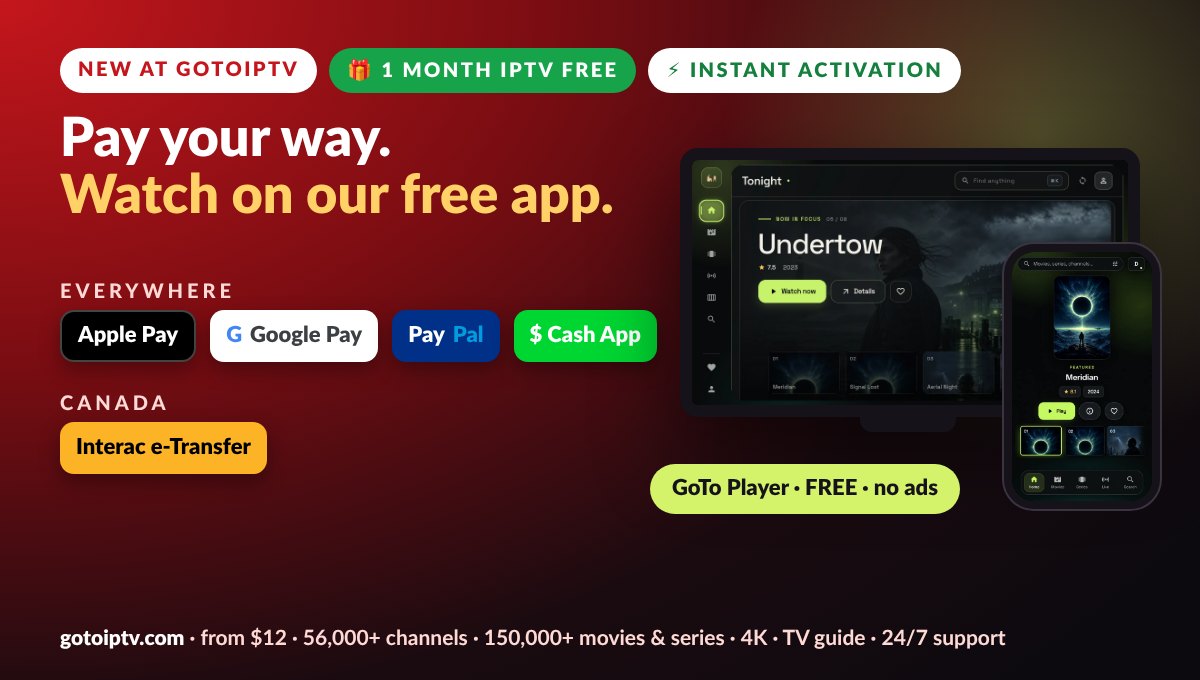
- Everywhere: Apple Pay, Google Pay, PayPal and Cash App
- Canada: Interac e-Transfer from your bank
- No card details to type on our site
- Email is optional, only for your receipt
Your Password Stays Private
We built this page to protect you and your account.
Never stored. Your password is used only for the live check, then dropped. It is not saved, logged or put in any order.
Protected by Cloudflare. Bots and attacks are filtered before they reach the form.
Limited tries. After a few wrong attempts the form pauses, so nobody can guess passwords.
Secure connection. Everything travels over HTTPS, the same protection your bank uses.
Why Extend Before Your Subscription Ends
Extending early costs nothing extra and saves you a night without TV.
- Your days left are kept: the new months start after your current end date
- No gap during a big match or a series finale
- Bonus months on the 1, 6 and 12-month plans
- Same login, so nothing to set up again on your TV
What the Days-Left Circle Means
When you check your account, the circle shows your days left at a glance.
Each plan box also shows your exact new end date, so you know what you get before you pay.
Never Miss Your End Date Again
Three small habits keep your TV running all year.
- 1
Read our reminder emails. We email you before your plan ends, with a link to extend your IPTV subscription on this page.
- 2
Check your My Account page. Your login, your end date and a shortcut to extend your IPTV subscription are always there.
- 3
Choose a longer plan. With 12 months + 2 free, you only think about it once a year.
Extending for a Family With Several Screens
Have more than one line at home? Each account has its own username and its own end date. Here is how to extend your IPTV subscription for every screen.
To extend your IPTV subscription for several screens, check and extend each account one by one on this page: tap “Check another account” after each payment. Want every screen to end on the same day? Message us on WhatsApp and we will line up the end dates for you.
Thinking of adding a screen instead? See our plans for 2 to 5 screens on the multi-screen page.
Extend vs Renew: Which Page Should You Use?
Both add months to your account. The difference is what you see before you pay.
Renewal page
- You type your username only
- No live check of your account
- Good if you forgot your password
- You pick a plan and go to checkout
This extend page
- You see your exact days left first
- Live check on our servers
- New end date shown on every plan
- Pay right here, in one page
Most customers prefer to extend their IPTV subscription here, because they see the result before paying. If you forgot your password, the renewal page works with your username alone.
What Every Extended Plan Includes
When you extend your IPTV subscription, you keep the full service, on every plan.
- 56,000+ live channels from every country
- 150,000+ movies and series, updated every week
- 4K, Full HD and HD where available
- TV guide in your time zone
- Free GoTo Player app with no ads
- 24/7 support on WhatsApp and email
If the Account Check Does Not Work
Most problems have a quick fix.
Still stuck? Send us your username on WhatsApp and we help you extend your IPTV subscription by hand.
Paying With Interac e-Transfer
Customers in Canada can pay straight from their bank.
- 1
Pick your plan and choose Interac e-Transfer.
- 2
Tap Pay. The checkout opens with your plan and username already filled in.
- 3
Send the e-Transfer from your online banking, following the instructions on screen.
- 4
Confirm on the page. We add the months as soon as the payment arrives.
Why Customers Extend With GoToIPTV
Thousands of evenings of TV, one simple routine.
Fair prices, with bonus months on three of the four plans.
Real people answer on WhatsApp when you need help.
Same login on every device, year after year.
One page to check and extend, in about a minute.
That is why so many customers come back to this page to extend their IPTV subscription instead of starting over somewhere new.
What Happens After You Pay
Here is what happens once you extend your IPTV subscription on this page.
- 1
We receive your order instantly, with your username and plan.
- 2
We add the months to your account, usually within minutes.
- 3
You keep watching. Close and reopen your app to see the new end date.
- 4
Check any time on this page or in your My Account page.
Prefer to renew without checking first? Use our renewal page. Need help? Message us on WhatsApp at +1 (917) 924-8236. New to our player? See GoTo Player, our free app.
Your Extended Plan Works on Every Device
Extending your plan keeps everything you already use.
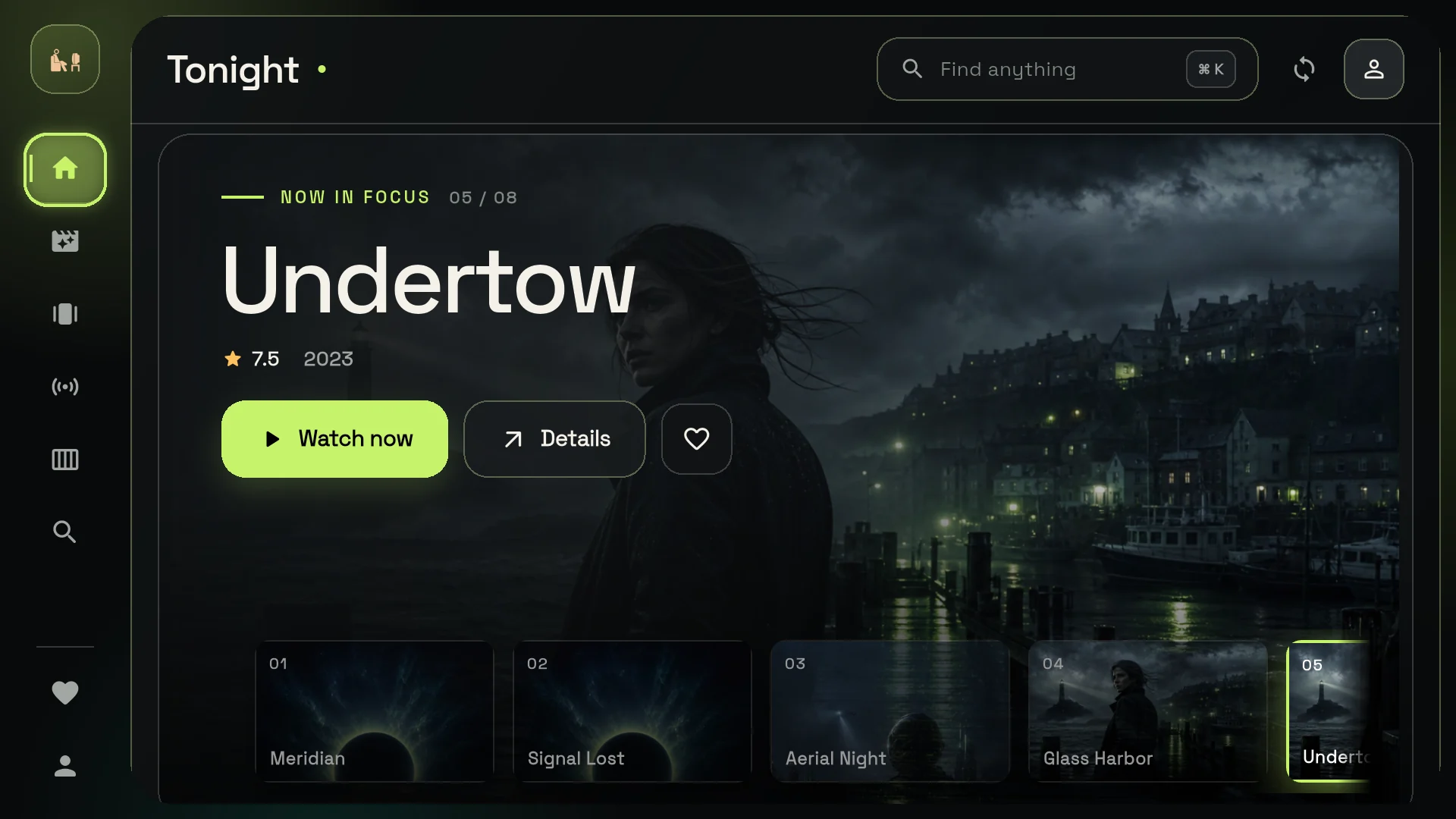
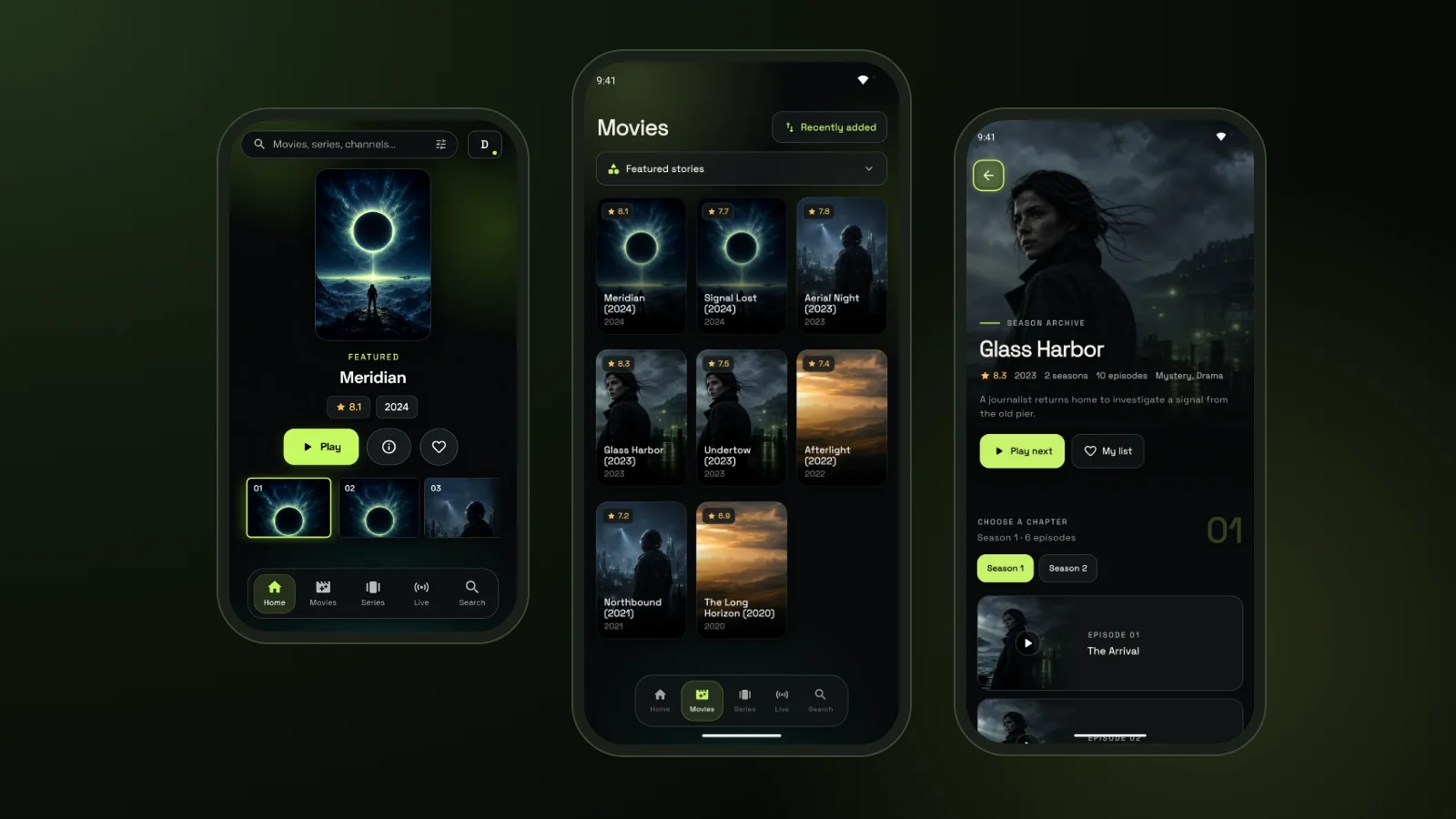
Firestick, Smart TVs, Android TV, phones, tablets and computers keep working with the same login. Our free GoTo Player app works on Fire TV with the Downloader code 1129312, on Android and on Windows.
Curious how IPTV works? Read what IPTV is.
Extend IPTV Subscription FAQ
How do I extend my IPTV subscription?
Enter your IPTV username and password at the top of this page and tap Check my account. You see how many days you have left. Tap Extend my subscription, pick a plan and pay. Your request to extend your IPTV subscription reaches us at once and the months are added to the same account.
Will I keep the same username and password?
Yes. When you extend your IPTV subscription, nothing changes on your side: same login, same playlist, same apps. Only the end date moves forward.
Do I lose the days I have left?
No. The new months are added after your current end date, so every day you already paid for is kept. Each plan shows your new end date before you pay.
Is it safe to type my password here?
Yes. Your password is sent over a secure connection and used only to read your end date from the server, live. It is never saved, never logged and never added to your order.
Which plans give free months?
The 1-month plan gives 1 month free, and the 6-month and 12-month plans each give 2 months free. The 3-month plan has no bonus.
How can I pay?
Apple Pay, Google Pay, PayPal and Cash App everywhere, and Interac e-Transfer in Canada. Pick the method under your plan and you go straight to the payment.
How fast is my account extended?
We receive your order at once with your username, and we add the months to your account, usually within minutes. If you need it faster, message us on WhatsApp.
What if the page cannot find my account?
Check that the username and password are typed exactly as in your welcome email (they are case-sensitive). If it still fails, use the renewal page with your username, or message us on WhatsApp.
My subscription already expired. Can I still extend it?
Yes. The page shows that your account has expired, and the plan you pick starts from today, so you can watch again as soon as it is renewed.
Can I extend my IPTV subscription from my phone?
Yes. The page works on any phone, tablet or computer. Many customers extend their IPTV subscription from the same phone they use to pay.
Can I extend someone else’s account?
Yes, if you have their username and password, for example a family member. The months are added to the account you check.
Does it cost more to extend early?
No. The price is the same whether you have 30 days left or 1 day left, and your remaining days are kept. Extending early only means you never lose a night of TV.
Can I switch to a longer plan when I extend?
Yes. Pick any plan when you extend your IPTV subscription. Many customers move from monthly to the 12-month plan to get 2 free months and pay less per month.
What if I pay but the months are not added yet?
Most extensions are done within minutes. If your end date has not changed after a short while, message us on WhatsApp with your username and we check it straight away.
Do I need to give my email?
No, it is optional. Add it if you want a receipt and a confirmation when the months are added.
Extend Your IPTV Subscription Now
Check your days left and add free bonus months in one minute.
