
Check My IPTV Account
Check My IPTV Account: Is It Active and Working?
Check my IPTV account is the fastest way to know where you stand: type your IPTV username and password and see, live, if your account is active and working, your exact expiry date and how many days are left. If it ends soon, you can extend it right here.
On This Page
How to Check My IPTV Account
Three simple steps. No new account, no app to install, nothing to download.
- 1
Type your login. Use the IPTV username and password from your welcome email. Capital letters matter.
- 2
Tap Check my account. We read your account status from our servers live and show it in colour, with your expiry date.
- 3
Extend if you want. The yellow button opens 4 plans with bonus months right under your result. Pick one and pay in a few taps.
That is all it takes to check my IPTV account from any phone, tablet or computer, at any time of day.
What the Colours Mean
Your IPTV account status is shown in one clear colour, so you know at a glance what to do.
Every result shows your expiry date, the days left and your username, so you can check my IPTV account and be sure it is the right one. The colour changes by itself as the days go by, so a quick look tells you if you need to act this week or not for months.
When to Check My IPTV Account
A quick check at the right moment saves you a night without TV.
- Before a big match or a series finale, so nothing stops at the worst moment
- When a reminder email arrives, to see the exact expiry date before you decide
- Before you travel, so your account is active and working wherever you watch
- When a screen stops playing, to know in seconds if the account or the app is the cause
- After you pay to extend, to see the new expiry date once we have added the months
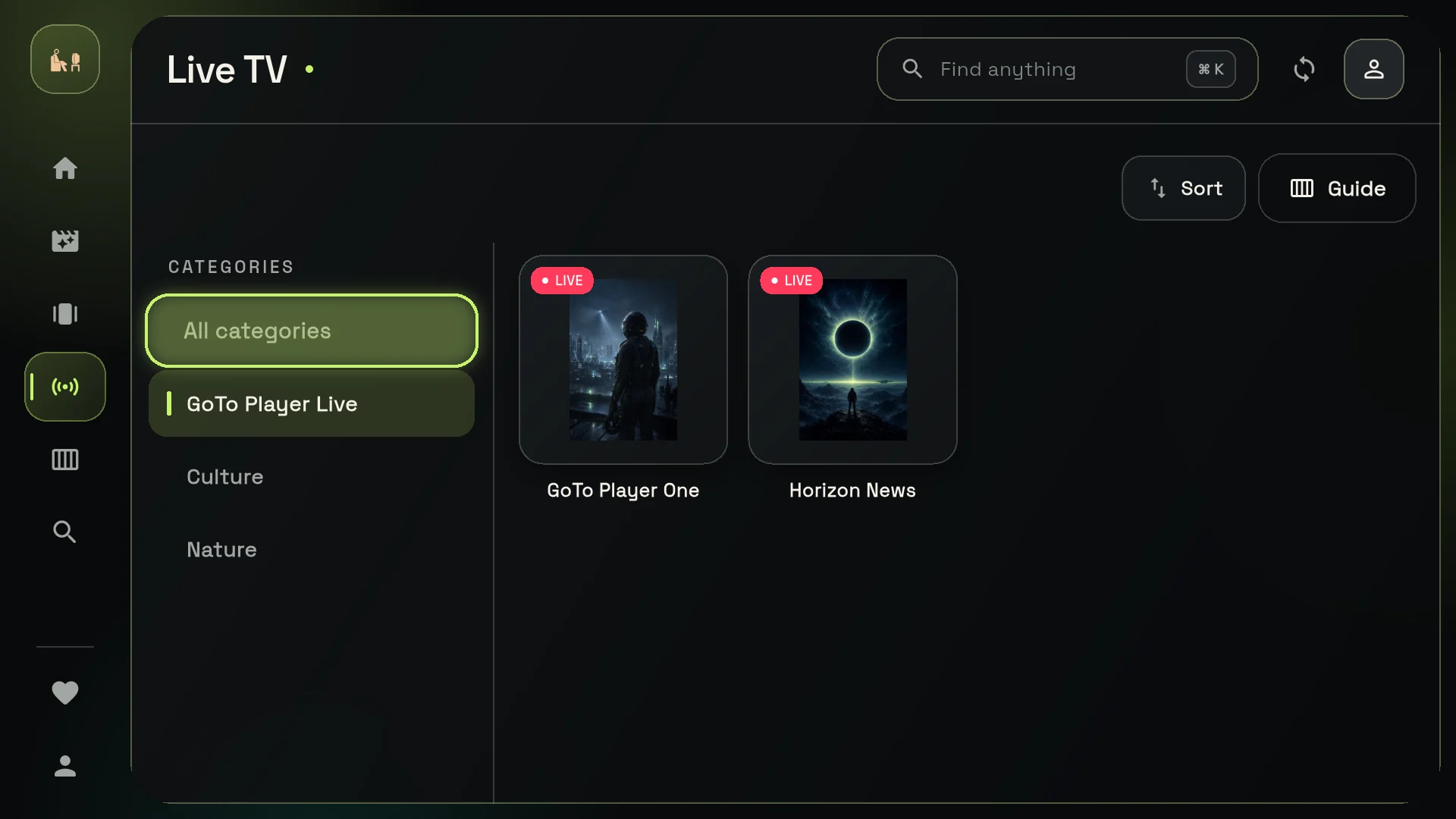
Many customers check my IPTV account once a month, the same day they check their phone bill. It takes about 10 seconds and tells you exactly how many days are left.
What Happens When an IPTV Account Expires
Nothing is lost when your plan ends. Here is what changes and how to get it back.
- 1
Channels stop playing. Your apps still open, but live TV, movies and series no longer load.
- 2
Your login is kept. The same username and password work again as soon as the account is extended.
- 3
Your settings stay. Favourites and the playlist in your app are kept, so there is nothing to set up again.
- 4
Extend from this page. The check shows Expired with a yellow button: pick a plan, pay, and your new plan starts from today.
If you check my IPTV account and it shows expired after you already paid, message us on WhatsApp with your username and order number and we fix it straight away.
Where to Find Your IPTV Username and Password
You need both to check your IPTV account status.
- Welcome email: sent right after your first purchase, with your username and password
- My Account page: log in at gotoiptv.com/my-account and open Reveal My Subscription
- Your app: the login you typed in GoTo Player or another player is the same one
- Forgot your username? Use this renewal link: your email is enough
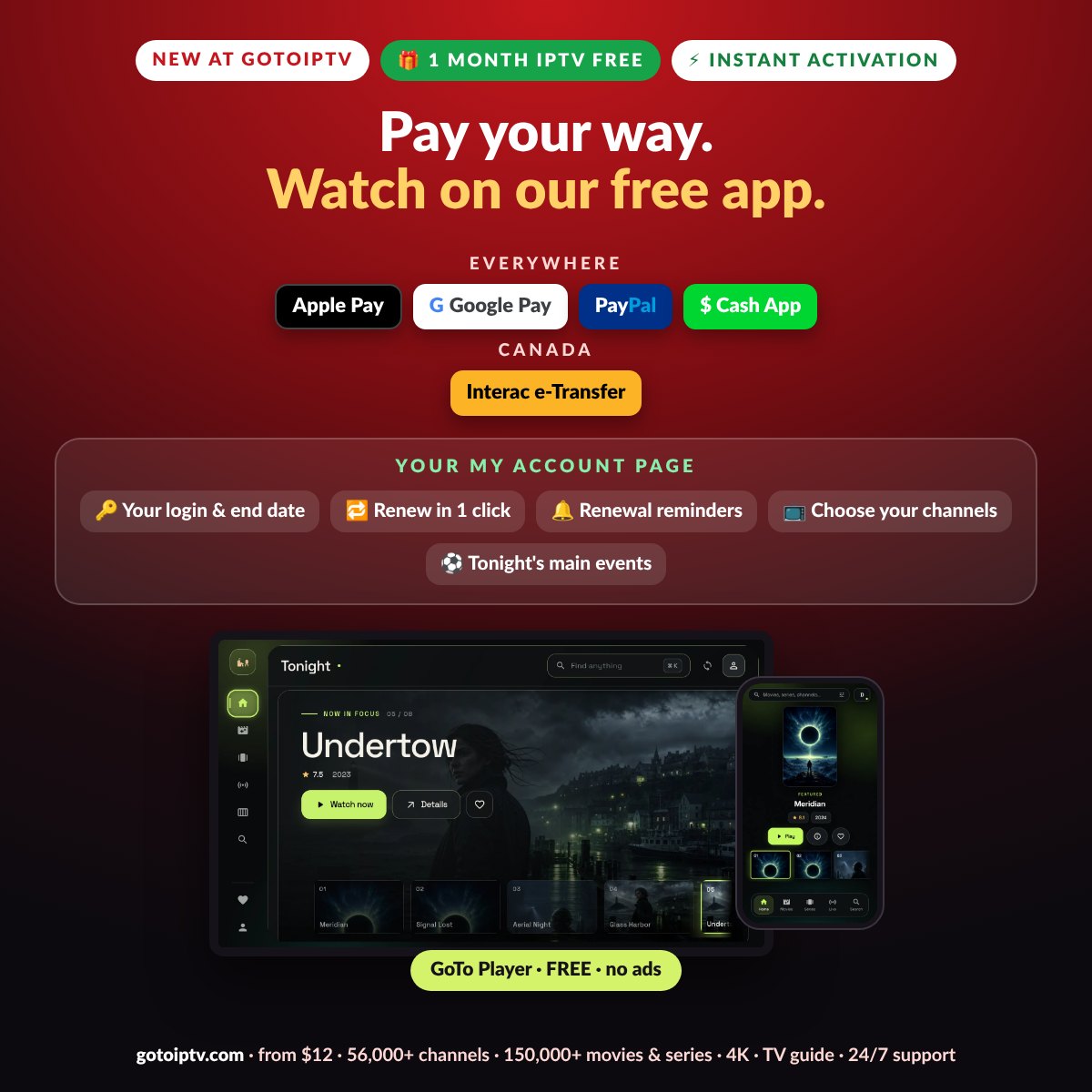
Your Account Is Active but Not Working?
If the result is green but your TV does not play, the account is fine and the cause is almost always the app or the connection.
- 1
Restart the app and the device. Close the player fully, unplug the TV box or stick for 30 seconds and open it again.
- 2
Type the login again. A space or a capital letter in the wrong place is enough to stop the playlist.
- 3
Check your internet. 25 Mbps is comfortable for HD. Our buffering guide lists quick fixes.
- 4
Still stuck? Message us on WhatsApp at +1 (917) 924-8236 with your username. A real person checks it with you.
Extend Before Your IPTV Expiry Date
When you check my IPTV account and see orange or red, extending takes about a minute.
| Plan | Price | Free bonus | Total time added |
|---|---|---|---|
| 1 month | $12 | +1 month | 2 months |
| 3 months | $25 | — | 3 months |
| 6 months | $40 | +2 months | 8 months |
| 12 months | $60 | +2 months | 14 months |
Your remaining days are always kept: the new months start after your current expiry date. Same username, same password, same apps.
Pay With Apple Pay, PayPal, Cash App or Interac
When you check my IPTV account and decide to extend, the payment opens right under the plan you choose.
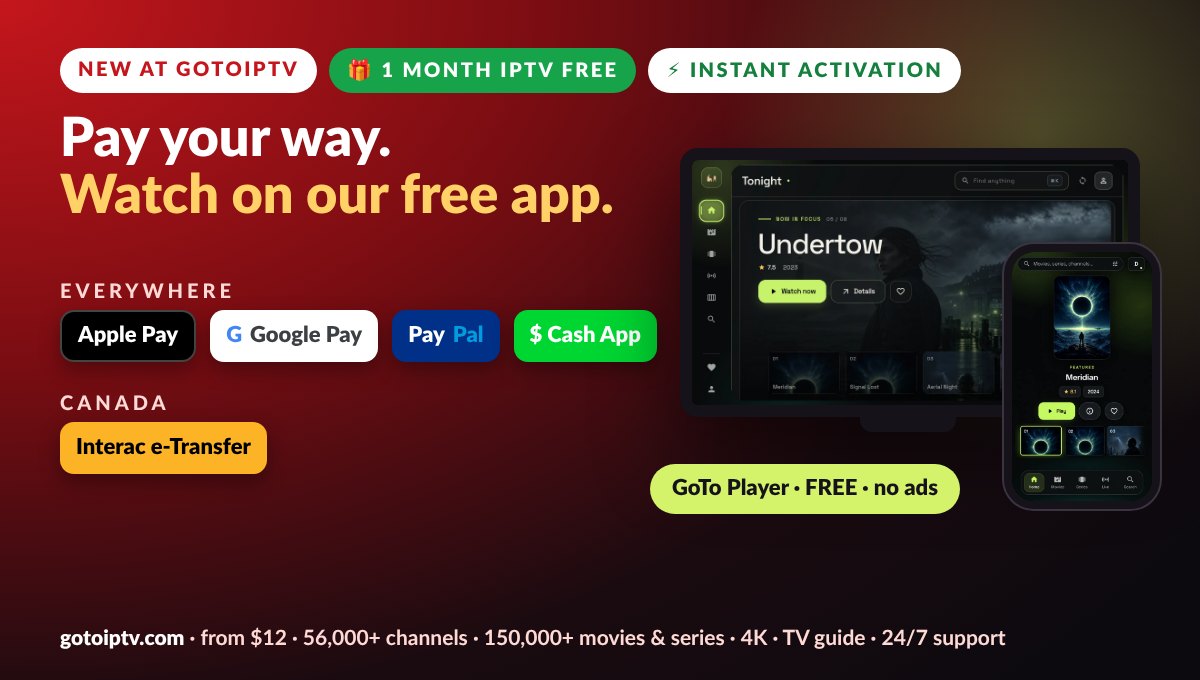
- Everywhere: Apple Pay, Google Pay, PayPal and Cash App
- Canada: Interac e-Transfer from your bank
- No card details to type on our site
- Email is optional, only for your receipt
Your Password Stays Private
We built the check my IPTV account form to protect you and your login.
Never stored. Your password is used only for the live check, then dropped. It is not saved, logged or put in any order.
Protected by Cloudflare. Bots and attacks are filtered before they reach the form.
Limited tries. After a few wrong attempts the form pauses, so nobody can guess passwords.
Secure connection. Everything travels over HTTPS, the same protection your bank uses.
Check, Extend or Renew: Which Page Should You Use?
All three keep your account. Pick the one that fits what you know.
Most customers check my IPTV account here first, then extend in the same place when the colour turns orange or red.
Checking Several Accounts at Home
Each screen with its own line has its own username and expiry date, so you check my IPTV account once per line.
Check each account one by one: after a result, tap “Check another account” and type the next login. Want every screen to end on the same day? Message us on WhatsApp and we line up the expiry dates for you.
On a plan with 2 to 5 lines, every line has its own login. Check each one: they can show different colours if the lines were bought on different days. When you extend, choose the same plan length for every line so they keep ending together.
Thinking of adding a screen? See our plans for 2 to 5 screens on the multi-screen page.
Get Reminders Before Your Account Ends
You do not have to check my IPTV account every week to stay safe.
- 1
Reminder emails. We email you before your plan ends, with a link to check and extend.
- 2
My Account page. Your login and your end date are always in My Account.
- 3
Longer plans. With 12 months + 2 free, you only think about it once a year.
What an Active IPTV Account Includes
When the check shows green, this is what your account gives you.
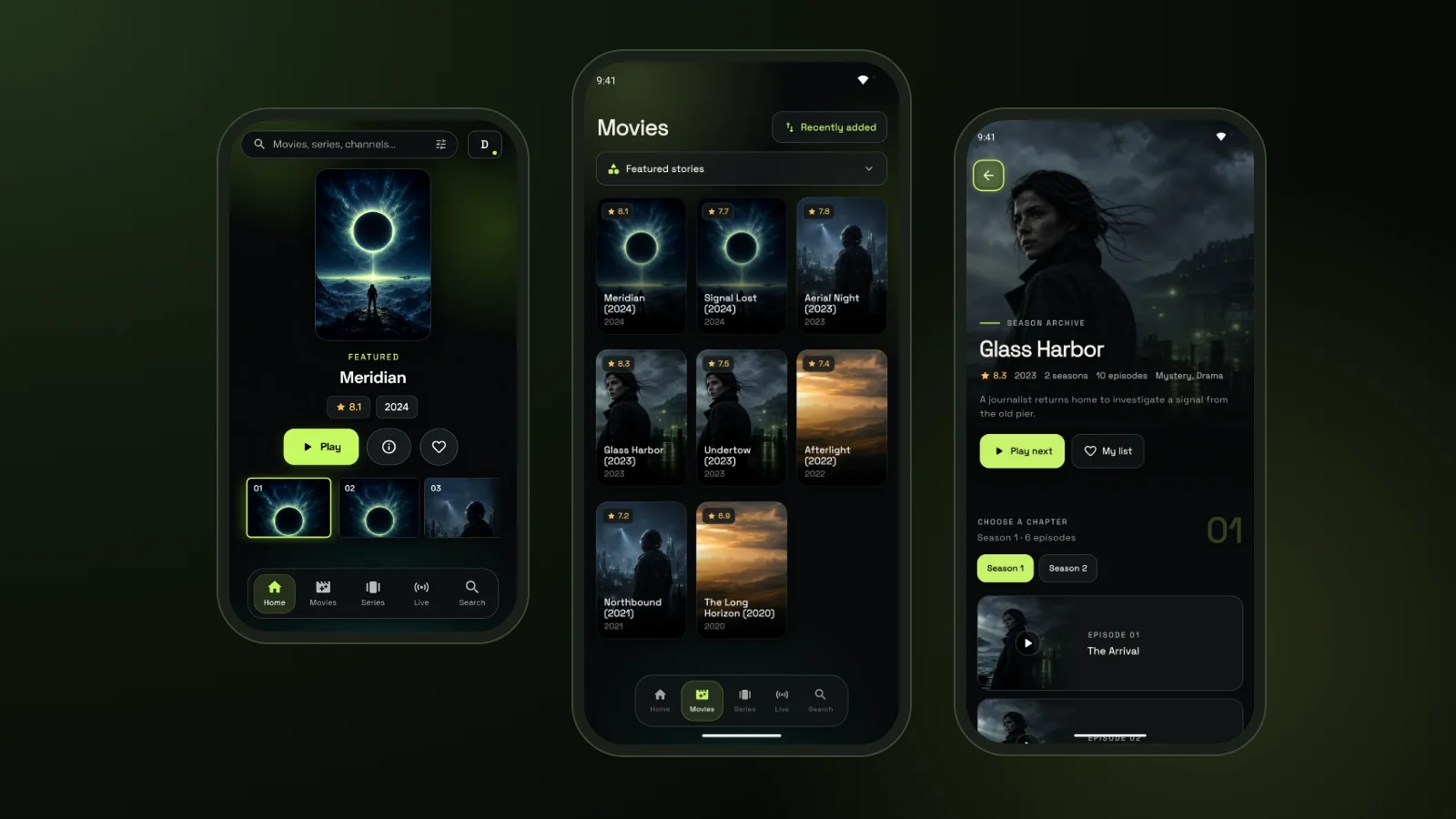
- 56,000+ live channels from every country
- 150,000+ movies and series, updated every week
- 4K, Full HD and HD where available
- TV guide in your time zone
- Free GoTo Player app with no ads
- Support on WhatsApp and email
New to IPTV? Read what IPTV is. Our free GoTo Player works on Fire TV with the Downloader code 1129312, on Android and on Windows.
Check My IPTV Account FAQ
How do I check my IPTV account?
Type your IPTV username and password at the top of this page and tap Check my account. In a few seconds you see if the account is active and working, your expiry date and how many days are left.
What does the green result mean?
Green means your account is active and working with 30 days or more left. You can still extend it now: the new months are added after your current expiry date, so you lose nothing.
What does orange or red mean?
Orange means 14 to 29 days are left, so it will expire soon. Red means 13 days or less. In both cases tap the yellow button to extend it on the same page and avoid a gap.
My account shows as expired. What now?
Tap the yellow Extend your account button, pick a plan and pay. Your plan starts again from today with the same username and password, so your apps keep working.
Is it safe to type my password here?
Yes. Your password travels over a secure connection and is used only to read your account status live. It is never saved, never logged and never added to an order.
Where do I find my IPTV username and password?
They are in the welcome email you received after your purchase, and in the My Account page of gotoiptv.com under Reveal My Subscription. You can also ask us on WhatsApp.
I forgot my username. Can I still renew?
Yes. Use the link “I don’t remember my username” under the form. It opens the renewal page with the forgot-username option on: type your email, choose a plan and pay, and we find your account.
The check says active, but my TV does not play. Why?
Then the account is fine and the problem is usually the app or the internet. Restart the app and the device, check your speed and see our buffering guide. If it still fails, message us on WhatsApp.
Can I check the account of a family member?
Yes, if you have their username and password. Tap Check another account after each result to check every screen at home.
How often can I check my IPTV account?
As often as you need, within a few checks per hour. After several wrong tries the form pauses for an hour to protect your account.
Does checking my account cost anything?
No. The check is free. You only pay if you choose to extend your account with one of the plans.
Why does the check say it cannot find my account?
The username or password does not match exactly. Copy them from your welcome email, watch for capital letters and spaces, and try again. The boxes turn red to show what to fix.
Can I check my IPTV account on a Fire TV or Smart TV?
Yes, with the web browser of the TV, but it is easier on your phone. The result is the same: status, expiry date and days left for the account you type.
How fast is my account extended after I pay?
We receive your order at once with your username and add the months, usually within minutes. If your expiry date has not moved after a short while, message us on WhatsApp.
Check My IPTV Account Now
See your account status and expiry date in about 10 seconds.
