
Connect Hot Player to Your IPTV Automatically
🔥 Connect Hot Player to your IPTV in 1 minute
Not working in your app? Connect Hot Player to your GoToIPTV account automatically: type your IPTV login and the MAC address shown in Hot Player, tap Continue, then tap Refresh in Hot Player. Our system checks your account and adds your playlist for you, so you start watching with no setup hassle.
🔥 Hot Player
Activate Hot Player with your GoToIPTV credentials and the MAC address shown in the Hot Player app.
No IPTV login yet? Get IPTV + Hot Player in one order 🔥
- 1Your email + MAC
- 2Pick a bundle
- 3Pay, refresh your Hot Player and enjoy
Only want IPTV? See all plans
How to Connect Hot Player to Your IPTV Account
- Install Hot Player on your TV or device from its app store and open it.
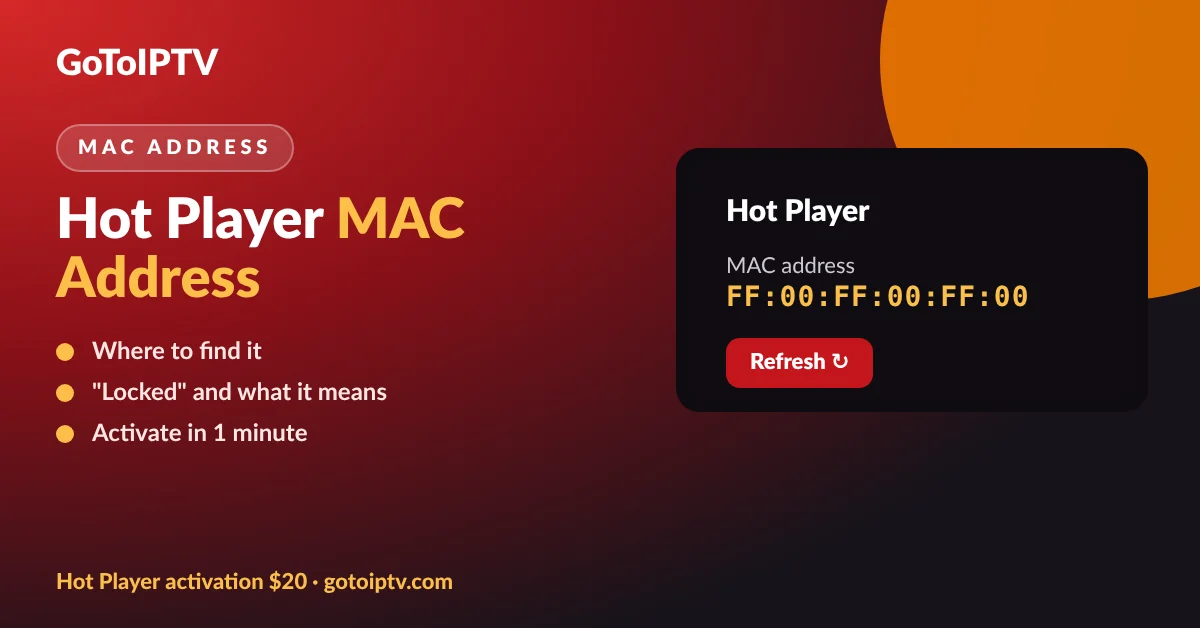
- Copy the MAC address from the Hot Player start screen. It looks like AA:BB:CC:DD:EE:FF.
- Fill in the form above with your GoToIPTV username, password and the MAC address, then tap Continue.
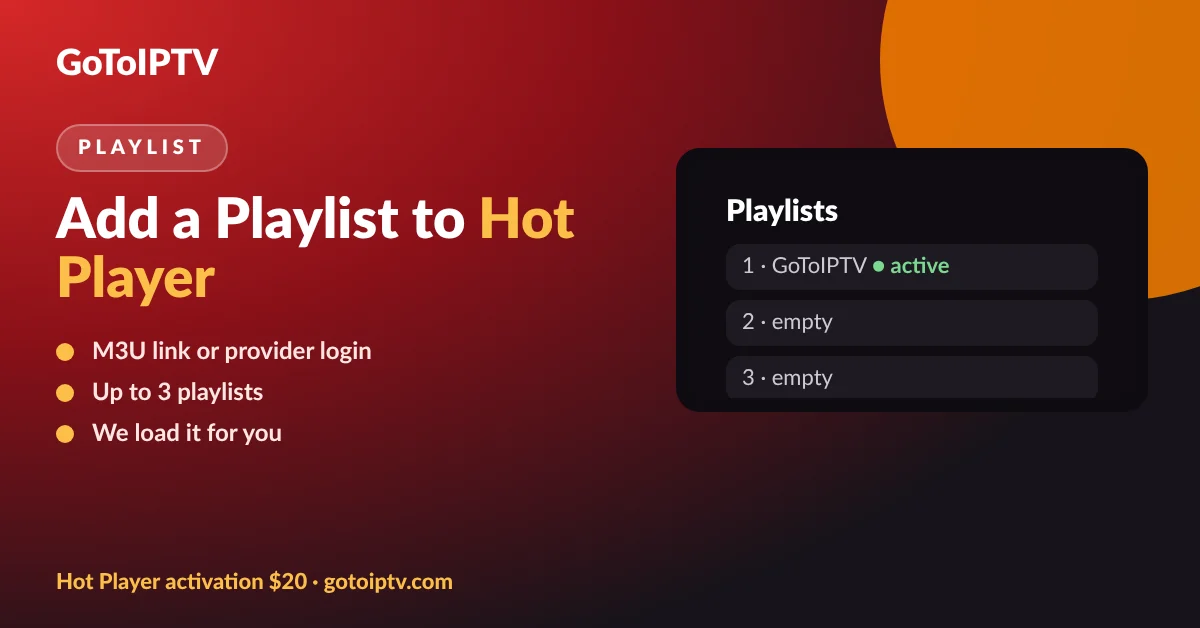
- Open Hot Player and tap Refresh. Your GoToIPTV playlist appears with your channels, movies and series.
No IPTV account yet? Pick a plan on our pricing table: your login details arrive by email in 2–3 minutes, sometimes instantly.
Where to Find Your Hot Player MAC Address
Open Hot Player. The MAC address is on the first screen, next to the device key. Type it exactly as shown: letters and numbers only, the form adds the colons for you. If the app says the device is locked or you cannot see the address, our Hot Player MAC address guide shows where to look.
What Happens After You Tap Continue
First we check that your GoToIPTV account is active. Then we send your playlist to Hot Player for the MAC address you typed. When you tap Refresh in the app, your live channels, movies and series load. If something is wrong, the form tells you what to fix: for example a wrong password or a MAC address that is too short.
Hot Player starts with a free trial. To keep it working for good on that device, the Hot Player lifetime activation costs $20 once. You can also take it in a bundle: Hot Player lifetime + 1 month of IPTV free for $20, or 6 months of IPTV + Hot Player lifetime for $50.
Devices That Work With Hot Player
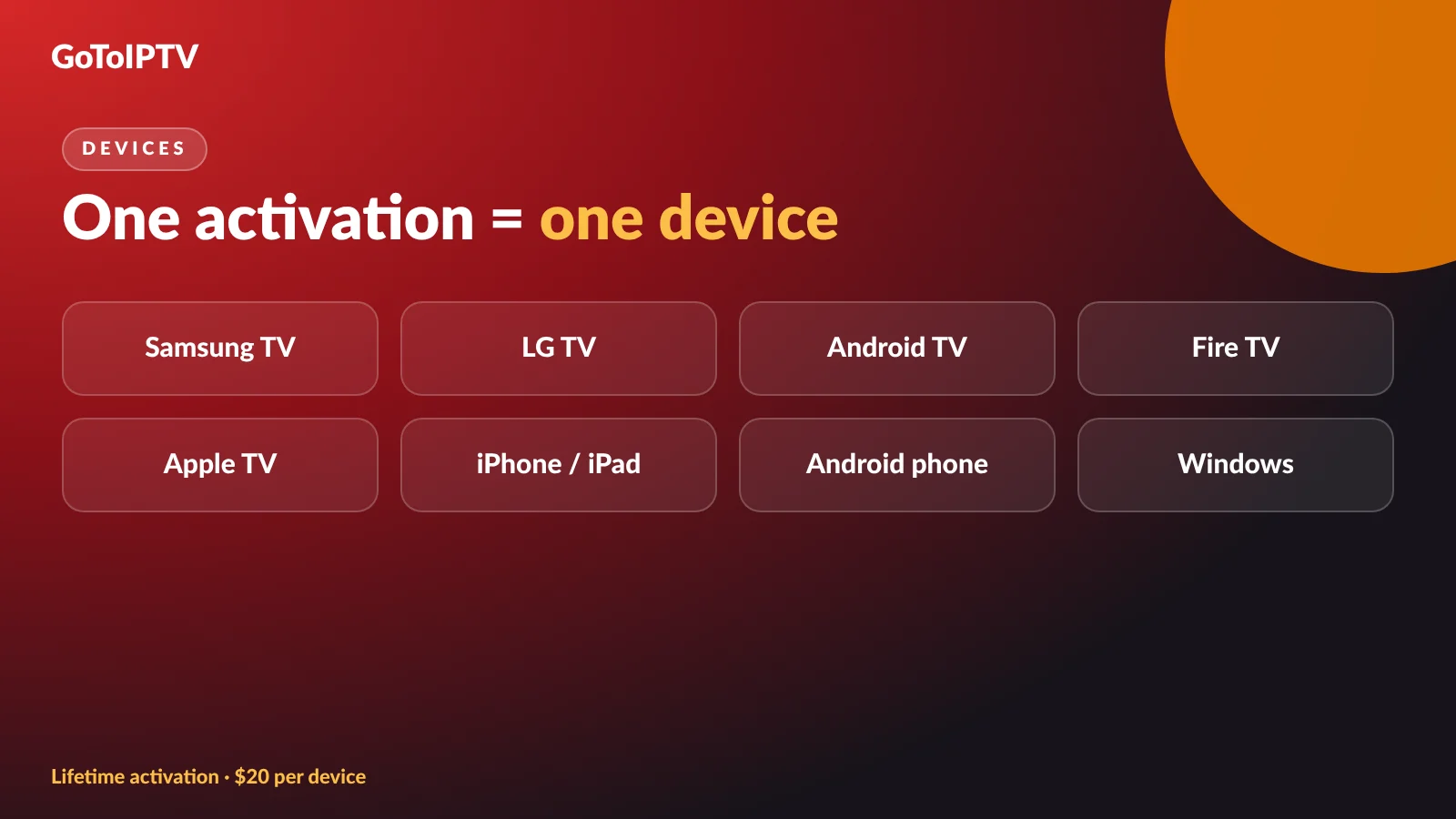
Hot Player runs on Samsung and LG smart TVs, Android TV and Google TV boxes, Amazon Fire TV, Android and iOS phones and tablets, Apple TV and Windows. One activation covers one device. Setting up a TV? Read Hot Player on Samsung and LG smart TV, or learn more on our Hot Player page.
Prefer a free player? GoTo Player is our own free IPTV player with no ads, for Fire TV, Android TV, Google TV, Android phones and Windows.
Is It Safe to Enter My IPTV Login?
Yes. The page uses a secure connection, and we use your IPTV login only to check your account and send your playlist to Hot Player. We do not save your password on this page. A security check and a limit on attempts protect the form from abuse. Want to learn more about how Internet Protocol Television works? Wikipedia has a good overview.
Connect Hot Player: FAQ
Do I need a website account to connect Hot Player?
No. Your IPTV username and password are enough. No IPTV login yet? Tap “I need a login” above the form, pick a plan and your login arrives by email in 2–3 minutes.
The form says it could not verify my account. What now?
Check the username and password in your order email (they are case sensitive) and make sure your subscription is still active on Check My IPTV Account. Still stuck? Message us on WhatsApp.
It says the device is linked to another account.
That MAC address was already saved by a customer account. Log in to My Account and open the Hot Player tab, or message us and we help you.
Is payment one time?
Yes. Our plans and the Hot Player lifetime activation are one-time payments, with no auto-renewals.
More Hot Player Guides
Find your MAC address · Hot Player on Samsung and LG · Add a playlist to Hot Player · Hot Player vs GoTo Player · App says “failed to authorize”?
Still need help? Message us on WhatsApp or contact us.
