
Hot Player vs GoTo Player: Which IPTV Player Should You Use?
Updated
Choosing between Hot Player vs GoTo Player? Both play your IPTV subscription well, but they suit different screens. Hot Player shines on Samsung, LG and Roku TVs. GoTo Player is free with no ads and made for Fire TV, Android TV, Google TV, Android phones and Windows. Here is the honest comparison, so you pick the right one in two minutes.
Hot Player is a third-party app; GoToIPTV sells its activation. GoTo Player is our own free player. Both are players only: your channels come from your IPTV plan.
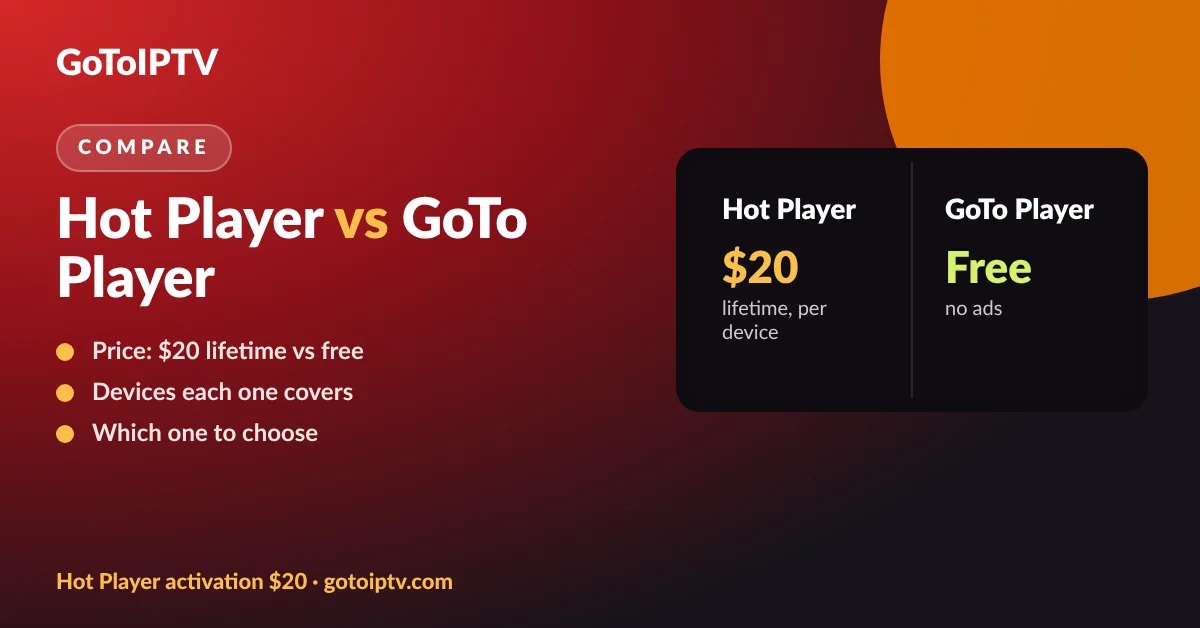 $20Hot PlayerFreeGoTo Player2players
On This Page
Hot Player vs GoTo Player in One Minute
If you only read one part of this page, read this.
In short, the Hot Player vs GoTo Player choice comes down to your device. On a TV that cannot install Android apps, use Hot Player. Everywhere GoTo Player runs, it saves you the $20 activation and adds a TV guide and profiles.
Hot Player vs GoTo Player: Full Comparison
The facts, side by side. Hot Player details come from our Hot Player guide; GoTo Player details were checked against the app on 22 October 2026.
GoTo Player: Free on every platform, no ads
GoTo Player: Fire TV, Android TV, Google TV
GoTo Player: Android 7.0 or newer; iPhone and iPad coming soon
GoTo Player: Windows 10 and 11 (Microsoft Store)
GoTo Player: M3U link or Xtream-style login
GoTo Player: Scan QR code, type login on your phone
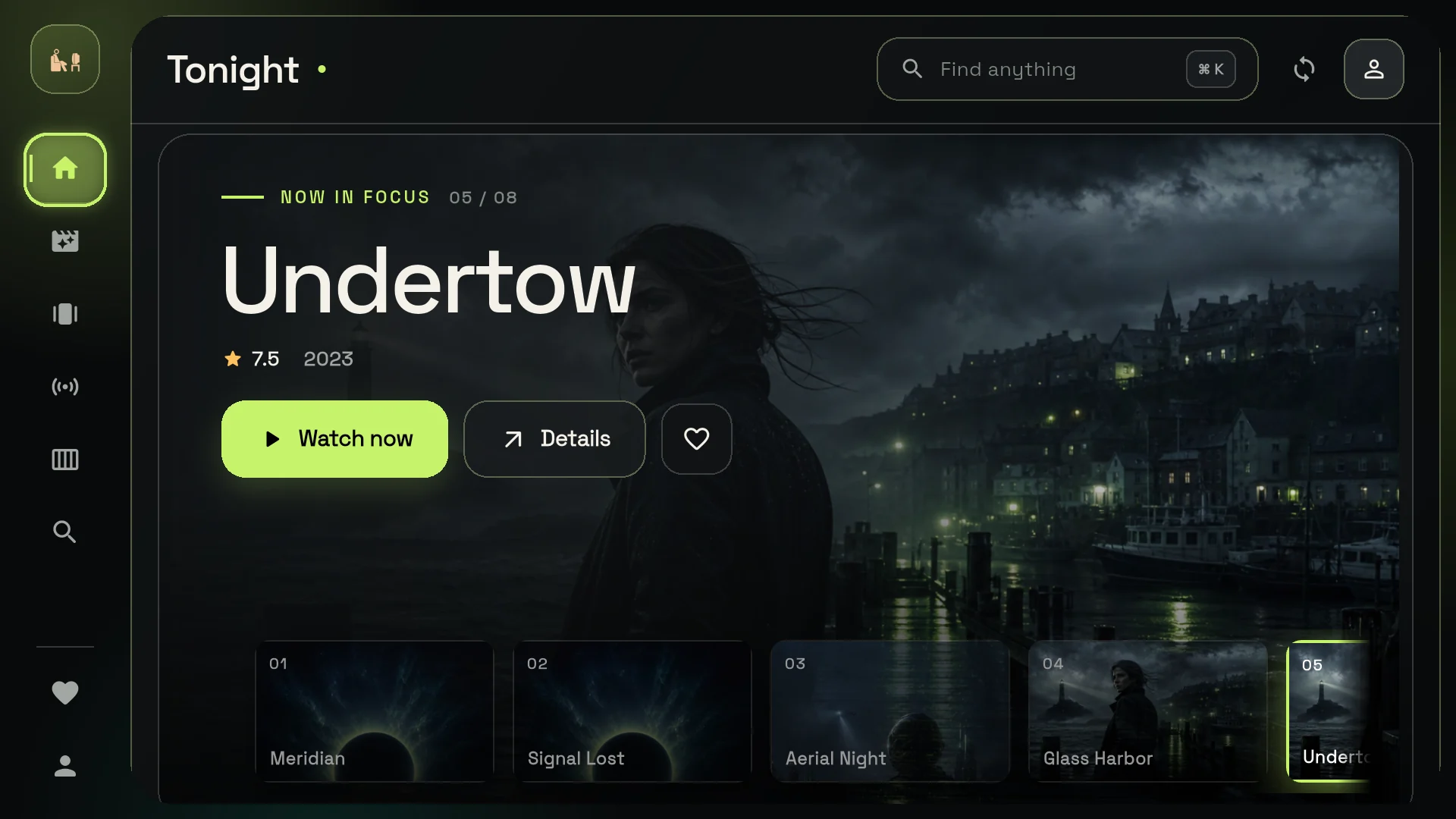
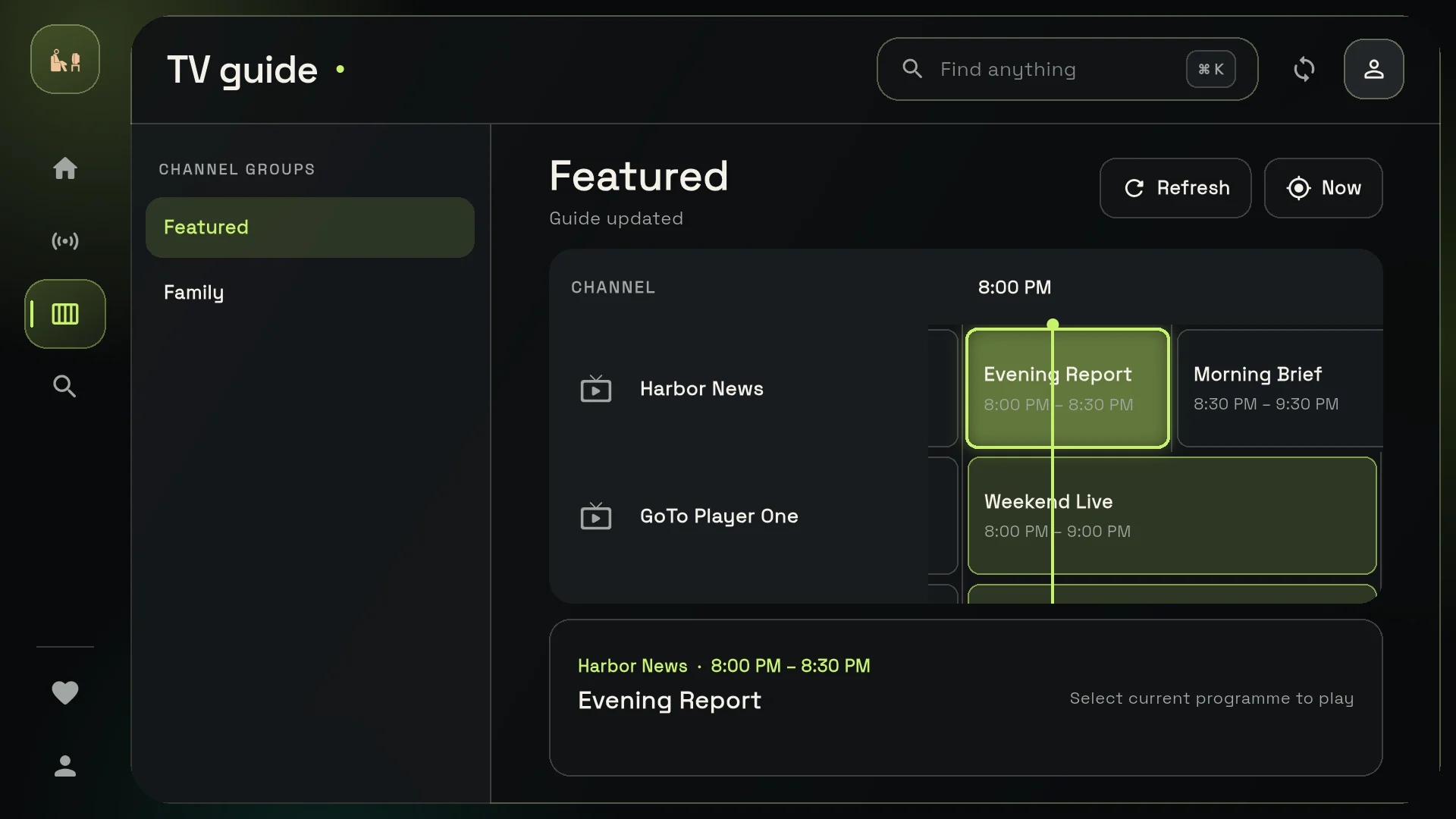
GoTo Player: Live TV with TV guide, films, series, Continue Watching
GoTo Player: My List, fast search, viewer profiles
GoTo Player: Subtitles with size and sync, audio tracks, picture-in-picture on Android
GoTo Player: Downloads on Android phones and tablets and Windows (not on TVs)
GoTo Player: Logins stored encrypted on your device
Table note: features depend on your IPTV source. Catch-up, subtitles and extra audio tracks only show when your provider sends them.
Price: $20 Once or Free?
Cost is the biggest difference when you weigh Hot Player vs GoTo Player.
Hot Player has a trial period, then needs a lifetime activation. At GoToIPTV that is $20 once per device, with no renewal. Our bundle gives you the activation plus 1 month of IPTV for the same $20, which is the best value if you are new.
GoTo Player is free on every platform and shows no ads. There is nothing to activate: install it, add your login and watch. If your screen can run it, you save the $20. See GoTo Player for downloads.
Want the full Hot Player price story, including what the trial covers? Read how much is Hot Player.
Devices: Where Each Player Runs
In most Hot Player vs GoTo Player cases, your device decides before you even look at features.
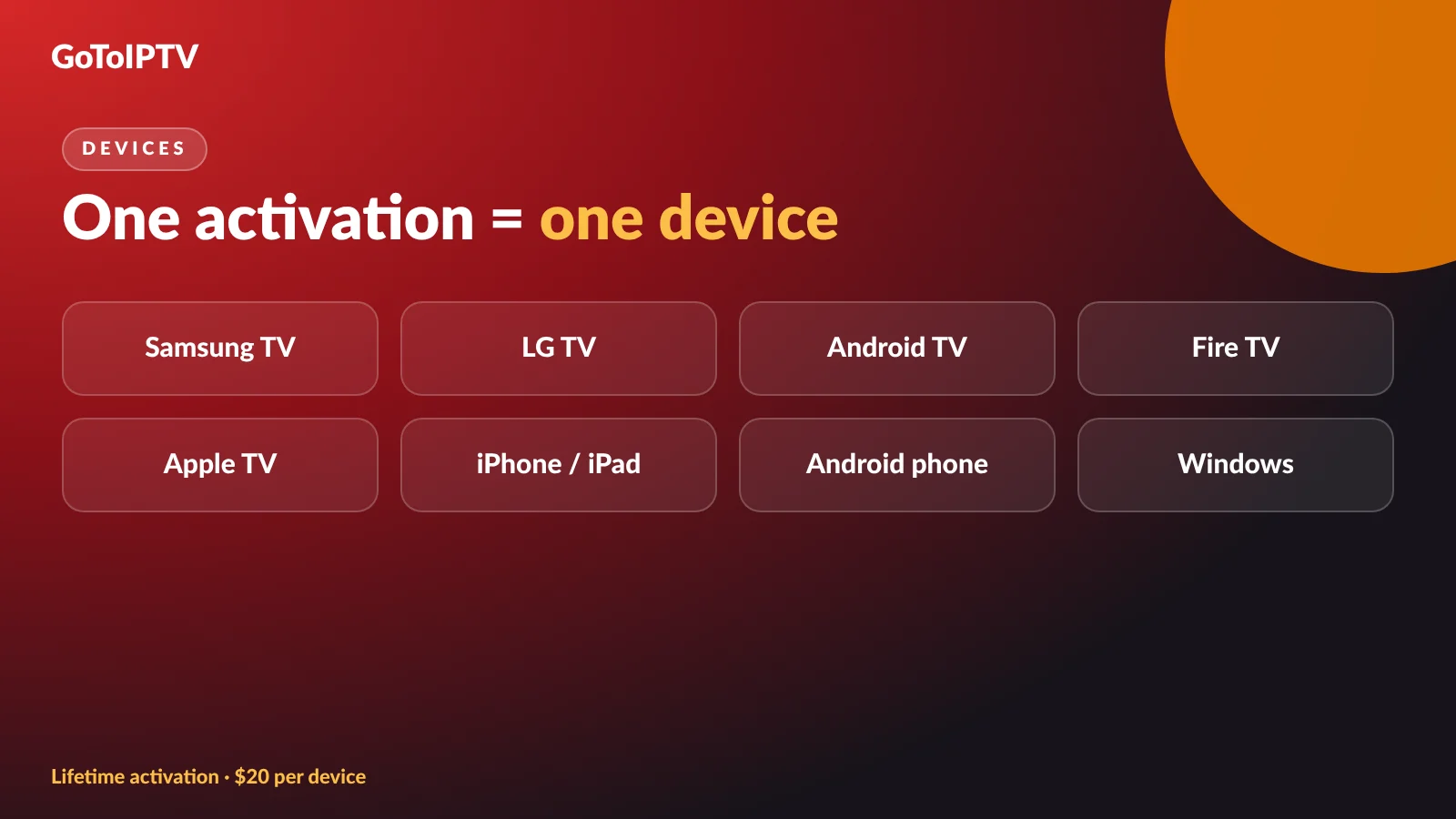
Hot Player runs on Android, iPhone, iPad, Apple TV, Windows, LG webOS TVs, Samsung Tizen TVs, Roku and Fire TV. Its big strength is smart TVs that cannot install Android apps.
GoTo Player runs on Fire TV, Android TV and Google TV (Downloader code 1129312), Android phones and tablets, and Windows from the Microsoft Store. iPhone and iPad are coming soon, after Apple’s review.
Guides: Hot Player on Samsung and LG, Hot Player on Firestick, IPTV player for Firestick and IPTV player for Windows.
Set-up: MAC Address or QR Code
In the Hot Player vs GoTo Player set-up, both avoid typing long links with a TV remote, in different ways.
Hot Player uses your device MAC address. You send it to us, we pair your playlist to it, and you tap Refresh. Nothing to type. Read where to find the Hot Player MAC address and the Hot Player playlist guide.
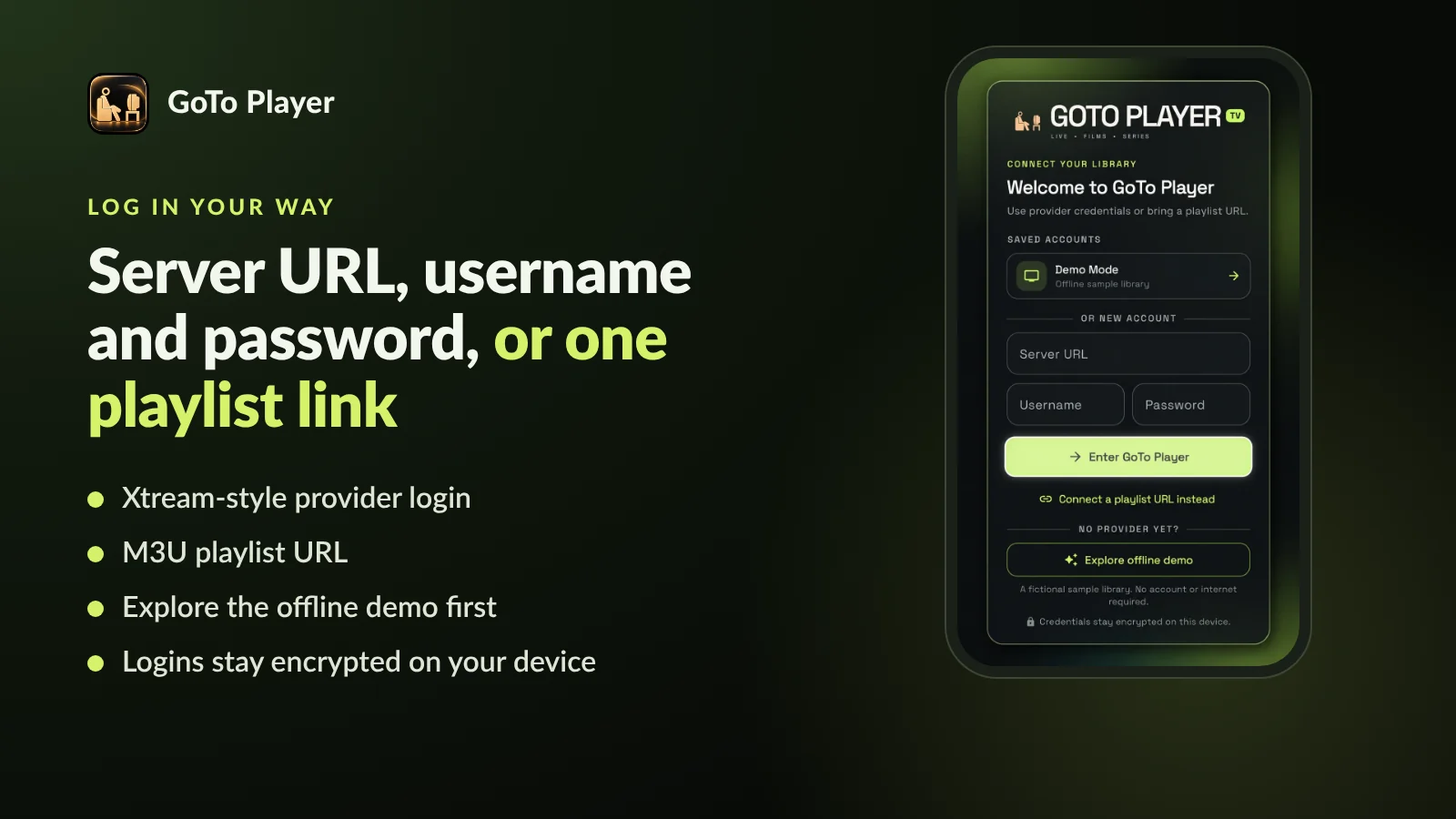
GoTo Player shows a QR code on the TV login screen. Scan it with your phone, type your server, username and password (or paste an M3U link) on the phone keyboard, and it appears on the TV. You can also explore the built-in demo before adding any account.
Either way you are watching in a few minutes. For the Hot Player vs GoTo Player set-up, the only real difference is who does the pairing.
Features You Will Notice Every Day
Hot Player vs GoTo Player both cover the basics: live TV, films, series, search, subtitles. Here is where they differ.
- Hot Player: up to 3 playlists, A-Z sort, parental PIN, Lock MAC, catch-up when your provider offers it.
- GoTo Player: TV guide (EPG), viewer profiles with their own lists, Continue Watching, My List.
- GoTo Player: subtitle size and sync controls, picture-in-picture on Android.
- GoTo Player: offline downloads on Android phones and tablets and Windows only.
- Both: resume where you stopped, fast search, multiple audio tracks when the stream has them.
Privacy and Updates
Hot Player vs GoTo Player on privacy: what each app does with your details, and how it stays current.
Hot Player protects your playlists with Lock MAC: once on, nobody can change the playlists linked to your device. Updates arrive through your TV or device app store. App details: hotplayer.app.
GoTo Player stores your logins encrypted on your own device and sends them only to the service you add. There are no ads and no tracking of what you watch. The direct-download version sends anonymous counts, like daily opens and crash types, which you can turn off in Profile under “Anonymous usage stats”; the store versions collect no data. The direct version also tells you when an update is ready and installs it in one tap.
- Hot Player: Lock MAC, store updates.
- GoTo Player: encrypted logins, no ads.
- GoTo Player: one-tap updates (direct version).
Hot Player vs GoTo Player: 4 Real-Life Set-ups
Four common homes and the player we would pick for each.
A home with all four uses one GoToIPTV subscription across the screens, as long as the plan has enough connections. Check the multi-line plans if several people watch at the same time.
Not sure how many connections you need? See IPTV plans and prices, or ask us on WhatsApp at +1 (917) 924-8236 and tell us which screens you use. We will tell you which side of Hot Player vs GoTo Player fits each one.
Hot Player vs GoTo Player: Our Verdict
There is no single winner. There is a right player for each screen.
Choose Hot Player if you watch on a Samsung, LG or Roku TV, or on Apple TV, and want to skip extra boxes. Pay $20 once and it is yours for life on that device. New to GoToIPTV? Take the $20 bundle with 1 month of IPTV included.
Choose GoTo Player on Fire TV, Firestick, Android TV, Google TV, Android phones and Windows. It is free, has no ads, adds a TV guide and profiles, and accepts Xtream-style logins. Get GoTo Player.
Use both if your home has a mix of screens. One GoToIPTV subscription works in either player, within the connections on your plan. That is the practical end of the Hot Player vs GoTo Player debate for most families.
Smart TV: Hot Player.
Fire TV / Android: GoTo Player.
Windows: GoTo Player, free.
Mixed home: use both.
More Hot Player Guides
Everything about Hot Player in one place:
More GoTo Player Guides
Install and set up our free player:
Hot Player vs GoTo Player FAQ
Hot Player vs GoTo Player: which is better?
It depends on your screen. On Samsung, LG, Roku or Apple TV, Hot Player is the easier choice. On Fire TV, Android TV, Google TV, Android phones and Windows, GoTo Player is free with no ads and has a TV guide.
Is GoTo Player free?
Yes. GoTo Player is free on every platform and shows no ads. It is a player only, so you add your own M3U playlist or Xtream-style login.
How much is Hot Player?
Hot Player has a trial period. After that, GoToIPTV sells a lifetime activation for $20 once per device. The $20 bundle adds 1 month of IPTV.
Can I use both players?
Yes. Many homes use Hot Player on the smart TV and GoTo Player on a Fire TV stick, phone or Windows PC with the same GoToIPTV subscription, within the number of connections on your plan.
Does GoTo Player work on Samsung or LG TVs?
Not directly yet. Plug a Fire TV or Google TV stick into the TV and install GoTo Player with Downloader code 1129312.
Is GoTo Player on iPhone?
Coming soon. Version 1.0.0 is in Apple’s review. Hot Player already runs on iPhone, iPad and Apple TV.
Which player is easier to set up?
With GoToIPTV both are quick. Hot Player: send your MAC address and tap Refresh. GoTo Player: scan the QR code on the TV and type your login on your phone.
Do either of the players include channels?
No. Both are players only. Your channels, films and series come from your IPTV subscription.
Which one supports Xtream Codes logins?
GoTo Player accepts an Xtream-style login (server, username and password) as well as M3U links. Hot Player works with M3U links and files.
Does GoTo Player collect my data?
Your logins are stored encrypted on your device and there are no ads and no tracking of what you watch. The direct-download version sends anonymous counts, like daily opens, which you can turn off in Profile. Store versions collect no data.
Pick Your Player and Start Watching
Smart TV? Get Hot Player for life with 1 month of IPTV for $20. Fire TV, Android or Windows? GoTo Player is free.
