
Downloader Codes 2026: Safe Codes for Firestick and Android TV
Updated
Searching for Downloader codes? Most lists online are packed with “free movies” and “free sports” apps that stream content without a licence, and some hide malware. This page is different: what Downloader codes are, how to use them safely, and the codes we stand behind.
We keep this list short on purpose. A code is only as safe as the app it installs, and we only list what we can vouch for.
 1129312GoTo PlayerSafelist only0piracy apps
On This Page
What Are Downloader Codes?
Typing a long web address with a TV remote is painful. Downloader codes fix that: a short number that the Downloader app turns into a full download link.
The Downloader app is made by AFTVnews and is free in the Amazon Appstore and Google Play. Anyone can create a code with AFTVnews’ short-link service, which points the number to a file or a web page.
That is the catch: because anyone can make one, a code tells you nothing about the app it installs. A list of fifty Downloader codes can mix safe apps with modified copies of paid apps and unlicensed streaming apps.
A short number instead of a long address.
Works in Downloader on Fire TV and Android TV.
Anyone can make one, so check who did.
Only install apps you trust.
How to Use Downloader Codes on a Firestick
Using Downloader codes for Firestick takes a minute:
- 1
Install Downloader from the Amazon Appstore.
- 2
Allow unknown apps: Settings, My Fire TV, Developer Options, Install Unknown Apps, Downloader: On.
- 3
Open Downloader, select the address box and type the code.
- 4
Press Go, wait for the download, then choose Install.
- 5
Delete the download file afterwards to free up space.
No Developer Options? Go to My Fire TV, About, and click the device name seven times. Some newer Fire TV models only allow apps from the Amazon Appstore.
Our Safe Downloader Codes List
The Downloader codes we publish and stand behind:
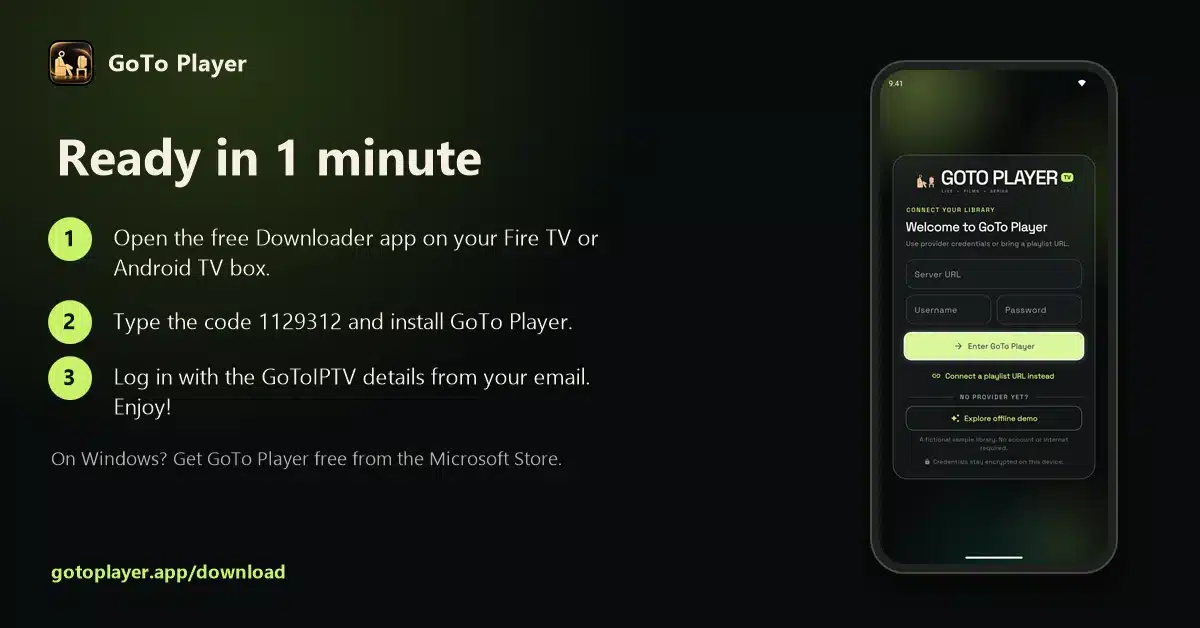
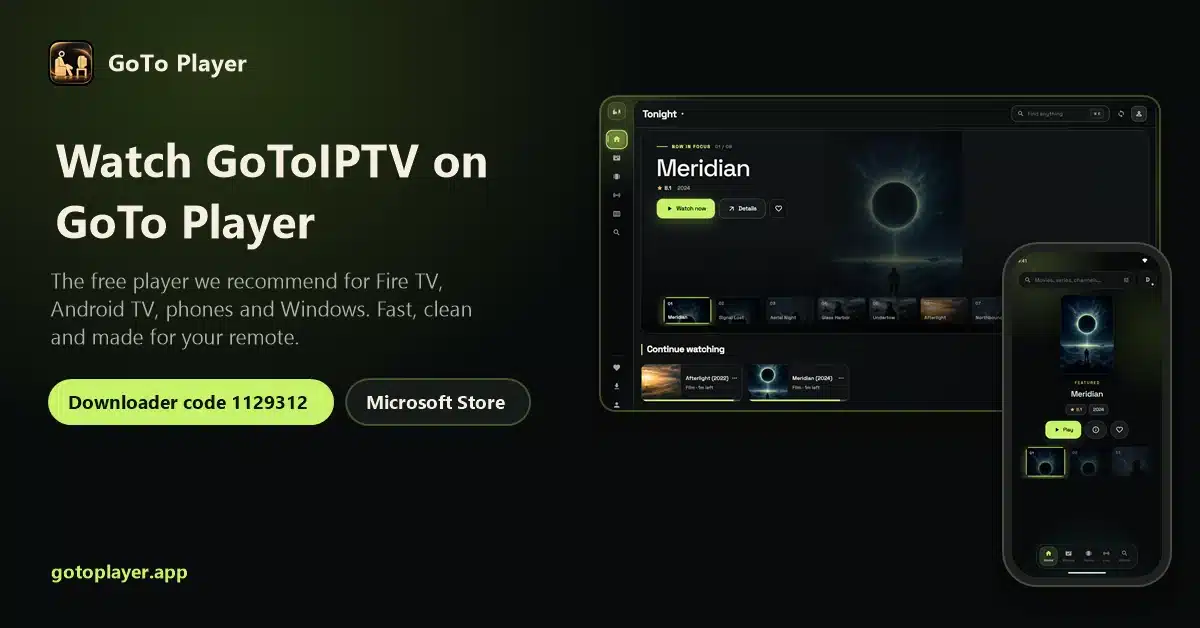
GoTo Player is a free IPTV player with no ads. It plays your own playlist or provider login and does not include any channels. That is the only Downloader code we publish today; we will add others only when we can verify them.
Safe Apps You Can Install Without Any Code
Many useful apps are in the Amazon Appstore or Google Play, so you do not need Downloader codes at all. Search for them in the store on your device:
Rule of thumb: if an app is in the Amazon Appstore or Google Play, install it from there, not with a code.
How to Check Downloader Codes Are Safe
Before you type any code from a list, ask four questions:
- Who published it? The app developer, or an anonymous list?
- What does it install? A known, legal app, or a “free everything” app?
- Is the app in a store? If yes, install it from the store instead.
- Does it ask for strange permissions or an “unlock”? Stop and delete it.
When in doubt, do not install. A Fire TV with unknown apps can slow down, show adverts or leak your logins.
Why We Do Not List Piracy Apps
Most “best Downloader codes” lists are built around apps that offer free films, sports or TV channels. We leave them out because:
They stream content without a licence, which is illegal in many countries, including the UK and the USA.
Many contain malware or aggressive adverts.
They break often and disappear without warning.
Legal options exist: a paid IPTV service with a proper player costs a few dollars a month.
Downloader Codes for IPTV Players
If you use IPTV, the most important code is the one for your player. Our recommendation:
- 1
Type 1129312 in Downloader to install GoTo Player.
- 2
Log in with your provider’s Xtream Codes details or M3U link.
- 3
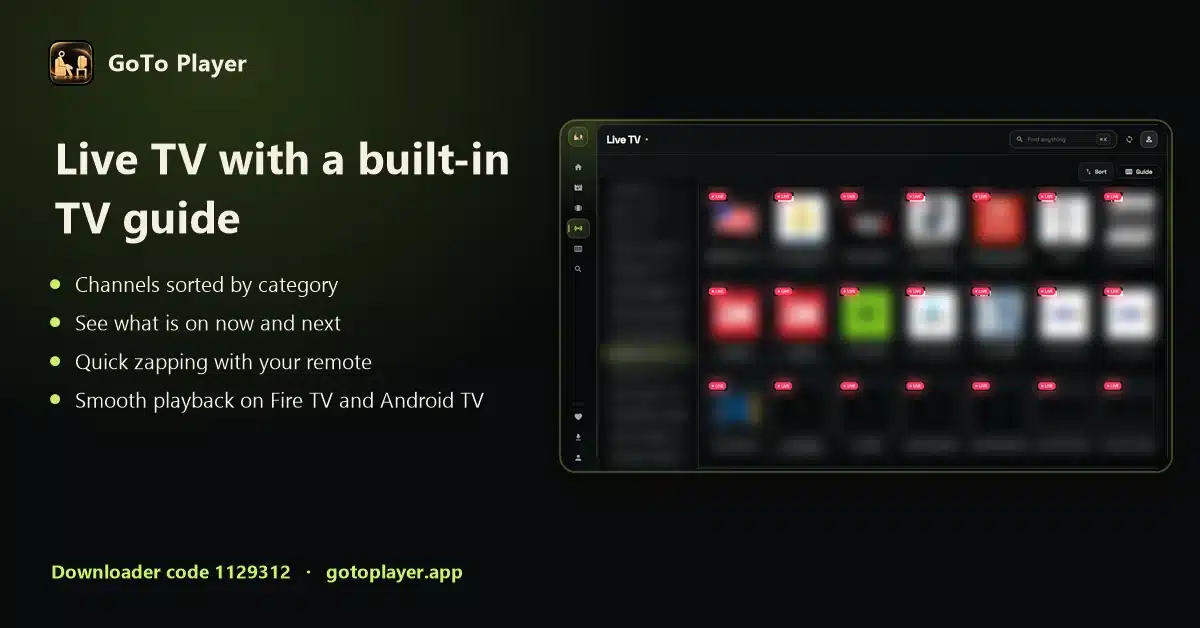
Watch with a full TV guide, favourites and resume.
Other players such as TiviMate and IPTV Smarters work too; install them from Google Play or their developers’ own websites rather than from random codes. Guides: TiviMate, IPTV Smarters Pro.
Downloader Codes on Android TV and Google TV
Downloader codes work the same way on Android TV and Google TV devices. Install Downloader from Google Play, allow it to install unknown apps in the device settings, then type the code.
On Google TV, the setting is usually in Settings, System, About: click Android TV OS build seven times to turn on developer options, then allow Downloader under Apps, Security and restrictions, Unknown sources.
Many apps on Android TV are in Google Play already, so you will need Downloader codes far less often than on a Firestick.
Keep Your Firestick Safe: 5 Habits
Downloader codes make installing easy. These habits keep your device clean:
- Turn unknown apps off for Downloader again after you finish installing.
- Delete download files after each install.
- Remove apps you no longer use.
- Never enter payment details into an app installed from a random code.
- Keep Fire OS updated in Settings, My Fire TV, About.
Downloader Codes Not Working? Quick Fixes
If Downloader codes do not work on your device:
Test your connection on Speedtest if downloads are slow.
Downloader Codes FAQ
What are Firestick Downloader codes?
Short numbers you type into the free Downloader app on Fire TV or Android TV. Each number is a short link that opens a download, so you do not have to type a long web address with the remote.
What is the best Downloader code?
The best Downloader code is one from a developer you trust that installs a safe, legal app. For IPTV, ours is 1129312 for GoTo Player, our recommended free player.
Are Downloader codes safe?
The code itself is just a link. What matters is where it points: codes from the app developer are fine, codes from random lists often point to copies of apps that can be outdated, modified or unsafe.
Where do Downloader codes come from?
Anyone can create one with the free short-link service from AFTVnews, the makers of the Downloader app. That is why so many lists exist, and why you should check who made a code.
How do I use a Downloader code?
Open Downloader, select the address box, type the number, press Go, wait for the download and choose Install.
Why does my Downloader code not work?
The link may have been removed, or the number was mistyped. Re-type it carefully. On some newer Fire TV models, apps from outside the Appstore cannot be installed at all.
Do I need a code for every app?
No. Many apps, such as speed tests, browsers and popular streaming apps, are in the Amazon Appstore or Google Play and install without any code.
Is Downloader legal?
Yes. Downloader is a free, legal app in the Amazon Appstore. What you install with it is your responsibility.
Why don’t you list free movie and sports apps?
Because most of them stream content without a licence and many hide malware. We only share codes for apps that are safe and legal to use.
Can I make my own Downloader codes?
Yes. The AFTVnews short-link service lets anyone turn a web address into a number. That is handy for your own files, and it is exactly why codes from unknown lists need checking before you install anything.
Do Downloader codes work outside the USA?
Yes. Downloader codes work the same way in the UK, Canada and other countries, as long as the Downloader app is available on your device.
What is the GoTo Player Downloader code?
1129312. Type it in Downloader on Fire TV or Android TV to install GoTo Player, our free IPTV player.
1129312: GoTo Player
Free, no ads, and it works with your IPTV subscription. Need a subscription too? See our plans.
