
Hot Player Playlist: How to Add, Switch and Fix Your IPTV
Updated
Your Hot Player playlist is what turns an empty app into live TV, films and series. The good news: with GoToIPTV you never type a link with the remote. We load it to your MAC address, and you just tap Refresh. This guide also shows how to add your own M3U, switch between playlists and fix one that will not load.
Hot Player is a third-party IPTV player with no channels of its own. Your channels come from your IPTV subscription.
 3playlists0typing$20lifetime
On This Page
What Is a Hot Player Playlist?
A playlist is the list of channels, films and series your IPTV provider gives you.
Hot Player itself is only a player. It does not come with channels. Your Hot Player playlist is an M3U link or an M3U file from your IPTV provider. It tells the app which live channels, films and series you can watch and where to stream them from.
In Hot Player, each Hot Player playlist is linked to the MAC address of your device. That is why your provider asks for the MAC address: it lets them attach the playlist to your TV, so it shows up after a Refresh without any typing.
Not sure what your MAC address is? Read how to find the Hot Player MAC address.
M3U link or file from your provider.
Linked to your MAC address.
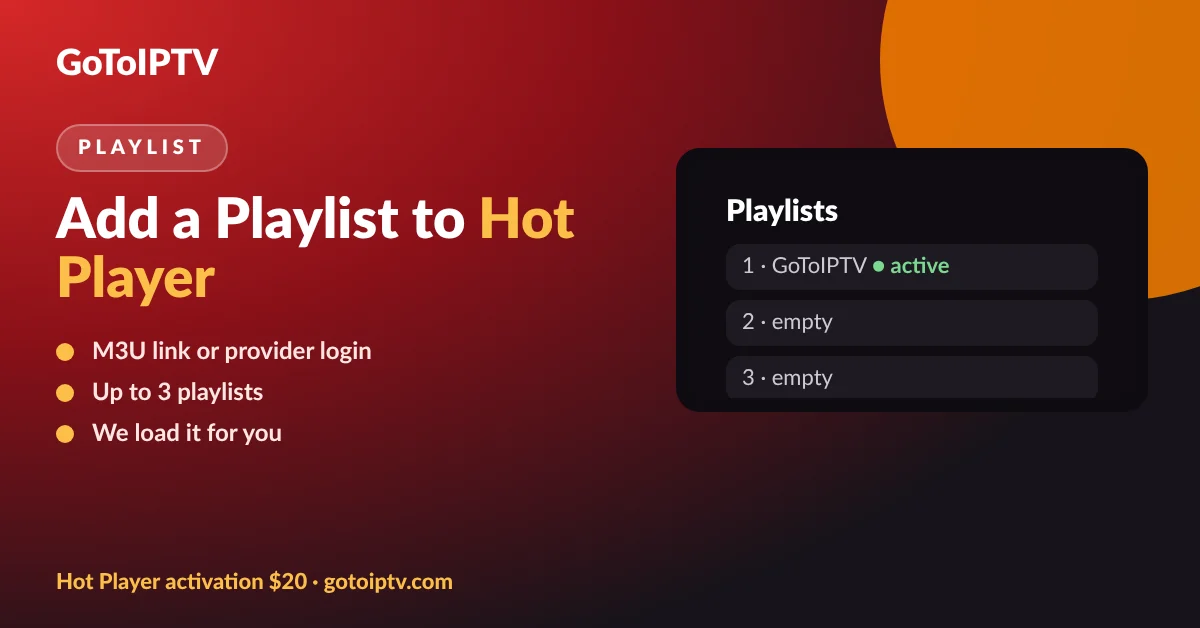
Up to 3 playlists per device.
Lock MAC keeps it safe.
Two Ways to Get Your Hot Player Playlist
You can let us load it, or add a playlist from another provider yourself.
Most people choose the first option because typing a long link on a TV remote is slow and one wrong letter breaks the Hot Player playlist. See IPTV plans and prices if you need a subscription.
Load Your GoToIPTV Hot Player Playlist in 4 Steps
This is the quickest way, and it takes about a minute once your order is in.
- 1
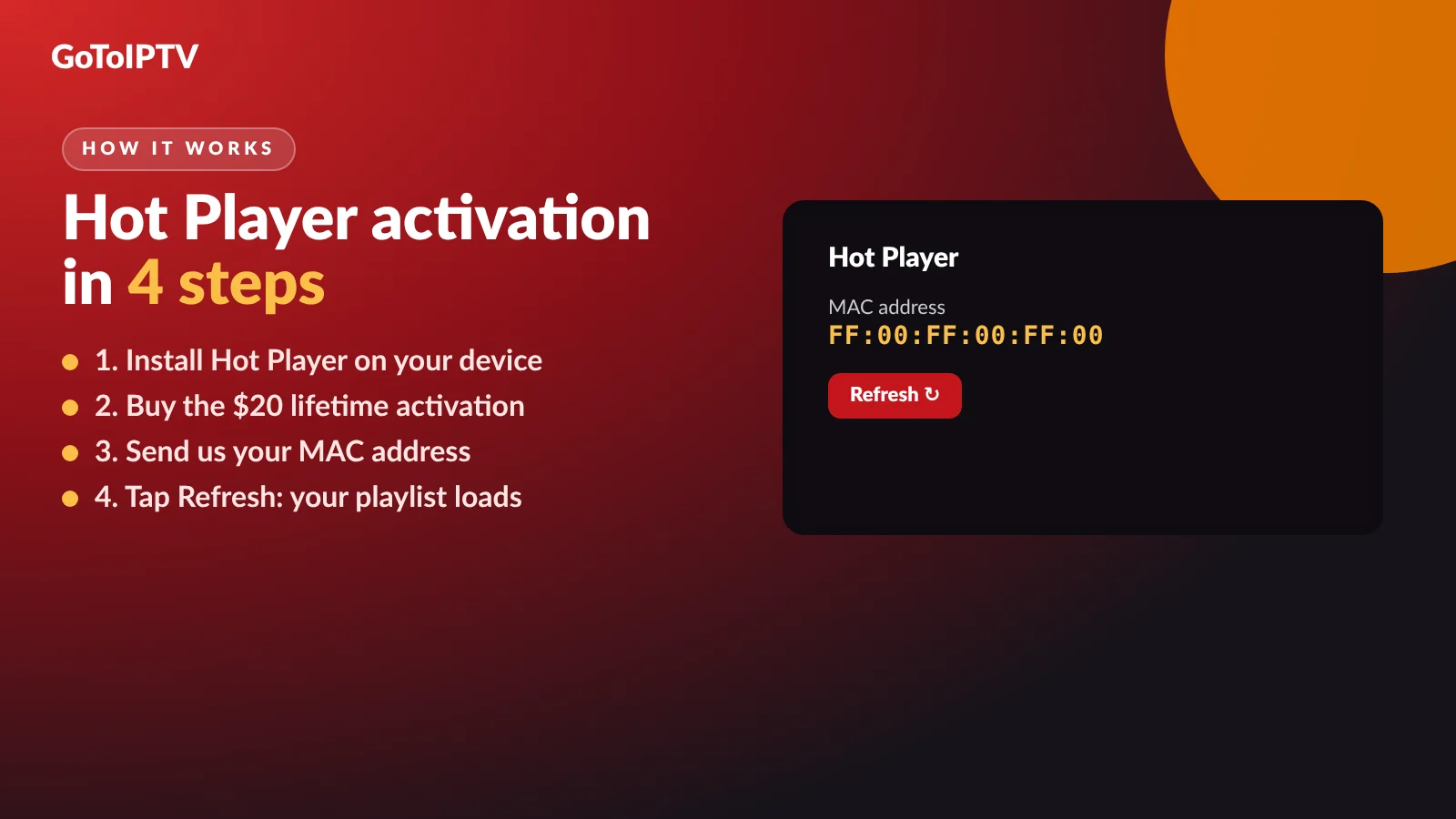
Install Hot Player on your TV or device and open it.
- 2
Buy the activation or the bundle: $20 once, one device, for life.
- 3
Send your MAC address by email reply or WhatsApp. Existing customers add their username.
- 4
Tap Refresh: your Hot Player playlist appears with live TV, films and series.
Get the Hot Player + 1 month IPTV free bundle for $20, or the activation only.
Add Your Own Hot Player Playlist (M3U)
Have a second provider? Hot Player can hold their playlist next to ours.
- 1
Get the M3U link or file from your other provider.
- 2
Note your MAC address from the Hot Player start screen.
- 3
Add the playlist to that MAC address using the steps on the Hot Player website.
- 4
Give it a clear name so you know which service it is.
- 5
Open Hot Player and tap Refresh.
The exact steps for adding a Hot Player playlist yourself can change, so always follow the current guide on hotplayer.app. Never type a playlist link into a website you do not trust: it contains your account details.
Only add playlists from services you pay for. GoToIPTV cannot support playlists from other providers, but we are happy to check that ours is working.
Switch Between Up to 3 Playlists
Multi-list is handy when two people in the house use different services.
Hot Player lets you keep up to 3 playlists on one device and switch between them in the app, with no reinstall. Each Hot Player playlist keeps its own channel groups, so the lists do not get mixed together.
Keep it tidy: if you stop paying for a service, remove its Hot Player playlist. Old lists that no longer work only slow the app down and make it harder to find the right channel.
Tip: name your GoToIPTV list clearly, for example “GoToIPTV main”, so everyone at home knows which one to pick.
Keep Your Hot Player Playlist Safe
Your playlist link works like a key to your subscription.
- Turn on Lock MAC once your channels load, so nobody can change your playlists.
- Never post your link in groups, comments or screenshots.
- Do not share it with friends: extra connections can block your account.
- Buy the activation from a seller you know and keep the receipt.
- Ask us if you think someone else has your link.
MAC address locked and you did not do it? Our Hot Player MAC address guide explains the 3 fixes. Want to know more about the app first? Read the Hot Player guide.
Hot Player Playlist on Every Screen
The same steps work on all the devices Hot Player supports.
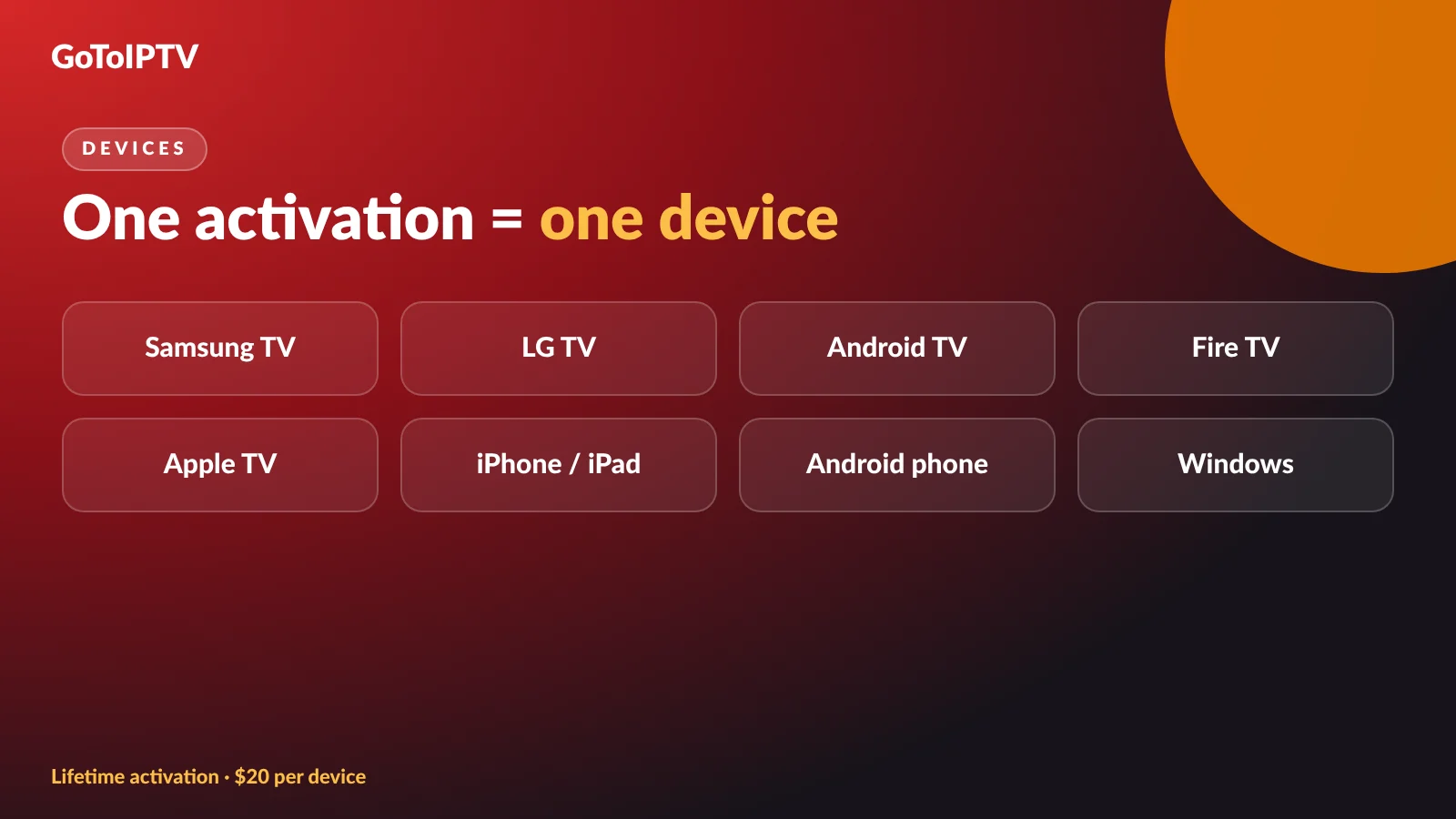
Hot Player runs on Android, iPhone and iPad, Apple TV, Windows, LG webOS TVs, Samsung Tizen TVs, Roku and Fire TV. Each device shows its own MAC address, so each one gets its own activation and its own Hot Player playlist.
Device guides: Hot Player on Samsung and LG and Hot Player on Firestick and Google TV.
Moving to a New TV or Device
Bought a new TV, or reset your old one? Here is what happens to your playlist.
Activation and playlists belong to the MAC address, not to you as a person. A new TV has a new MAC address, so it needs its own lifetime activation, and its playlist has to be loaded again. Your GoToIPTV subscription itself does not change: only the device it is paired to.
If you only reinstalled the app on the same TV, the MAC address normally stays the same. Open Hot Player, check the address on the start screen and tap Refresh. If the address changed, send us the new one and we will move your playlist across.
- Same TV, app reinstalled: check the MAC address, tap Refresh.
- New TV: new activation, send us the new MAC address.
- Factory reset: reinstall, then compare the MAC address.
- Renewed plan: nothing to do, tap Refresh if needed.
Hot Player Playlist Not Loading?
Try these fixes in order. Most problems are solved by the first two.
Still stuck? Message us on WhatsApp at +1 (917) 924-8236 with your MAC address and order number. More fixes: IPTV not working.
M3U Link or Xtream Login?
Providers give access in two common ways. Here is which player fits each.
An M3U link is one long web address that holds the whole channel list. Hot Player works with M3U links and files, so this is what a Hot Player playlist uses.
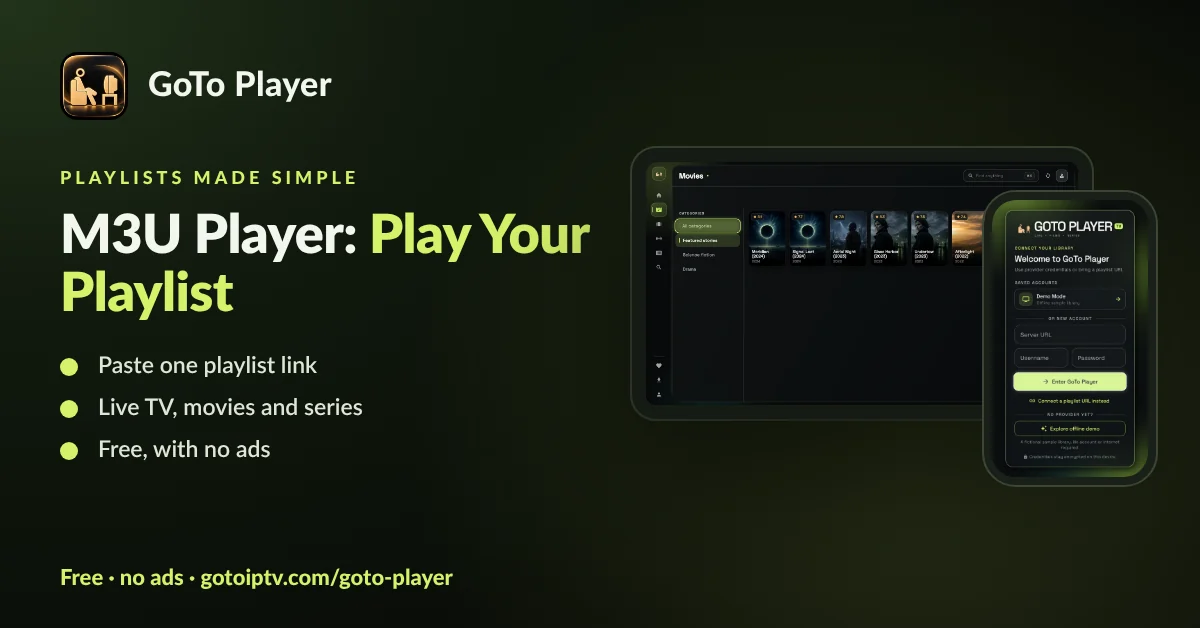
An Xtream-style login is a server address with a username and password. GoTo Player, our free player with no ads, accepts both: see the M3U player and Xtream player guides. On a TV it even lets you type the login on your phone by scanning a QR code.
More Hot Player Guides
Everything about Hot Player in one place:
Hot Player Playlist FAQ
How do I add a playlist to Hot Player?
With GoToIPTV you do not type anything: buy the activation, send your MAC address and we load the Hot Player playlist for you. Then tap Refresh. To add another provider, use an M3U link or file as described on hotplayer.app.
Where do I find my Hot Player playlist link?
Your IPTV provider gives it to you. GoToIPTV customers do not need it for Hot Player, because we pair the playlist to your MAC address on our side.
How many playlists can Hot Player hold?
Up to 3 playlists per device. You can switch between them inside the app without reinstalling anything.
Does Hot Player support Xtream Codes logins?
Hot Player works with M3U links and files. If your provider only gives an Xtream-style login (server, username, password), GoTo Player accepts that login directly on Fire TV, Android and Windows.
Why is my Hot Player playlist not loading?
Tap Refresh, then restart the device and the router and tap Refresh again. If it still fails, check that the activation is done and that MAC lock is not blocking changes, then message us with your MAC address.
Can I use the same Hot Player playlist on two TVs?
Each TV has its own MAC address and its own activation. Whether two screens can play at the same time depends on how many connections your IPTV plan includes.
What is Lock MAC in Hot Player?
Lock MAC stops anyone else from changing the playlists linked to your MAC address. Turn it on once your channels load.
Do I need to update my playlist after I renew?
Usually no. When your GoToIPTV plan is renewed, the same Hot Player playlist keeps working. If channels do not show, tap Refresh.
Is the playlist included with Hot Player?
No. Hot Player is only a player and comes with no channels. Your channels come from your IPTV subscription, such as a GoToIPTV plan or the $20 bundle with 1 month included.
Can I delete an old playlist?
Yes. Remove the old provider from your playlist list so you only see the services you pay for. Ask us if you are not sure which one is ours.
Get Your Hot Player Playlist Loaded Today
Buy once, send the MAC address and tap Refresh. The bundle gives you lifetime Hot Player and 1 month of IPTV for $20.
