
Blog – iPTV Tips
What Is IPTV? A Simple Guide to Internet TV (2026)

You have probably heard friends talk about IPTV, or seen it next to words like Firestick and Smart TV. So what is IPTV, how does it work, and is it right for your home? This simple guide explains everything in plain English: no jargon, no technical background needed.
By the end you will know exactly what you need, what it costs and how to try it for free.
Table of Contents
What Is IPTV in One Sentence?
IPTV, short for Internet Protocol Television, is television delivered through your internet connection instead of an aerial, a satellite dish or a cable line.
That is really all it is, and it is simpler than it sounds. You watch live channels, movies and series on your TV, phone or computer, and the pictures arrive over the internet, the same way videos and music do.
How Does IPTV Work?
Think of it in three parts:
- The provider sends live channels and on-demand videos from its servers.
- Your internet connection carries those pictures into your home.
- A player app on your TV or device shows them, with a TV guide, channel list and search.
When you choose a channel, the app asks the provider for that stream and starts playing it within a second or two. Your device keeps a short reserve of video, called a buffer, so the picture stays smooth.
A Short History of IPTV
Television over the internet started in the 1990s as a lab experiment, when connections were far too slow for video. In the 2000s, phone and broadband companies began using the same technology to deliver their own TV packages. As home internet became faster and Smart TVs, streaming sticks and phones arrived, IPTV moved from big telecom companies into apps anyone can install. Today it is one of the most popular ways to watch live TV.
What Is IPTV Used For?
People use IPTV for very different reasons:
- Replacing cable with a cheaper, contract-free plan
- Watching TV from home while living abroad, in their own language
- Following live sports from many countries in one app
- Watching on the go on a phone or tablet
- Adding a TV to a second room without another cable box
So when someone asks “what is IPTV good for?”, the honest answer is: almost every way people watch TV today.
What Is IPTV vs Cable and Streaming Apps?
| Cable or satellite | Streaming apps | IPTV | |
|---|---|---|---|
| How it arrives | Cable line or dish | Internet | Internet |
| Live channels | A fixed package | Few or none | Thousands |
| Movies and series | Extra fees | One catalogue per app | Large library included |
| Equipment | Rented box | Smart TV or stick | Devices you already own |
| Typical cost | High, with contract | Adds up with several apps | Low, prepaid |
For a full comparison, read IPTV vs cable vs streaming apps.
The Three Types of IPTV Content
- Live TV: channels you watch as they broadcast, just like normal TV.
- Video on demand (VOD): movies and series you start whenever you like.
- Catch-up: some channels let you go back and watch programmes you missed.
With GoToIPTV you get 56,000+ live channels and 150,000+ movies and series, in HD and 4K where available.
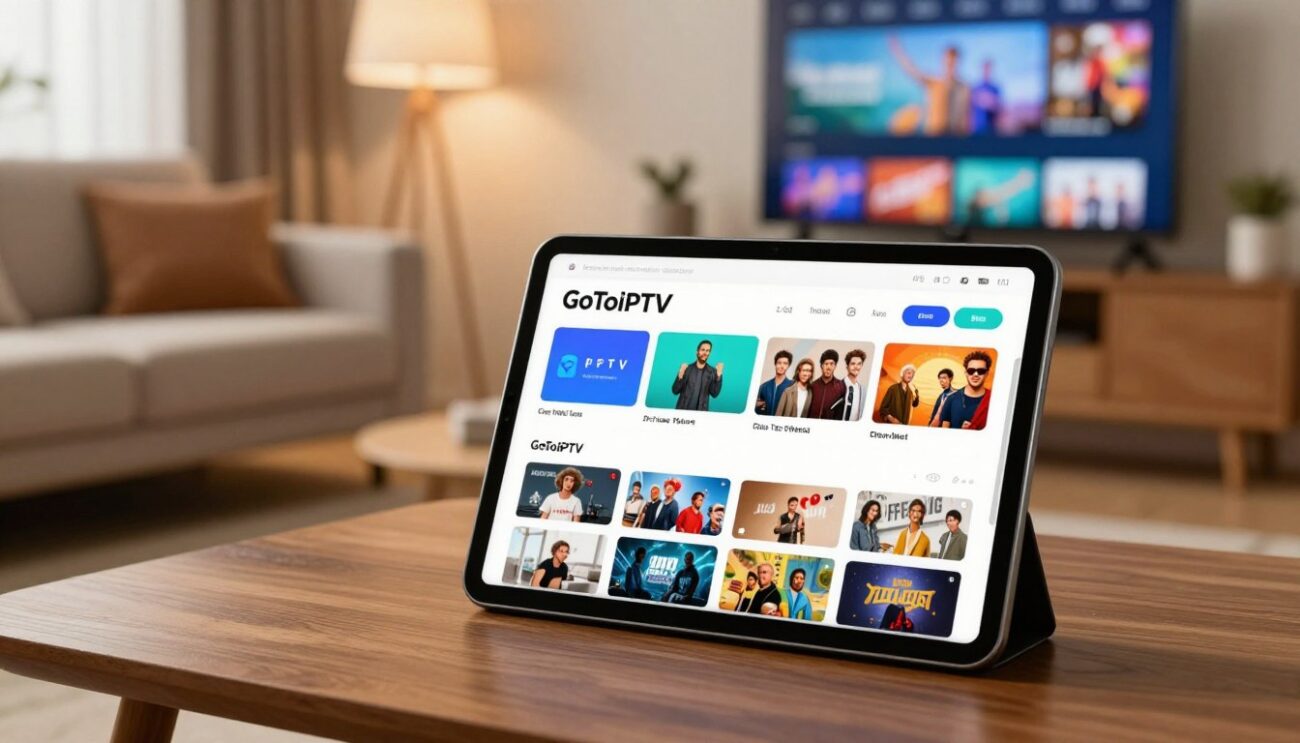
What Do You Need to Watch IPTV?
1. An Internet Connection
About 10 to 15 Mbps per screen for HD and 25 Mbps for 4K. You can check yours on Speedtest. A network cable to your main TV gives the smoothest picture.
2. A Device
Almost anything with a screen works:
- Amazon Firestick or Fire TV: see IPTV on Firestick
- Samsung or LG Smart TV: see the Samsung and LG guides
- Google TV or Android TV box: see IPTV on an Android TV box
- Apple TV, iPhone or iPad: see IPTV on Apple TV
- Windows PC or Mac: see IPTV on PC and Mac
3. A Player App
The player is the app that shows your channels. Popular players are free or cost a small one-time fee. Hot Player is a simple choice for most devices.
4. An IPTV Subscription
The subscription gives you the channels and the library. The player alone has nothing to show until you add your subscription.
What Is IPTV Going to Cost?
Prices vary by provider. With GoToIPTV:
| Plan | Price | Per month |
|---|---|---|
| 1 Month + 1 Free | $11.95 | About $6 |
| 3 Months | $24.95 | About $8.30 |
| 6 Months + 2 Free | $39.95 | About $5 |
| 12 Months + 2 Free | $58.95 | About $4.20 |
Plans are prepaid with no contract. For several screens at once, see multi-screen plans, or customize your plan with only what you want.
How to Start Watching in 5 Steps
- Start a free trial or choose a plan. Your login details arrive by email.
- Install a player app from your device’s official app store.
- Enter your login details in the app.
- Wait for the channels to load, then open the TV guide.
- Add your favourite channels for one-click access.
What Is IPTV Like to Use Every Day?
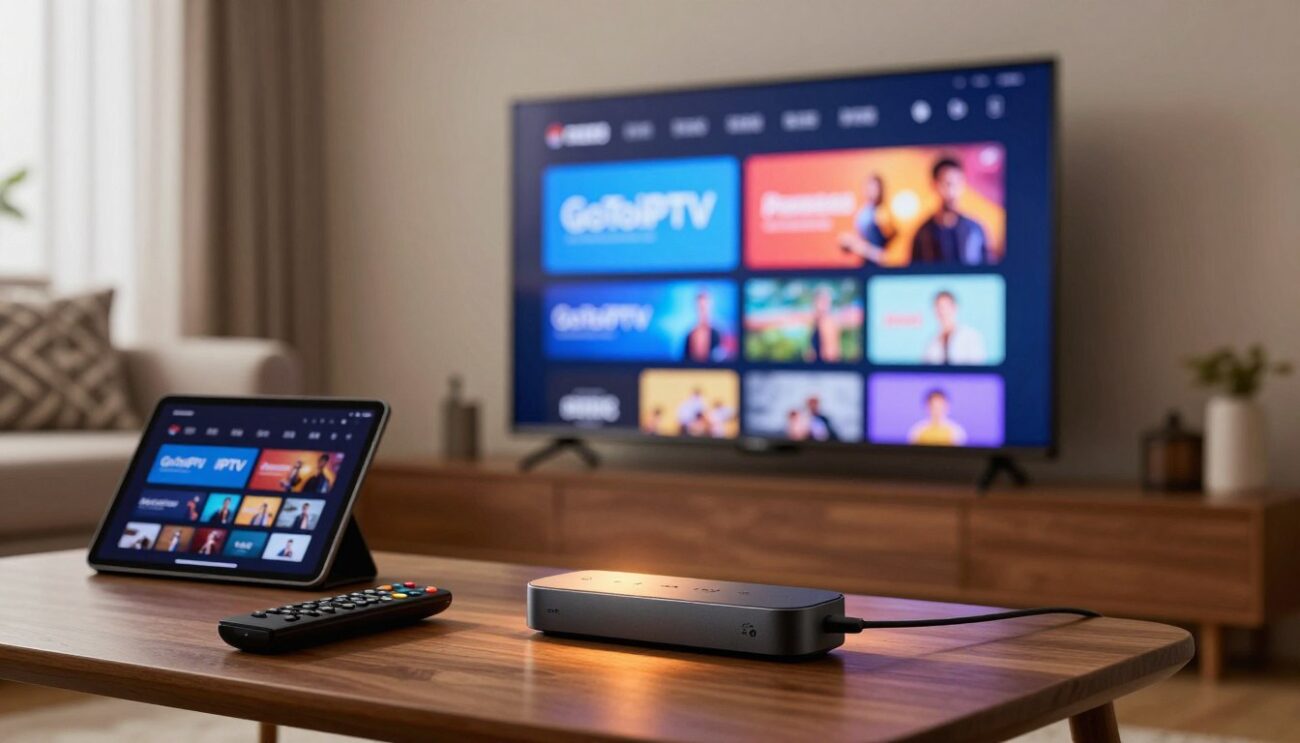
In daily life it feels very much like normal TV. You turn on the TV, open the player app and land on your favourite channel or the TV guide. The remote moves up and down the channel list, and a single button opens the movies and series library. Families often set up favourites for each person, so the kids find cartoons in seconds while parents jump straight to the news. Once it is set up, most people forget it is running over the internet at all.
Is IPTV Right for You?
IPTV is a great fit if you:
- want lots of live channels and a big movie library in one place
- are tired of high cable bills and long contracts
- want channels from other countries for your family
- already have a Smart TV, Firestick or similar device
- have a stable internet connection
Cable may still suit you if your internet is very slow or unreliable, or if you rarely watch live TV at all.
Is IPTV Safe to Use?
The technology itself is safe. Stay safe in practice by following a few simple rules: install player apps only from official app stores, never download files from unknown websites, keep your login private, and choose a provider with clear contact details and a written refund policy. A VPN is optional and adds privacy on public Wi-Fi.
Common Words You Will See
- EPG: the electronic programme guide, or TV guide, showing what is on now and next.
- VOD: video on demand, the movies and series you can start any time.
- Line or connection: one screen watching at a time. Two lines mean two screens at once.
- Buffering: a pause while the video reserve refills. Our IPTV buffering fix guide explains how to stop it.
- 4K: ultra high definition, four times sharper than Full HD.
Choosing a Good Provider
Now that you know what is IPTV, the next question is who to trust. Look for a free trial, evening stability, a clear channel list, support that answers and a written refund policy. Our guide to the best IPTV service gives you an easy eight-point checklist.
What Is IPTV Used For in Everyday Life?
If you are still asking what is IPTV used for in everyday life, the answer is simple: watching TV without a cable box or dish. People use IPTV to watch live channels, the news and sport, to catch up on films and series on demand, and to watch TV from their home country while living abroad. Hotels, hospitals and schools also use IPTV systems to send TV around a building.
- Live TV on a smart TV, Firestick, phone or computer.
- Films and series on demand, often in 4K.
- International channels for families with roots abroad.
- TV on the move, wherever there is internet.
How Much Does IPTV Cost Monthly?
Prices vary a lot between providers. A useful way to compare is the cost per month over the whole plan. With GoToIPTV, for example, the 1 Month + 1 Free plan is $11.95 for two months, and the 12 Months + 2 Free plan is $58.95 for 14 months, about $4.21 a month (about £3.25 in the UK).
| Plan | Price | About per month |
|---|---|---|
| 1 Month + 1 Free | $11.95 | $5.98 |
| 3 Months | $24.95 | $8.32 |
| 6 Months + 2 Free | $39.95 | $4.99 |
| 12 Months + 2 Free | $58.95 | $4.21 |
Do you have to pay monthly for IPTV? Not with every provider. Many IPTV services, including ours, are prepaid for a fixed length, so there is no monthly bill and nothing renews by itself.
Is IPTV Free to Watch?
The technology is free to use, and many player apps are free, but the channels are not. Licensed TV costs money to provide, so a reliable IPTV service charges a subscription. Free playlists found online are usually unstable and often stream content without a licence.
What Is IPTV in the USA?
In the United States, IPTV is mostly used as a cheaper alternative to cable and satellite. Viewers watch on a Firestick, Google TV, Roku (with limits) or a smart TV, set the guide to their time zone, and keep their internet plan. Is IPTV legal in the USA? The technology is legal; what matters is whether the content is licensed. More on our IPTV USA page.
What Is IPTV in the UK?
In the UK, IPTV is often compared with satellite and cable packages. British viewers watch on Firesticks and smart TVs, with a guide in UK time. Remember that watching live TV on any device needs a TV licence. More on our IPTV UK page.
What Are IPTV Channels?
IPTV channels are ordinary TV channels delivered over the internet instead of an aerial, dish or cable. A provider groups them by country and category (news, sport, kids, films) and adds a TV guide. See our IPTV channels list for the groups we carry.
What Is IPTV FAQ
Is IPTV the same as streaming?
It is a type of streaming focused on live TV channels, usually with a large on-demand library added.
Do I need a special box?
No. Most Smart TVs, Firesticks, phones and computers work with a player app.
Can I watch IPTV on several TVs?
Yes. Each screen watching at the same time needs its own line.
Do I need to be good with technology?
Not at all. If you can install an app on your phone, you can set up IPTV in about ten minutes, and support can help.
Does IPTV work outside my home?
Yes, on your phone or laptop wherever you have a good internet connection.
Where can I read the technical details?
This overview of Internet Protocol Television explains the technology in depth. To learn who we are and how we support customers, read about GoToIPTV.
Is IPTV legal in the USA?
IPTV technology is legal in the USA. Watching or selling streams without the rights holder’s permission is not. Use licensed services and follow US law.
Do you have to pay monthly for IPTV?
Not always. Many providers sell prepaid plans for 1, 3, 6 or 12 months. With GoToIPTV nothing renews by itself, so there is no monthly bill.
What is an IPTV app?
A player that shows the channels from your IPTV subscription, such as GoTo Player (our recommended free player, Downloader code 1129312), TiviMate or IPTV Smarters.
How do I get IPTV?
Choose a provider, buy a plan, install a player app on your TV or Firestick and log in with the details the provider emails you.
Try IPTV Free for 24 Hours
The best way to understand what is IPTV is to watch it. Our free trial only needs your email: confirm it and your login arrives in minutes. No card is needed.
Questions before you choose a plan? Our support team answers 24/7 on WhatsApp and by email.
2 thoughts on “What Is IPTV? A Simple Guide to Internet TV (2026)”