IPTV Provider
How to Choose an IPTV Provider You Can Trust
A good IPTV provider is the difference between a relaxed night of TV and a frozen screen at the worst moment. This guide gives you a simple checklist that works on any provider, including us.
Short answer: pick the IPTV provider that answers you before you pay, shows every price in public, takes payment you already trust, and lets you start small before you commit to a year.
 56,000+live channelsFrom $121 month + 1 freeWhatsApphelp on chat
On This Page
IPTV Service Providers: What a Good List Should Tell You
Searching for a list of IPTV providers? Many lists rank IPTV service providers by who paid to be on them. Build your own shortlist with these five facts instead: the best IPTV provider for you passes all of them.
- Public prices and a short first plan, not only a 12-month deal.
- Support that answers before you pay, on WhatsApp, chat or email.
- Payment methods you already trust, with a receipt by email.
- Apps for your devices: Fire TV, Android TV, Smart TVs, phones and computers.
- Renewal on the same login, so your apps stay set up.
Keep the IPTV service providers that pass all five, then start with a 1-month plan. Our best IPTV service guide shows how to judge one in a day, and the subscribe guide shows every step to start.
What Does an IPTV Provider Do?
An IPTV provider sells the service itself: the live channels, the movies and series, and the login that unlocks them.
So when people compare IPTV providers, they really compare three things: stable servers, real customer care and fair plans. Any good IPTV provider works with every player that supports M3U or Xtream logins. New to the topic? Wikipedia has a plain overview of IPTV.
The IPTV Provider Checklist: 8 Things to Check
Go through these eight points before you pay any IPTV service provider. If two or more fail, keep looking.
- 1
Stable servers. Streams start fast and keep playing at busy times, like a Saturday night final. Test at those hours, not at 10 am.
- 2
Real support. A WhatsApp number or email that a person answers. Send a question before you buy and see how fast and how clearly they reply.
- 3
Safe payment. Known methods such as Apple Pay, Google Pay or PayPal. No card form on a site you have never heard of.
- 4
Honest prices. Every plan, price and bonus month on one public page. No “message us for the price”.
- 5
Device support. Works on Fire TV, Android TV, phones and computers, with set-up help for your exact device.
- 6
Multi-screen plans. A fair price for 2 to 5 screens at home, with a separate login for each line.
- 7
Renew and extend tools. A way to see your expiry date and add months without a new login or a new set-up.
- 8
Picture and TV guide. 4K, Full HD and HD where available, and a TV guide that shows what is on right now.
Screenshot it or keep this page open: the checklist works for every IPTV provider, not only ours.
Why a Good IPTV Provider Means Stable Streams
Most buffering comes from one of three places. Only one of them is fully in your hands.
- The servers. If they are overloaded at peak time, every customer freezes at once. No app or router can fix that.
- Your home connection. Wi-Fi far from the router or a busy line can stall even a great stream. Plan on about 10 to 15 Mbps for HD and 25 Mbps for 4K, per screen.
- The app and device. An old stick or a full app cache can drop frames. A restart fixes most cases.
A quick test tells you who is to blame. If everything freezes on every device at the same moment, look at the IPTV provider. If only one TV struggles, look at the Wi-Fi or that device. Our buffering guide walks you through each fix in order.
A great player makes a stream look sharp, but only a well-run IPTV provider keeps it playing when the whole country is watching.
Red Flags: When to Walk Away From an IPTV Provider
Spot these before you pay, not after the first evening without TV.
Red flags
- No way to reach a person before you pay
- Prices hidden until checkout
- A card form on a site you do not know
- Promises like “zero buffering, ever”
- Apps to install from random links
- No refund policy or terms you can read
- A new login and a new set-up every time you renew
Good signs
- WhatsApp and email support that answers, with a human when you ask
- Every plan and price on one public page
- Payment methods you already trust
- Clear facts you can check yourself
- A free player and support for well-known apps
- A public refund policy and terms
- Renewal on the same login, with your days left kept
Two or more red flags usually mean the IPTV provider will be hard to reach when something goes wrong, which is exactly when you need them.
Questions to Ask an IPTV Provider Before You Pay
Send these by WhatsApp or email. How fast and how clearly the provider answers tells you as much as the answers themselves.
If a provider dodges these questions, you already have your answer. If it answers all six clearly, it is worth a short first plan.
What to Check vs What GoToIPTV Gives
Here is our own IPTV provider checklist, filled in honestly. Hold any other provider to the same standard.
| What to check | Why it matters | What GoToIPTV gives |
|---|---|---|
| Support | Help fast when a channel stops | WhatsApp +1 (917) 924-8236 and email, answered by a person |
| Payment | Your money and details stay safe | Apple Pay, Google Pay, PayPal, Cash App, crypto; Interac in Canada; no card form |
| Prices | No surprise at checkout | $12, $25, $40 and $60 plans with bonus months, all public |
| Content | Enough to replace a cable package | 56,000+ live channels and 150,000+ movies and series |
| Picture | Sharp on a big screen | 4K, Full HD and HD where available, with a TV guide |
| Devices | Works on what you already own | Free GoTo Player (Fire TV, Android, Windows) and any M3U or Xtream player |
| Screens | The whole home can watch | Multi-screen plans for 2 to 5 lines |
| Account extras | No gap when your plan ends | Same-login renewals, reminder emails, main events and 1 free month per friend who buys |
| Countries | Your own local channels | Every country, incl. USA, UK, Canada, Québec (French), Indian, Arabic, Portuguese |
You can test every line before you spend a cent: message us, read the plans and try the set-up guides.
Pay an IPTV Provider Without Risk
How a provider takes your money says a lot about how it will treat you later.
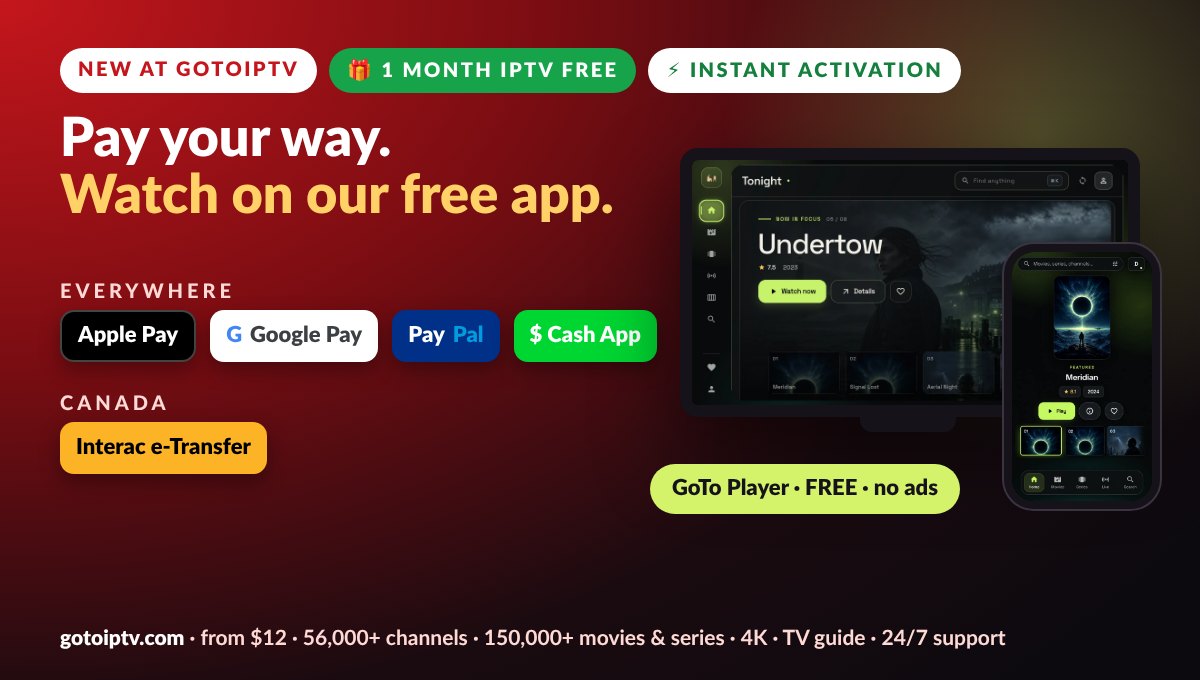
- Everywhere: Apple Pay, Google Pay, PayPal and Cash App through Pay With
- Canada: Interac e-Transfer straight from your bank
- Crypto if you prefer it
- No card form on our site, so there are no card details to type
- No coupon hunting: the price on the page is the price everyone pays
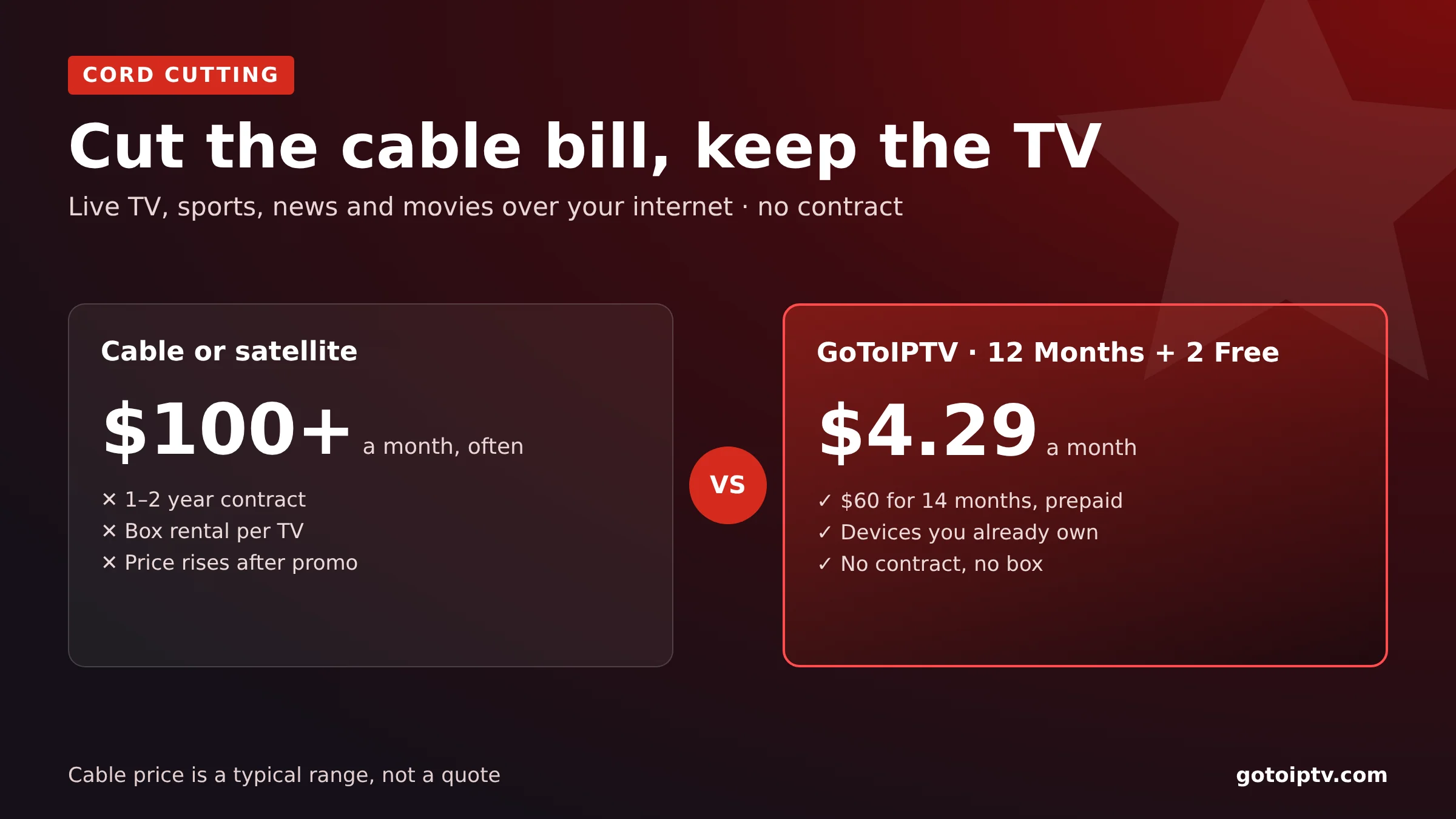
What a Fair IPTV Provider Costs
A fair IPTV provider shows every plan and bonus up front. Here are ours for one screen.
| Plan | Price | Free bonus | Total TV time | Per month |
|---|---|---|---|---|
| 1 month | $12 | +1 month | 2 months | $6 |
| 3 months | $25 | +1 month | 4 months | about $6.25 |
| 6 months | $40 | +2 months | 8 months | $5 |
| 12 months | $60 | +2 months | 14 months | about $4.29 |
Bonus months come with the 1-screen plans. The smart way to judge any IPTV provider is to start short: 1 month costs $12 and gives you 2 months of TV, enough to test busy evenings, support and your devices. Happy after that? The 12-month plan brings the price down to about $4.29 a month.
Will the IPTV Provider Work on Your TV?
A good provider fits the screens you already own, so you do not buy new hardware.
- Fire TV and Firestick: GoTo Player with Downloader code 1129312
- Android TV, Google TV, phones and tablets: GoTo Player for Android
- Windows 10 and 11: GoTo Player, free in the Microsoft Store
- Samsung and LG TVs: Hot Player, $20 for a lifetime activation
- iPhone and iPad: GoTo Player is coming soon; any M3U or Xtream player works today
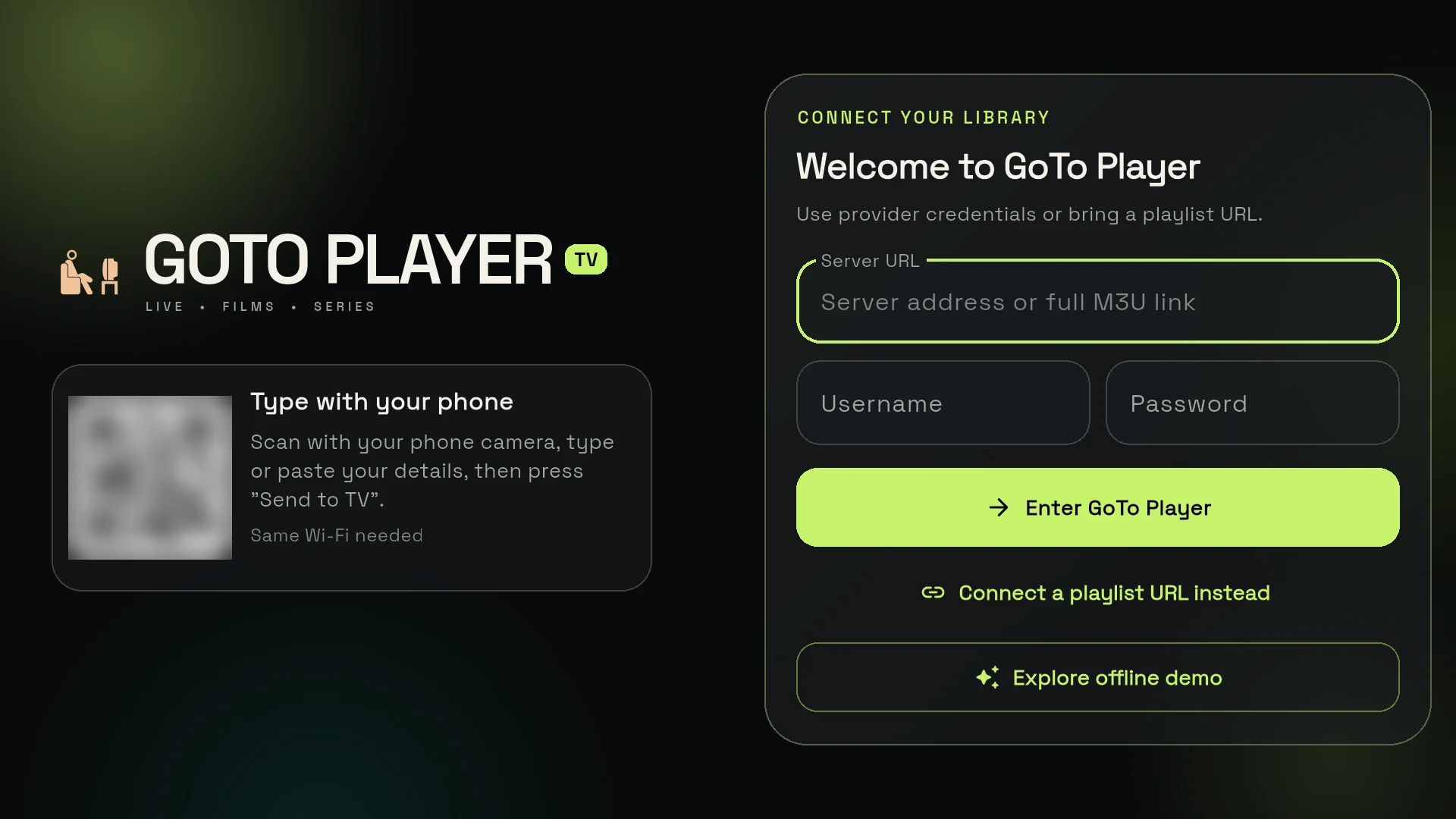
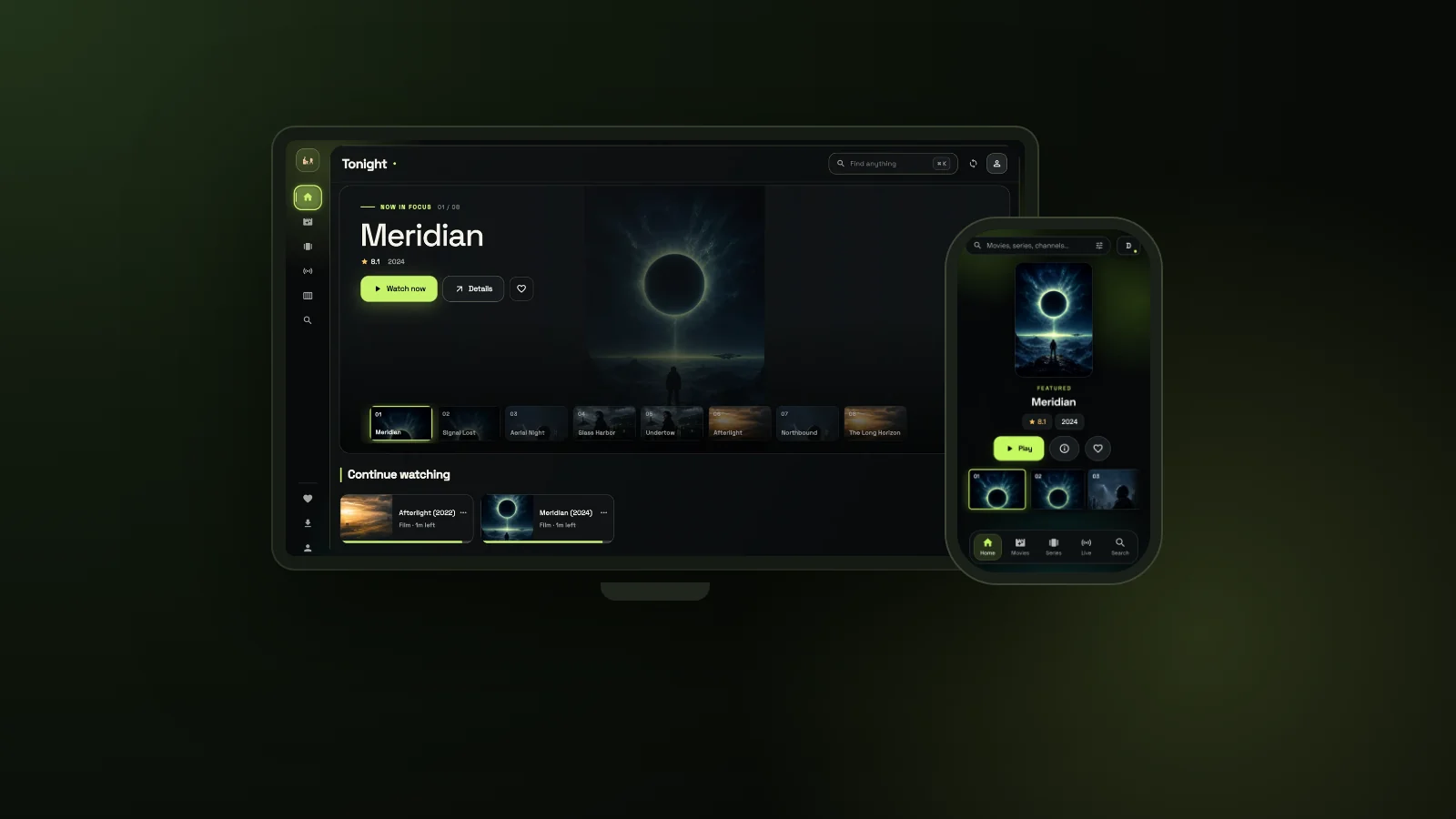
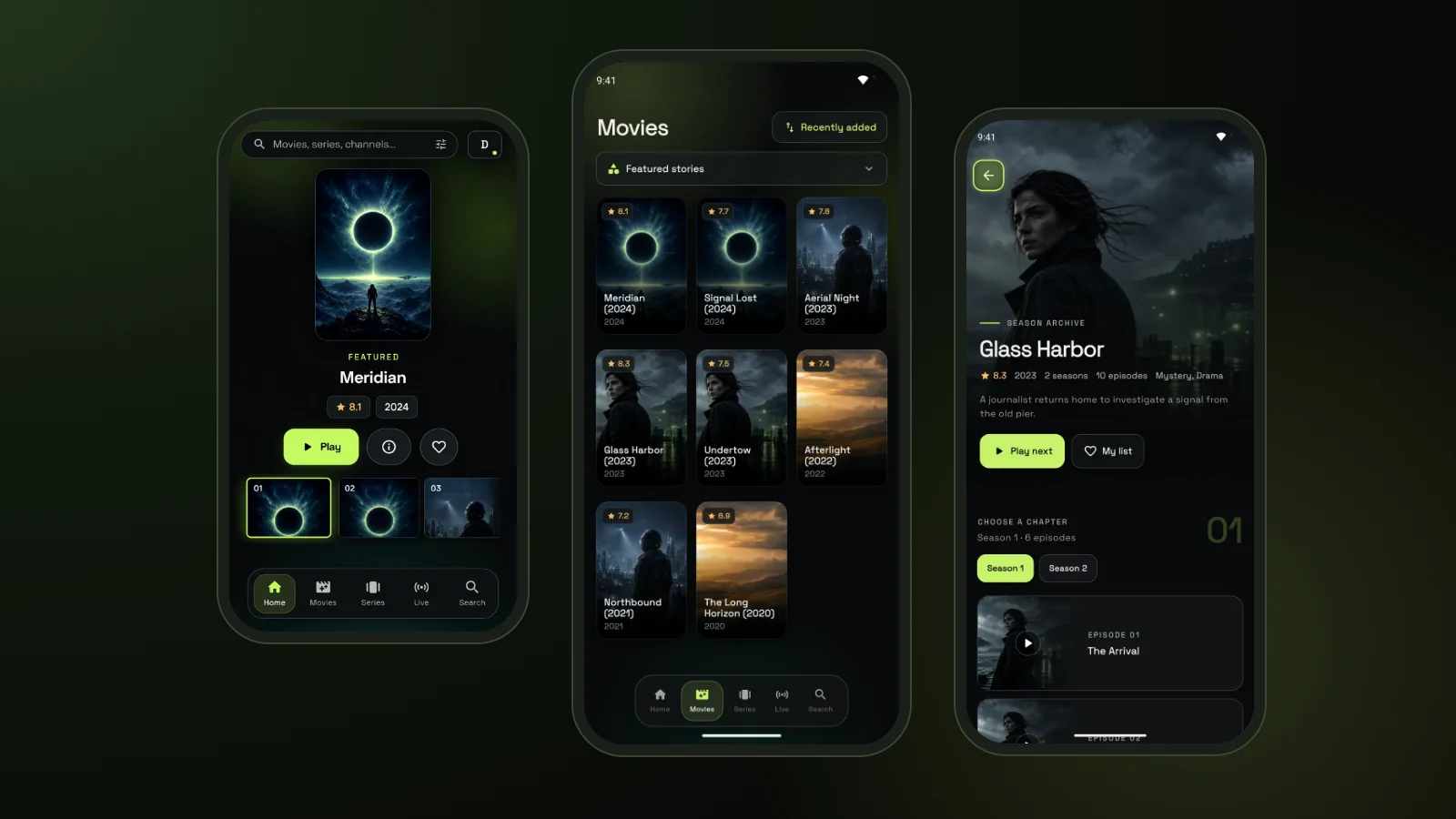
GoTo Player is our recommended free player, with no ads and no tracking of what you watch. Like every player, it has no channels of its own: you log in with the details your IPTV provider sends you, and it plays them on a clean, fast screen. On a Samsung or LG TV, connect Hot Player to your IPTV in one go: type your GoToIPTV username, password and the app’s MAC address, then tap Refresh in Hot Player.
One IPTV Provider for the Whole Home
Families rarely watch one screen. Your provider should let everyone watch at the same time.
- 2, 3, 4 or 5 screens watching different things at once
- One username and password per line, so the kids’ tablet never knocks the living-room TV off
- All lines on one order and one payment
- Each line is its own account, managed separately from the others
See every option on our multi-screen plans page.
My Account: The Extras a Great IPTV Provider Gives You
A good IPTV provider keeps looking after you once you have paid. Here is what waits for you in My Account.
Tonight’s main events. The biggest events of the evening, lined up in one place. Grab the remote and you already know what to watch.
Free months for sharing. Send your referral link to a friend: when they buy, you each get 1 month of TV free. How it works.
Hot Player, ready to go. Your $20 lifetime activation for Samsung and LG TVs sits right in your account.
One-page extend. Extend your IPTV subscription on the same login, with bonus months and every day you have left kept.
Turn on reminders once: open Reveal My Subscription and we email you 7, 3 and 1 day before your plan ends. IPTV Manager lives in the same place, so your whole setup is in one spot and the big night never goes dark.
IPTV Provider USA, UK or Canada: What Changes?
The checklist is the same everywhere. Three details change with where you live.
- TV guide time: it should match your time zone, so 8 pm in the guide is 8 pm at home
- Local channels: your own news, sport and kids’ channels, plus channels from home if you live abroad
- Payment: Canadians often prefer Interac e-Transfer; everywhere else, Apple Pay, Google Pay, PayPal and Cash App
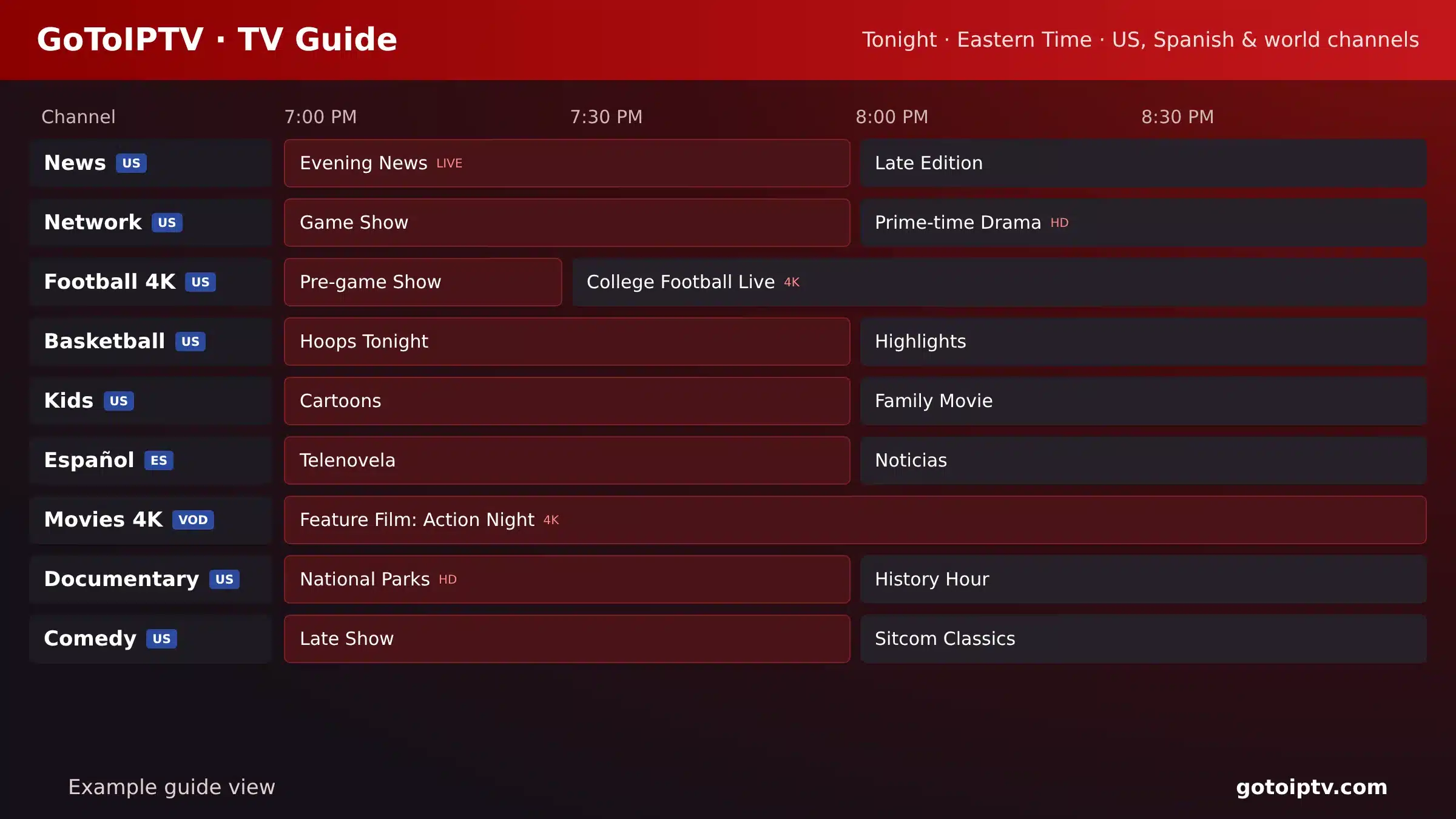
Want the details for your country? Read our guides to IPTV in the USA, IPTV in the UK and IPTV in Canada, including Québec in French.
Best IPTV Provider or Best IPTV Service?
Both searches lead to the same question: who will still be there when something goes wrong?
There is no single best IPTV provider for everyone. The best one for you passes the checklist above on your devices, in your country and at your budget. Test it on a short plan, message support with a real question, and watch at busy hours.
For a full buyer’s guide to channels and picture quality, read our best IPTV service guide.
IPTV Provider FAQ
What is an IPTV provider?
An IPTV provider is the company that sells the TV service: live channels, movies and series delivered over the internet. It gives you a username and password or an M3U link, which you type into a player app on your TV, phone or computer.
How do I choose a reliable IPTV provider?
Check eight things: stable servers at busy times, support on WhatsApp or email that answers, with a human when you ask, known payment methods, public prices, support for your devices, multi-screen plans, renewal tools and a TV guide. If two or more fail, keep looking.
What is the difference between an IPTV provider and an IPTV app?
The provider sells the service and runs the servers. The app is only a player: it shows what the provider sends and has no channels of its own. GoTo Player, for example, is a free player you log in to with your provider details.
Why does my IPTV keep buffering?
Look at three places: the servers of your IPTV provider, your home internet and your device. If every screen freezes at the same moment, suspect the provider. If one TV struggles, check the Wi-Fi and restart the device. Our buffering guide lists every fix.
How much should an IPTV provider cost?
At GoToIPTV, one screen costs $12 for 1 month plus 1 month free, $25 for 3 months plus 1 month free, $40 for 6 months plus 2 free, or $60 for 12 months plus 2 free. That last plan works out at about $4.29 a month.
Which devices work with GoToIPTV?
Fire TV and Firestick, Android TV and Google TV, Android phones and tablets, and Windows, all with our free GoTo Player. Any player that supports M3U or Xtream logins also works, including Hot Player on Samsung and LG TVs.
Do I keep my login when I renew?
Yes. When you extend or renew, the months are added to the same account, so your username, password and app settings stay the same. The days you have left are kept too.
What are the biggest red flags with IPTV providers?
No way to reach a person, hidden prices, card forms on unknown sites, promises like zero buffering forever, random app links and no refund policy. One flag can be a slip. Two or more is a reason to walk away.
Does GoToIPTV work as an IPTV provider in the USA?
Yes. GoToIPTV serves every country, including the USA, the UK and Canada. US customers get American channels with a TV guide, and pay with Apple Pay, Google Pay, PayPal, Cash App or crypto.
Put Your Next IPTV Provider to the Test
Ask us anything on WhatsApp at +1 (917) 924-8236, then pick the plan that fits. Start with 1 month, or go straight to 14 months for $60.
