
How to Watch TV Without an Aerial (UK, 2026)
Updated
Want to watch TV without an aerial? Maybe you rent a flat with no aerial socket, the aerial broke, or you simply want fewer cables. In 2026 you can watch live UK channels, catch-up and films on a smart TV, Firestick or phone using only your broadband.
This guide compares every option honestly: what it costs, what you need and what you get. We sell IPTV, which is one of the options, and we show the free ones first.
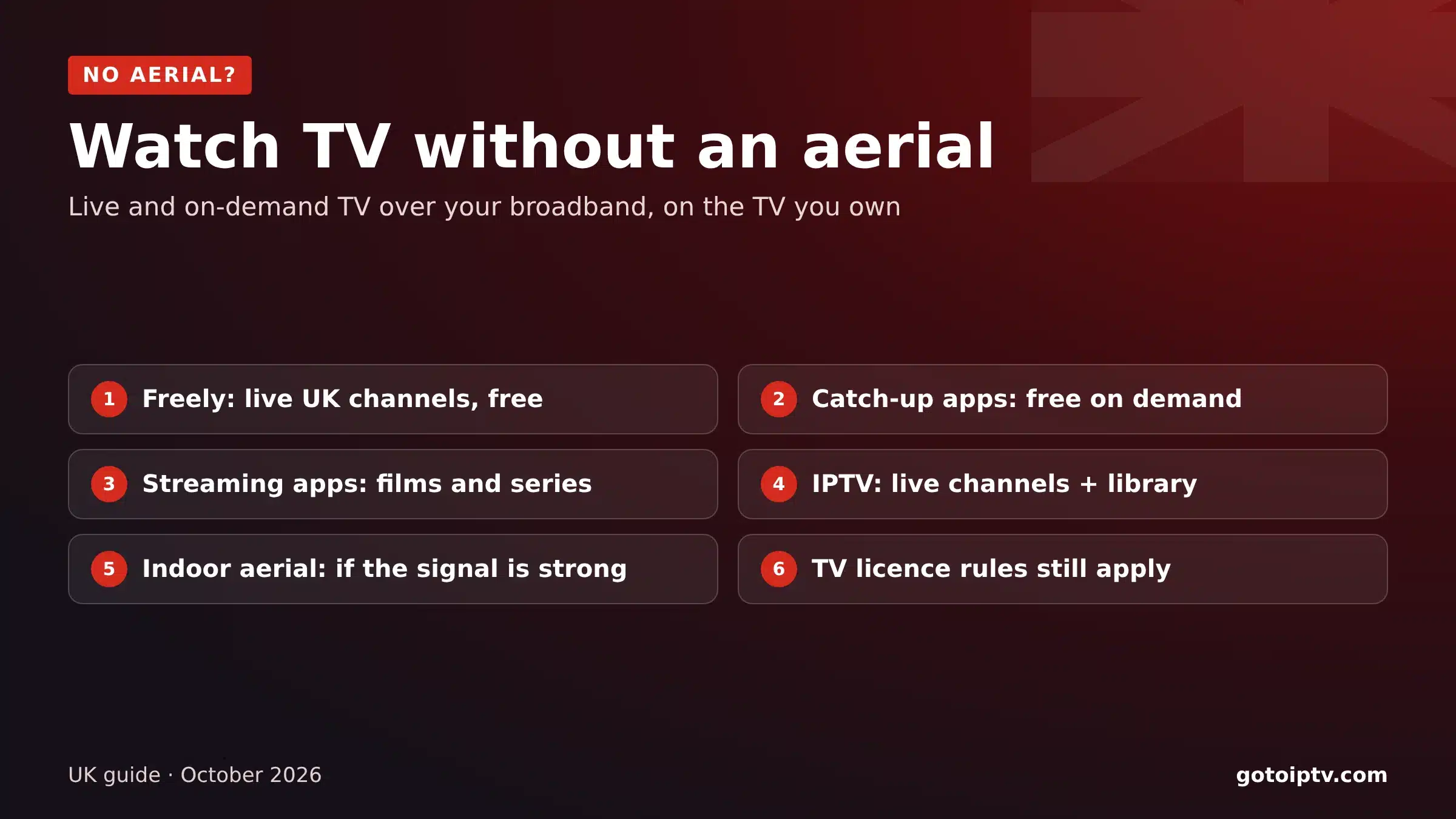 5 optionscompared£0for Freely and catch-upBroadbandis all you need
On This Page
Can You Watch Live TV Without an Aerial?
Yes. You can watch TV without an aerial as long as you have broadband. Live channels and catch-up programmes are now streamed over the internet by the broadcasters themselves and by IPTV services.
An aerial is only needed for Freeview, the traditional free-to-air service. Everything else, including Freely, the broadcasters’ apps, streaming apps and IPTV, works over broadband on a smart TV, a streaming stick, a computer or a phone.
One rule does not change: if you watch live TV on any channel or device, or use BBC iPlayer, you need a TV licence, aerial or not.
Broadband replaces the aerial.
Smart TV or stick runs the apps.
Live and catch-up both possible.
TV licence rules still apply.
Freely: Live UK Channels Over Broadband
Freely is the free, broadband-only way to watch the main UK live channels, from the broadcasters behind Freeview. It is built into many new smart TVs.
- Cost: free (TV licence needed for live TV).
- You need: a compatible smart TV and good broadband.
- Good for: the main UK channels with a familiar guide.
- Limits: only on supported TVs; no premium films or sport.
If your TV supports it, Freely is the closest thing to Freeview when you want to watch TV without an aerial. Check your TV’s settings or the manufacturer’s website to see if your model supports it.
Catch-Up and Live Streams in the Broadcasters’ Apps
The main UK broadcasters have their own apps with live streams of their channels and free catch-up. They run on most smart TVs, Firesticks, Roku devices, phones and computers.
- Cost: free (BBC iPlayer and any live viewing need a TV licence).
- You need: broadband and a device with the apps.
- Good for: catching up on series and watching live channels app by app.
- Limits: one app per broadcaster, no single TV guide.
Streaming Apps for Films and Series
Monthly streaming apps add films, box sets and sometimes sport. They are not live TV in the usual sense, but many homes now watch most of their evening this way.
- Cost: a monthly fee per app; cancel any time.
- You need: broadband and a smart TV or stick.
- Good for: films and series.
- Limits: several apps add up; few live channels.
IPTV on a Smart TV or Firestick
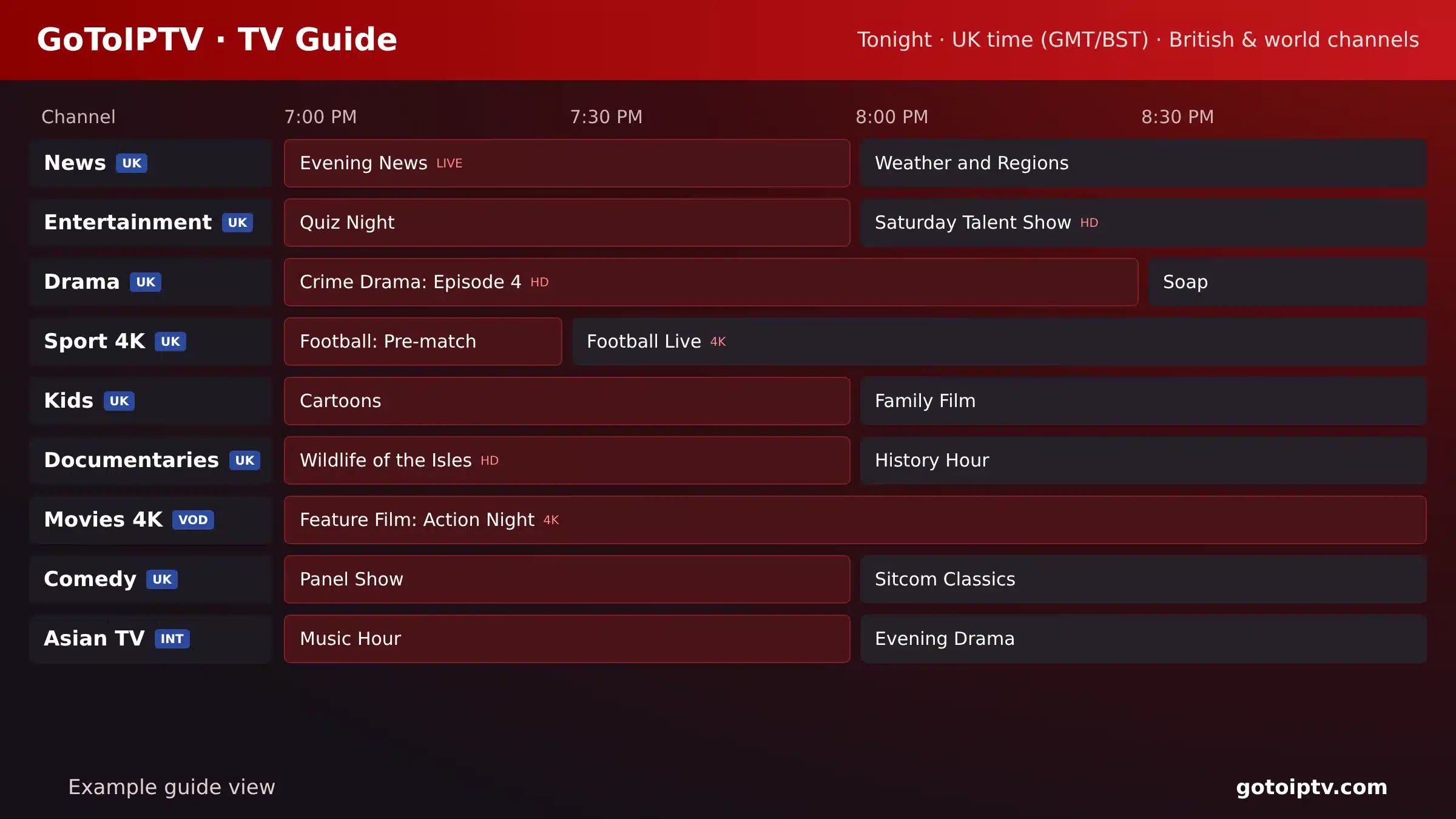
IPTV brings live channels, a TV guide and a large on-demand library into one app, over broadband. It is a popular way to watch TV without an aerial in a single place. This is the option we offer, so here are the facts:
- 1
Choose a plan: GoToIPTV costs from about £9 for two months to about £3.30 a month on 12 months.
- 2
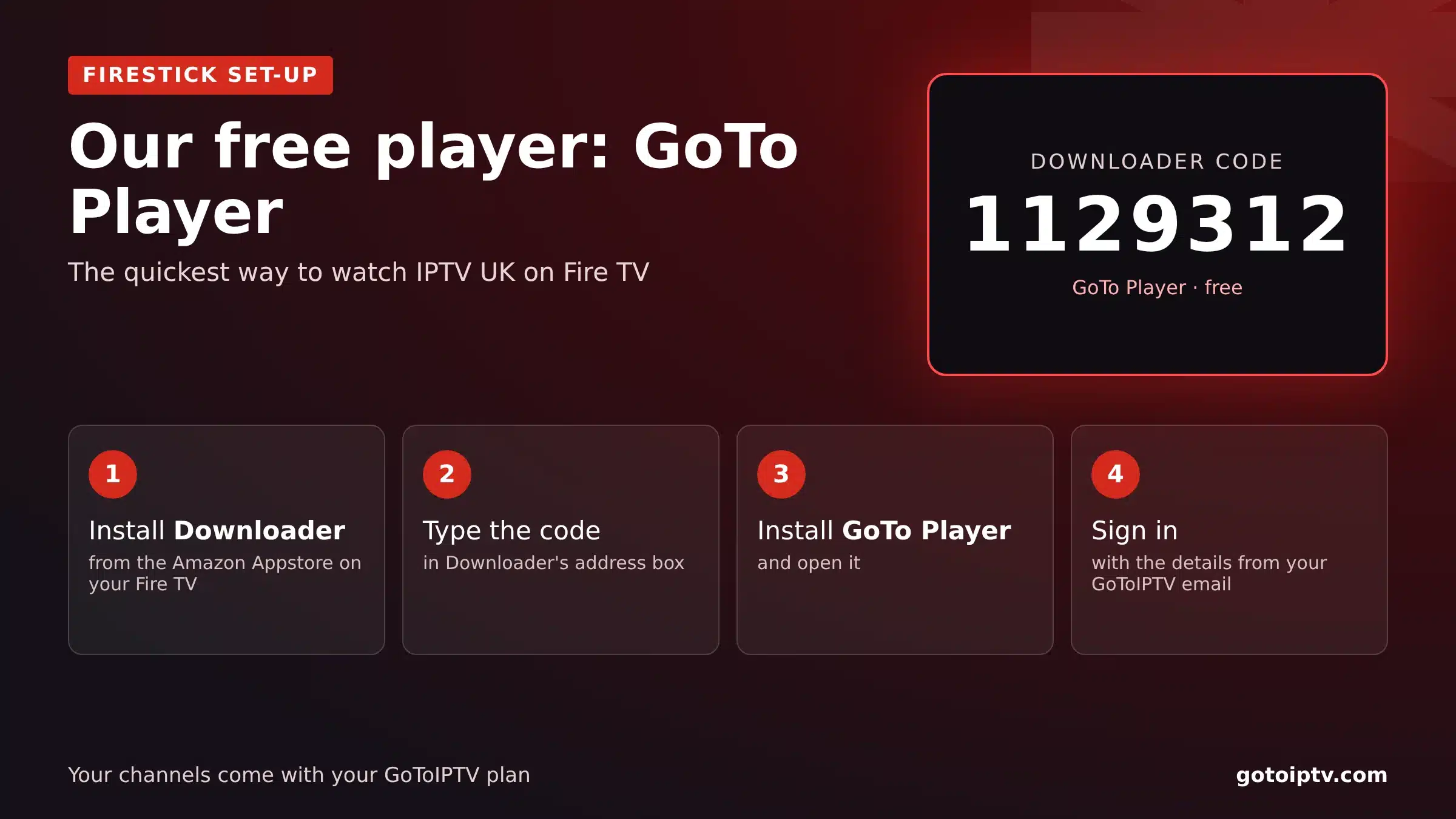
Install a player: on a Firestick, use Downloader code 1129312 for GoTo Player, our recommended free player.
- 3
Sign in with the details we email you.
- 4
Watch 56,000+ live channels and 150,000+ films and series in one guide.
IPTV needs a TV licence for live TV, like every other option. Full details on our IPTV UK page.
An Indoor Aerial: When It Makes Sense
If you live close to a transmitter and have a strong signal, a small indoor aerial can pick up Freeview without a roof aerial. It is cheap, but results vary a lot by area and building.
Check the expected signal for your postcode with the Freeview coverage checker before you buy one. In blocks of flats or weak-signal areas, the broadband options above are usually more reliable.
Watch TV Without an Aerial: Options Compared
Here is how the options compare when you want to watch TV without an aerial:
Most homes mix two of them: a free option for the main channels and one paid option for films, series or world TV.
Do I Need an Aerial for a Smart TV?
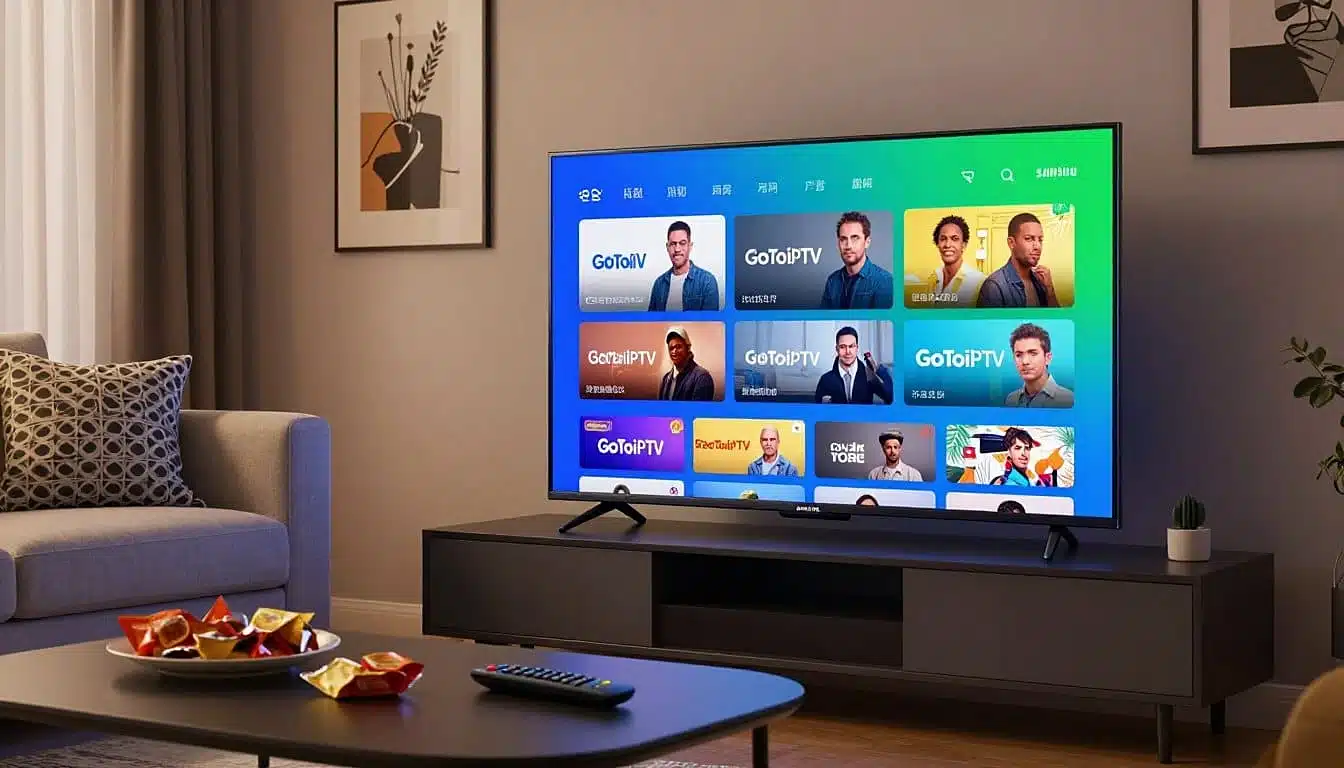
No, not for apps. A smart TV needs an aerial only for its built-in Freeview tuner. Freely, the broadcasters’ apps, streaming apps and IPTV all run over broadband.
Samsung and LG: broadcasters’ apps and IPTV players in the TV’s app store.
Android and Google TV: apps from Google Play, plus GoTo Player.
No smart TV? A Firestick or Google TV device turns any TV with HDMI into one.
Use a cable for the most stable picture.
Watch TV Without an Aerial in a Flat, Rental or Student Room
Many people who want to watch TV without an aerial simply cannot fit one: renters, students and people in blocks of flats with no working socket.
Renting a flat
You usually cannot put up a roof aerial. A smart TV or stick on your broadband lets you watch TV without an aerial and take everything with you when you move.
Student rooms
A laptop or a stick plugged into a monitor is enough. Remember that a student room usually needs its own TV licence for live TV.
Blocks of flats
Shared aerial systems are often old or faulty. Broadband options avoid the problem completely.
Moving often
Apps and IPTV logins go with you. No new installation at each address.
Watch TV Without an Aerial on Phones, Laptops and Consoles
You can watch TV without an aerial on almost any screen in the house, not only the main TV:
If several people want to watch TV without an aerial at the same time on IPTV, choose a multi-screen plan so each screen has its own line.
The Internet Speed You Need
To watch TV without an aerial smoothly, your broadband matters more than anything else:
Test your speed on Speedtest from the TV or stick you watch on, in the evening. If the picture pauses, try a cable instead of Wi-Fi, move the router or follow our IPTV not working guide.
Do You Still Need a TV Licence?
Yes, if you watch or record live TV on any channel and any device, or use BBC iPlayer, even without an aerial. On-demand viewing outside BBC iPlayer does not need one. Check your situation on TV Licensing.
Watch TV Without an Aerial: FAQ
How do I watch live TV without an aerial?
Over broadband: use Freely on a compatible smart TV, the broadcasters’ live streams in their apps, or an IPTV service on a smart TV or Firestick. You still need a TV licence for live TV.
Can you watch normal TV without an antenna?
Yes, if you have broadband. “Normal” live channels are streamed by Freely, by the broadcasters’ own apps and by IPTV services, so you do not need an aerial or antenna.
Can I get rid of my TV aerial?
Yes, if all the TVs in your home use broadband options instead. Keep it if you want a backup when the internet is down, or if your broadband is slow.
How do I watch normal TV on a smart TV?
With an aerial, use the TV’s built-in Freeview tuner. Without one, open Freely (on compatible TVs), the broadcasters’ apps or an IPTV app, and sign in.
Is Freely any good without an aerial?
Yes: it is designed to work over broadband only, on compatible new smart TVs. You need a good connection and a TV that supports it; check your model.
Do I need an aerial for a smart TV?
Not for apps. A smart TV needs an aerial only for Freeview. For Freely, catch-up apps, streaming apps and IPTV, broadband is enough.
Do you need an aerial for Freeview?
Yes. Freeview is received through an aerial. Freely is the broadband alternative from the same broadcasters.
Do I still need a TV licence without an aerial?
Yes, if you watch live TV on any channel or device, or use BBC iPlayer. See TV Licensing.
How do I watch TV without an aerial on Roku?
Install the broadcasters’ apps from the Roku channel store for live streams and catch-up. Roku does not support most IPTV player apps.
What is the cheapest way to watch TV without an aerial?
Freely and the broadcasters’ apps are free (with a TV licence for live TV). For live channels plus films and series in one app, IPTV on a 12-month plan is about £3.30 a month.
Can I watch TV without an aerial and without internet?
Not really. Without an aerial you need broadband or mobile data to stream. Without either, only DVDs, Blu-rays or downloaded programmes will work.
What internet speed do I need?
About 5 to 10 Mbps per screen for HD streams and 25 Mbps or more for 4K. Test on Speedtest from the TV you watch on.
Watch TV Without an Aerial Tonight
Add 56,000+ live channels and 150,000+ films and series to your smart TV or Firestick, over broadband. No aerial, no contract.
