Surfshark VPN 6 Months | GoToIPTV
$20.00
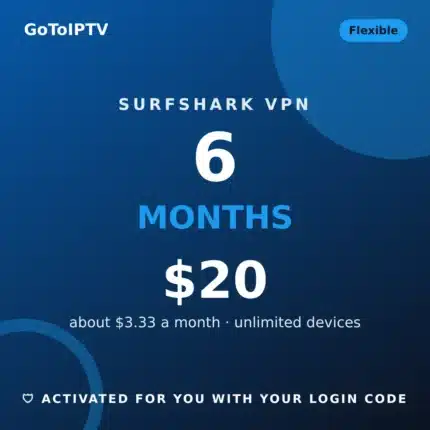
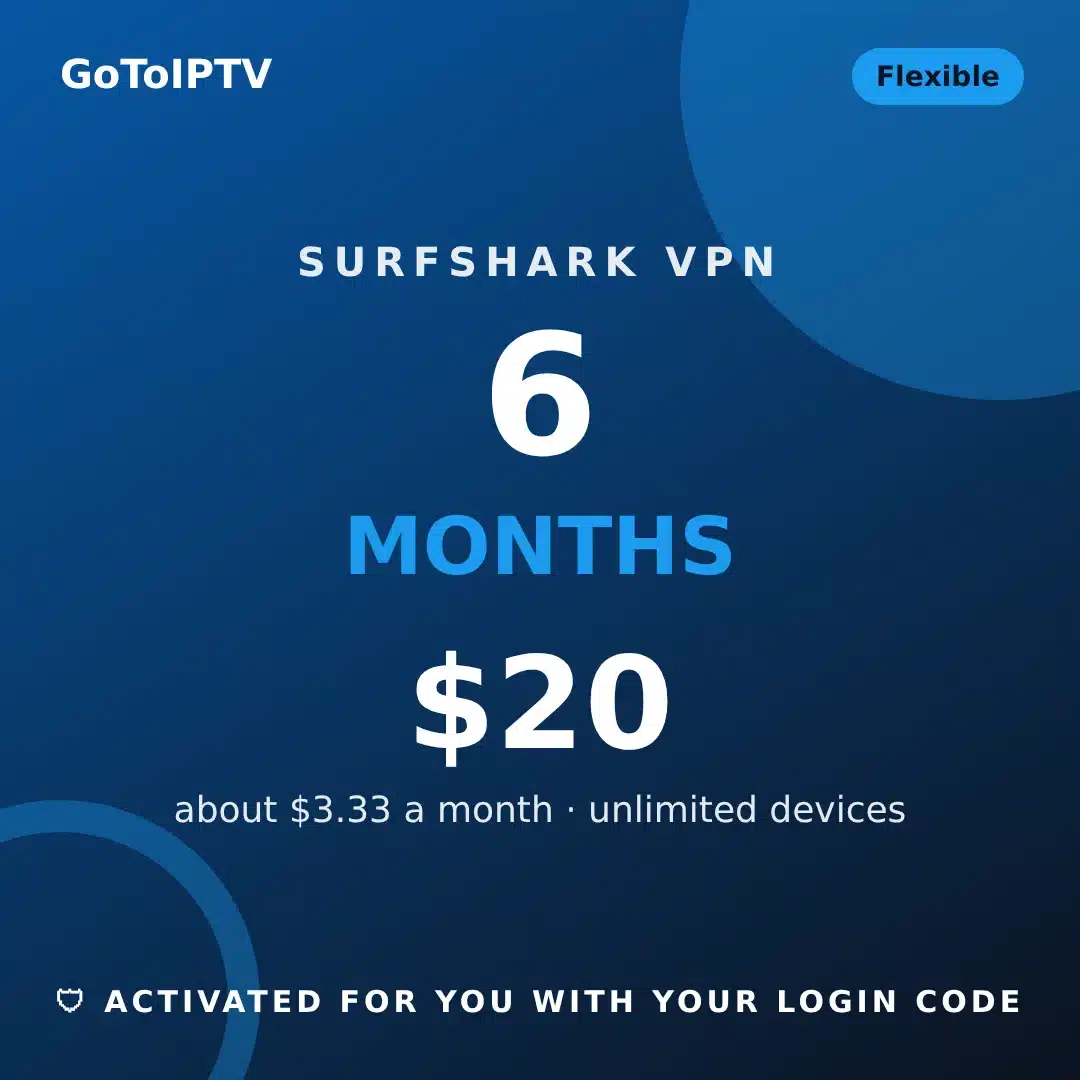
Surfshark VPN 6 Months for $20, paid once (about $3.33 a month). Unlimited devices, 4,500+ servers in 100 countries, activated for you with the login code from your Surfshark app.
Order and pay on our Surfshark VPN page: pick the plan, add your code, pay. No account to create.
The Surfshark VPN 6 months plan is the easy way to try a premium VPN for half a year without a long commitment. For $20 you get Surfshark on every device you own, activated for you by GoToIPTV with the login code from your Surfshark app.
Surfshark’s own website sells monthly, 1-year and 2-year plans. If you only need a VPN for a season, a trip or a few months of sport, the Surfshark VPN 6 months plan fills that gap: one payment of $20, about $3.33 a month, and nothing renews by itself.
Order the 6-month plan for $20 →
Table of Contents
Surfshark VPN 6 Months: What You Get
Every Surfshark VPN 6 months plan gives you the full Surfshark VPN on your devices. These are the features Surfshark lists on its own website:
- Unlimited devices: Surfshark allows unlimited simultaneous connections, so every phone, tablet, computer and TV stick at home can use it.
- 4,500+ servers in 100 countries, in more than 130 locations, so you can always pick a server close to you.
- Kill Switch: if the VPN connection drops, internet access is cut so nothing leaks outside the tunnel.
- CleanWeb: blocks ads, trackers and malicious sites while you browse.
- Bypasser (split tunneling): choose which apps go through the VPN and which do not.
- Dynamic MultiHop, obfuscated servers and NoBorders for restricted networks.
- Auto-connect and Pause VPN for 5 minutes, 30 minutes or 2 hours.
With the Surfshark VPN 6 months plan you also get something Surfshark does not do for you: GoToIPTV activates the VPN on your device, answers your questions on WhatsApp, and helps if a stream misbehaves with the VPN on.
There is no account to create and no password to remember. We add your device to our Surfshark VPN account so it works smoothly, and you simply open the Surfshark app.
Who the Surfshark VPN 6 Months Plan Is For
- A sports season: Follow a whole football, hockey or basketball season with the Surfshark VPN 6 months plan and decide later if you want a longer one.
- Travel and work trips: Use the VPN on hotel, airport and café Wi-Fi during a busy travel period, then stop or renew.
- Testing a VPN at home: Not sure a VPN helps your internet at home? Six months is long enough to compare evenings with and without it.
- A second home or a student year: Cover a temporary place or a school term without paying for two years.
If you already know you will keep a VPN for a long time, compare the Surfshark VPN 12 months for $30 and Surfshark VPN 24 months for $40 plans: the price per month drops as the plan gets longer. If you want flexibility first, the Surfshark VPN 6 months plan is the right start.
A Typical 6 Months With the Plan
- Month 1: you order the Surfshark VPN 6 months plan, add the code from your phone, and the app logs in. A few days later you send us the code from the living-room Fire TV Stick too.
- Months 2 to 4: the VPN starts by itself with Auto-connect, CleanWeb removes most ads in your browser, and you use the Kill Switch on public Wi-Fi when you travel.
- Months 5 and 6: you decide. Keep going with a longer plan at a lower price per month, or stop with nothing to cancel.
Every step above uses the normal Surfshark app. The only difference with the Surfshark VPN 6 months plan is that GoToIPTV handles the activation and the support for you.
What a VPN Does and Does Not Do
A VPN creates an encrypted tunnel between your device and a Surfshark server. Your internet provider sees that you are connected to a VPN, but not the websites and apps you use inside the tunnel. Websites see the address of the Surfshark server instead of your home address.
That is useful on public Wi-Fi, where other people on the same network could try to read unprotected traffic. It also helps when an internet provider slows down some kinds of traffic, such as streaming in the evening, because the provider can no longer see what the traffic is.
A VPN does not make a slow connection faster by itself, it does not replace an antivirus, and it does not hide who you are on a site where you log in with your own name. Surfshark says it has a no-logs policy, and the Kill Switch makes sure nothing leaves your device outside the tunnel if the VPN drops.
How Activation Works
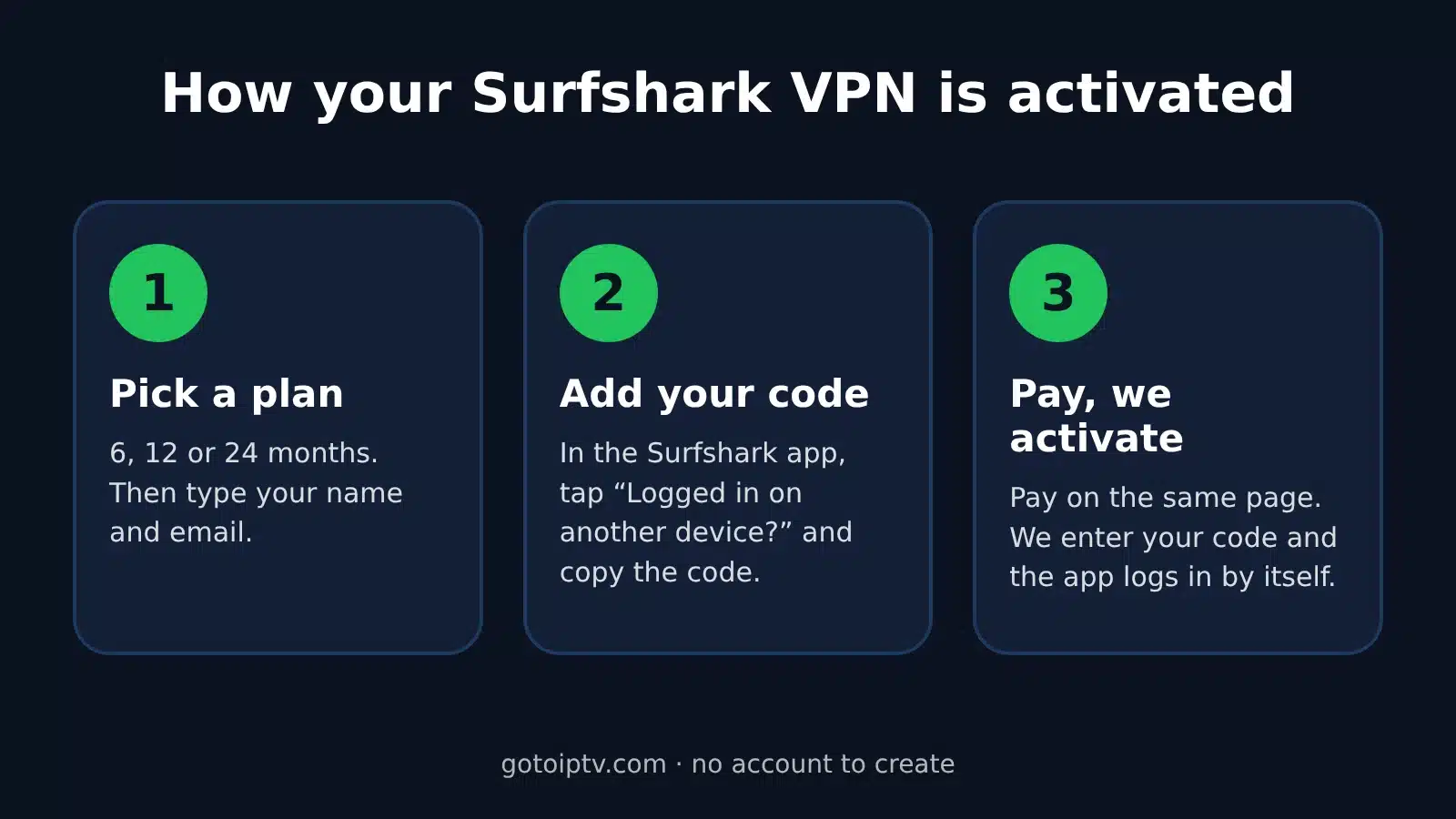
Activating the Surfshark VPN 6 months plan takes three steps on our Surfshark VPN page. Everything happens on one page: you never leave to fill a cart or create an account.
- Pick the plan. The 6-month plan is already selected when you come from this page. Type your name and email.
- Add your login code. Install Surfshark on your device, open it and tap “Logged in on another device?”. A short login code appears on the screen. Type it in the form.
- Pay and wait a moment. Pay on the same page. We enter your code, and the Surfshark app logs in by itself. Keep that screen open until it does.
The login code changes every few minutes. If it changed before we entered it, send the new code from your order page after paying. You can send a new one every 3 minutes, and we always use the latest code.
Want the VPN on more devices? Every device shows its own code on the same screen. Message us the codes on WhatsApp and we add them to your plan.
Surfshark VPN 6 Months: Price and Value
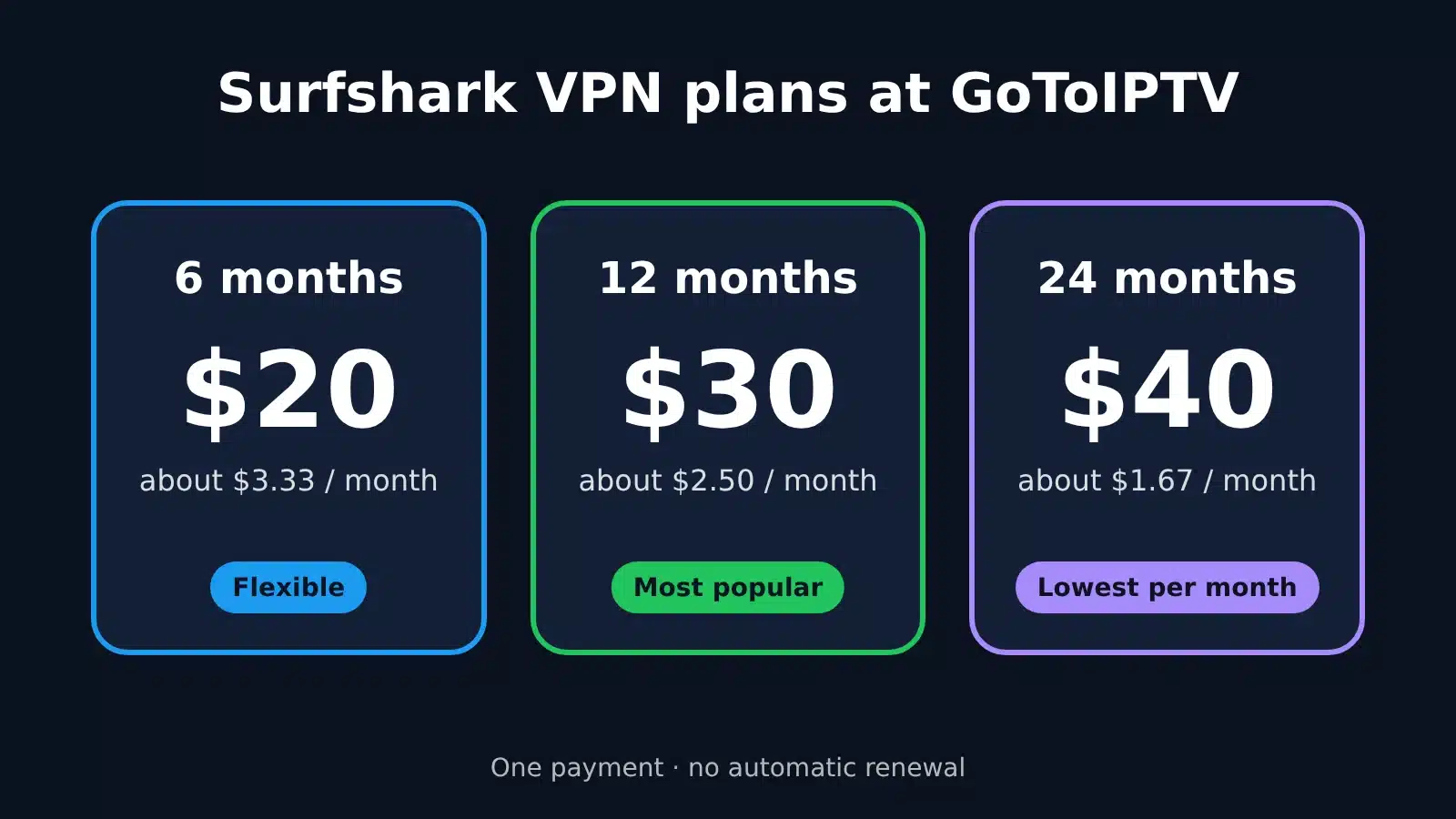
Here is how the Surfshark VPN 6 months plan compares with our other plans. Every plan includes the same apps, servers and features.
| Plan | Price | About per month |
|---|---|---|
| Surfshark VPN 6 months | $20 | $3.33 |
| Surfshark VPN 12 months | $30 | $2.50 |
| Surfshark VPN 24 months | $40 | $1.67 |
- The Surfshark VPN 6 months plan costs $20 once, which is about $3.33 a month for six months.
- It is the lowest total payment of our three plans, so it is the easiest one to start with.
- When the six months end, you can switch to a longer plan and pay less per month from then on.
The price is paid once. There is no subscription to cancel, no card saved on your account and no automatic renewal.
Devices and Apps
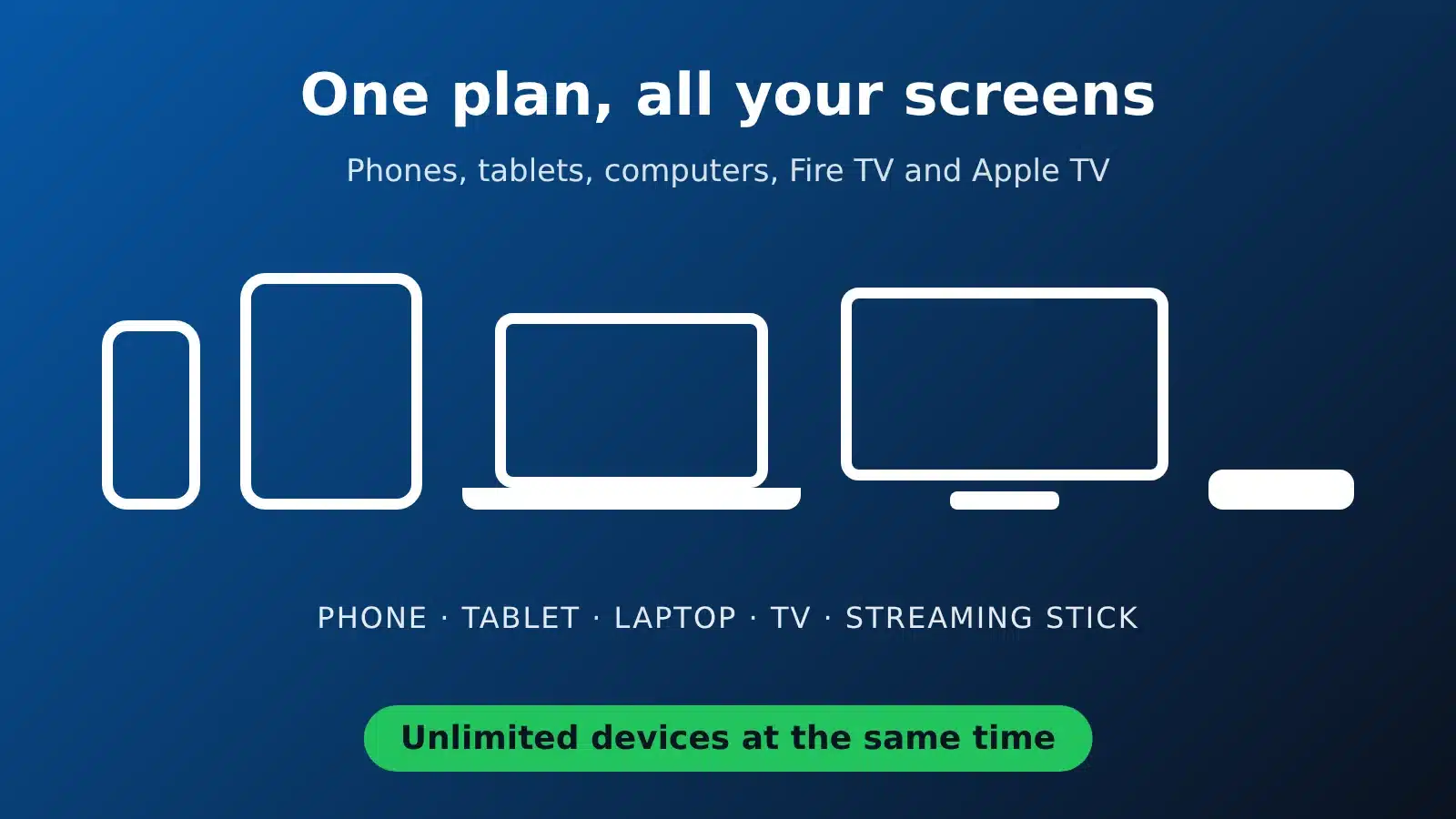
Surfshark has apps for the devices most homes use. Install the app from your device’s store or from the official Surfshark download page, then follow the activation steps above.
- Android phones and tablets: get Surfshark from Google Play.
- iPhone and iPad: get Surfshark from the App Store.
- Windows, macOS and Linux: download the desktop app.
- Amazon Fire TV and Fire TV Stick: search for Surfshark in the Amazon Appstore.
- Apple TV: install Surfshark from the App Store on the Apple TV.
- Chrome, Firefox and Edge: add the browser extension.
Samsung and LG smart TVs are not in Surfshark’s list of apps. On those TVs, use the VPN on a Fire TV Stick or Apple TV plugged into the TV, or on your phone.
All your devices share the same Surfshark VPN 6 months plan. There is no extra charge per device.
Using the VPN With GoToIPTV
A VPN is not required to watch GoToIPTV. Many clients add one for privacy on public Wi-Fi, or because their internet provider slows down streaming in the evening. The Surfshark VPN 6 months plan works well for both.
- Choose a server in your own country or a nearby one. Short distance means faster streams.
- If a channel buffers with the VPN on, try another nearby server first.
- Use Bypasser if you want the IPTV app outside the VPN while the rest of the device stays protected.
- If a stream still cuts with the VPN on, message us on WhatsApp: we check your line and give you the right server for VPN users.
Watching on a TV stick? Our free GoTo Player runs on Fire TV and Android TV next to Surfshark. To check that your IPTV subscription is active, use Check my IPTV account.
Tips for the Best Speed
- Use a cable or 5 GHz Wi-Fi for the TV stick when you can.
- Turn on Auto-connect so the VPN starts with the device.
- Restart the Surfshark app after a router restart if the connection feels slow.
- Keep the Surfshark app updated from your app store.
- Read our IPTV buffering fixes for more streaming tips.
How to Pay
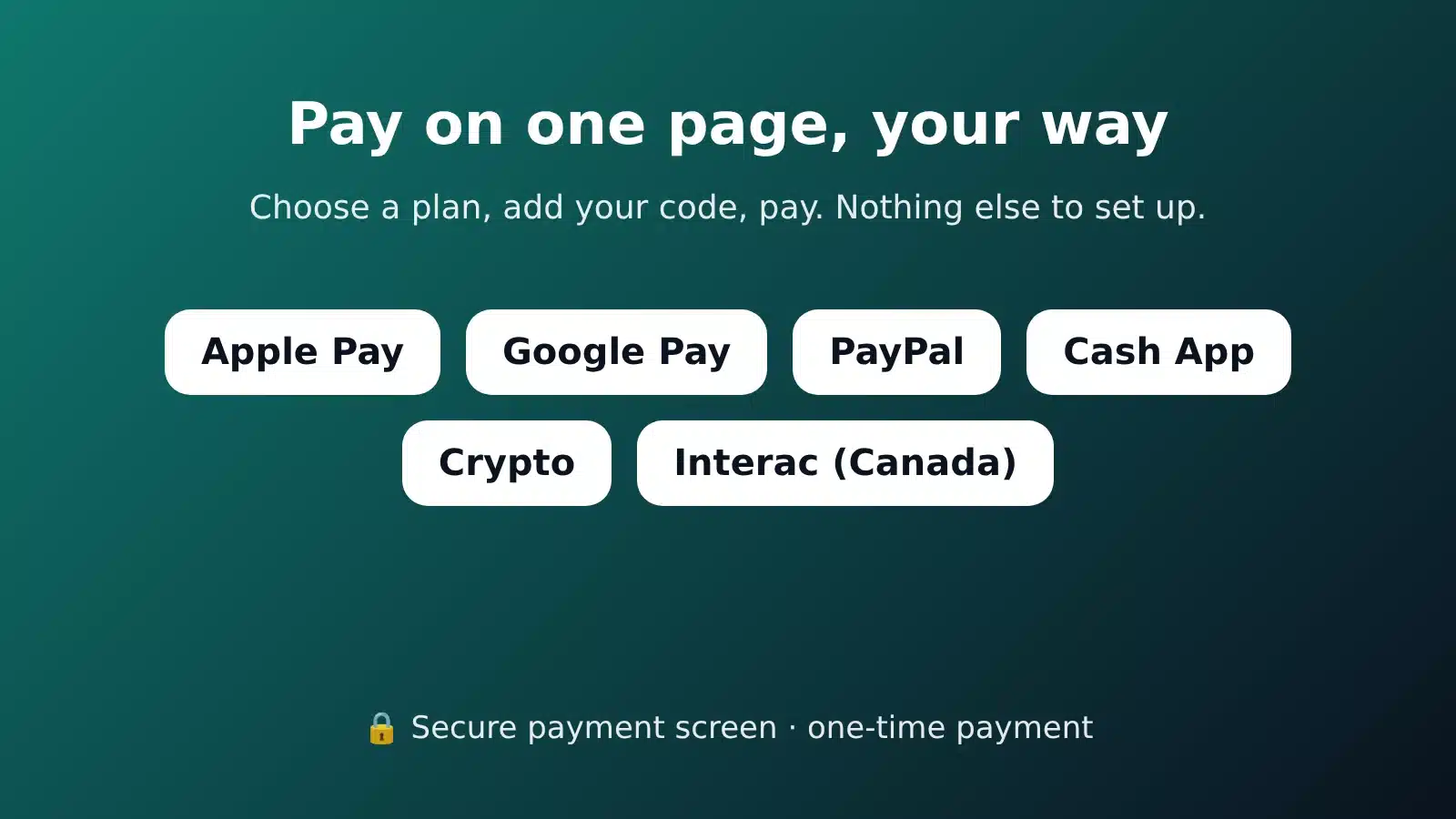
Pay for the Surfshark VPN 6 months plan on the same page as the order form. A secure payment screen opens after you tap Pay.
- Apple Pay, Google Pay, PayPal, Cash App and crypto through our secure Pay With screen.
- Interac e-Transfer for clients in Canada.
You get a confirmation by email. The order page also lets you send a new login code if the first one changed.
When Your Plan Ends
Your Surfshark VPN 6 months plan runs for six months from activation. Nothing is charged again: there is no card on file and no automatic renewal. To keep the VPN after six months, order again on our Surfshark VPN page. Many clients move up to the 12-month plan at that point because it costs less per month.
Surfshark VPN 6 Months FAQ
Why choose the Surfshark VPN 6 months plan instead of a longer one?
Because it is the smallest payment ($20) and the shortest commitment. It suits a season, a trip or a first test of a VPN. You can move to 12 or 24 months later.
Does Surfshark sell a 6-month plan itself?
Surfshark’s own website lists monthly, 1-year and 2-year plans. Our 6-month plan gives you a middle option, activated for you.
Is the Surfshark VPN 6 months plan good for streaming sports?
Yes. Pick a server close to you for the best speed, and keep the VPN for the months of your season. If an IPTV stream ever cuts with the VPN on, message us on WhatsApp.
How fast is the Surfshark VPN 6 months plan activated?
We activate it as soon as we see your payment. Keep the Surfshark app open on the login code screen: it logs in by itself once we enter the code.
Do I need to create a Surfshark account?
No. We add your device to our Surfshark VPN account so it works smoothly. You only need the Surfshark app and its login code.
Where do I find my login code?
Open the Surfshark app and tap “Logged in on another device?”. A short code appears on the screen. Type it in the order form.
What if my code expired?
Codes change every few minutes. After paying, send the new code from your order page or on WhatsApp. You can send a new code every 3 minutes.
Does the Surfshark VPN 6 months plan renew automatically?
No. You pay once. To continue after your plan ends, order a new plan on the VPN page.
Is a VPN required for GoToIPTV?
No. It is optional. Some clients use it for privacy or when their internet provider slows down streaming.
Will the VPN slow down my internet?
Any VPN adds a small detour. Pick a server close to you and the difference is usually hard to notice. If one server feels slow, try another nearby one.
Can I use the VPN when I travel abroad?
Yes. Surfshark has 4,500+ servers in 100 countries. Open the app wherever you are and choose a server, or let it pick the fastest one.
Ready for six months of private, safer browsing on all your devices? The Surfshark VPN 6 months plan is $20, paid once, and you keep using the Surfshark app you already know.
Get the Surfshark VPN 6 months plan for $20 →
Compare all plans on the Surfshark VPN GoToIPTV page, or see the Surfshark VPN 12 months for $30 and Surfshark VPN 24 months for $40 plans.
Surfshark is a trademark of Surfshark B.V. GoToIPTV is independent of Surfshark. Server and feature details come from surfshark.com and can change.
Related products
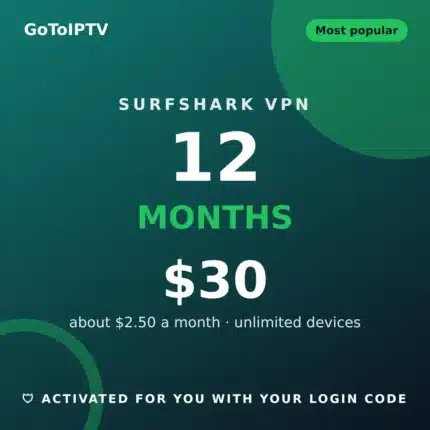
Surfshark VPN 12 Months | GoToIPTV
Surfshark VPN 12 Months for $30, paid once (about $2.50 a month). Unlimited devices, 4,500+ servers in 100 countries, activated for you with the login code from your Surfshark app.
Order and pay on our Surfshark VPN page: pick the plan, add your code, pay. No account to create.
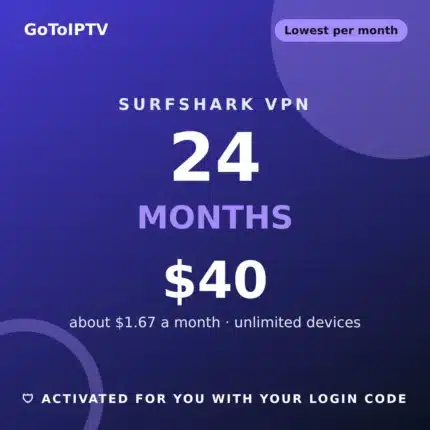
Surfshark VPN 24 Months | GoToIPTV
Surfshark VPN 24 Months for $40, paid once (about $1.67 a month). Unlimited devices, 4,500+ servers in 100 countries, activated for you with the login code from your Surfshark app.
Order and pay on our Surfshark VPN page: pick the plan, add your code, pay. No account to create.