
Surfshark VPN GoToIPTV: 3 Powerful Plans for Easy VPN Access
Surfshark VPN GoToIPTV
Choose your Surfshark VPN GoToIPTV plan from 6, 12 or 24 months. Select your plan, fill in your details and pay on this page: everything in one place, in about a minute.
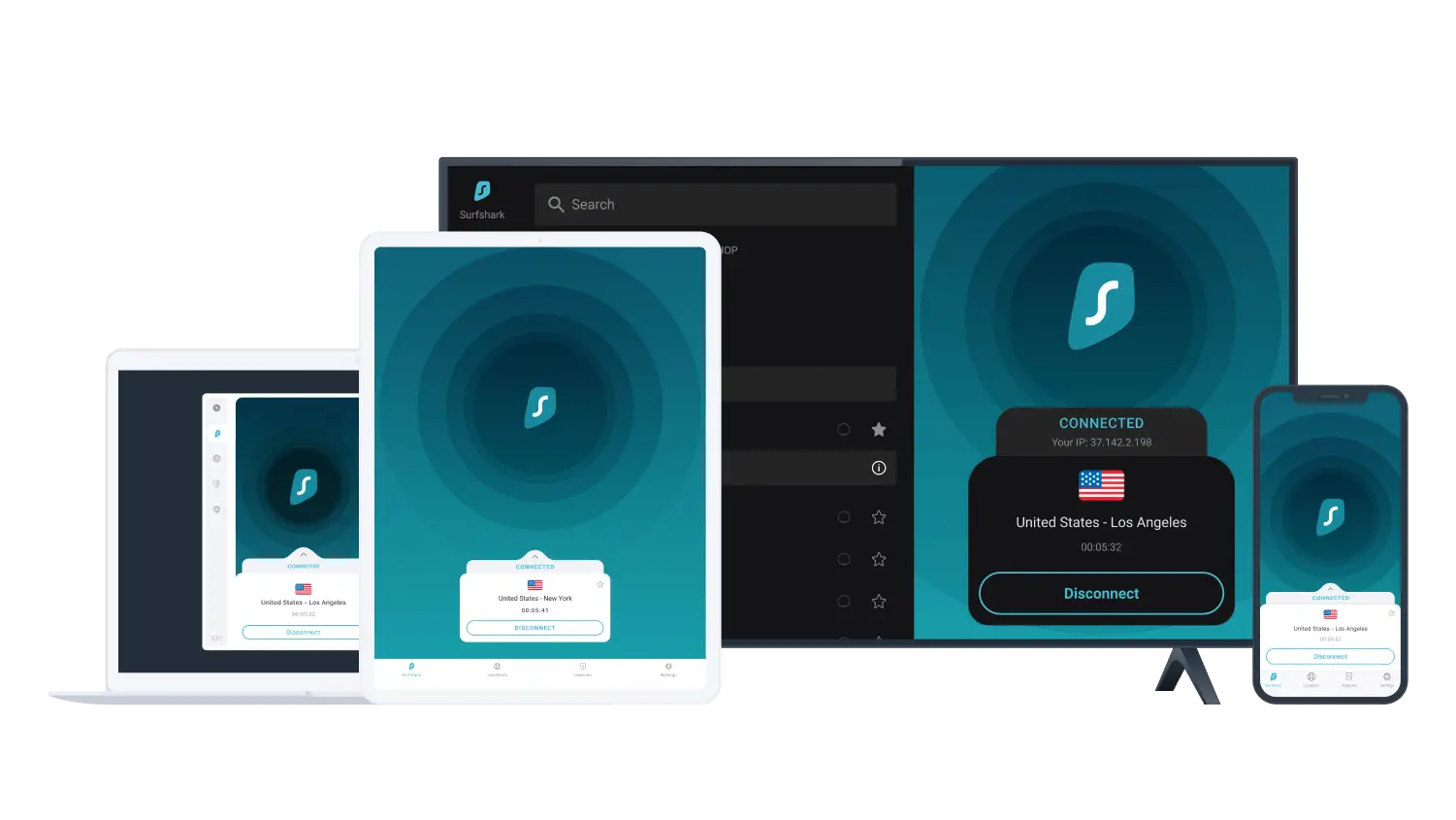
Choose Your Surfshark VPN GoToIPTV Plan
Choose from three simple subscription durations. Click BUY NOW, fill in your details and pay on the same page.
- 6-month subscription
- Surfshark VPN access
- Supported devices
- GoToIPTV assistance
- WhatsApp support
- 12-month subscription
- Surfshark VPN access
- Supported devices
- GoToIPTV assistance
- WhatsApp support
- 24-month subscription
- Surfshark VPN access
- Supported devices
- GoToIPTV assistance
- WhatsApp support
A Simple Surfshark VPN GoToIPTV Experience
Everything is organized in one place, from choosing your plan to downloading Surfshark and contacting support.
Simple Plan Selection
Choose between 6, 12 and 24 month Surfshark VPN GoToIPTV plans.
Quick Order Flow
Select your plan, fill in the form and pay right there, on one page.
Device Downloads
Find download links for Windows, Android, iOS, Linux, Chrome and macOS.
WhatsApp Assistance
Send your selected plan and order information directly to GoToIPTV.
Clear Instructions
Follow the simple step-by-step process shown on this page.
Flexible Durations
Choose the subscription duration that fits your preferred period.
How Does Surfshark VPN GoToIPTV Work?
Follow these simple steps to get started.
Download and Open Surfshark
Download Surfshark on your preferred supported device and open the application.
Get Your Login Code
Follow the instructions shown by the Surfshark application to obtain your login code: tap “Logged in on another device?” and the code appears on the screen.
Choose Your Plan
Select the 6, 12 or 24 month Surfshark VPN GoToIPTV plan you prefer.
Your GoToIPTV Order Flow
- 01 Choose your Surfshark VPN GoToIPTV plan.
- 02 Enter your name.
- 03 Enter your email address.
- 04 Enter your Surfshark login code.
- 05 Pay securely on this page. We activate your VPN with your code.
Download Surfshark VPN for Your Device
Select your device below to access the download location you need.
Surfshark VPN GoToIPTV Downloads
Choose the platform you are using. Each button opens the download destination for that device.
Complete Your Surfshark VPN GoToIPTV Order
Choose your plan, enter your information and pay securely, all on this page.
Choose Your Plan
Select your preferred 6, 12 or 24 month plan.
Fill In Your Information
Enter your name, email and Surfshark login code.
Pay Securely
Apple Pay, Google Pay, PayPal, Cash App or crypto. Interac e-Transfer in Canada. We then activate your VPN with your login code.
Make sure your name, email and login code are correct before you pay.
Order & Pay
Surfshark VPN GoToIPTV Plans and Support
GoToIPTV provides a simple way to view and choose Surfshark VPN GoToIPTV subscription options. Customers can choose between 6, 12 and 24 month plans and continue with the GoToIPTV activation process.
After selecting a plan, the page takes you directly to the activation section. Enter your name, email and Surfshark login code, then pay securely on the same page (Apple Pay, Google Pay, PayPal, Cash App, crypto, or Interac e-Transfer in Canada). We activate your Surfshark VPN with your login code once your payment arrives. Prefer WhatsApp? You can still send your order there with one tap under the form.
Each plan has its own page with every detail: the Surfshark VPN 6 months plan, the Surfshark VPN 12 months plan and the Surfshark VPN 24 months plan.
Download Surfshark VPN for Your Device
The download section provides links for Windows, Android, iOS, Linux, Chrome and macOS so you can find the appropriate download for your device.
Explore More GoToIPTV Resources
You can also explore other GoToIPTV resources for IPTV subscriptions, channels and compatible IPTV applications.
Surfshark VPN GoToIPTV FAQ
Answers to common questions about plans, downloads and activation.
What is Surfshark VPN GoToIPTV?
Which Surfshark VPN GoToIPTV plans are available?
How do I order a Surfshark VPN GoToIPTV plan?
What information do I enter in the activation form?
How do I pay?
What happens after I pay?
Where can I download Surfshark?
Which Surfshark VPN GoToIPTV plan should I choose?
Ready to Choose Your Surfshark VPN Plan?
Select your preferred Surfshark VPN GoToIPTV plan and pay on this page.
View 3 Available Plans →Surfshark is a trademark of Surfshark B.V. GoToIPTV is independent of Surfshark unless otherwise stated. All trademarks, product names and logos belong to their respective owners. Please use VPN services in accordance with applicable laws and applicable service terms.
