
GoTo Player – Lifetime Activation
$20.00
GoTo Player lifetime activation for one TV: $20, paid once. Type the MAC and KEY shown on your TV, pay, and GoTo Player unlocks itself within a minute, for good. For the direct-download version on Fire TV, Android TV and Google TV. No channels included.
♾️ GoTo Player Lifetime Activation for One TV
The GoTo Player lifetime activation unlocks the GoTo Player app on one TV or device for life, for $20, paid once. It is for the direct-download version of the app on Fire TV, Android TV and Google TV, which comes with a free trial and then asks to be activated. You type the MAC and KEY shown on your TV, pay, and the TV unlocks itself, usually within a minute.
✅ One TV, for life, $20 once. No yearly fee and nothing to renew on that TV.
On this page
- GoTo Player Lifetime Activation for One TV
- How the GoTo Player Lifetime Activation Works
- Find the MAC and the KEY on Your TV
- The Free Trial, Then the GoTo Player Lifetime Activation
- Read This Before You Pay: No Refunds
- Who Needs a GoTo Player Activation?
- What the GoTo Player Lifetime Activation Gives You
- Lifetime or 1 Year?
- GoTo Player Lifetime Activation: FAQ
- Need Help With the GoTo Player Lifetime Activation?
⚙️ How the GoTo Player Lifetime Activation Works
- Open GoTo Player on your TV. The first screen (or the lock screen after the trial) shows the TV’s MAC and a 6-digit KEY.
- Type the MAC and the KEY in the box on this page (you can type the KEY with its space, as the TV shows it, e.g. 123 456), or at gotoplayer.app/activate. Check every character.
- Pay $20 at checkout, once.
- The TV unlocks by itself, usually within a minute. You can also press “Check now” on the TV.
You get the usual order emails from gotoiptv.com, and the thank-you page confirms the activation (or says it will follow once the payment is confirmed). The lock screen checks every 15 seconds, so the TV unlocks by itself. Then the first screen and Profile show “Lifetime” or “Active until” a date.
🔎 Find the MAC and the KEY on Your TV
Everything the GoTo Player lifetime activation needs is already on your TV screen. Open GoTo Player and look at the first screen. During the free trial it is shown on the welcome screen. When the trial ends, the lock screen says “Your free trial has ended” (or “Subscription ended”) and shows both, with a “Check now” button.
- MAC: the TV’s device address, 12 letters and numbers such as AB:03:97:4F:CA:66.
- KEY: a 6-digit number that proves the TV is yours.
- Tip: take a photo of the screen with your phone, then copy both from the photo.
🧪 The Free Trial, Then the GoTo Player Lifetime Activation
The direct-download version gives you 14 days free, starting the first time the app connects to the internet. You can try everything first: live TV with a guide, movies, series and profiles. When the trial ends, GoTo Player locks and shows the MAC and KEY. The GoTo Player lifetime activation unlocks it again for life, with your playlists and settings still there.
⚠️ Read This Before You Pay: No Refunds
The GoTo Player lifetime activation is linked to the TV whose MAC and KEY you type. We cannot refund it, so check both carefully before you pay.
- Check the MAC and the KEY letter by letter. A typo activates nothing on your TV, and it cannot be refunded.
- Have a year running? You can still buy lifetime. It is the only activation a TV with a running year can buy.
- Lifetime TVs: a TV that already has the lifetime activation cannot buy again. It never needs to.
- One TV per activation. Each TV or box needs its own.
📺 Who Needs a GoTo Player Activation?
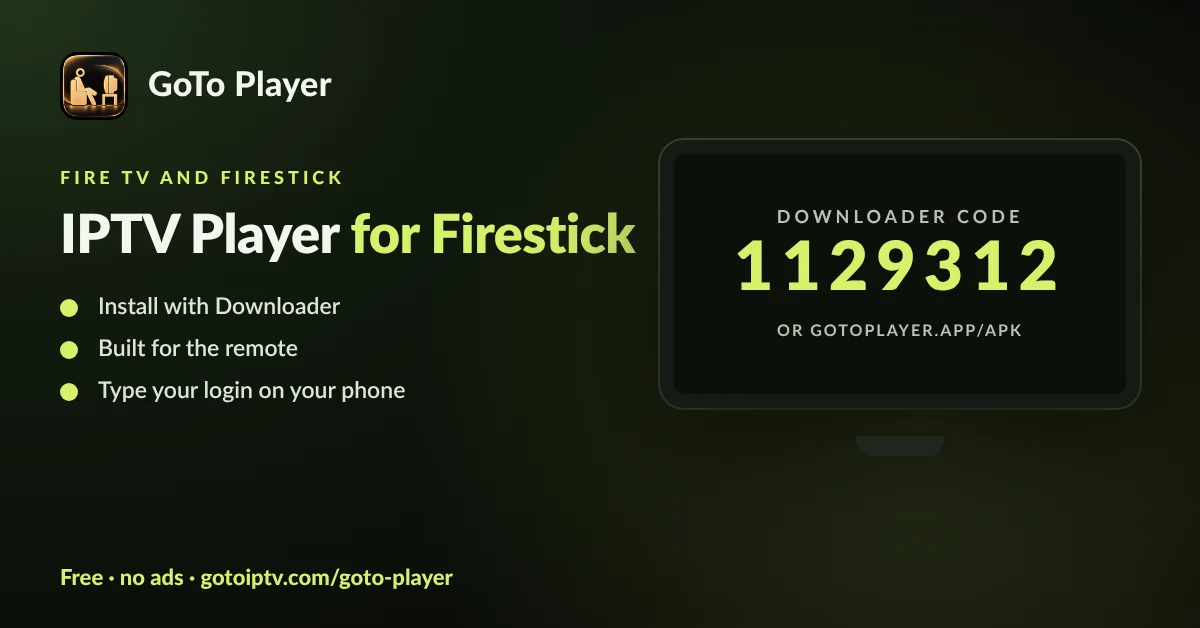
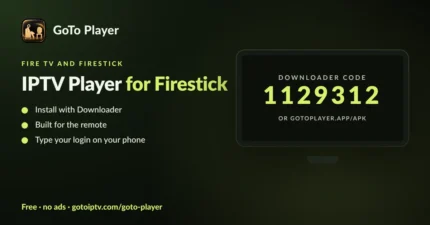
Only people who installed GoTo Player from Downloader code 1129312 or gotoplayer.app/apk: Fire TV and Firestick, Android TV, Google TV and Android boxes, plus Android phones and tablets that use the same APK. The Google Play and Windows (Microsoft Store) versions need no activation today. The iPhone version is coming soon and is not activated on this page.
Setting up for the first time? Follow our IPTV player for Firestick guide or the Android TV guide, and see the Downloader codes page for the install code.
📋 What the GoTo Player Lifetime Activation Gives You
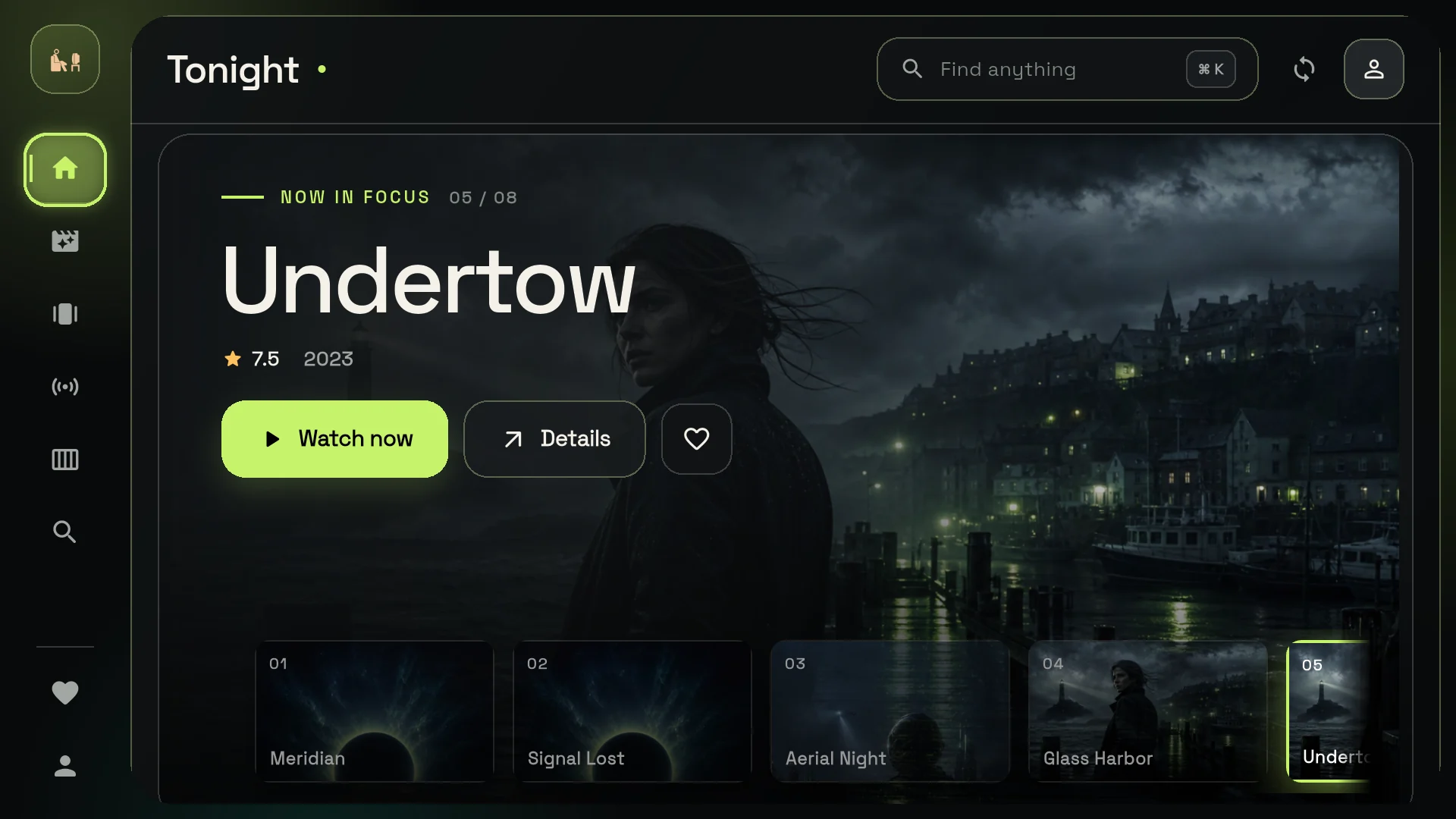
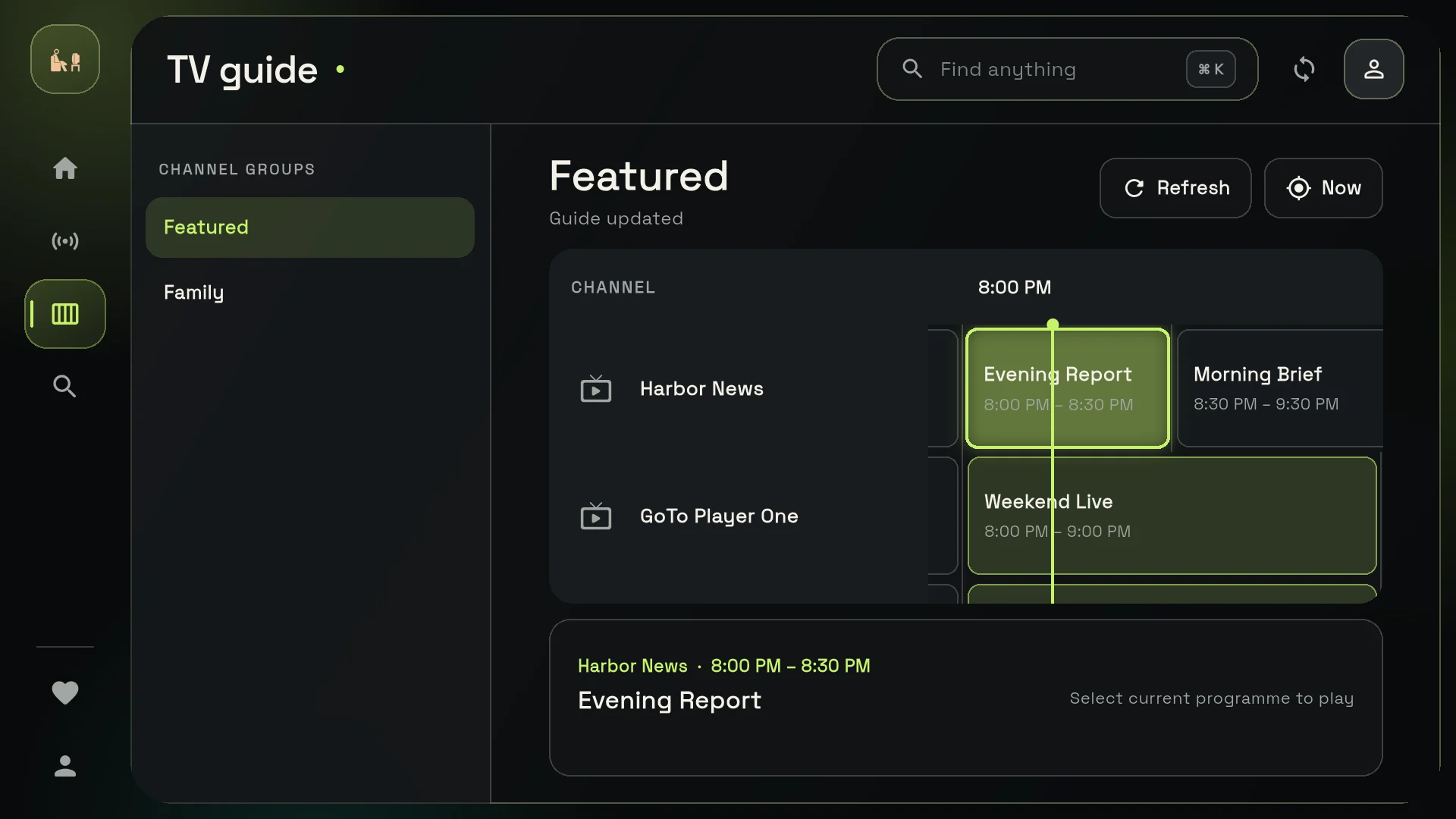
- Live TV with a TV guide, movies, series with seasons and episodes, Continue Watching and My List.
- Several viewer profiles, each with its own list and history.
- Audio tracks and subtitles, with subtitle size and sync controls.
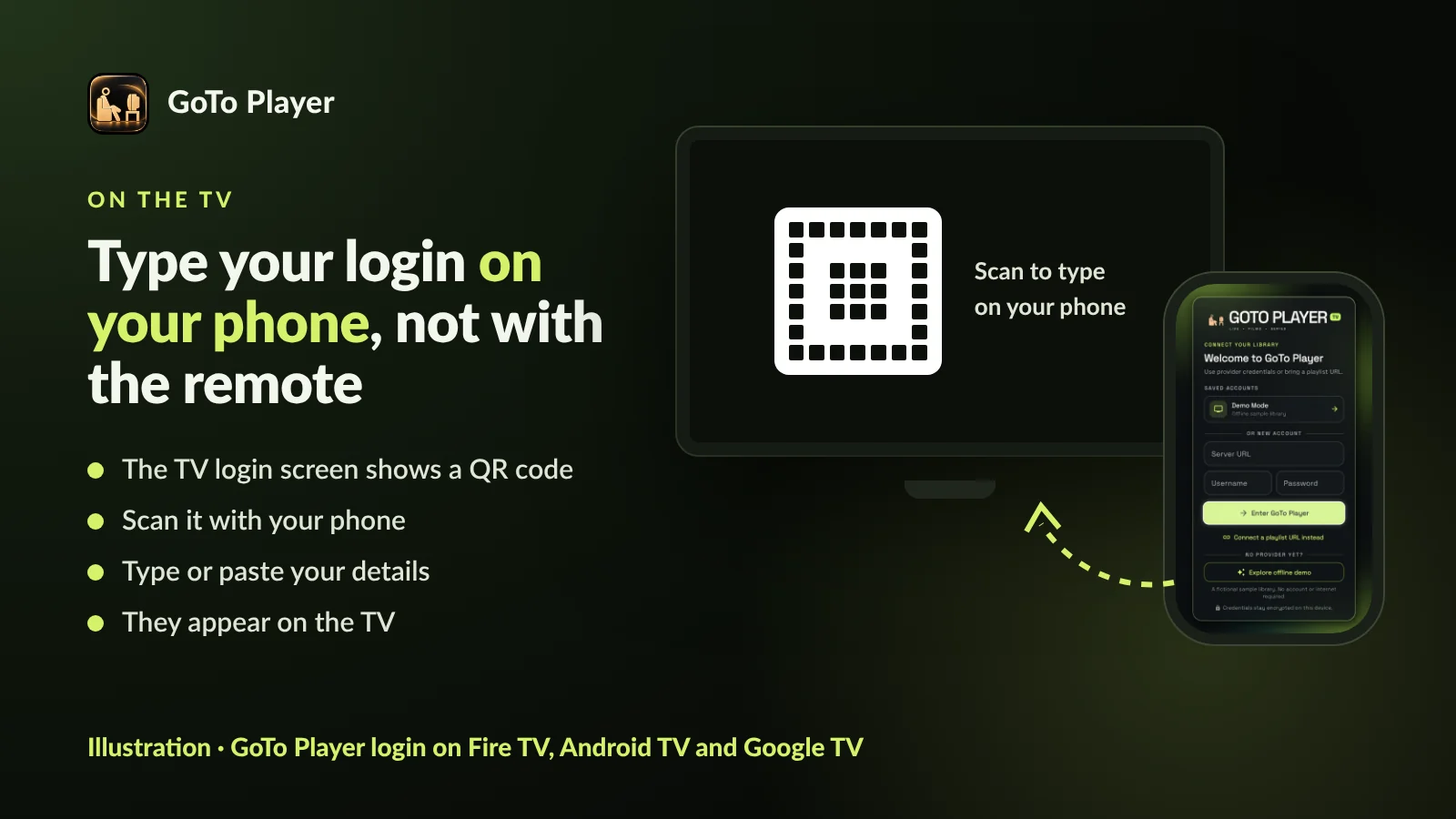
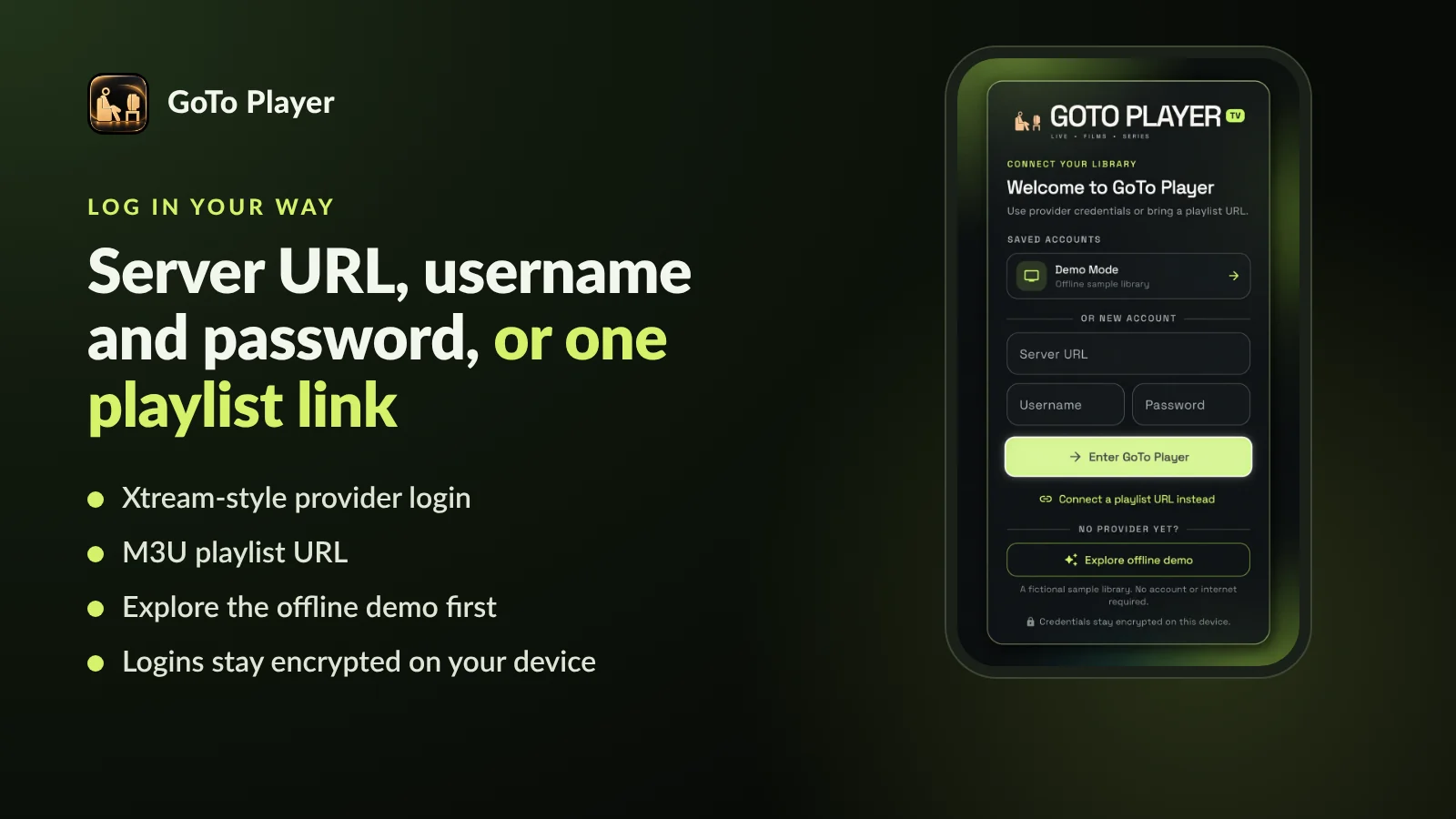
- Log in by scanning a QR code on the TV and typing on your phone.
- No ads. Updates install from the app in one tap.
GoTo Player is a player only: it plays your own playlist or provider login and includes no channels. Learn more on the GoTo Player page.
⚖️ Lifetime or 1 Year?
| 1 year | Lifetime | |
|---|---|---|
| Price | $7 | $20 once |
| How long | 12 months on one TV | For as long as you use that TV |
| Best for | Trying it for a year | Your main TV |
The GoTo Player lifetime activation costs less than three years of the yearly plan. Only need it for a while? Choose the GoTo Player 1 year activation.
❓ GoTo Player Lifetime Activation: FAQ
Where do I find the MAC and the KEY?
Open GoTo Player on the TV. The MAC and the 6-digit KEY are on the first screen, and on the lock screen after the free trial. Write them down exactly as shown, letter by letter.
How long is the free trial?
The direct-download version gives you 14 days free, starting the first time the app connects to the internet. After that, the app asks for an activation.
Which devices need a GoTo Player activation?
Only the direct-download version: Fire TV and Firestick, Android TV, Google TV and Android boxes installed with Downloader code 1129312 or from gotoplayer.app/apk, plus Android phones and tablets that use the same APK. The Google Play and Windows (Microsoft Store) versions need no activation today. The iPhone version is coming soon and is not activated on this page.
Does the activation include TV channels?
No. GoTo Player is a player only. It plays your own playlist or provider login. For channels, you need an IPTV subscription such as GoToIPTV.
Can I get a refund?
No. An activation is linked to one TV as soon as you pay, so we cannot refund it. Check the MAC and the KEY carefully before you pay.
My TV did not unlock. What do I do?
Wait one minute and press “Check now” on the TV. Make sure the TV is online. Still locked? Send us your order number on WhatsApp or by email and we will check it.
Can I move the activation to another TV?
Not by itself. A new TV or a factory reset gives a new MAC and a new 14-day free trial, and an activation stays with the old MAC. Changing TV? Ask us on WhatsApp or by email first.
What if I reinstall GoTo Player on the same TV?
The activation stays, because the MAC stays the same. The app shows a new KEY, and a playlist your provider sent has to be added again.
Should I choose the GoTo Player 1 year activation instead?
Compare both on the GoTo Player 1 year activation page. 1 year is $7; lifetime is $20 once, which costs less than three years of the yearly plan.
💬 Need Help With the GoTo Player Lifetime Activation?
Questions before you pay? Message us on WhatsApp or by email with a photo of your TV screen, and we will help you find the MAC and the KEY. Want channels to watch in GoTo Player? See our IPTV plans.

Reviews
There are no reviews yet.