
IPTV Player for Firestick: Install GoTo Player With Code 1129312
Updated
Looking for a free IPTV player for Firestick? GoTo Player installs in about a minute with the Downloader code 1129312, works with every button on your Fire TV remote and shows no ads. Add your own M3U playlist or provider login and you are ready to watch.
Important: GoTo Player is a player only. It does not include, sell or host any channels, movies or series. You add your own authorized source, such as your GoToIPTV subscription.
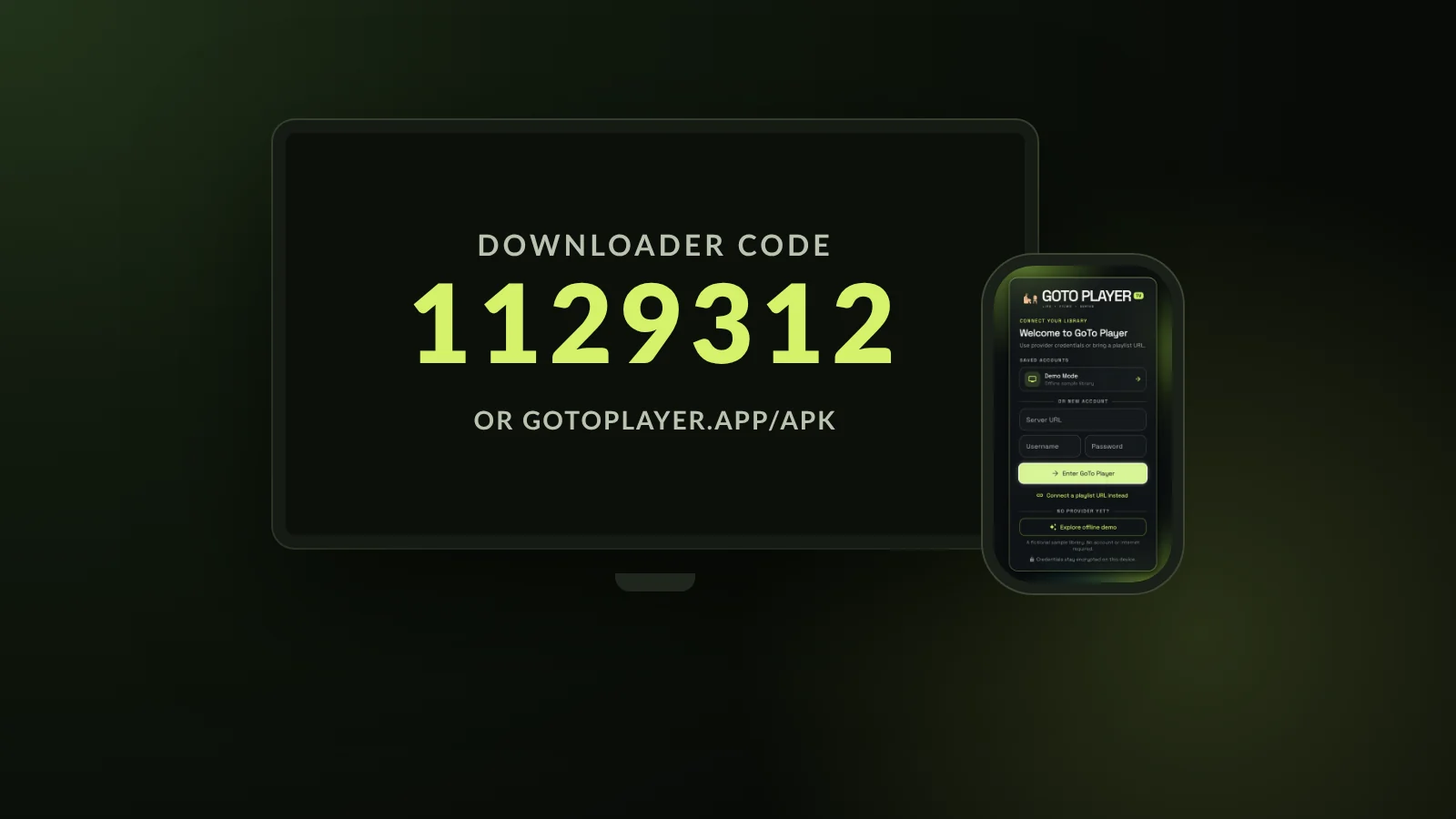 1129312Downloader codeFreeno adsRemoteevery button works
On This Page
Does Firestick Have an IPTV Player? Not Built In
Fire TV streams from apps, but it has no IPTV player of its own. To watch an IPTV subscription, you install an IPTV player for Firestick and log in with the details from your provider.
An IPTV player is the app that turns your provider details into a TV guide, a film library and a picture on the screen. It has no content of its own: channels, films and series come from the source you add. GoTo Player is the free player we recommend to our own customers.
On a Firestick the player matters more than on a phone. You control everything with a small remote, the stick has limited memory, and the app has to come from a source you can trust. A good IPTV player for Firestick is built around those three facts, so check them before you install anything.
Remote-friendly: clear menus you can use with the arrow keys, not tiny phone buttons.
Light on the stick: one app, no extra add-ons to install.
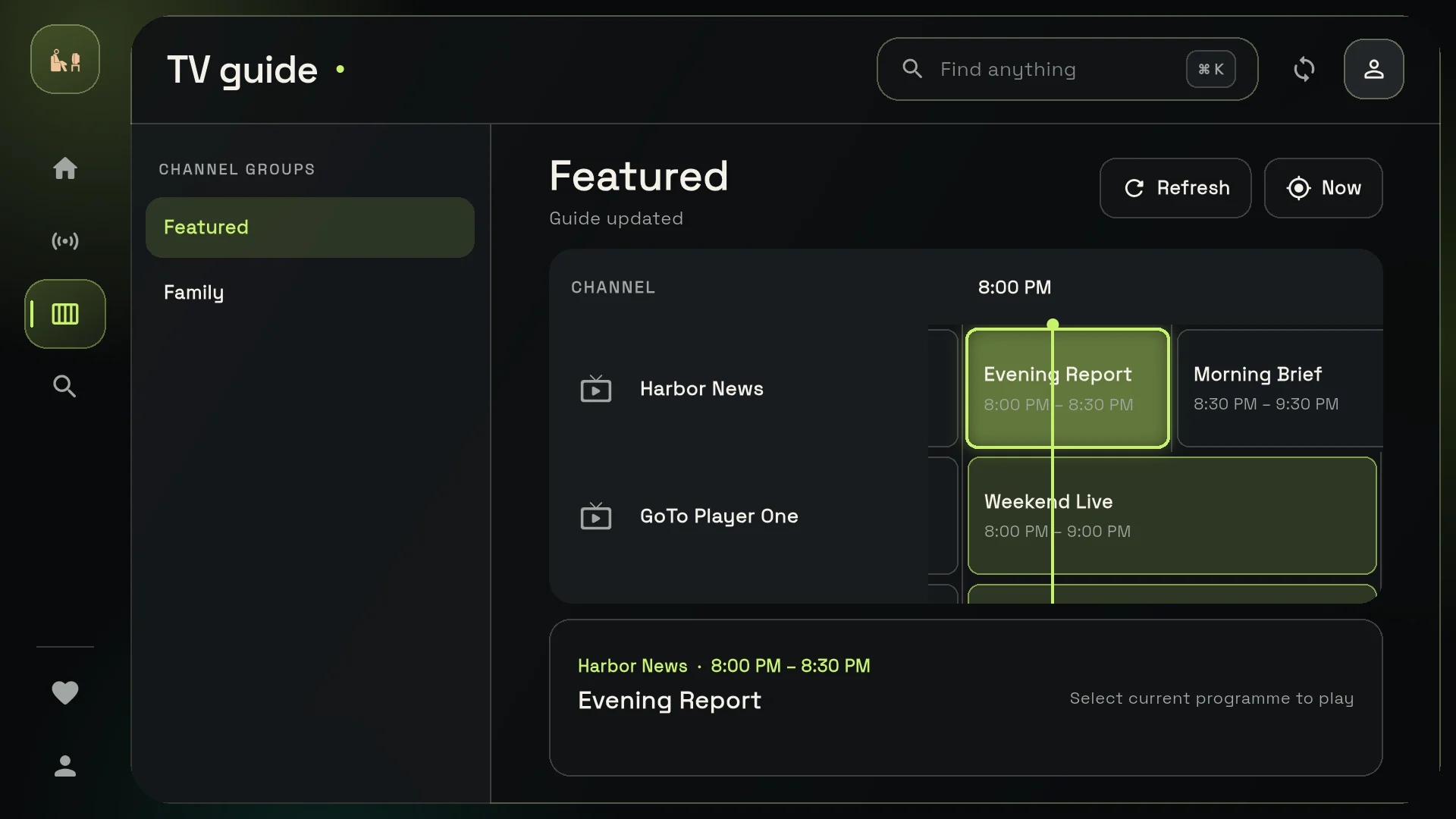
A real TV guide with what is on now and next.
A trusted source: a published Downloader code or the developer’s own website.
Why GoTo Player Is Our Recommended IPTV Player for Firestick
GoTo Player was made with the Fire TV remote in mind. Here is why we think it is the best free IPTV player for Firestick for most homes:
- Free, with no ads: no adverts between channels or in the menus, and no subscription for the player.
- Every button works with the remote. A big Fire TV fix arrived early, in version 1.0.2.
- Type your login on your phone: the TV login screen shows a QR code, so you never spell a password with the arrow keys.
- One code to install: Downloader code 1129312, or type gotoplayer.app/apk.
- A full library: live TV with a TV guide, movies, series with seasons and episodes, Continue Watching and My List.
- Private by design: your logins are stored encrypted on the Firestick and are sent only to the service you add.
How to Install an IPTV Player for Firestick: Code 1129312
GoTo Player installs on Fire TV with Downloader, the free app by AFTVnews that turns a short number into a download. The whole job takes about a minute.
- 1
Install Downloader by AFTVnews from the Amazon Appstore: search for “Downloader” on the home screen.
- 2
Allow it to install apps: Settings, My Fire TV, Developer options, Install unknown apps, Downloader: On.
- 3
Open Downloader, select the address box, type 1129312 (or gotoplayer.app/apk) and press Go.
- 4
Press Install when the download finishes, then Open.
- 5
Tidy up: let Downloader delete the installation file to free up space. GoTo Player stays installed.
No Developer options in the menu? Go to Settings, My Fire TV, About, and click your device name seven times. Developer options then appears under My Fire TV.
The download is the current Android version of GoTo Player, 1.0.6, about 70 MB. It is the same file you get from gotoplayer.app/download, so you can check the code on the developer’s own page before you type it.
Some newer Fire TV models only allow apps from the Appstore. On those, Downloader cannot install GoTo Player; use a Google TV device instead and follow our IPTV player for Android TV guide.
Once it is installed, GoTo Player appears in your apps list: hold the Home button and choose Apps to find it, then use the Menu button on the remote to move it to the front, so it is always one click away.
Log In Without Typing on the Remote
Typing a server address with a Fire TV remote is the part everyone dreads. GoTo Player lets your phone do it.
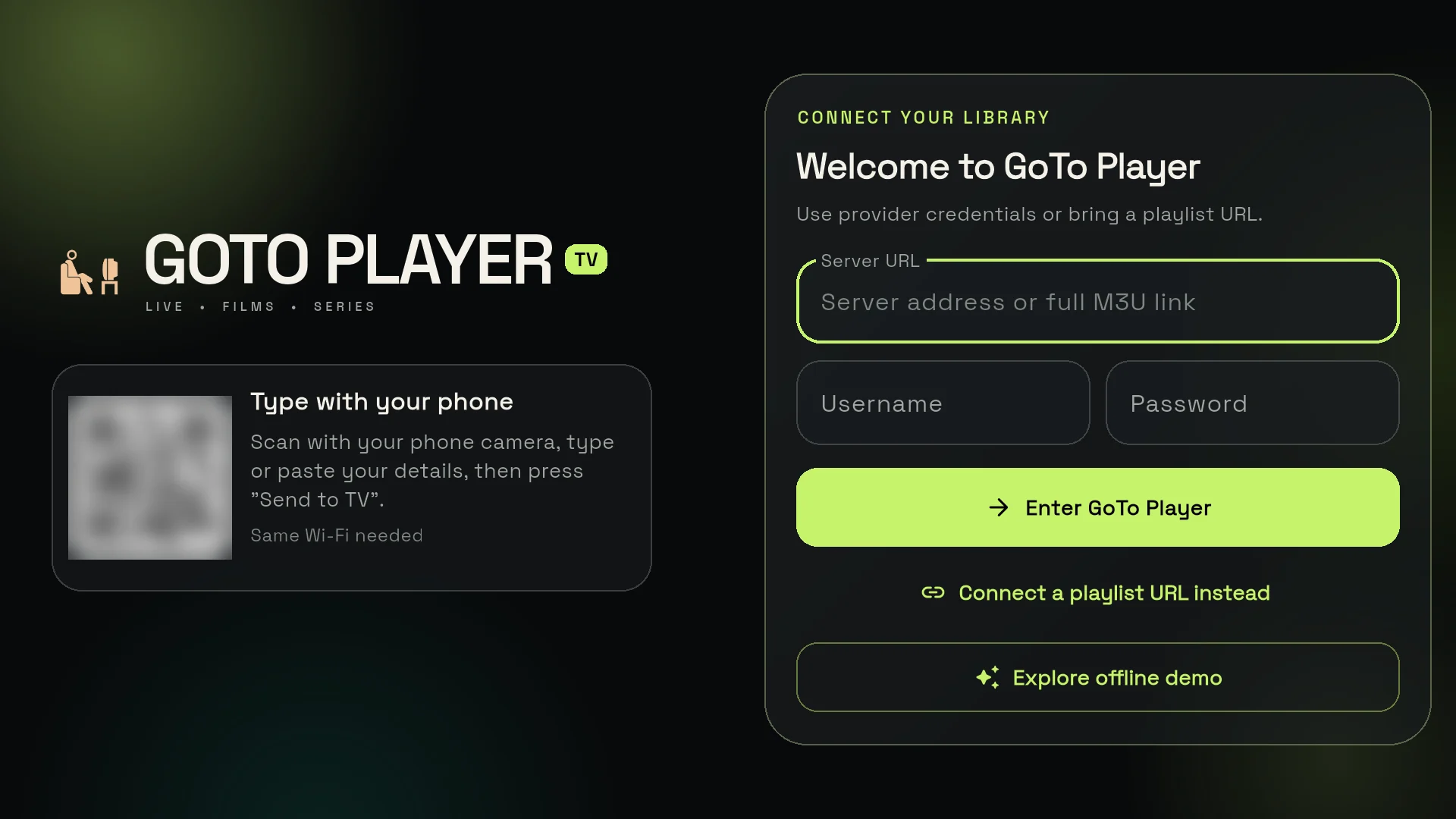
When you open GoTo Player on the Firestick, the login screen shows a QR code. Scan it with your phone camera, then type your details on the phone keyboard. They appear on the TV, ready to use. No more hunting for letters with the arrow keys. Your phone just needs to be on the same Wi-Fi as the Firestick.
You can log in two ways. A provider login, often called Xtream Codes, uses a server URL, a username and a password; it loads live TV, the TV guide and on-demand titles together. An M3U playlist is a single link from your provider. This IPTV player for Firestick accepts both.
Our Xtream player guide explains every login field, and the M3U player guide covers playlist links. Not ready to log in yet? The built-in demo lets you try GoTo Player with a fictional sample library first.
An IPTV Player for Firestick Built for the Remote
Plenty of players are phone apps stretched onto a TV screen. GoTo Player has a TV layout of its own.
- Every button works with the remote, from the welcome screen to the player.
- Fire TV fixed early: version 1.0.2 brought a big Fire TV fix.
- Login on your phone with the QR code, instead of typing with the arrows.
- Fast search across live TV, movies and series.
- Viewer profiles, each with its own list and history, so the family keeps separate Continue Watching rows.
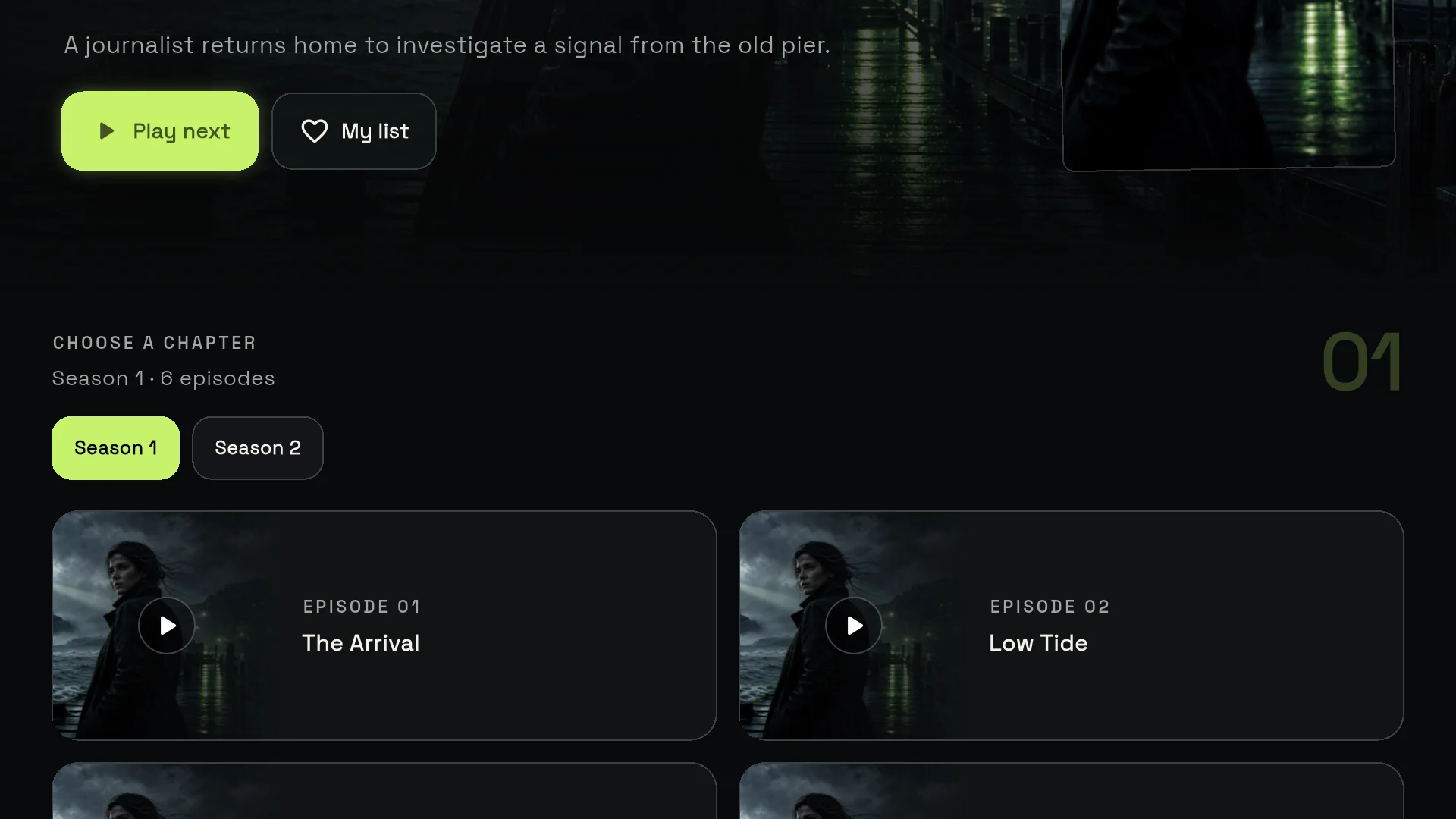
Pictured: GoTo Player on a TV, with the built-in demo library. All artwork is invented for the demo.
What You Get on Fire TV, and What You Don’t
Here is exactly what this IPTV player for Firestick does on a Fire TV device, based on the current Android version, 1.0.6. The main GoTo Player page covers phones, tablets and Windows too.
Live TV and TV guide
Channels by category, with a TV guide (EPG) from your source that shows what is on now and next.
Movies
Your films sorted by category, each with a details page, so you can browse with the remote instead of scrolling one long list.
Series
Seasons and episodes laid out clearly, so carrying on with the next episode takes one click.
Continue Watching and My List
Pick up any film or episode where you stopped, and keep favourites together in My List.
Audio and subtitles
Switch between audio tracks and subtitles, and adjust subtitle size and sync.
Viewer profiles
Several profiles on one Firestick, each with its own list and history.
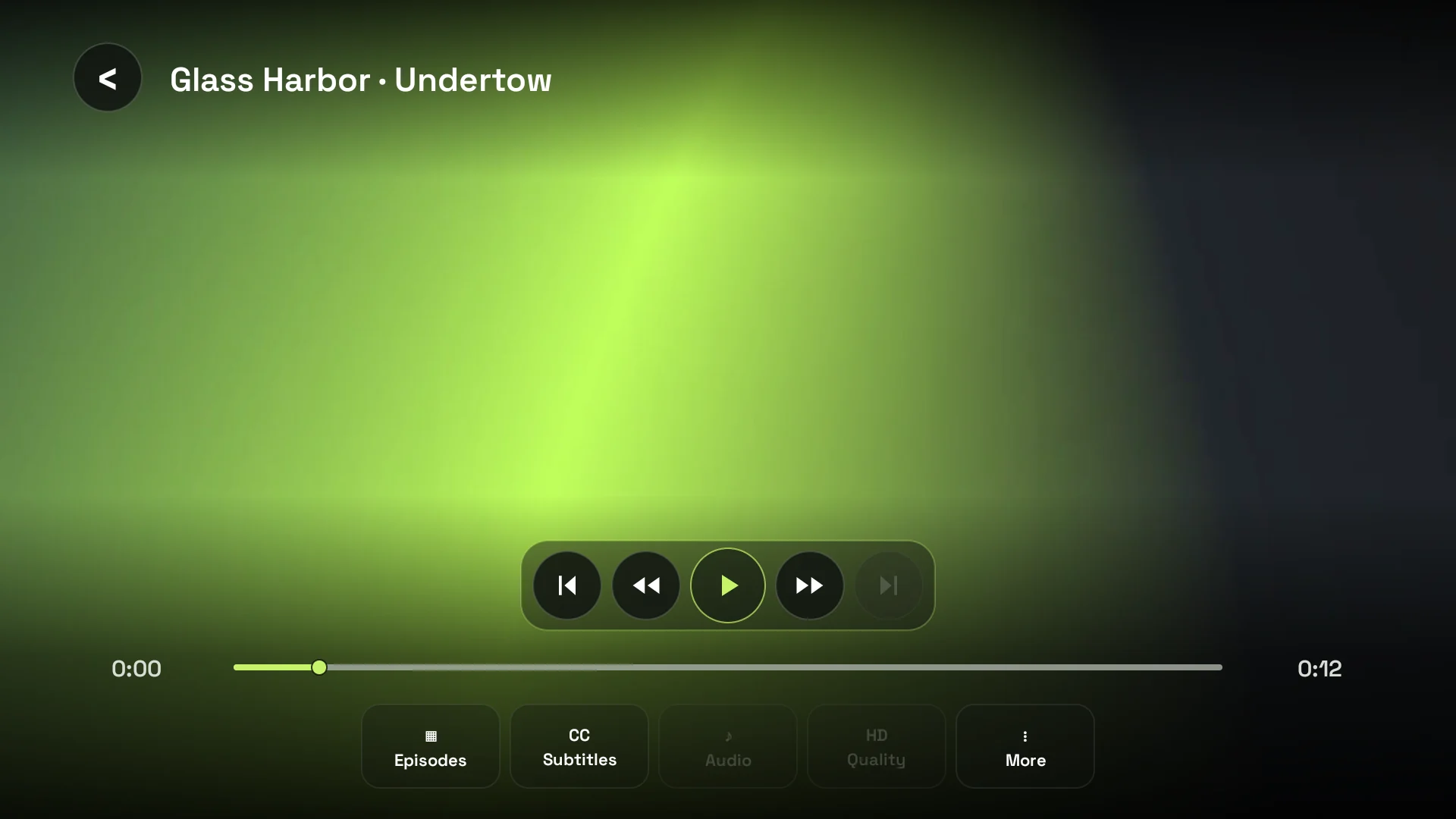
The player on the TV: subtitles and audio tracks when your source has them, all from the remote.
Not on Fire TV: offline downloads are not available on TVs. Saving films and episodes to watch without internet works on Android phones and tablets and on Windows. If that matters to you, see our free IPTV player for Windows guide.
Keeping GoTo Player Up to Date on Fire TV
Apps installed with Downloader do not update through the Amazon Appstore, so GoTo Player takes care of its own updates.
- 1
Watch for the message: when a new version is out, GoTo Player shows “Update available”.
- 2
Tap to install: one tap downloads and installs the new version.
- 3
Or check yourself: Profile, App version & updates, Download latest version.
- 4
Nothing to redo: your playlists, logins and settings stay.
You can also run Downloader again with code 1129312 and install the new file over the old one. The current Android version is 1.0.6, released on 21 October 2026.
Keeping the app current gives you the latest remote and playback fixes, so it is worth installing an update the same evening you see the message.
Privacy on Your Firestick
A free IPTV player for Firestick should not pay for itself with your data. Here is what GoTo Player does and does not do:
No ads and no tracking of what you watch.
Encrypted logins, stored on the Firestick and sent only to the service you add.
Anonymous counts you control: the Downloader version sends counts such as daily opens and crash types.
One switch: turn those counts off in Profile, Anonymous usage stats.
These anonymous counts help the developer improve the app; GoTo Player does not track what you watch. The store versions, such as the Windows app, collect no data at all. Read the full privacy policy on gotoplayer.app.
IPTV Player for Firestick 4K: Tips for Smooth Playback
Any IPTV player for Firestick is only as smooth as the stick and the connection behind it. Five habits make the biggest difference:
- Keep storage free: remove apps you no longer use, and let Downloader delete installation files.
- Use a cable if you can: an Ethernet adapter for Fire TV, or 5 GHz Wi-Fi close to the router.
- Check your speed: about 10 Mbps per screen for HD and 25 Mbps for 4K.
- Restart once a week: unplug the Firestick for a few seconds, and restart the router too.
- Set the time zone on the Fire TV so the TV guide matches your evening.
Test the connection on Speedtest from the Firestick itself, using the Silk browser or a speed-test app from the Appstore. A result well above 25 Mbps leaves room for 4K even when someone else in the house is online.
Still pausing? Our IPTV not working guide walks through every fix in order, from the router to the source.
GoTo Player vs Other IPTV Players for Firestick
GoTo Player is not the only IPTV player for Firestick. Here is a fair overview of popular choices; check each app’s own page for current details.
Set-up guides: TiviMate set-up, IPTV Smarters Pro set-up and Hot Player on Firestick. For players on every device, read our best IPTV player guide.
Only Install From Codes You Can Trust
A Downloader code is just a short link. What matters is where it points.
Lists of “best Downloader codes” are everywhere, and many point to modified copies of apps or to apps that stream content without a licence. The safe rule is simple: use codes published by the app’s own developer, check them on the developer’s website, and skip anything that promises something for nothing.
GoTo Player’s code, 1129312, is published on gotoplayer.app/download and points to the same file as gotoplayer.app/apk. Our Downloader codes guide explains how codes work and lists only safe ones.
- Check the source: the developer’s own site or an app store.
- Avoid APK mirror sites and modified copies of apps.
- Keep Install unknown apps limited to Downloader.
- Remove apps you do not recognise in Settings, Applications.
IPTV Player for Firestick Not Working? Quick Fixes
Most problems come from the network or the login details, not the player. Work through these in order:
Login still refused? The fixes in our failed to authorize guide work for GoTo Player too. App questions: [email protected]. Subscription questions: GoToIPTV on WhatsApp at +1 (917) 924-8236.
Need a Source for Your IPTV Player for Firestick?
GoTo Player plays the source you add. If you do not have one yet, GoToIPTV plans work with it on Fire TV.
- 1
Open My Account on gotoiptv.com and go to Downloads: GoTo Player, the code and the links are there.
- 2
Install GoTo Player with Downloader code 1129312.
- 3
Log in with the GoToIPTV username and password from your email, or scan the QR code and type them on your phone.
- 4
Add favourites to My List and set the Fire TV time zone.
Not sure which service suits a Fire TV? Our best IPTV for Firestick guide compares what to look for. Need help on the day? Tap the chat button on gotoiptv.com or message us on WhatsApp.
More GoTo Player Guides
Setting up another screen? Each guide covers one device or login type, and the GoTo Player overview has everything in one place.
IPTV Player for Firestick FAQ
What is the best IPTV player for Firestick?
The best IPTV player for Firestick is easy to use with the remote, shows a proper TV guide and comes from a source you trust. GoTo Player, our recommended free player, does all three: it shows no ads, every button works with the Fire TV remote, and you install it with Downloader code 1129312.
Is there a free IPTV player for Firestick?
Yes. GoTo Player is a free IPTV player for Firestick with no ads and no subscription for the player. You add your own M3U playlist or provider login; the channels and films come from your IPTV provider, not from the app.
What is the Downloader code for GoTo Player?
The code is 1129312. Open Downloader on your Fire TV, select the address box, type 1129312 and press Go. You can also type gotoplayer.app/apk instead of the code.
Why can’t I install apps from Downloader on my Fire TV?
Usually Install unknown apps is still off for Downloader. Turn it on in Settings, My Fire TV, Developer options. If Developer options is missing, open About and click your device name seven times. Some newer Fire TV models only allow Appstore apps; on those, use a Google TV device.
Can I type my login with my phone instead of the remote?
Yes. The GoTo Player login screen on the TV shows a QR code. Scan it with your phone, type your server, username and password (or paste your M3U link) on the phone keyboard, and the details appear on the TV.
Does GoTo Player work on Firestick 4K and Fire TV Cube?
GoTo Player runs on Fire TV devices that allow apps from Downloader. If your model only allows apps from the Amazon Appstore, Downloader cannot install it; a Google TV device is the easy alternative.
Can I download films on Firestick?
No. Offline downloads in GoTo Player are not available on TVs. You can save films and episodes on Android phones and tablets and on Windows, where your content rights allow it.
How do I update GoTo Player on Fire TV?
When a new version is out, the app shows “Update available” and one tap installs it. You can also open Profile, App version & updates, Download latest version, or run Downloader with code 1129312 again. Your playlists and settings stay.
Is it safe to install an IPTV player for Firestick with Downloader?
Yes, when the code comes from the app’s developer. GoTo Player’s code 1129312 is published on gotoplayer.app. Avoid codes from random lists and copies of apps from APK mirror sites.
Does an IPTV player for Firestick come with channels?
No. A player only plays the source you add. GoTo Player does not include, sell or host any channels, movies or series: your IPTV provider supplies them, for example with a GoToIPTV plan.
Do I need a VPN for GoTo Player on Firestick?
No. GoTo Player works without a VPN. Some people use one for privacy; a VPN does not change what is legal to watch.
Can I use one login on several Firesticks?
You can install GoTo Player on as many Fire TV devices as you like. How many can play at the same time depends on your IPTV plan, usually one screen per line.
Install Your IPTV Player for Firestick Now
Free, no ads, one Downloader code. Add your playlist or provider login, scan the QR code to type it on your phone, and start watching on the TV you already own.
