
Blog – iPTV Tips
4K IPTV in 2026: What You Need for a Stunning Picture

If you own a 4K TV, you have probably noticed that most channels do not look as sharp as the demo videos in the shop. 4K IPTV changes that: Ultra HD channels and movies streamed straight to your TV, with four times the detail of Full HD. This guide explains what 4K really means, what you need at home and how to get the sharpest picture without freezing.
Table of Contents
What Is 4K IPTV?
4K, also called Ultra HD, is a picture of about 3840 by 2160 pixels, four times as many as Full HD. 4K IPTV means live channels and on-demand movies and series delivered over the internet in that resolution, to a 4K TV or a 4K streaming device.
The difference is easy to see on big screens: faces, grass on a football pitch, landscapes in nature documentaries and text on screen all look crisper and more natural.
HD vs Full HD vs 4K
| HD | Full HD | 4K Ultra HD | |
|---|---|---|---|
| Resolution | 1280 x 720 | 1920 x 1080 | 3840 x 2160 |
| Detail vs HD | 1x | 2.25x | 9x |
| Internet per screen | About 5 to 8 Mbps | About 8 to 15 Mbps | 25 Mbps or more |
| Best for | Small TVs, phones | Most TVs | 50-inch TVs and larger |
On a TV under 43 inches, Full HD already looks great. From 50 inches up, 4K makes a clear difference.
What You Need for 4K IPTV
1. A 4K TV
Any TV labelled 4K, UHD or Ultra HD. If it also supports HDR, many movies will show richer colours and brighter highlights.
2. A 4K-Capable Device
Not every streaming device can play 4K. Good choices:
- Fire TV Stick 4K, 4K Max or Fire TV Cube: see IPTV on Firestick and the best IPTV for Firestick
- Apple TV 4K: see IPTV on Apple TV
- 4K Google TV and Android TV boxes: see IPTV on an Android TV box
- Recent Samsung and LG 4K Smart TVs: see the Samsung and LG guides
3. Enough Internet Speed
Plan for 25 Mbps or more for each 4K screen. Test on the TV device itself with Speedtest, in the evening, when your network is busiest.
4. A Good Connection to the TV
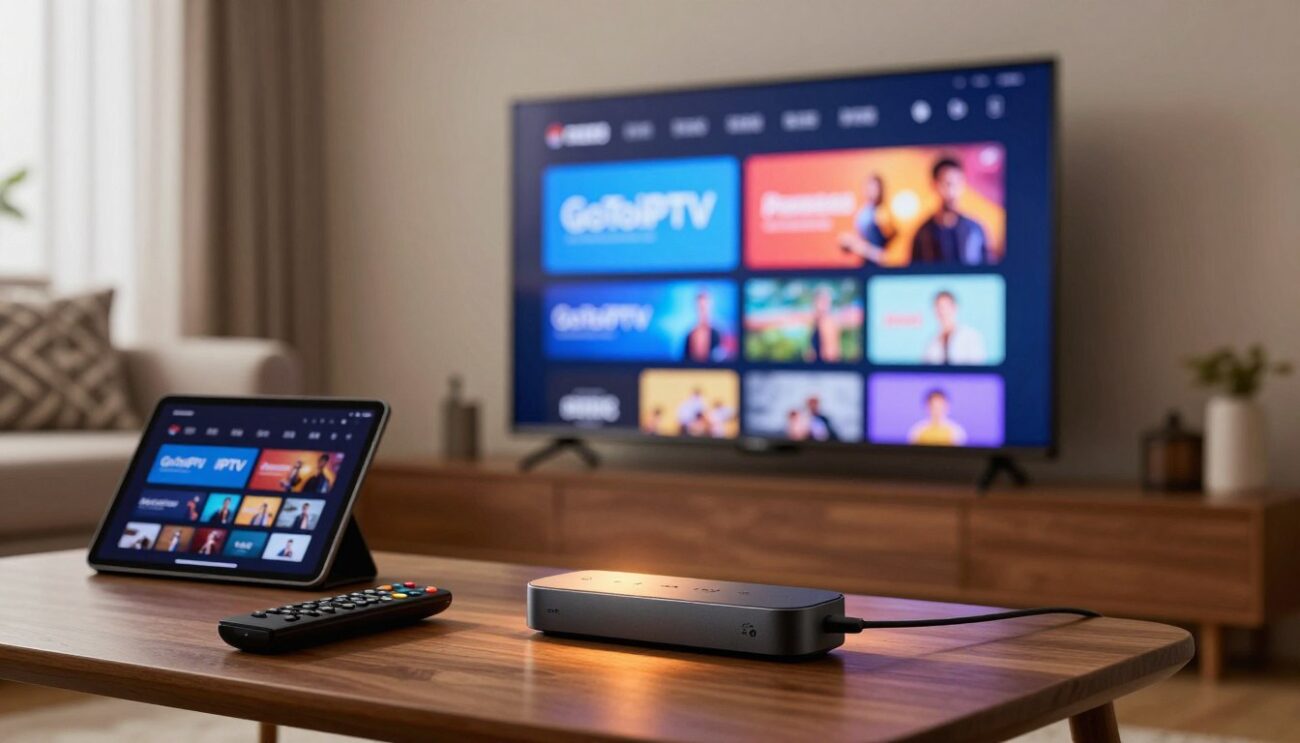
Use an Ethernet cable for 4K whenever you can. If you must use Wi-Fi, choose 5 GHz or Wi-Fi 6 and keep the router close to the TV.
5. The Right HDMI Port and Cable
Use a High Speed or Ultra High Speed HDMI cable and plug the device into an HDMI port that supports 4K at 60 Hz, often labelled HDCP 2.2 or ARC.
Best Settings for 4K IPTV
| Setting | Device | Recommended |
|---|---|---|
| Display resolution | Fire TV, Android TV, Apple TV | Auto, or 4K |
| Match frame rate | Most devices | On |
| HDR | Device and TV | Adaptive, or On if your TV supports it |
| Video decoder | Player app | Hardware |
| Buffer size | Player app | Medium or large |
On the TV itself, turn on the enhanced HDMI mode for the port you use. Each brand names it differently, for example “Input Signal Plus” or “HDMI Ultra HD Deep Colour”.
How to Avoid Freezing in 4K
4K uses about three times more data than Full HD, so small network problems show up faster. Five quick rules:
- Cable beats Wi-Fi for every 4K screen.
- Pause big downloads on the same network.
- Restart the router and device once a week.
- Switch to the HD version of a channel during very busy live events.
- Keep your player updated.
Still freezing? Our IPTV buffering fix guide has 12 proven fixes.
4K on Phones and Laptops
Most phones and laptop screens are too small to show the full benefit of 4K, and streaming in 4K on mobile data uses a lot of your allowance. On these devices, Full HD gives a great picture and saves data and battery. Keep 4K for the big TV in the living room, where the extra detail is easy to see.
What 4K Content Can You Watch?
With GoToIPTV, many popular channels and a large part of the movie and series library are available in 4K, alongside HD and Full HD versions. Sports, nature documentaries and new movies are where 4K IPTV shines most. Browse the categories in our IPTV channels list.
How to Check You Are Really Watching 4K
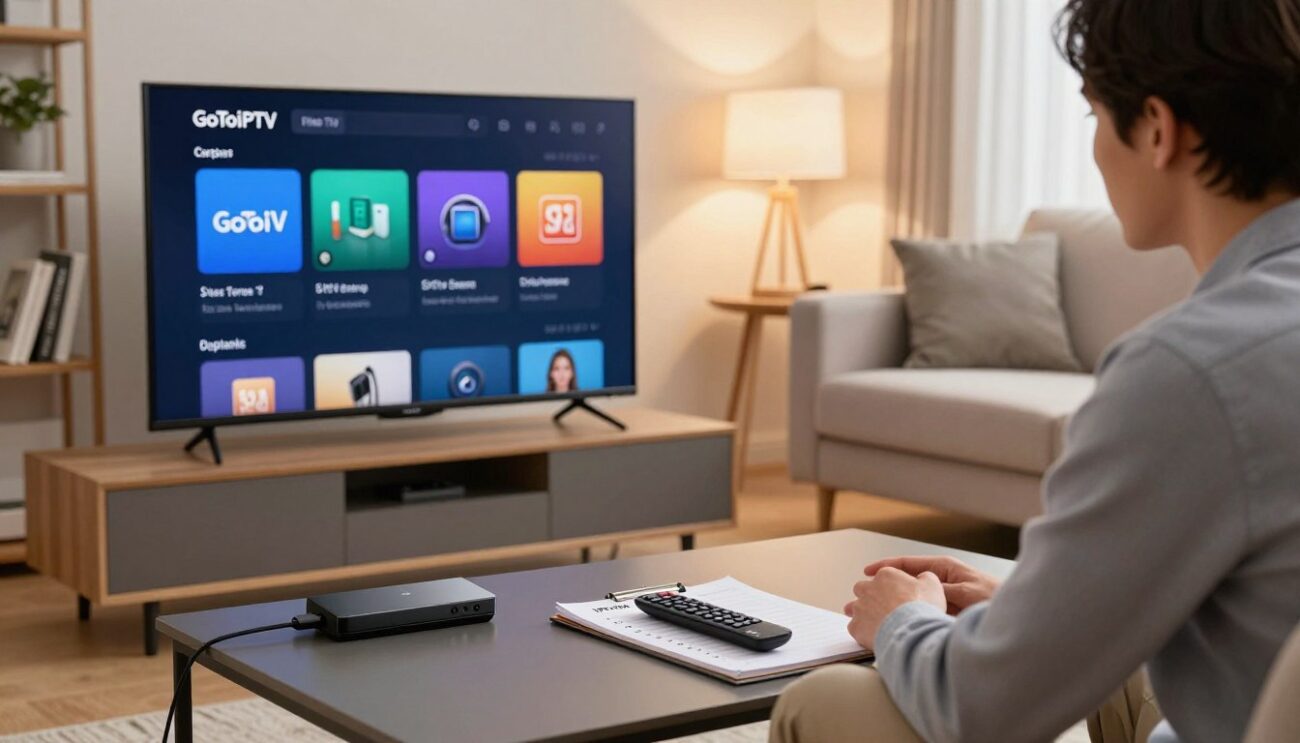
It is easy to think you are watching 4K when the device is quietly playing Full HD. Three quick checks:
- Open the info panel on your TV (often the Info or Display button). It should show 2160p or 3840 x 2160.
- Look at the player’s stream info. Most IPTV apps show the resolution in a small overlay.
- Check the device settings. On Fire TV, Display and Sounds should list 4K or Auto with your TV detected as 4K.
If any of these show 1080p, check the HDMI port, the cable and the device resolution setting.
4K IPTV for Sports Fans
Sport is where Ultra HD makes the biggest difference: you can follow the ball more easily, read shirt numbers and see the whole pitch in detail. For big live events, plug in a cable, pause downloads at home and start the channel a few minutes early. If your connection struggles during a huge match, switch to the HD version for the second half rather than missing the action. 4K IPTV and a stable home network together give a picture that feels like being at the stadium.
Choosing a 4K TV for IPTV
If you are buying a new TV, look for four things: a native 4K panel, HDR10 or Dolby Vision support, at least one HDMI port with 4K at 60 Hz, and a good built-in app store or room for a streaming stick. Screen size matters too: for a living room where you sit about two to three metres away, 55 to 65 inches is where 4K really shines.
Is 4K IPTV Worth It?
Yes, if three things are true: your TV is 50 inches or larger, your device supports 4K and you have at least 25 Mbps for each screen watching in 4K. If one of those is missing, Full HD will still look excellent and use far less bandwidth. The good news is that with GoToIPTV you do not pay extra for 4K: it is included in every plan.
GoToIPTV Plans With 4K Included
Every plan includes 56,000+ live channels and 150,000+ movies and series in HD, Full HD and 4K where available.
| Plan | Price | Best for |
|---|---|---|
| 1 Month + 1 Free | $11.95 | Trying it out |
| 3 Months | $24.95 | Short term |
| 6 Months + 2 Free | $39.95 | Great value |
| 12 Months + 2 Free | $58.95 | Best value |
Several 4K TVs? Choose a 2-line or 3-line plan, or customize your plan.
4K IPTV FAQ
Do all channels come in 4K?
No. Many channels broadcast in HD or Full HD only. Where a 4K version exists, you will usually find it listed next to the HD version.
Does 4K cost extra?
No. 4K is included in every GoToIPTV plan where the channel or title is available in 4K.
Can I watch 4K on a Full HD TV?
The device will play it, but you will only see Full HD detail. You need a 4K TV to see the difference.
Why does a 4K channel look blurry for a few seconds?
Streams adjust quality when they start. After a moment the picture sharpens. A cable connection makes this faster.
How much data does 4K use?
Roughly 7 to 10 GB per hour of 4K, compared with about 2 to 3 GB for Full HD. On an unlimited home plan, that is no problem.
Is 4K the same as UHD?
For TVs, yes. Both mean 3840 by 2160 pixels.
Where can I learn more about IPTV?
Read this overview of internet television.
Try 4K IPTV Free for 24 Hours
The best test is your own TV, in your own living room. Our free trial only needs your email, with no card. Open a 4K movie, a sports channel and a nature documentary, and see the difference for yourself.
Questions before you choose a plan? Our support team answers 24/7 on WhatsApp and by email.
One thought on “4K IPTV in 2026: What You Need for a Stunning Picture”