
Blog – iPTV Tips
IPTV UK 2026: How to Choose the Right IPTV Subscription

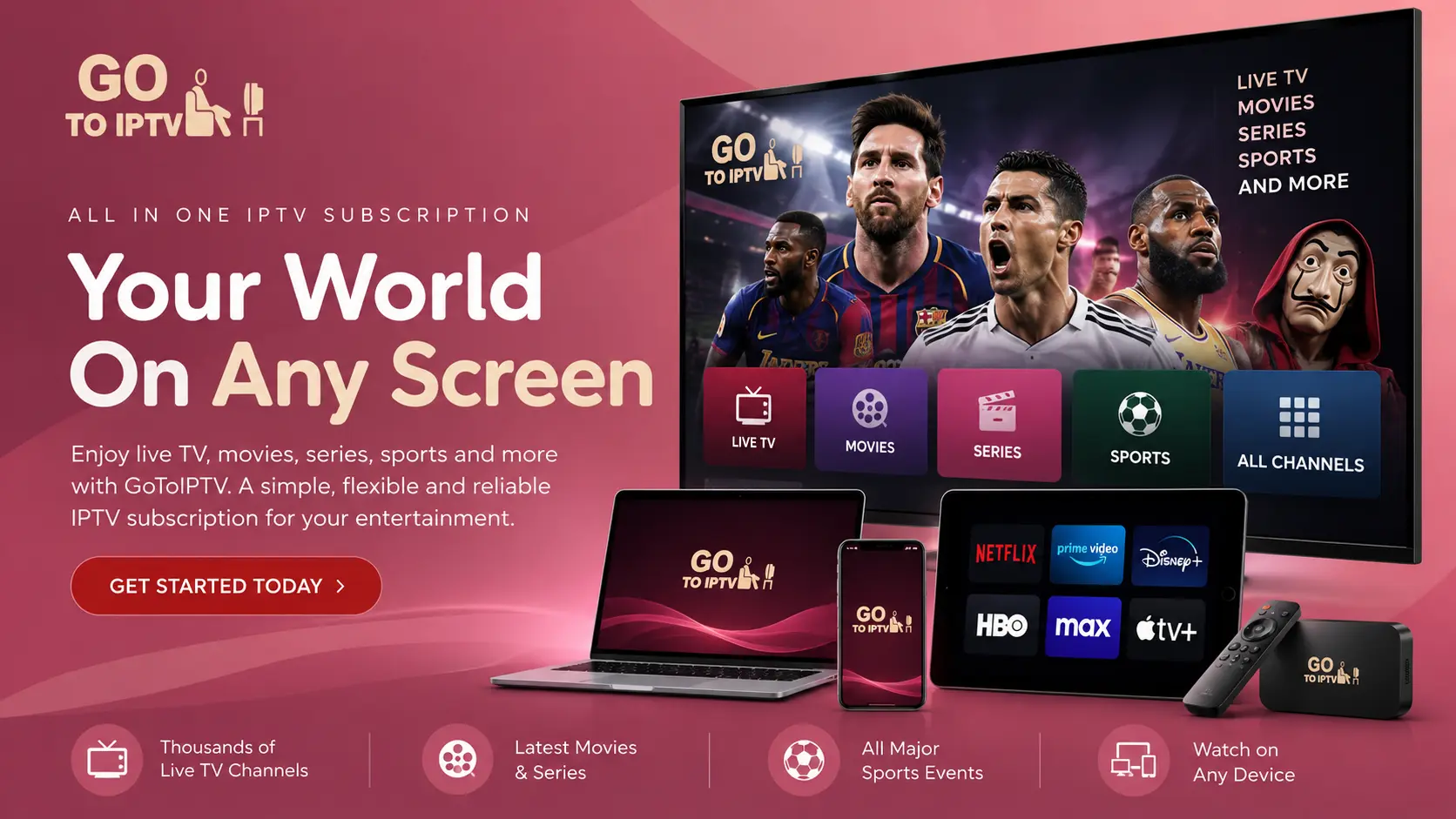
More and more UK households are adding an IPTV subscription next to, or instead of, their traditional TV package. This guide helps you choose the right IPTV in the UK: what to look for, what it costs in pounds, which devices work best and how to get a smooth picture.
What is IPTV?
IPTV (Internet Protocol Television) sends live TV and on-demand content over your broadband instead of an aerial, satellite dish or cable. You install an IPTV player app on your TV, Firestick, phone or computer and sign in with the details from your provider.
What to look for in a UK IPTV subscription
Not all IPTV services are the same. Before you pay, check these points:
- A free trial. A good provider lets you test the service on your own broadband. GoToIPTV offers a 24-hour free trial.
- Stable streams at peak times. Test on a Saturday evening, when everyone is online.
- Device support. Make sure it works on the devices you own, such as a Firestick, Samsung or LG Smart TV, Android TV, iPhone or PC.
- A clear channel list. See what is available before you buy. Browse our IPTV channels list.
- Real support. GoToIPTV offers 24/7 WhatsApp support.
- A fair refund policy. Read it before buying. Here is our refund policy.
How much does IPTV cost in the UK?
GoToIPTV prices are in US dollars. Approximate amounts in pounds (your bank shows the exact rate):
- 1 Month + 1 Month Free: $11.95, about £9
- 3 Months: $24.95, about £19
- 6 Months + 2 Months Free: $39.95, about £30
- 12 Months + 2 Months Free: $58.95, about £44, or roughly £3.20 a month over 14 months
Each plan includes 56,000+ live channels and 150,000+ movies and series, with HD and 4K where available.
Which devices work best in the UK?
The most popular IPTV devices in British homes are:
- Amazon Fire TV Stick: follow our Firestick IPTV guide.
- Samsung and LG Smart TVs: see Samsung and LG.
- Google TV and Android TV boxes: see IPTV on Google TV and IPTV on an Android TV box.
- Apple TV, iPhone and iPad: see IPTV on Apple TV and iPhone.
Broadband speed for IPTV in the UK
Most UK fibre broadband is fast enough for IPTV. As a rule of thumb:
- HD: 10–15 Mbps per screen.
- 4K: 25 Mbps or more per screen.
- Connect your main TV with an Ethernet cable if you can. Wi-Fi through walls is the most common cause of buffering.
Do you need a VPN for IPTV in the UK?
“IPTV UK with VPN” is a common search. A VPN encrypts your connection and keeps your browsing private from your internet provider. Some users also find it helps when their provider slows down video traffic at busy times. It is optional: try without a VPN first, and if streams stutter in the evening, test again with one. GoToIPTV customers can add Surfshark VPN.
Is IPTV legal in the UK?
IPTV technology is legal and widely used by UK broadcasters themselves. What matters is the content and its licensing. Make sure your use follows UK rules, and ask our support team if you have questions about what your plan includes.
How to get started
- Take the free trial and test it on your main TV in the evening.
- Pick your plan. The 12-month plan is the best value, and multi-line plans suit families. See plans for 1 to 5 screens.
- Install your player, such as Hot Player, and sign in with the details from your email.
- Enjoy, and contact WhatsApp support any time if you need help.
Frequently asked questions
Can I watch on several devices?
Yes. A 1-line plan is for one screen at a time; choose 2 or 3 lines to watch on several screens at once.
Will IPTV replace my TV licence?
IPTV does not change your TV licence obligations. If you watch or record live TV in the UK, check the TV Licensing rules that apply to you.
How quickly is my account activated?
Usually within minutes of your payment being confirmed. Your details arrive by email.
Start watching today
Get your 24-hour free trial or choose the best-value 12 Month IPTV Subscription.