
Blog – iPTV Tips
Lifetime IPTV Player vs Lifetime IPTV Service: What Each One Gives You

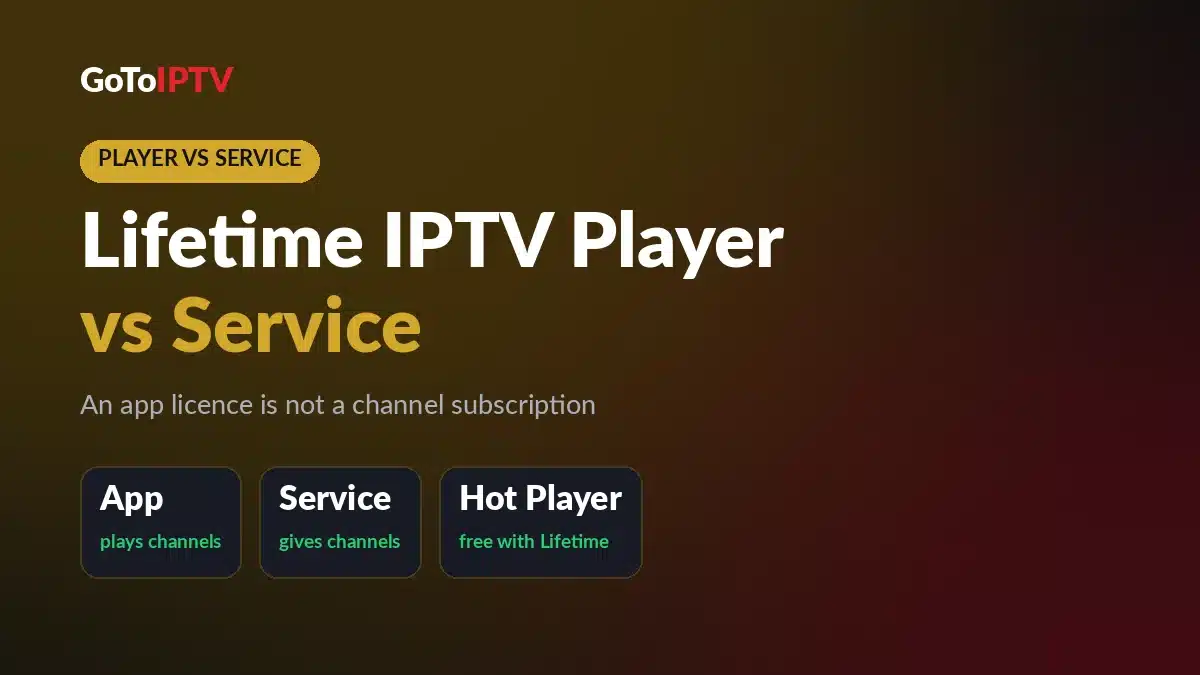
Search for a lifetime IPTV player and you’ll find two very different things sold under the same word. One is a player app you pay for once. The other is a lifetime IPTV service that gives you the channels. They work together, but they’re separate purchases, and mixing them up is an easy way to pay for the wrong thing.
This guide explains what a lifetime IPTV player does and doesn’t do, how M3U links and Xtream Codes logins work in plain words, and what Hot Player, TiviMate and GoTo Player charge. You’ll also see which “lifetime” searches to be careful with, and how GoToIPTV’s Lifetime Activation covers the service and a Hot Player lifetime activation in one payment.
Table of Contents
What Is a Lifetime IPTV Player?
A lifetime IPTV player is an IPTV app you unlock with one payment instead of a yearly fee. You install it, pay once, and keep using its features without renewing. Some players are free, some charge once per device, and some offer a lifetime option next to their other paid plans.
The app gives you the viewing experience: the menus, the channel list, the TV guide screen, favorites, search and the video player itself. What it doesn’t give you is anything to watch. Think of a DVD player with no discs, or a web browser with no websites.
IPTV simply means TV delivered over the internet. The service sends the streams, and the player receives them and shows them on your screen. Because of that split, “lifetime” can describe either side, so always check which side an offer is talking about.
Two Kinds of “Lifetime”: App License vs Service
A lifetime IPTV service is the other half: the channels, movies and series, paid once instead of every month or year. With GoToIPTV, that means 56,000+ live channels and 150,000+ movies and series from every country, in HD, Full HD and 4K where available, with a TV guide.
The quickest way to tell the two apart:
- The player is the app on your TV, stick or phone. It plays channels.
- The service is the account behind the app. It gives you the channels.
- A lifetime IPTV player license pays for the app once. It never includes channels.
- A lifetime IPTV service pays for the channels once. You still need a player to watch them.
Players like Hot Player, TiviMate and GoTo Player don’t come with channels; you add a service to them. So if a lifetime IPTV player is sold with “thousands of channels” included, read the offer twice and ask who runs that service.
For a wider look at both sides of the bill, read our guide to IPTV player vs subscription. This article stays on the lifetime side of the question.
What a Lifetime IPTV Player Does and Doesn’t Do
A good player makes your service pleasant to use every day. Here’s where the line sits.
What the player does:
- Shows your live channels in groups, so you can browse by country or category
- Shows the TV guide (what’s on now and next) when your service provides one
- Gives movies and series their own sections, with search
- Saves favorites and, in many apps, remembers where you stopped
- Lets you switch audio tracks and subtitles when a stream has them
What the player doesn’t do:
- It doesn’t include channels, movies or series
- It doesn’t renew or extend your IPTV service
- It doesn’t bring back a login that has expired
- It doesn’t let one line play on more screens than your plan allows
That last point matters with lifetime plans. You can install players on several devices, but your service decides how many of them can play at the same time. GoToIPTV’s Lifetime Activation is for 1 device, so one connection plays at a time, whichever lifetime IPTV player you use.
M3U Link vs Xtream Codes Login, in Simple Words
Your service tells the player where your channels come from, in one of two forms. Most IPTV players accept both.
Xtream Codes Login
An Xtream Codes login is three details: a server address, a username and a password. You type them into the player’s login screen, and it loads your live channels, movies and series into their own sections.
It’s usually the easiest option on a TV, because there are only three fields to fill in with the remote.
M3U Link
An M3U link is one long web address that points to a playlist. M3U is a plain-text playlist format: a list of channel names, each followed by the address of its stream. You paste the link into the player, and the player reads the list.
M3U links are handy for players that don’t offer an Xtream Codes login. Because they’re long, it’s easier to paste one on a phone or computer than to type it with a TV remote.
Which one should you use? Use the Xtream Codes login if your player offers it, and the M3U link if it only accepts playlist links. A GoToIPTV login works in IPTV player apps that accept either one, so the lifetime IPTV player you already own will most likely work with it.
Both come from your service, never from the player. No player license, lifetime or not, comes with a working M3U link or login built in.
Lifetime IPTV Player Licenses: Hot Player, TiviMate and GoTo Player
Here’s how three players that work with a GoToIPTV login handle the word “lifetime”.
Hot Player: $20 Once per Device
Hot Player is an IPTV player app for Samsung and LG Smart TVs, Fire TV, Android TV, Apple TV and phones. It’s free to install, then you unlock it with a one-time Hot Player lifetime activation: $20 per device, with no yearly renewal for the app.
Hot Player shows its MAC address on its first screen. The activation is tied to that address, which is why each TV or stick needs its own. Our Hot Player MAC address guide shows exactly where to find it.
Once it’s activated, you still need a service. For GoToIPTV clients, our Hot Player connect page adds your playlist to the app automatically, so there’s no long link to type with a remote. You’ll find more about the app on our Hot Player page.

Hot Player is a lifetime IPTV player in the plainest sense: one payment, one device, no renewals for the app. The channels are still a separate purchase.
TiviMate Lifetime: A Premium App License
TiviMate is a popular IPTV player for Android TV and Fire TV. It sells a premium license, and one of the options is lifetime. That’s what people mean when they search “TiviMate lifetime”: paying once for the premium version, which makes TiviMate a lifetime IPTV player too.
The price and terms are set by the TiviMate developer and can change, so check them with the developer before you buy. Like any lifetime IPTV player license, it unlocks the app, not channels. You still add your service with an Xtream Codes login or an M3U link.
Be careful with “TiviMate lifetime” deals sold by anyone other than the developer. A cheap “premium unlocked” file is a modified copy of the app, not a license, and it’s exactly the kind of download the APK section below warns about.
GoTo Player: Free, With Nothing to Unlock
GoTo Player is our own free IPTV player for Fire TV, Android TV, Android phones and Windows. There’s no license to buy, lifetime or otherwise, and it has no ads and no tracking of what you watch.
Like every player, it plays what you add to it and doesn’t come with channels. Offline downloads work on Android phones and tablets and on Windows, and picture-in-picture works on Android. An iPhone version is coming soon.
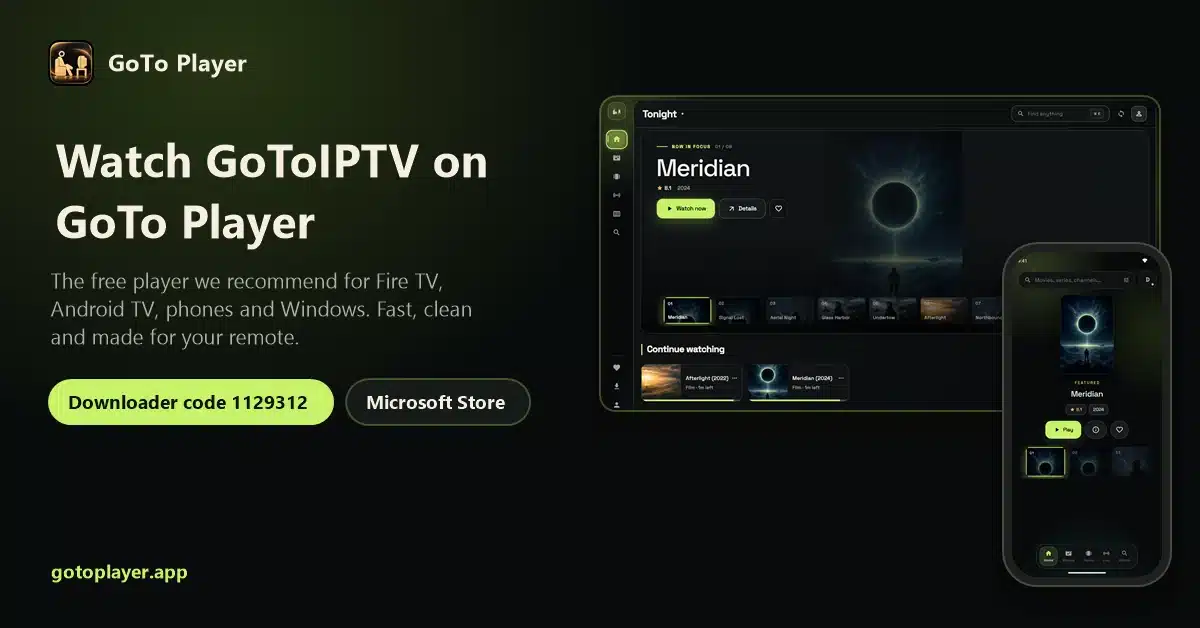
If you’re not sure a paid lifetime IPTV player is worth it for you, GoTo Player lets you find out before you spend anything on the app side. Comparing more apps? Our best IPTV player guide goes device by device.
Player License vs Service: Side by Side
Here’s the whole difference in one table.
| Compare | Lifetime IPTV player (app license) | Lifetime IPTV service (the channels) |
|---|---|---|
| What you pay for | The app and its features | Live channels, movies and series |
| Includes channels? | No | Yes |
| Needs to work | A service login or M3U link | A player app on your device |
| Example | Hot Player: $20 once per device | GoToIPTV Lifetime Activation: $499 once |
| Other options | TiviMate premium (lifetime option), GoTo Player (free) | GoToIPTV plans from $12 |
| Devices | One Hot Player activation per device | Lifetime Activation: 1 device at a time |
| Renewals | None for the app | Done automatically on GoToIPTV’s side |
| “Lifetime” means | You don’t pay for that app again | The life of the service |
The row that matters most is the second one: a lifetime IPTV player never includes channels, and a lifetime service always needs a player.
Lifetime IPTV APK, “Lifetime” Apps and Free M3U Lists
A few “lifetime” searches lead to offers that are better avoided. Here’s what’s usually behind them.
“Lifetime IPTV APK” Searches
People who search for a lifetime IPTV APK usually want an app file they can install by hand, often a paid player with its premium version “unlocked”. The trouble is where those files come from. An APK from a random download site can be changed by anyone before it reaches you, and you can’t see what else it does on your device.
Install IPTV players only from official app stores, or from the developer’s own download page when an app isn’t in your device’s store. Hot Player is free to install, GoTo Player is free, and TiviMate’s lifetime option is sold by its developer. If you want a lifetime IPTV player, buy it where its developer sells it, never as an unlocked copy from a stranger.
“Lifetime IPTV App” Offers
A lifetime IPTV app is often just a player with a one-time price, which is fine. Some listings, though, sell an app as if it includes channels for life. An app can’t do that on its own: someone has to run the service, renew it and keep it online. If the listing doesn’t say who does that, walk away.
“Free Lifetime IPTV M3U” Lists
Free “lifetime” M3U lists usually stop working quickly, and links from unknown sources can put your device at risk. There’s no account behind them, so when a list stops, nobody fixes it and nobody answers your message.
If your goal is to stop paying every month, a paid plan with a real team behind it is the safer route. That’s exactly what GoToIPTV’s lifetime IPTV subscription is for.
How to Pair a Lifetime IPTV Player With a Service
Whatever lifetime IPTV player you choose, the setup follows the same five steps.
- Pick your service. A normal plan if you want to start small, or the Lifetime Activation if you never want to renew.
- Install a player you trust. Hot Player, TiviMate and GoTo Player all accept an Xtream Codes login or an M3U link.
- Activate the player if it needs it. Hot Player needs its $20 lifetime activation per device. GoTo Player needs nothing.
- Add your login. Type the server, username and password, or paste the M3U link. With Hot Player, the connect page can add the playlist for you.
- Check the TV guide and start watching. Your live channels, movies and series appear in the player.
Step-by-step help for your device: IPTV on Firestick and IPTV on Samsung Smart TV.
One tip: if something about the screen bothers you, change the player, not the service. Slow menus or a guide you can’t read are app problems, so try another app with the same login. With the Lifetime Activation, your login stays the same for life, so switching apps never means asking for new details.
Lifetime Activation: The Service and Hot Player in One Payment
Usually you buy the two halves separately: a player activation here, a plan there, and a renewal date to watch every few months. GoToIPTV’s Lifetime Activation puts both halves into one payment.
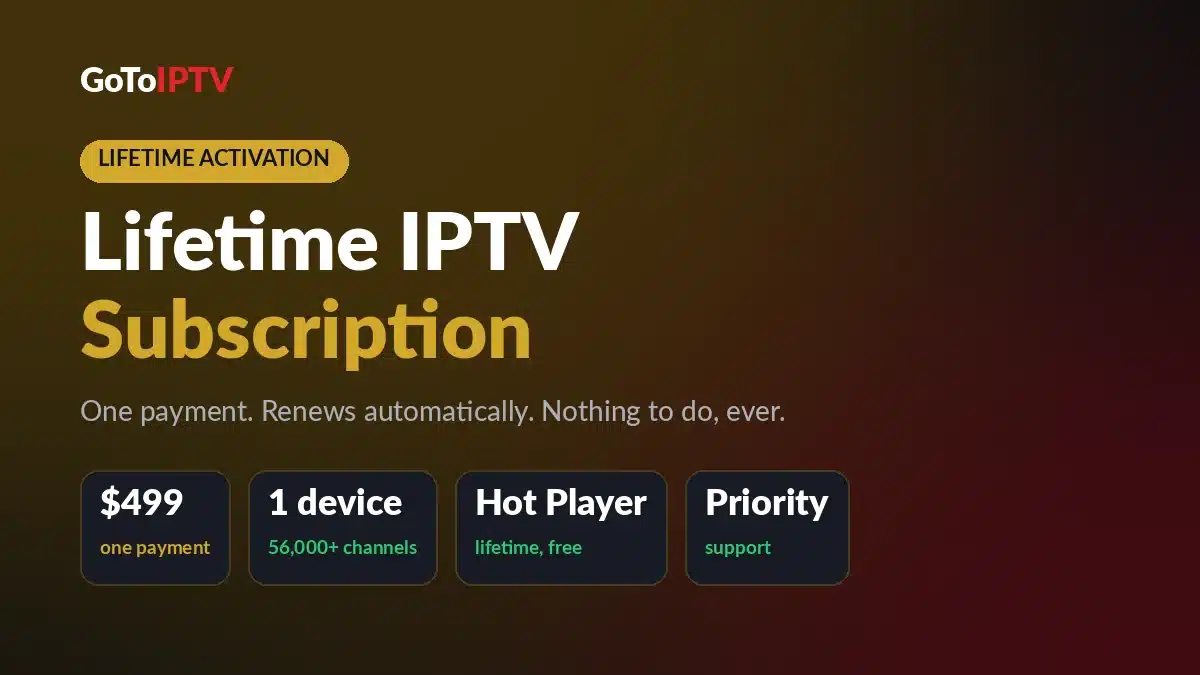
- $499, one payment. You never pay again.
- The full service for 1 device: 56,000+ live channels and 150,000+ movies and series, one connection at a time.
- Automatic renewals on our side, so there’s nothing to click or remember.
- A free Hot Player lifetime activation, normally $20, linked to your account.
- Priority support on WhatsApp.
- The same login for life.
The Hot Player part is simple. Add your Hot Player MAC address in the order form, or send it later on WhatsApp if the app isn’t installed yet. Your lifetime IPTV player and your lifetime service are then set up together, on one account.
Prefer a different app? Your login also works in TiviMate, GoTo Player and other players that accept an Xtream Codes login or an M3U link.
How to Order the Lifetime Activation
- Open the Lifetime Activation page and enter your name and email. You can also add your current IPTV username and your Hot Player MAC address; both are optional.
- Pay $499 with Remitly.
- Send your Remitly reference (it starts with R) and/or a screenshot of the payment.
- Get your login details by email within 2–3 minutes after the payment is confirmed.
“Lifetime” here means the life of the service. Your line keeps renewing on our side, and you never need to do anything.
Not Ready for Lifetime? Your Player Works With Every Plan
Every GoToIPTV plan works with the same players, so you can start small and keep the app you like. The normal 1-line plans are one-time payments with no automatic renewal:
- 1 Month + 1 Free: $12
- 3 Months + 1 Free: $25
- 6 Months + 2 Free: $40
- 12 Months + 2 Free: $60 (14 months)
A lifetime IPTV player license belongs to the app on your device, not to your plan, so moving from a monthly plan to the Lifetime Activation later doesn’t cost you the player. See all plans and prices.
Related lifetime guides: Is lifetime IPTV worth it? · Lifetime IPTV box: what to know before you buy · Lifetime IPTV subscription: how to order
Lifetime IPTV Player FAQ
What is a lifetime IPTV player?
A lifetime IPTV player is an IPTV app you unlock with one payment, such as Hot Player with its $20 lifetime activation per device. It plays your channels but doesn’t include them: you add a service with an Xtream Codes login or an M3U link.
Does a lifetime IPTV player include channels?
No. A player is only an app, so you still need an IPTV service. GoToIPTV’s Lifetime Activation covers the service for 1 device and includes a free Hot Player lifetime activation.
What is TiviMate lifetime?
TiviMate is a popular IPTV player for Android TV and Fire TV, and it sells a premium license with a lifetime option. You pay once for the app’s premium version, while your channels still come from your IPTV service.
Is a lifetime IPTV APK safe to install?
Install players only from official app stores or the developer’s own download page. Unlocked APKs from random sites can put your device at risk, and free lifetime M3U lists usually stop working quickly.
Is Hot Player included with the Lifetime Activation?
Yes. A Hot Player lifetime activation (normally $20) is included free and linked to your account. Add the MAC address from Hot Player’s first screen in the order form, or send it later on WhatsApp; our MAC address guide shows where to find it.
Do I need a lifetime IPTV player license for every device?
For Hot Player, yes: the $20 lifetime activation is per device. GoTo Player is free on every device it supports, and the Lifetime Activation service itself is for 1 device at a time.
Should I use an M3U link or an Xtream Codes login?
Use the Xtream Codes login (server, username and password) when your player offers it, since it’s easier to enter with a TV remote. Use the M3U link when the player only accepts playlist links.
Which players work with a GoToIPTV login?
Your login works in IPTV player apps that accept an Xtream Codes login or an M3U link, such as Hot Player, TiviMate and our free GoTo Player. Our best IPTV player guide helps you choose.
A lifetime IPTV player means you never pay for the app again; a lifetime service means you never pay for the channels again. GoToIPTV’s Lifetime Activation gives you both for one device, plus priority support. Questions before you order? Message us on WhatsApp at +1 (917) 924-8236 or email contact@gotoiptv.com.
