
Subscribe IPTV
Subscribe IPTV in 6 Simple Steps
Want to subscribe IPTV without the guesswork? Here is the whole path, from choosing a plan to watching live TV on your screen. Pick a plan, pay with Apple Pay, PayPal, Cash App, crypto or Interac, get your login by email and open the free GoTo Player. Your part takes a few minutes.
One plan unlocks 56,000+ live channels and 150,000+ movies and series from every country.
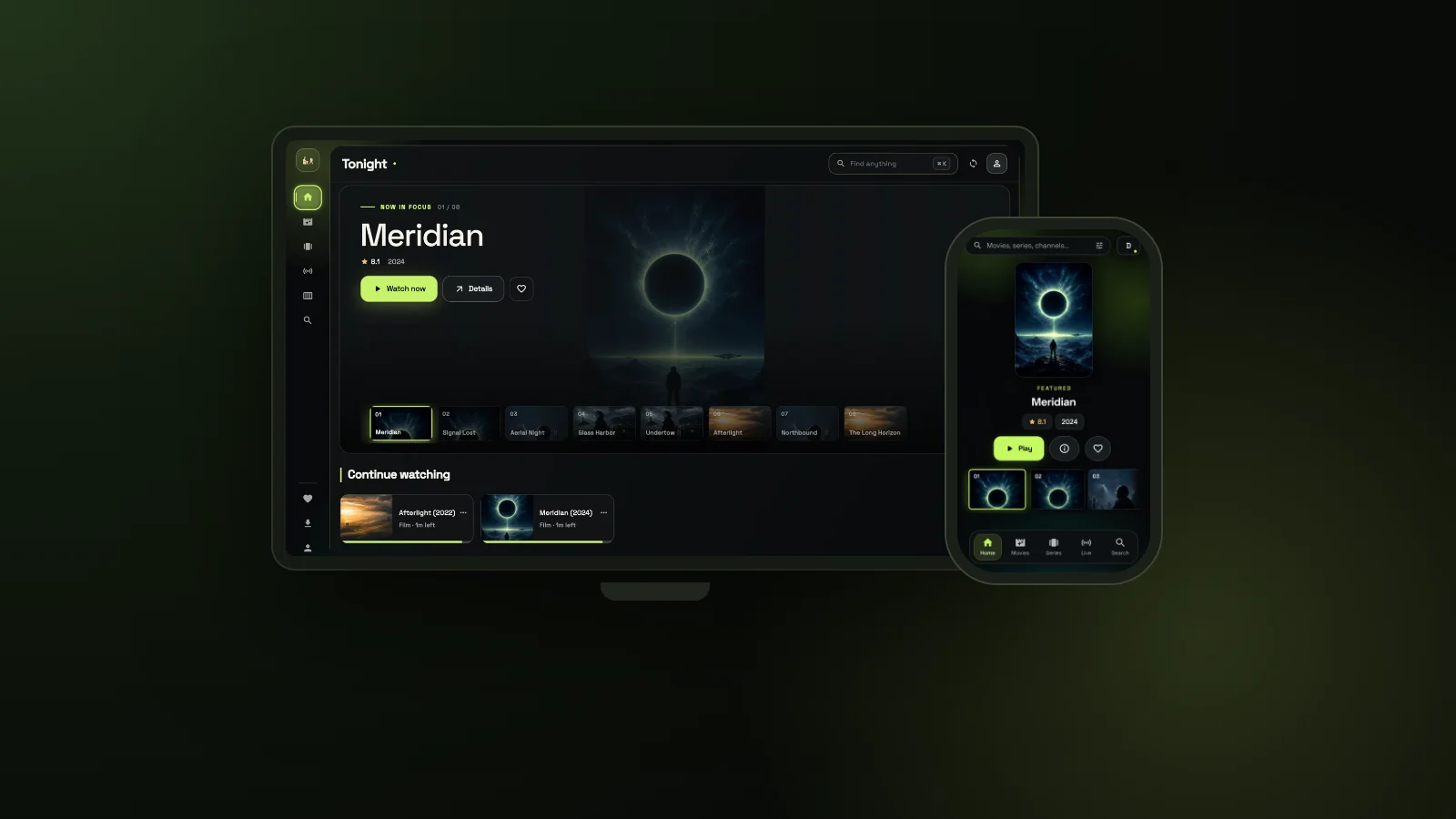 from $121 screen56,000+live channels1129312Downloader code
On This Page
Buy IPTV Subscription in 2 Minutes
To subscribe IPTV with GoToIPTV, you pick a plan, pay and get your login by email. That is the whole IPTV subscription service: no contract, no box to rent and no new setup when you renew.
- Choose a plan: $12 (1 month + 1 free), $25 (3 + 1), $40 (6 + 2) or $60 (12 + 2).
- Pay with Apple Pay, Google Pay, PayPal, Cash App or crypto (Interac e-Transfer in Canada).
- Get your IPTV subscribe login by email: username, password and server.
- Type it into the free GoTo Player or into Hot Player on your TV.
- Check your account any time and extend it on the same login.
Need 2 or more screens? See the multi-screen plans. Comparing first? Read IPTV USA prices, our cheap IPTV guide or how to choose the best IPTV service.
How to Subscribe IPTV: The 6 Steps at a Glance
This is the full journey when you subscribe IPTV with GoToIPTV. Each step has its own section below with the details.
- 1
Choose a plan. 1, 3, 6 or 12 months for 1 screen, or a plan for 2 to 5 screens.
- 2
Pay in a few taps. Pay With (Apple Pay, Google Pay, PayPal, Cash App, crypto) or Interac e-Transfer in Canada.
- 3
Get your login by email. Your IPTV username and password arrive in your inbox.
- 4
Install the app. The free GoTo Player on Fire TV, Android or Windows, or any M3U / Xtream player.
- 5
Log in and watch. Type the username and password once and the channels, movies and series load.
- 6
Renew or extend later. Keep the same login and add months whenever you want.
Whether you searched for an IPTV subscribe page or a simple monthly plan, the steps are the same, and there is no card form to fill in. If you have never used this kind of service, Wikipedia explains what IPTV is in plain words.
Choose Your Plan
To subscribe IPTV for one screen, pick a length below. Every plan has the same content and apps; longer plans cost less per month.
| Plan (1 screen) | Price | Free bonus | You watch for | Per month | |
|---|---|---|---|---|---|
| 1 month | $12 | +1 month | 2 months | about $6 | Choose |
| 3 months | $25 | +1 month | 4 months | about $6.25 | Choose |
| 6 months | $40 | +2 months | 8 months | $5 | Choose |
| 12 months | $60 | +2 months | 14 months | about $4.29 | Choose |
The free months are added to the plan for you, so the 12-month plan really gives 14 months of TV. If you subscribe IPTV for the first time, the monthly plan is an easy start, and you can move to a longer plan later.
Not sure which length to pick? Our guide to monthly vs yearly IPTV compares the two side by side. You can also compare every plan on our IPTV subscription plans table.
Pay in a Few Taps
When you subscribe IPTV with us, payment opens right after you choose your plan. Pick the method you already use on your phone.
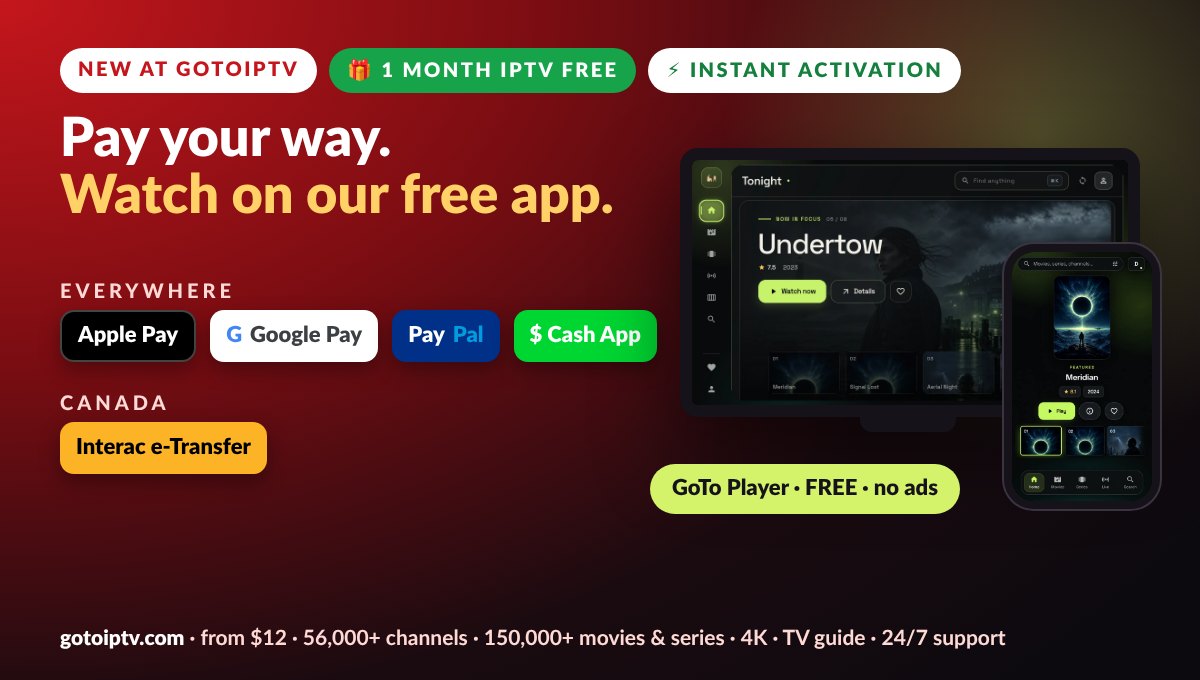
- Pay With: Apple Pay, Google Pay, PayPal, Cash App and crypto, from any country
- Canada: Interac e-Transfer straight from your bank
- No card form on our site, so your card number never touches our pages
- Type your email carefully: it is where your login is sent
- No coupons needed: the savings are already in the bonus months
Paying is the only moment that needs your attention. Check that your email address is right before you confirm, because a single wrong letter is the most common reason a login does not arrive.
Get Your Login by Email
After your order is confirmed, your IPTV username and password are sent to the email you typed at checkout.
- Your username and password for every app you use
- Saved in My Account: open Reveal My Subscription whenever you need them again
- Not in your inbox? Look in spam or promotions and mark the email as safe
- Still nothing? Message us on WhatsApp at +1 (917) 924-8236 with your order number
Keep this email. The same username and password work on every app and every device on your plan, and you need them again later when you add months.
Install GoTo Player or Your Own App
You need a player app on your TV, phone or computer. Ours is free, and you are also free to use another one.
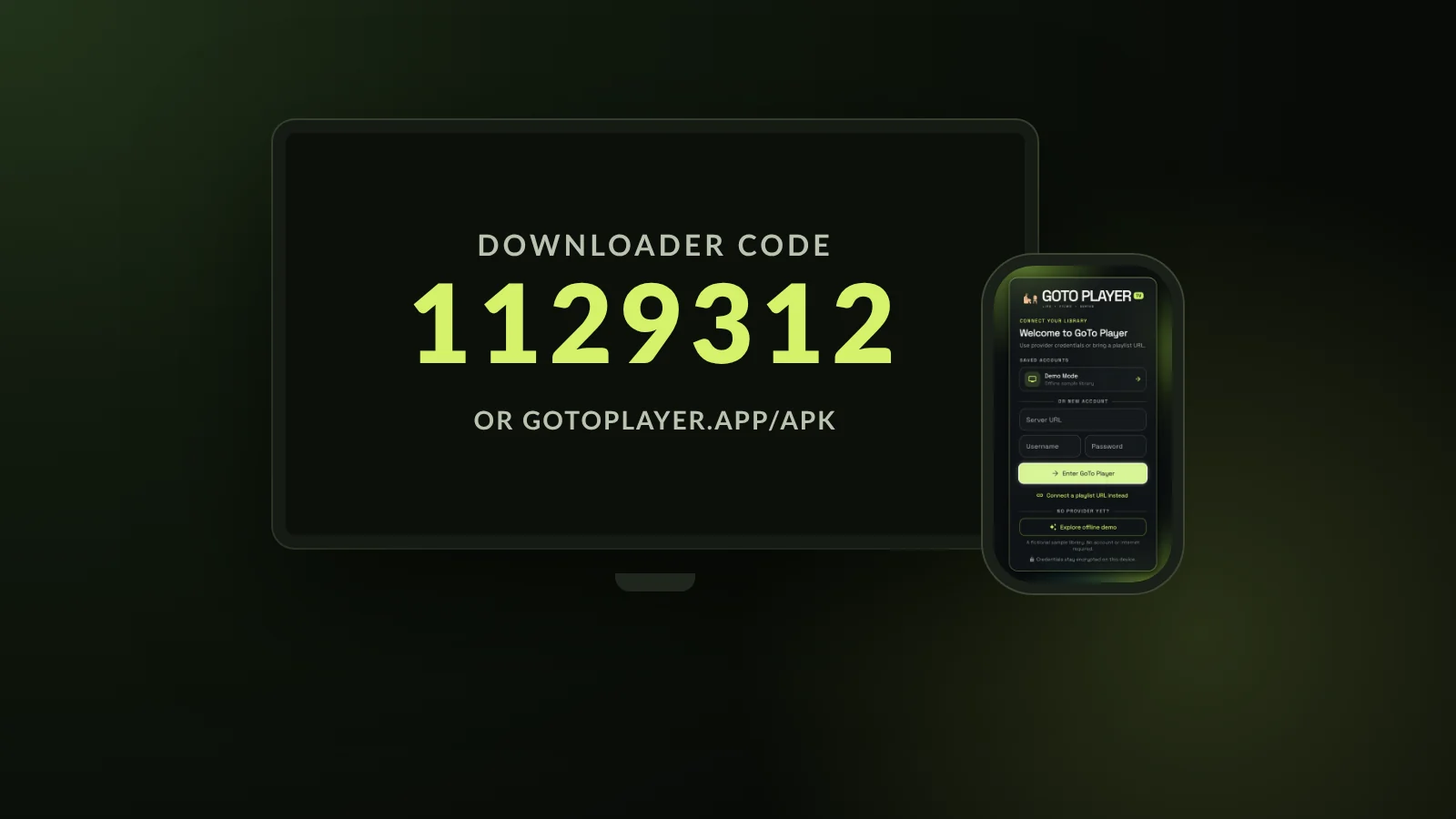
GoTo Player is our recommended free player: no ads and no tracking of what you watch. On a Fire TV, open the Downloader app, type 1129312 and install it in about a minute. Our step-by-step IPTV player for Firestick guide shows every screen.
Prefer another app? Hot Player is available for $20 lifetime, and any player that supports M3U playlists or an Xtream login works with your account. Going with Hot Player? Connect Hot Player with its MAC address: enter your GoToIPTV username, password and the MAC, and your playlist is added automatically.
Log In and Start Watching
This is the moment it all comes together. You type your login once, and the app remembers it.
- 1
Open the app and choose to add your account.
- 2
Scan the QR code on the TV and type the login on your phone, or use the remote.
- 3
Enter the login details from your email: server, username and password. Capital letters matter.
- 4
Wait a moment while live TV, movies, series and the TV guide load for the first time.
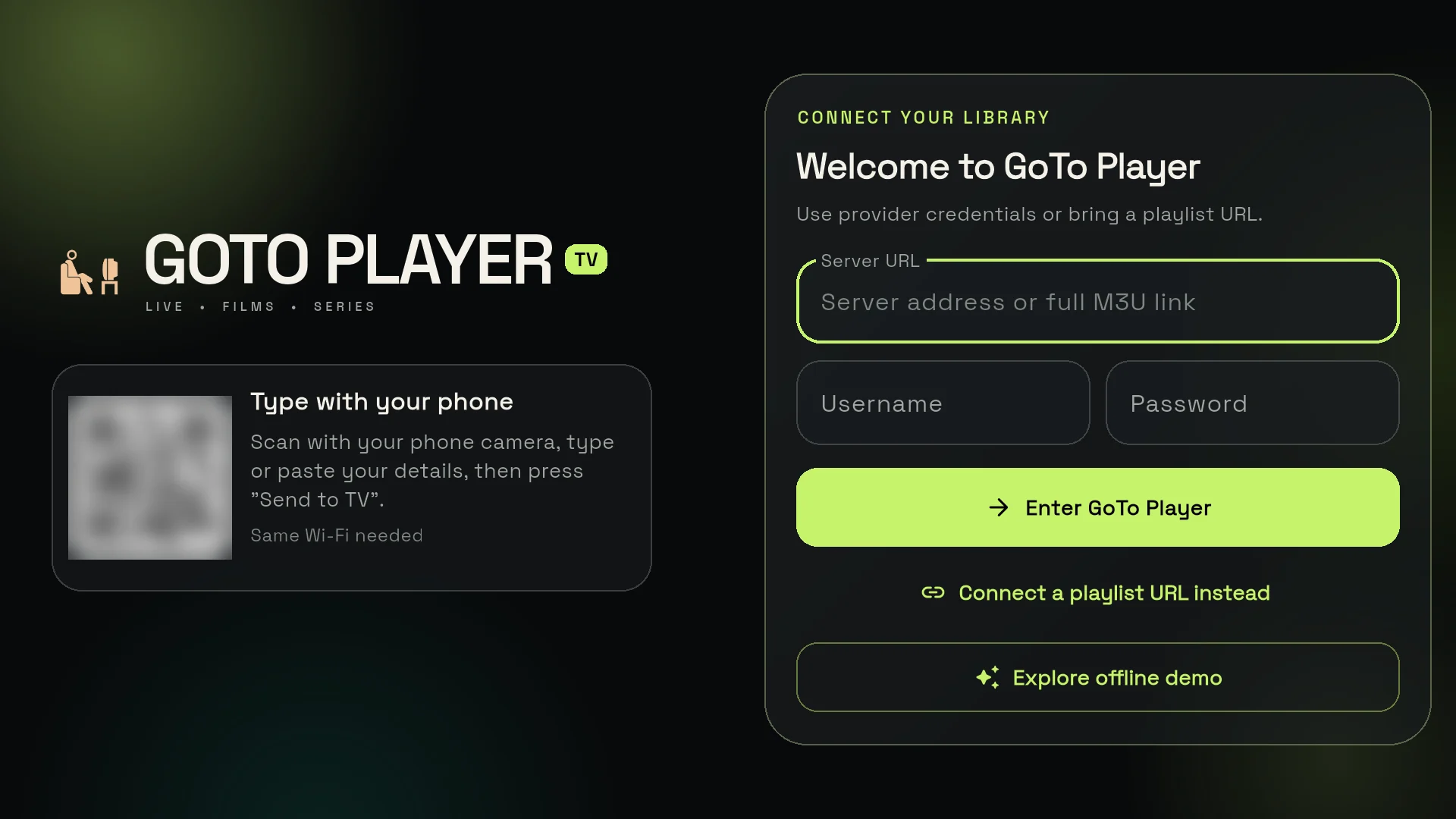
That is the last step. From here, you can jump between live channels, open the TV guide or start a film. If a channel will not play, restart the app and the device first: it fixes most first-day hiccups.
What You Get When You Subscribe IPTV
Every plan, monthly or yearly, opens the full library on the same account.
- 56,000+ live channels from every country, all on one login
- 150,000+ movies and series ready when you are
- 4K, Full HD and HD where available
- A TV guide so you always know what is on now and next
- Every region: Canada with Québec French, the UK, the USA, Indian, Arabic and Portuguese TV
- Support on WhatsApp and email when you need a hand
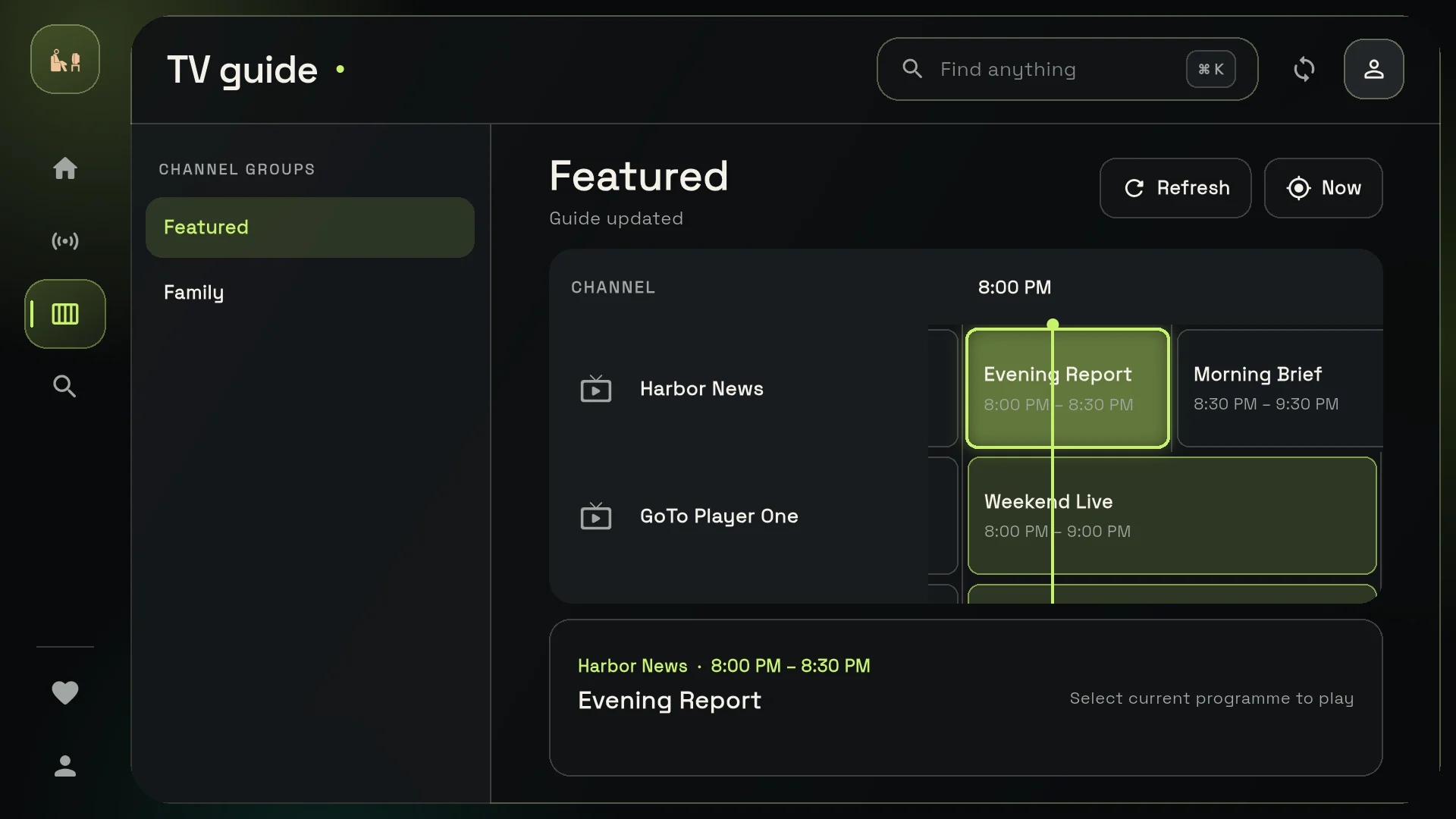
Want to see what is in it before you subscribe IPTV? Browse the full IPTV channels list by country.
Renew, Extend or Check Your Account Later
After you subscribe IPTV once, you never start from zero. Your login stays the same for as long as you keep your account.
Extending works like the first time, only faster: pick a plan, pay, and the new months start after your current end date. If your plan has already ended, it starts again from today with the same username and password, so your apps keep working.
Unlock More in My Account
When you subscribe IPTV, you get more than a login. Sign in to My Account on gotoiptv.com and these extras are waiting for you.
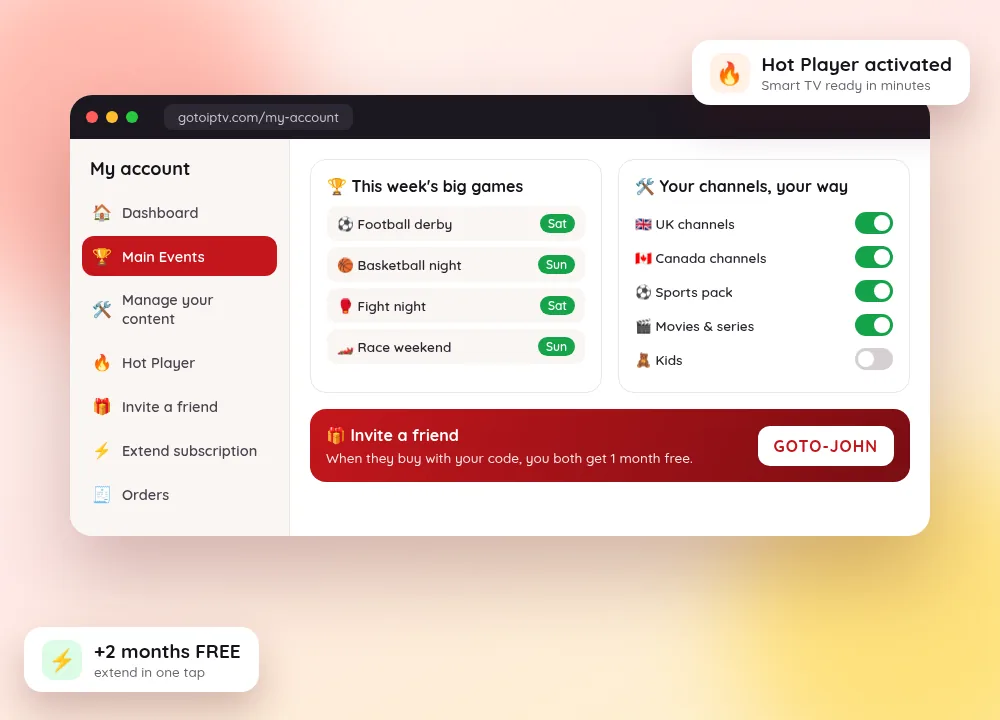
- Never miss a big game. Main Events lists this week’s top matches, fights and races in your own time zone. Open it, pick your game, enjoy.
- Your TV, your way. Tell your IPTV Manager which countries, sports and movies you want. We set it up and refresh your account for you.
- Hot Player in minutes. Turn a Smart TV or TV box into your IPTV screen for $20 lifetime: send the MAC address, tap Refresh and start watching.
- Free months for you and a friend. Share your referral code. When a friend buys, you both get 1 month free.
Main Events, IPTV Manager and referrals come with your account. Hot Player is optional.
Adding Screens for the Whole Home
One line plays on one screen at a time. If you subscribe IPTV for a whole family and the living room, the bedroom and a phone all watch together, you need more lines.
- Plans for 2 to 5 lines, so each screen has its own login
- 1, 3, 6 or 12 months, the same lengths as single plans
- Free bonus months are on 1-screen plans only
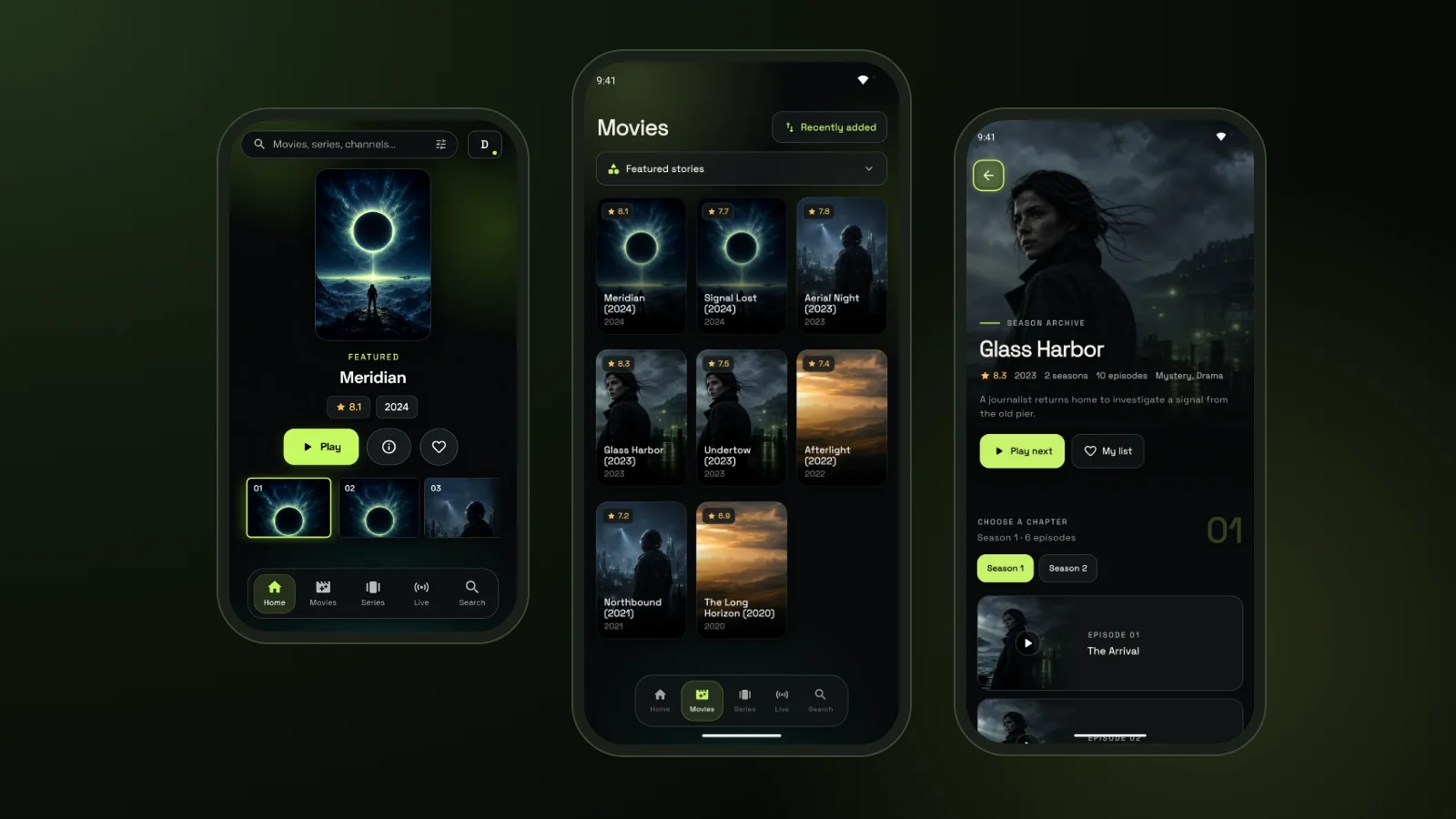
See the prices for 2 to 5 screens on our multiple connections page. Already have one line? You can buy another line later, and your first one stays as it is.
Before You Subscribe IPTV: 5 Quick Checks
Two minutes of preparation saves you a lot of back and forth on day one.
- 1
Your internet. A steady connection matters more than anything. Wired or a strong Wi-Fi signal works best.
- 2
Your device. A Fire TV stick, an Android or Google TV box, an Android phone or a Windows PC is all you need.
- 3
Your email. Use an inbox you check often, because that is where the login goes.
- 4
Your plan length. Monthly if you like flexibility, 12 months + 2 free if you want the lowest price.
- 5
Your screens. Count how many screens watch at the same time and pick 1 to 5 lines.
If the picture stops or loads slowly after you subscribe IPTV, our buffering guide lists the quick fixes that solve most cases.
Need a Hand? Message Us on WhatsApp
Stuck at any step? Send us a message and tell us where you are.
WhatsApp: +1 (917) 924-8236. Send your order number or username and the step you are on.
Email support if you prefer to write, with screenshots if something looks wrong.
Set-up questions: tell us your device and we point you to the right guide.
Subscribe IPTV FAQ
How do I subscribe IPTV with GoToIPTV?
Choose a plan, pay with Pay With or Interac, and your IPTV username and password arrive by email. Install GoTo Player or any IPTV player, type the login and start watching. The steps on your side take a few minutes.
How much does it cost to subscribe IPTV?
For 1 screen: $12 for 1 month (+1 month free), $25 for 3 months (+1 month free), $40 for 6 months (+2 free) and $60 for 12 months (+2 free). The 12-month plan gives 14 months, about $4.29 a month.
Can I subscribe to IPTV every month?
Yes. The 1-month plan costs $12 and comes with 1 month free, so you get 2 months, about $6 a month. When it ends, extend it with the same login and nothing to set up again.
Which payment methods can I use?
Pay With covers Apple Pay, Google Pay, PayPal, Cash App and crypto. In Canada you can also pay by Interac e-Transfer from your bank. There is no card form to fill in on our site.
Where do I find my login after I pay?
Your IPTV username and password arrive by email. They are also in My Account under Reveal My Subscription. Nothing in your inbox? Look in spam, then message us on WhatsApp with your order number.
Which app should I install?
Our recommended free GoTo Player: no ads and no tracking of what you watch. It runs on Fire TV (Downloader code 1129312), Android and Windows, and the iPhone version is coming soon. Any player that supports M3U or Xtream works too.
Can I watch on more than one screen?
Yes. Plans for 2 to 5 lines let several screens watch at the same time, each with its own login. Free bonus months come with 1-screen plans only. Prices are on the multi-screen page.
How do I renew or extend later?
Open the extend page, type your login, see your days left, pick a plan and pay. The new months are added after your current end date, so you keep every day you paid for.
I forgot my username. Can I still renew?
Yes. The renewal page has a forgot-username option: type your email, choose a plan and pay, and we find your account for you.
What do I get when I subscribe IPTV?
56,000+ live channels and 150,000+ movies and series from every country, a TV guide, and 4K, Full HD or HD where available, plus support on WhatsApp and email.
Can I use a coupon code?
No, coupons are switched off. The savings are built into the plans instead: 1 free month on the monthly and 3-month plans and 2 free months on the 6-month and 12-month plans.
Ready to Subscribe IPTV?
Choose your plan, pay in a few taps and start watching on the free GoTo Player.
