
Blog – iPTV Tips
Best IPTV Player in 2026: How to Choose the Right App for Your TV

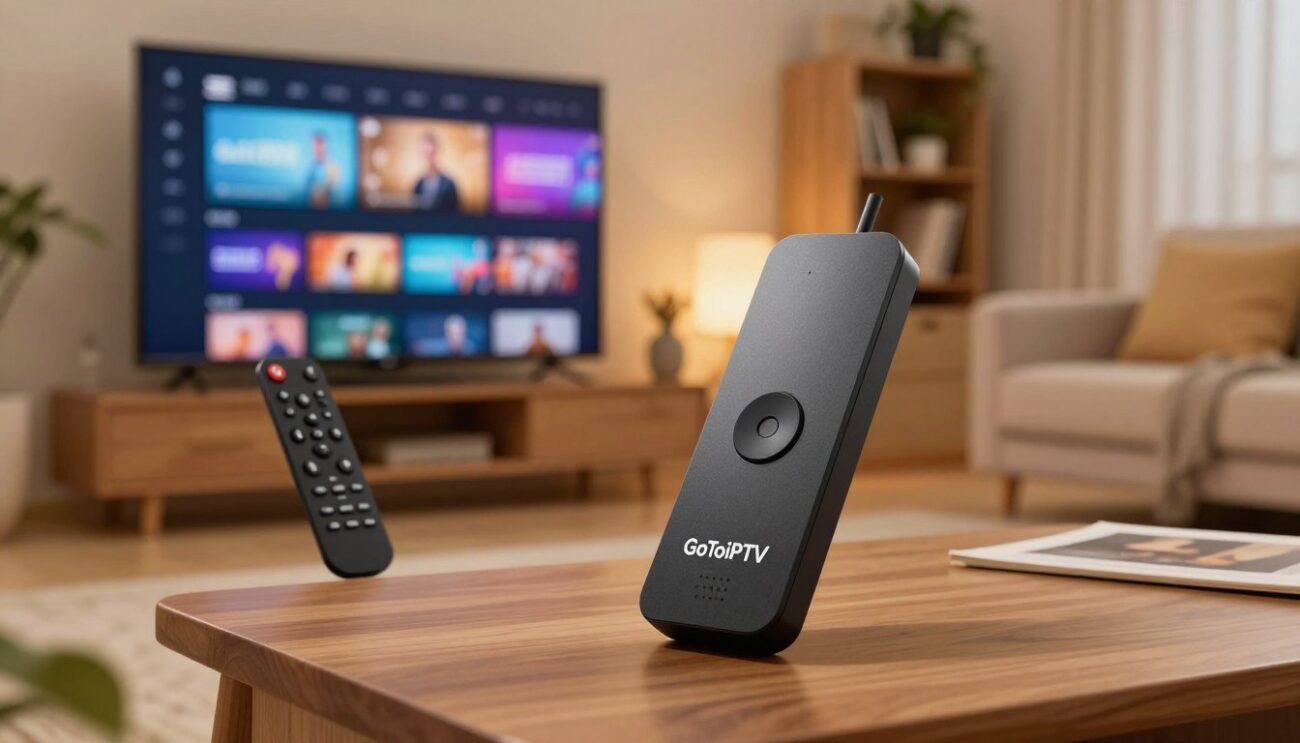
Your IPTV subscription gives you the channels, but the player decides how they look and feel every day: how fast channels switch, how clear the TV guide is and how easy it is to find a movie. Choosing the best IPTV player for your device makes a much bigger difference than most people expect. This guide explains what to look for, compares free and paid apps and shows you how to set one up safely.
Table of Contents
What Is an IPTV Player?
An IPTV player is an app that plays the live channels, movies and series from your IPTV subscription. It does not include any channels itself. You add your subscription to it, and it organises everything into channel groups, a TV guide and on-demand sections.
That is why the same subscription can look very different in two apps: one fast and clean, the other slow, cluttered and confusing.
Features of the Best IPTV Player
| Feature | Why it matters |
|---|---|
| Xtream login and M3U support | Works with almost every IPTV service |
| Fast EPG (TV guide) | See what is on now and next at a glance |
| Favourites and search | Find channels in seconds, not minutes |
| Movies and series sections | Browse VOD like a streaming app |
| Player engine choice | Fix stuttering channels with one switch |
| Parental controls | Lock adult categories with a PIN |
| Catch-up or recording | Watch what you missed (where available) |
| Regular updates | Bug fixes and new devices supported |
You do not need every feature. Pick the three or four that matter most to your family, and ignore the rest.
Free vs Paid IPTV Players
- Free players are great for testing and simple use. Some show ads or limit features.
- Paid players usually cost a small yearly or one-time fee and offer a cleaner design, faster guides and better support.
For many people, a small one-time payment is worth it for an app they will use every day. GoToIPTV customers can get Hot Player lifetime activation for $19.95, with no yearly renewal.
Best IPTV Player by Device
Firestick and Fire TV
Choose a player from the Amazon Appstore with a light design and fast guide. Hot Player is a popular choice. See Hot Player on Firestick and our best IPTV for Firestick guide.
Samsung and LG Smart TVs
Use a player from the TV’s own app store, and keep it updated. See the Samsung guide and the LG guide.
Google TV and Android TV
Google Play has the widest choice. See IPTV on Google TV and IPTV on an Android TV box.
Apple TV, iPhone and iPad
Choose a player from the App Store with Xtream support. See IPTV on Apple TV.
Windows PC and Mac
Use a desktop player from the Microsoft Store or Mac App Store, or VLC for quick tests. See IPTV on PC and Mac.
Why We Like Hot Player
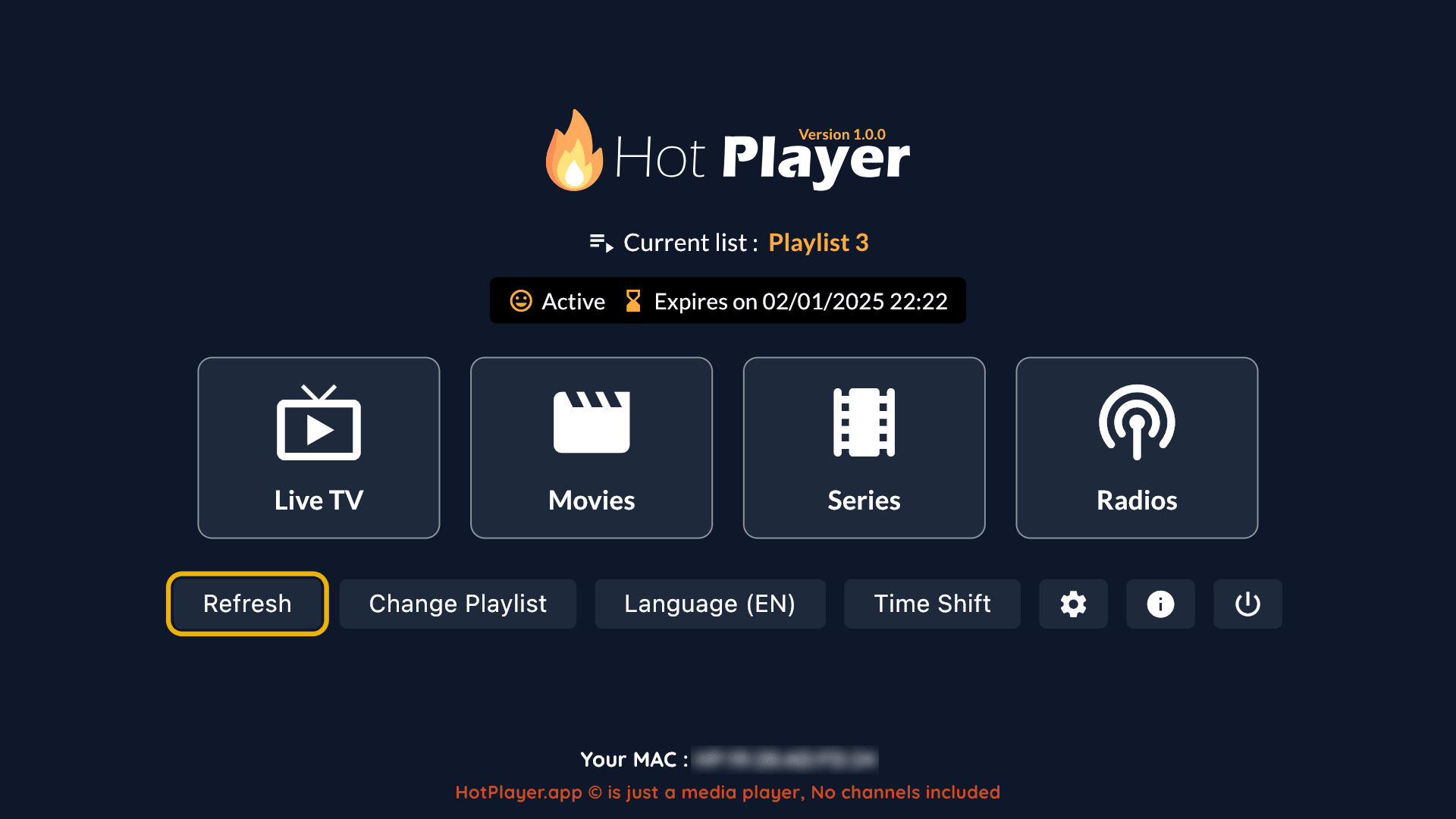
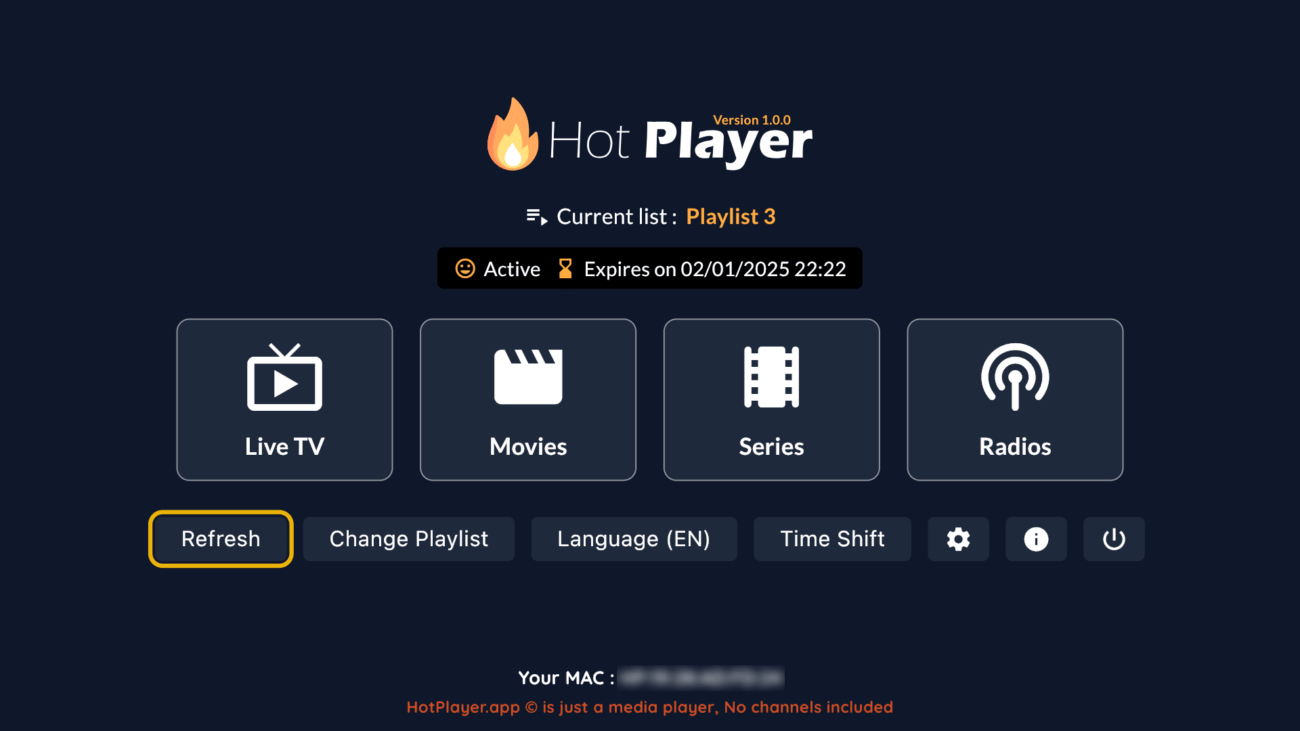
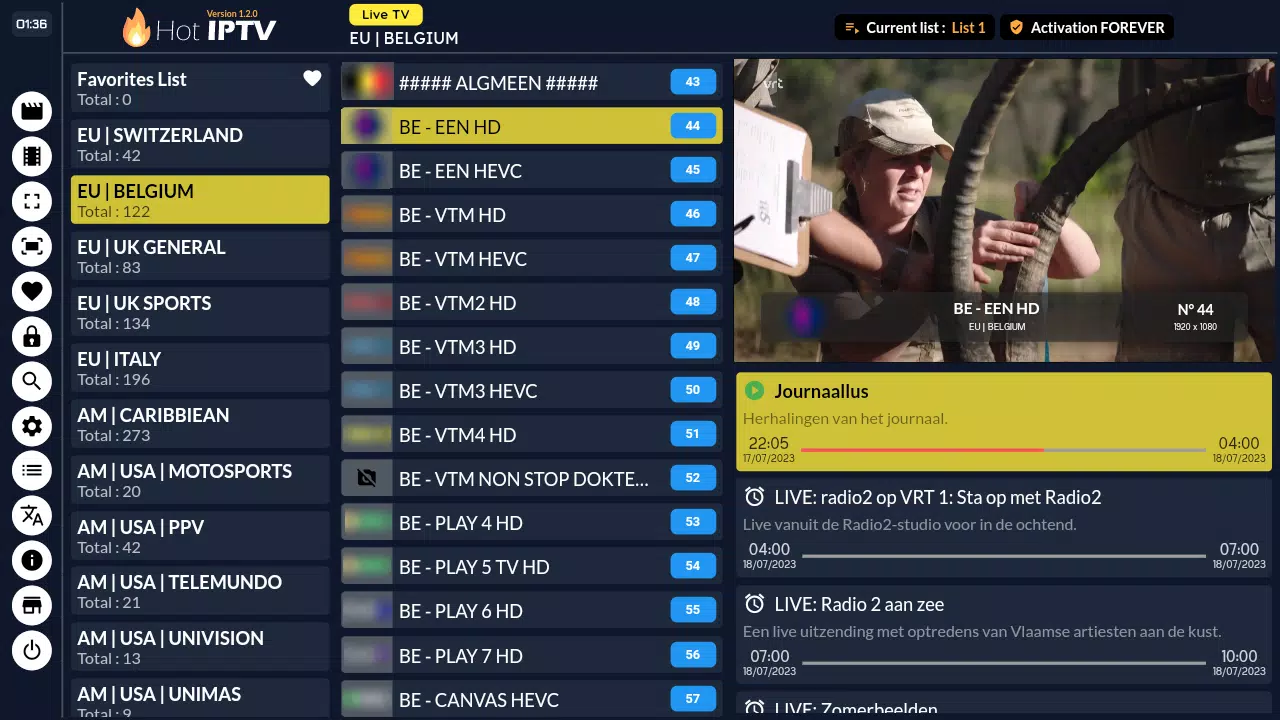
Hot Player works the same way on many devices, from Firesticks to Smart TVs, so the whole family learns one app. Channels switch quickly, menus are large enough to read from the sofa, and movies and series have their own clear sections. Learn more on our Hot Player page.
How to Set Up Your Player in 5 Steps
- Install the player from your device’s official app store.
- Start your free trial or choose a plan to get your login by email.
- Add your account with username login or playlist link, copying the details exactly.
- Load the TV guide and check the times match your time zone.
- Add your favourite channels for one-click access.
Best Player Settings for a Smooth Picture
| Setting | Recommended |
|---|---|
| Video decoder | Hardware first, software if a channel freezes |
| Buffer size | Medium, or large on unstable internet |
| EPG update | Daily, automatic |
| Startup screen | Favourites or last channel |
| Parental PIN | On, if children use the TV |
If you still see pauses, read our IPTV buffering fix guide and check your speed on Speedtest.
Best IPTV Player for Families
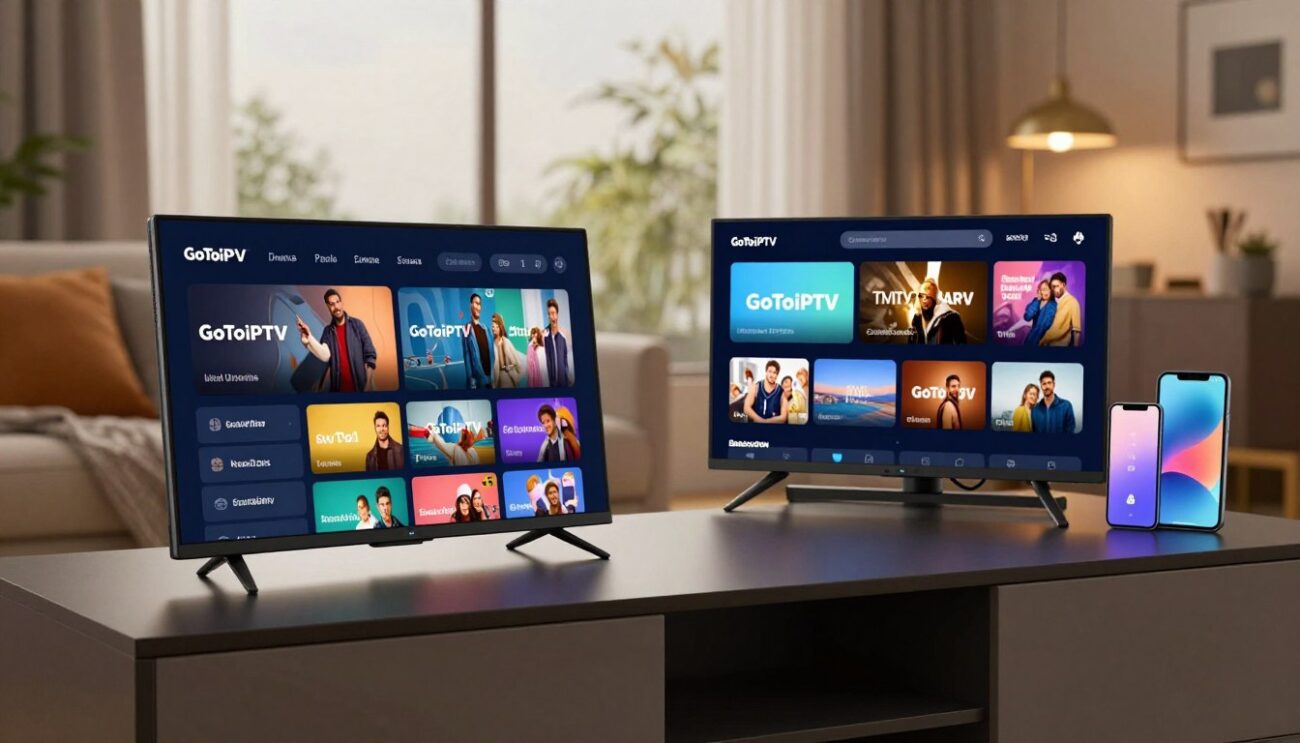
Families need a player that everyone can use without help. Look for large, simple menus, a favourites list that is easy to edit and a parental PIN for adult categories. The best IPTV player for a family home also remembers the last channel, so the TV opens exactly where you left it. If several people watch at the same time, install the same app on every screen so nobody has to learn two systems.
Best IPTV Player for Sports Fans
Sports fans care about two things: fast channel switching and a stable picture during big events. Choose a player that lets you change the player engine and buffer size, so you can tune it for live matches. A multi-screen or picture-in-picture feature is a bonus when two games are on at once, although each stream needs its own line.
Common Player Problems and Quick Fixes
| Problem | Quick fix |
|---|---|
| Channels do not load | Re-enter the login details or refresh the playlist |
| TV guide is empty | Update the EPG and check the device time zone |
| Picture stutters | Switch decoder or player engine, increase buffer |
| App closes by itself | Clear the cache and free up storage |
| Activation expired | Renew the app or switch to a lifetime option |
Most issues are solved in a minute. If not, the best IPTV player still needs a good connection, so test your speed too.
Safety Tips When Choosing a Player
- Install only from official app stores.
- Never install files sent by strangers or downloaded from unknown websites.
- Never enter your Apple, Google or Amazon password inside an IPTV app.
- Check that the player is updated regularly and has recent reviews.
- Keep your IPTV login private.
Trying Players During Your Free Trial
The 24-hour free trial is the perfect moment to compare players. Install two apps on the same device, add the same trial login to both and spend an evening switching between them. Compare how fast the channel list opens, how clear the TV guide looks and how quickly channels change. By the end of the day, you will know which one suits you.
How to Switch Players Without Losing Anything
You can change players at any time. Your channels and movies come from your subscription, not from the app. Install the new player, add the same login details, and your channels appear again. The only thing to redo is your favourites list, so take a photo of it before you switch.
Get a Subscription That Works With Every Player
Every GoToIPTV plan includes 56,000+ live channels and 150,000+ movies and series in HD and 4K, and works with all popular players.
| Plan | Price | Best for |
|---|---|---|
| 1 Month + 1 Free | $11.95 | Trying it out |
| 6 Months + 2 Free | $39.95 | Great value |
| 12 Months + 2 Free | $58.95 | Best value |
Best IPTV Player FAQ
What is the best IPTV player?
The best IPTV player is the one that runs smoothly on your device and feels easy to you. Try one or two during your free trial.
Are IPTV players legal to install?
Yes. Players from official app stores are ordinary apps. What matters is the subscription you add and following the rules where you live.
Do IPTV players include channels?
No. A player is only an app. You add your IPTV subscription to it.
Can I use one player on several devices?
Yes, but each device may need its own activation, and each screen watching at the same time needs its own line.
Does the best IPTV player change picture quality?
The stream quality comes from your subscription and internet, but a good player decodes it more smoothly and shows the correct resolution.
Is VLC good enough?
For quick tests, yes. For daily use, a dedicated player with a TV guide is much nicer.
Where can I learn how IPTV works?
Read this overview of internet television.
Try It Free Today
Pick a player, start our free 24-hour trial with just your email, and see which app you like best on your own TV. No card is needed.
Questions before you choose a plan? Our support team answers 24/7 on WhatsApp and by email.
3 thoughts on “Best IPTV Player in 2026: How to Choose the Right App for Your TV”