
Hot Player on Samsung and LG Smart TV: Install and Activate
Updated
Looking for Hot Player Samsung or LG set-up help? Good news: it installs straight from your TV app store, with no box and no cables to buy. This guide walks you through install, the MAC address, the $20 lifetime activation and your first channel, step by step for both brands.
The Hot Player Samsung and LG app is a third-party IPTV player. GoToIPTV sells the lifetime activation and loads your GoToIPTV playlist for you.
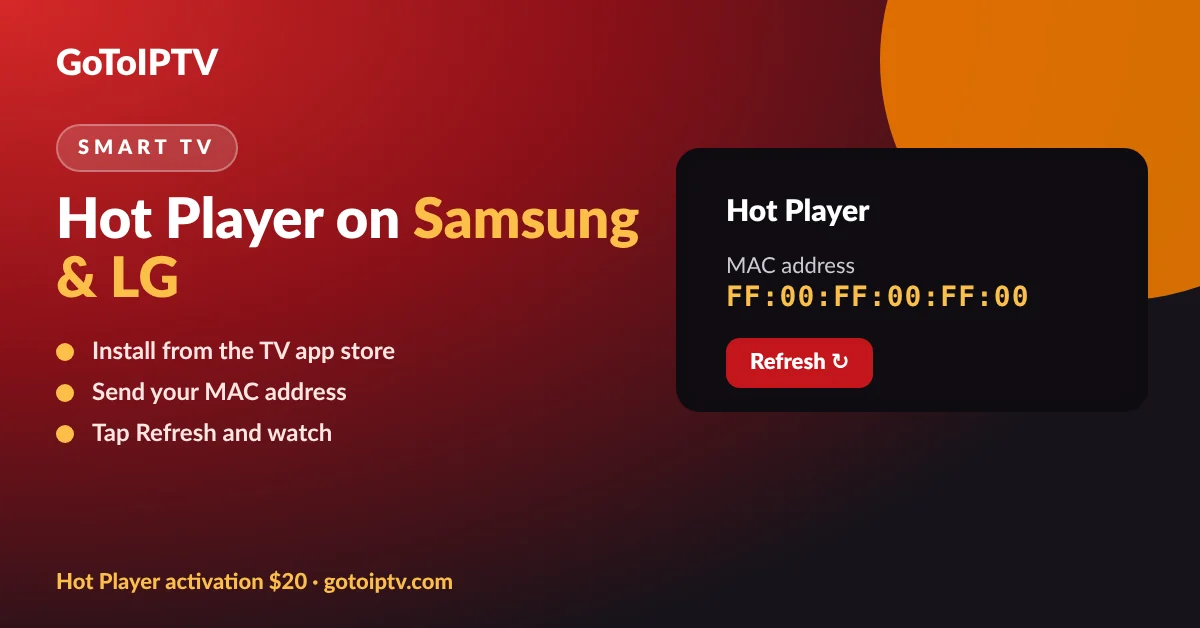 $20lifetimeSamsungTizenLGwebOS
On This Page
Why Hot Player on Samsung and LG TVs
Samsung and LG smart TVs cannot install most Android IPTV players, so many popular apps are simply not there.
Samsung TVs run Tizen and LG TVs run webOS. Neither can install the Android apps that Fire TV and Android TV boxes use. The Hot Player Samsung and LG versions are built for these TVs and sit in their own app stores, which makes it one of the easiest ways to watch IPTV on a smart TV you already own.
With Hot Player Samsung or LG you get a clean menu made for the TV remote, favourites, search, up to three playlists, parental PIN, films and series with resume, and subtitles and audio tracks when your source has them.
No box needed: installs on the TV.
Built for the remote: big, simple menus.
Lock MAC keeps your playlist safe.
$20 lifetime activation per TV.
Hot Player Samsung Install: Step by Step
A Hot Player Samsung install takes about two minutes.
- 1
Press Home on your Samsung remote and open Apps.
- 2
Search “Hot Player” with the search icon.
- 3
Select Install and wait for the download.
- 4
Open Hot Player: the start screen shows your MAC address.
- 5
Note the MAC address and send it to us after checkout.
Menu names can change a little between Samsung models and years, but the Hot Player Samsung app is always found through the app store, which is always under Apps on the Home screen. If the app does not appear, update the TV software in Settings, Support, Software Update, then search again. The Hot Player Samsung listing is free to download.
Need help reading the address? See where to find the Hot Player MAC address.
Install Hot Player on an LG Smart TV
On LG the steps are almost the same, through the LG Content Store.
- 1
Press Home on your LG remote and open the LG Content Store (or Apps).
- 2
Search “Hot Player”.
- 3
Install the app and open it.
- 4
Read the MAC address on the start screen.
- 5
Send it to us with your order number.
LG Magic Remote users can point and click; with a standard remote, use the arrows. If you do not see Hot Player, check for a webOS update in Settings, Support, then try again.
Both brands: always install from the TV app store, never from a USB stick or an unknown file.
Hot Player Samsung and LG Activation
After install, a Hot Player Samsung or LG activation turns the trial period into a lifetime licence for that TV.
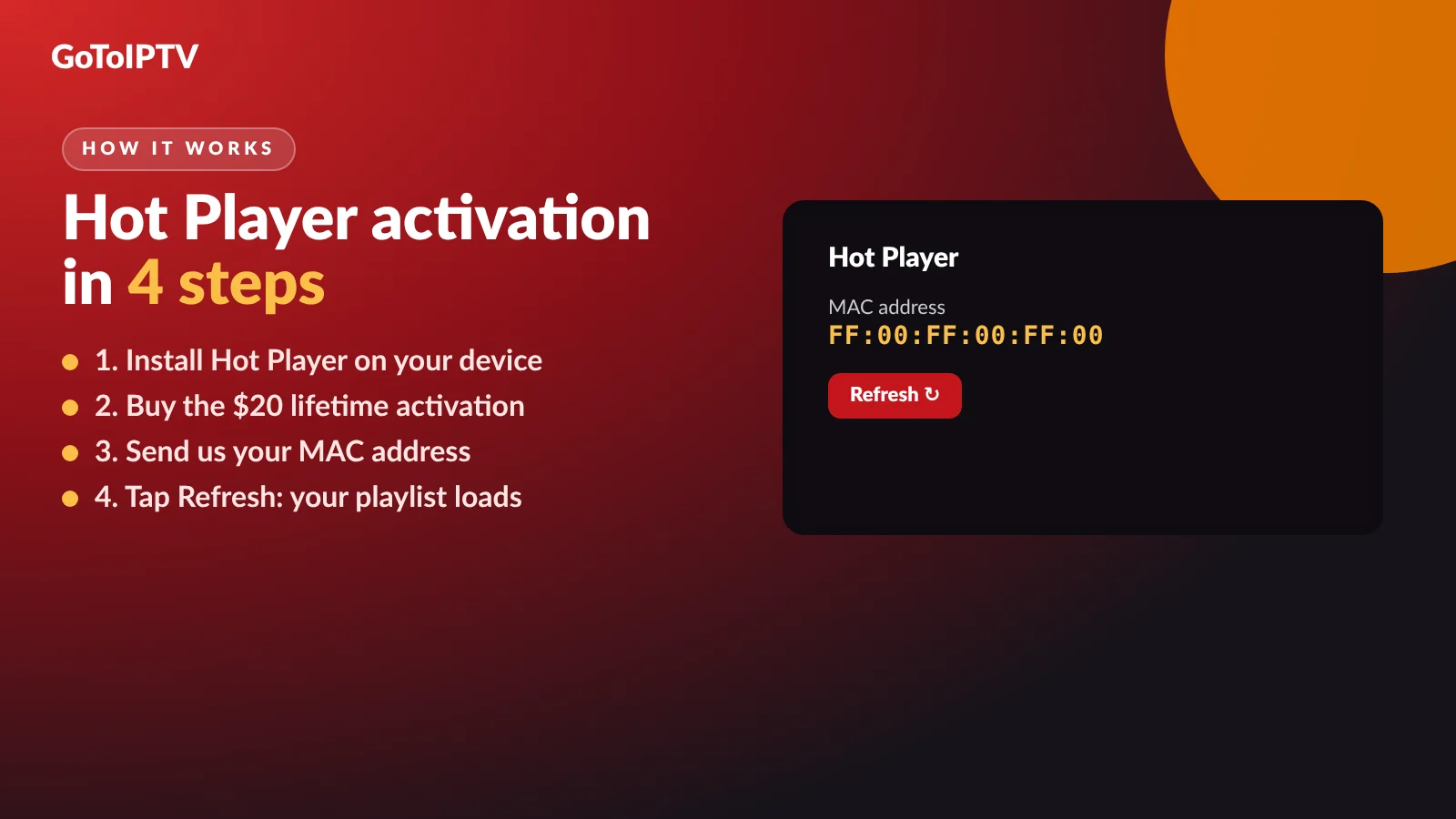
- 1
Buy the activation: $20 once, one TV, for life.
- 2
Send the MAC address from the TV by email reply or WhatsApp.
- 3
We activate and load your GoToIPTV playlist.
- 4
Tap Refresh in Hot Player and watch.
Best value: the Hot Player + 1 month IPTV free bundle is also $20 and includes a month of GoToIPTV. Activation only is here.
Hot Player Samsung Playlist: No Typing Needed
Typing a long link with a TV remote is painful. With Hot Player Samsung and LG you do not have to.
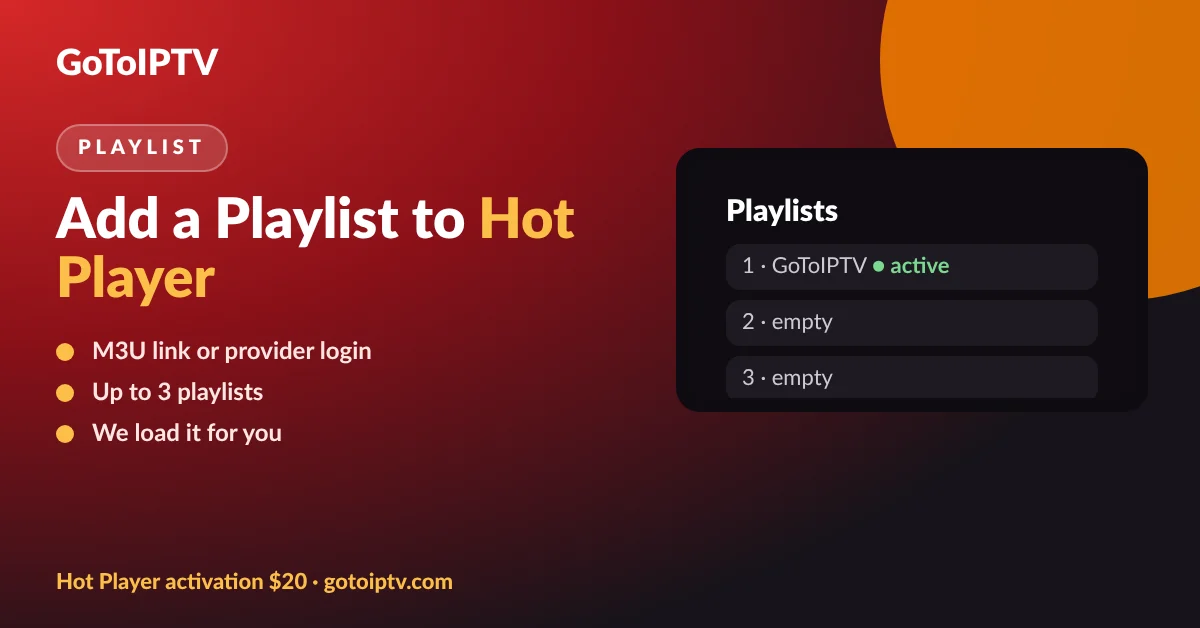
Your playlist is linked to the app MAC address, so GoToIPTV adds it for you after activation. You just tap Refresh. Hot Player can hold up to three playlists per TV, handy if you have a second service.
Adding another provider yourself? Follow our Hot Player playlist guide.
Which TVs Work With Hot Player Samsung and LG?
Most recent Samsung and LG smart TVs can run the app. Here is how to check yours in one minute.
Samsung smart TVs from the last several years run Tizen, and LG smart TVs run webOS. If your TV has an app store and can install streaming apps, it can usually run Hot Player Samsung or LG. The quickest test is simple: search for Hot Player in the TV app store. If it shows up, your TV is supported.
Very old TVs, or TVs that no longer get software updates, may not list the app. Before you buy, install the app and open it once. If you can see the MAC address on the start screen, the Hot Player Samsung or LG activation will work on that TV.
Not a smart TV at all? Any TV with a free HDMI port can take a Fire TV or Google TV stick, which opens up more player choices.
- Samsung: Tizen smart TV with the Apps menu.
- LG: webOS smart TV with the LG Content Store.
- Internet: Ethernet cable or 5 GHz Wi-Fi recommended.
- Test first: install the app and see the MAC address before you pay.
- One TV, one activation: each TV has its own MAC address.
Using Hot Player Samsung Every Day
Once activated, the app works like a simple TV menu. These tips make it faster with a remote.
Favourites: keep the channels you watch most in one list.
Search: find a channel or film by name.
A-Z sort: put long channel lists in order.
Parental PIN: lock adult groups.
Inside Hot Player Samsung and LG you will find live TV, films and series in separate menus. Films and series can resume where you stopped, and catch-up works when your provider offers it. Subtitles and audio tracks appear in the player menu when the source has them.
Keep your favourites short, ten or twenty channels you really watch, and the remote becomes much quicker to use. If the channel list ever looks old, open the settings and tap Refresh to reload it from GoToIPTV.
Want the same features on a phone or Fire TV? GoTo Player has favourites, a TV guide and fast search too.
Best Picture With Hot Player Samsung and LG
Smart TVs are great screens, but their built-in Wi-Fi is often the weak point.
- Use an Ethernet cable from the router to the TV if you can.
- Or use 5 GHz Wi-Fi close to the router.
- Check your speed: about 10 Mbps per screen for HD, 25 Mbps for 4K.
- Restart the TV and router once a week.
- Turn off picture effects like motion smoothing for live sport if it looks unnatural.
Test your connection on Speedtest from a phone near the TV. Still pausing? Our IPTV not working guide covers every fix in order.
Hot Player Samsung Alternatives
Hot Player is the simplest choice for these TVs, but it is not the only one.
Plug a Fire TV or Google TV stick into a spare HDMI port and you can use GoTo Player, our free player with no ads, installed with Downloader code 1129312. A stick also gives you a faster menu on older TVs.
More options per brand: IPTV on Samsung smart TV and IPTV on LG smart TV. Not sure which player to choose? Read Hot Player vs GoTo Player.
Hot Player Samsung or LG Not Working?
Quick fixes for the most common smart TV problems:
Still stuck? Message GoToIPTV on WhatsApp at +1 (917) 924-8236 with your TV brand, model and MAC address.
More Hot Player Guides
Everything about Hot Player in one place:
Hot Player Samsung and LG FAQ
Is Hot Player available on Samsung TV?
Yes. Hot Player runs on Samsung smart TVs with Tizen. Search for Hot Player in the Samsung TV app store, install it and open it to see your MAC address.
Is Hot Player available on LG TV?
Yes. Hot Player runs on LG smart TVs with webOS. Install it from the LG Content Store, open it and note the MAC address on the start screen.
How much is Hot Player on a Samsung or LG TV?
The app has a trial period. After that, a lifetime activation costs $20 once per TV at GoToIPTV. The bundle adds 1 month of IPTV free for the same $20.
Can I use GoTo Player on a Samsung or LG TV?
Not directly yet. GoTo Player runs on Fire TV, Android TV, Google TV, Android phones and Windows. On a Samsung or LG TV, Hot Player is the easier choice, or you can plug a Fire TV or Google TV stick into the TV.
Do I need a box to use Hot Player on my smart TV?
No. Hot Player installs directly on Samsung and LG smart TVs, so you only need the TV, a good internet connection and your activation.
Hot Player is not in my TV app store. What can I do?
Older TV models may not show it. Update the TV software and search again. If it is still missing, a Fire TV or Google TV stick plugged into HDMI is the simplest fix.
Does one activation work on two Samsung TVs?
No. Each TV has its own Hot Player MAC address and needs its own lifetime activation.
Why is the picture buffering on my smart TV?
Smart TV Wi-Fi is often weaker than a cable. Use an Ethernet cable if you can, restart the router, and check your speed: about 25 Mbps for 4K.
Can I test Hot Player Samsung before paying?
Yes. Install the app and open it: if your TV shows the MAC address on the start screen, the activation will work on that TV. Then buy the $20 activation or the bundle.
How do I update Hot Player on Samsung or LG?
Updates come through the TV app store. Turn on automatic app updates in your TV settings so Hot Player stays current.
Get Hot Player Samsung or LG Tonight
Install from your TV app store, send the MAC address and tap Refresh. One payment, for life, with a free month of IPTV in the bundle.
