
Hot Player MAC Address: Find It, Fix “Locked” and Activate
Updated
Your Hot Player MAC address is the key to everything in the app: activation, your playlist and the lock that keeps it safe. This guide shows where to find it, what “MAC address locked” means, how to fix the common errors, and how to activate Hot Player for life in about a minute.
Hot Player is a third-party IPTV player. GoToIPTV sells the $20 lifetime activation and loads your playlist for you.
 $20lifetime1device1 minto activate
On This Page
What Is the Hot Player MAC Address?
Every device that runs Hot Player gets its own address inside the app. That is the Hot Player MAC address.
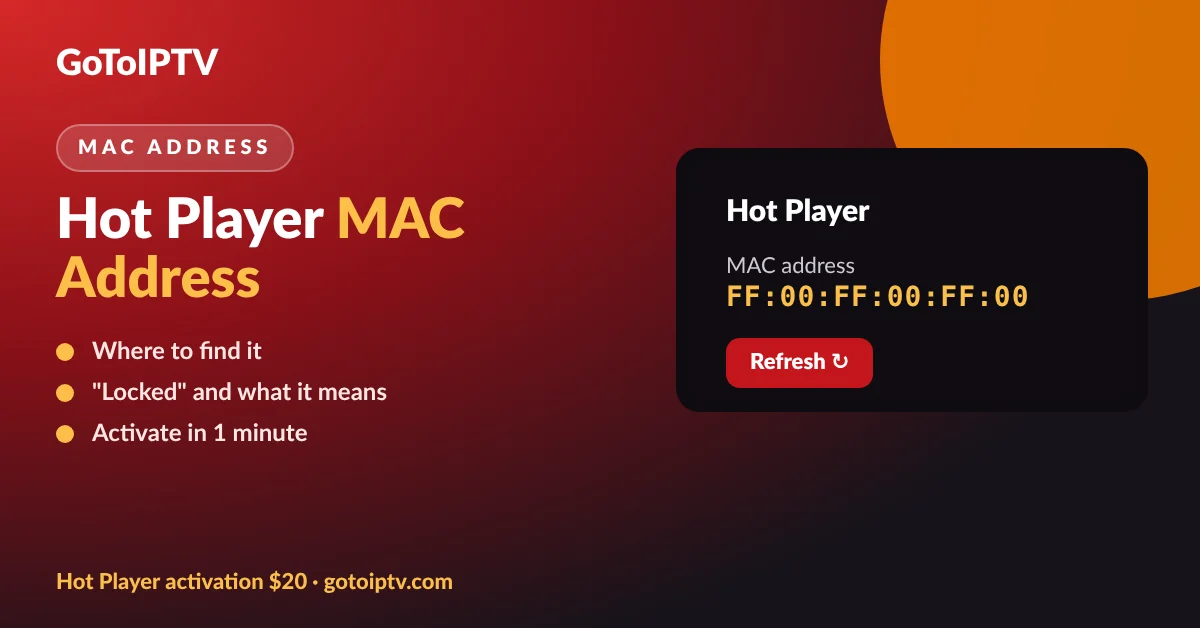
The Hot Player MAC address is a short code made of six pairs of letters and numbers, for example FF:00:FF:00:FF:00. It identifies your device to Hot Player, and everything is linked to it: your lifetime activation, the playlists loaded on the app, and the lock that protects them.
Because the activation is tied to the address, the address on your living room TV is different from the one on your bedroom TV. That is why one activation covers one device.
One device, one Hot Player MAC address.
Activation is linked to the address.
Playlists are loaded onto the address.
Lock MAC protects the playlist.
Where to Find Your Hot Player MAC Address
Finding it takes ten seconds on any device.
- 1
Install Hot Player from your device app store (Samsung, LG, Android TV, Fire TV, Apple TV and more).
- 2
Open the app. The start screen shows your device details.
- 3
Read the MAC address: six pairs like FF:00:FF:00:FF:00.
- 4
Write it down exactly, or take a photo of the screen with your phone.
- 5
Send it to us after checkout, with your GoToIPTV username if you have one.
App MAC Address vs TV MAC Address
This is the most common mistake people make with the Hot Player MAC address.
Always copy the address from inside Hot Player. Your TV also has a network MAC address in its settings, but activation and playlists are linked to the Hot Player MAC address only.
Hot Player MAC Address Locked: What It Means
Seeing “MAC address locked” or “your MAC address is locked” is not an error. It is a safety feature.
Hot Player has a Lock MAC function. When it is locked, nobody can change or delete the playlist on that device. It protects your service if someone else learns your address.
The lock can be set by you or by the seller who set up your app. While it is on, a new playlist cannot be added to that device until it is unlocked by whoever locked it.
Did GoToIPTV set up your Hot Player? Then you do not need to touch the lock: message us on WhatsApp with your Hot Player MAC address and we reload or unlock it for you.
- Good: your playlist cannot be changed by others.
- Normal: the message appears when you try to change a locked playlist.
- Fix: unlock it with the details used to lock it.
- Easiest: ask the person or seller who set it up.
3 Easy Fixes for Hot Player MAC Address Problems
Most of these problems are solved in a few minutes with one of these three fixes.
1. “MAC address locked”
Unlock it with the details used to lock it, or ask the seller who set it up. GoToIPTV customers: send us the Hot Player MAC address and we handle it.
2. “Secret code invalid”
The code typed does not match the one linked to your device. Check every character, check you are on the right device, and try again. Still stuck? We check it for you.
3. Playlist not loading after activation
Open Hot Player and tap Refresh. If it still does not load, restart the device and your router, then tap Refresh again.
Buffering after the playlist loads is a connection matter, not a MAC address matter: follow our IPTV not working guide.
Activate Hot Player With Your MAC Address
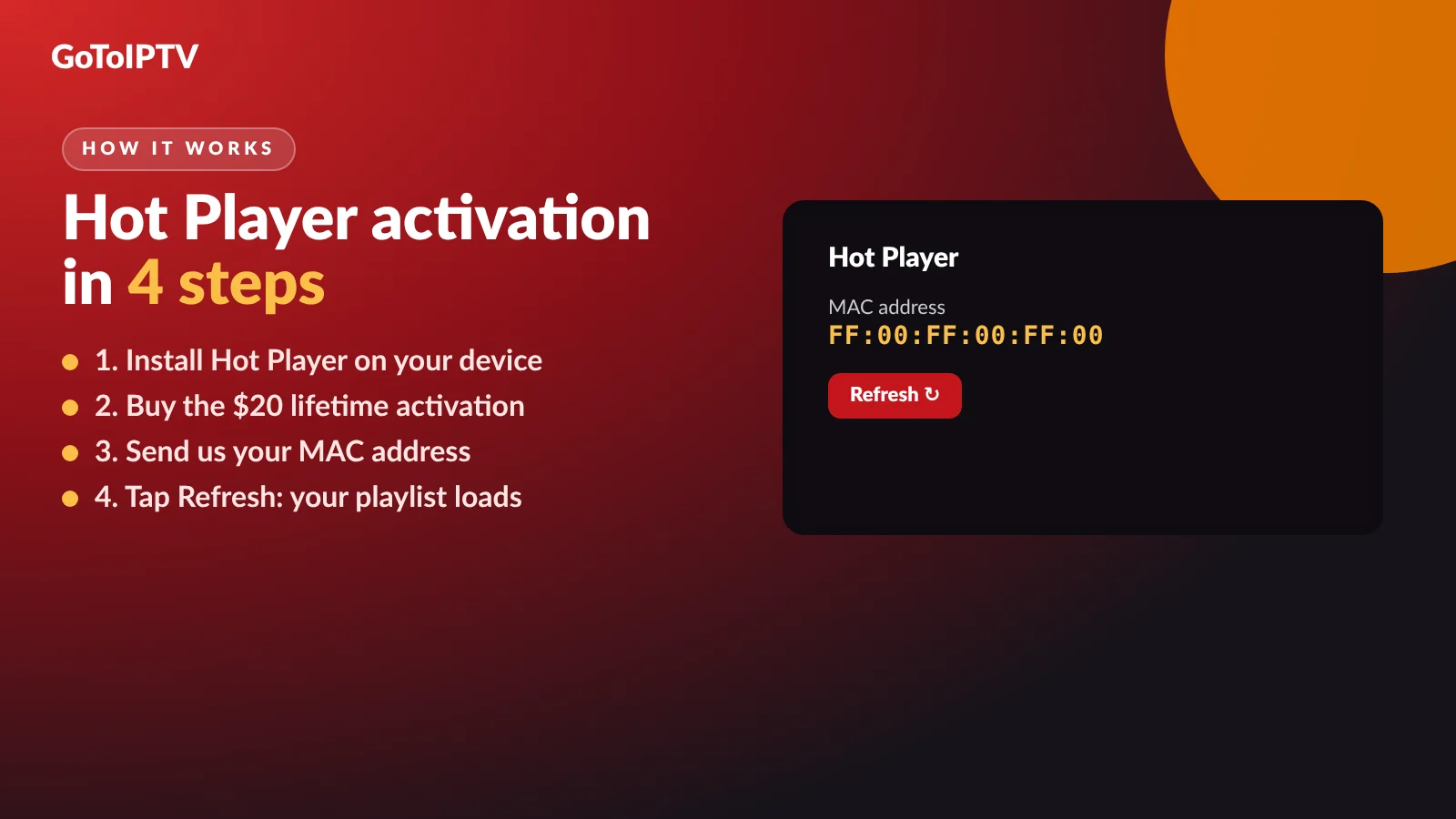
Once you have the address, activation takes about a minute.
- 1
Buy the activation: $20 once, lifetime, one device.
- 2
Send the Hot Player MAC address by email reply or WhatsApp.
- 3
We activate it and load your GoToIPTV playlist.
- 4
Tap Refresh in Hot Player and start watching.
Prefer the best value? The Hot Player + 1 month IPTV free bundle costs the same $20 and includes a month of GoToIPTV. Activation only is here.
Want the full picture of the app first? Read our main Hot Player guide with price, features and how the trial works.
What Happens After You Send Your MAC Address
Here is exactly what happens between checkout and your first channel, so nothing comes as a surprise.
- 1
Order confirmed: you get an email with your order number. Reply to it with the address, or send it on WhatsApp.
- 2
We check the address: six pairs, the right device, no typos. If something looks wrong, we ask before doing anything.
- 3
We activate the app for life on that device and add your GoToIPTV playlist to it.
- 4
You tap Refresh: the categories, live channels, films and series appear in a few seconds.
- 5
You keep the lock on so nobody can change your playlist afterwards.
Most activations are done within minutes. If you send the address late at night, it is done as soon as our team is online, and you get a WhatsApp message when it is ready. You never need to give us your TV password, your bank details on chat, or remote access to your device.
New to GoToIPTV? With the bundle we also create your one-month account, so the first time you tap Refresh you already have channels, films and series to watch. Already a customer? Tell us your username and we connect your current subscription instead.
- No remote access to your TV is ever needed.
- No card details on WhatsApp, ever.
- One message when your device is ready.
- Help on WhatsApp if the Refresh does not load.
One Hot Player MAC Address per Device
Each TV, box or phone has its own Hot Player MAC address, so each one needs its own activation.
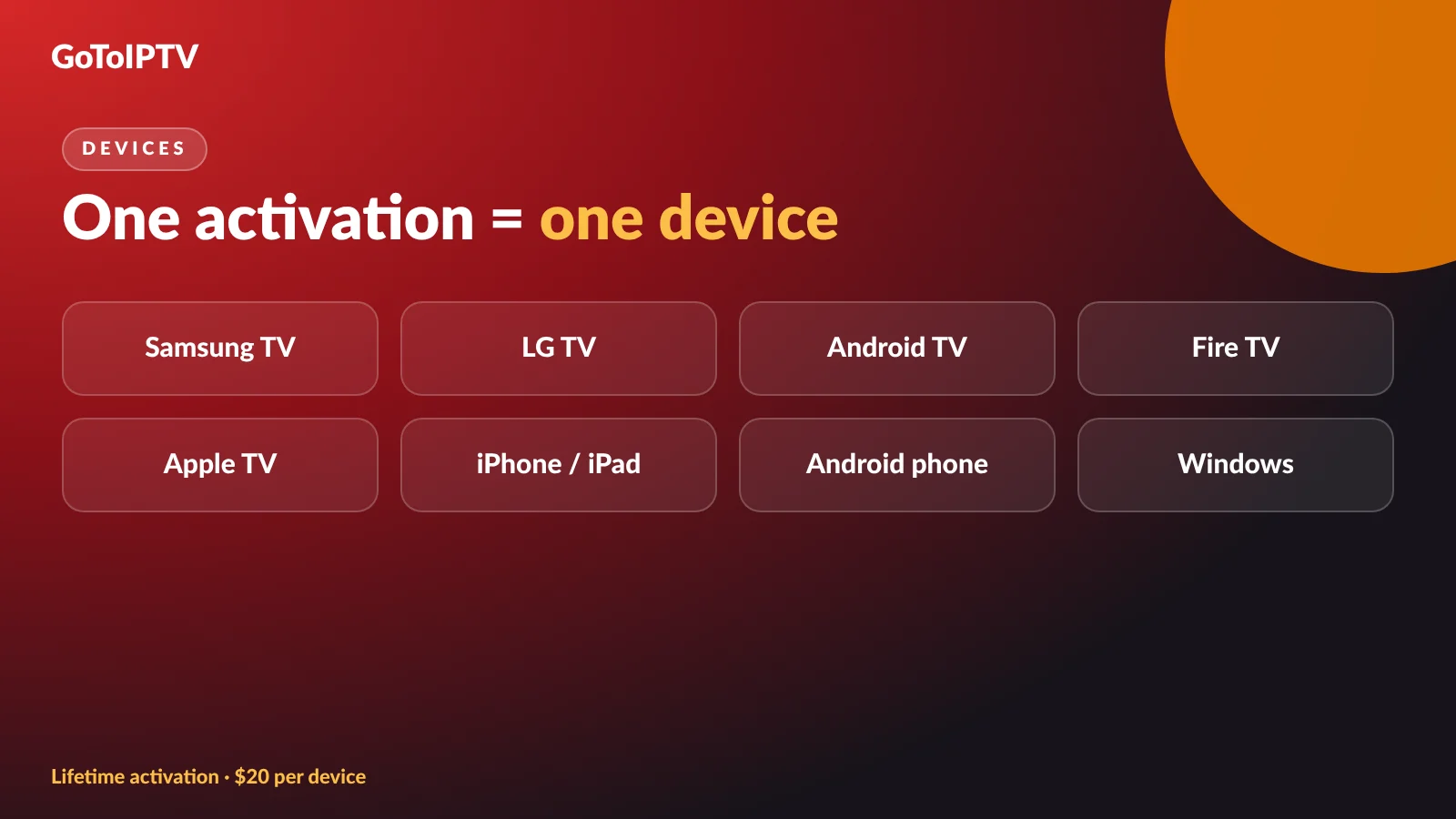
Hot Player runs on Samsung and LG smart TVs, Android TV and Google TV, Fire TV, Apple TV, iPhone and iPad, Android phones and Windows. The address is different on each one.
Setting up a smart TV? See Hot Player on Samsung and LG. On a Firestick? See Hot Player on Firestick and Google TV.
MAC Address and Playlists: How They Connect
Your playlist is loaded onto the Hot Player MAC address, not typed into the TV.
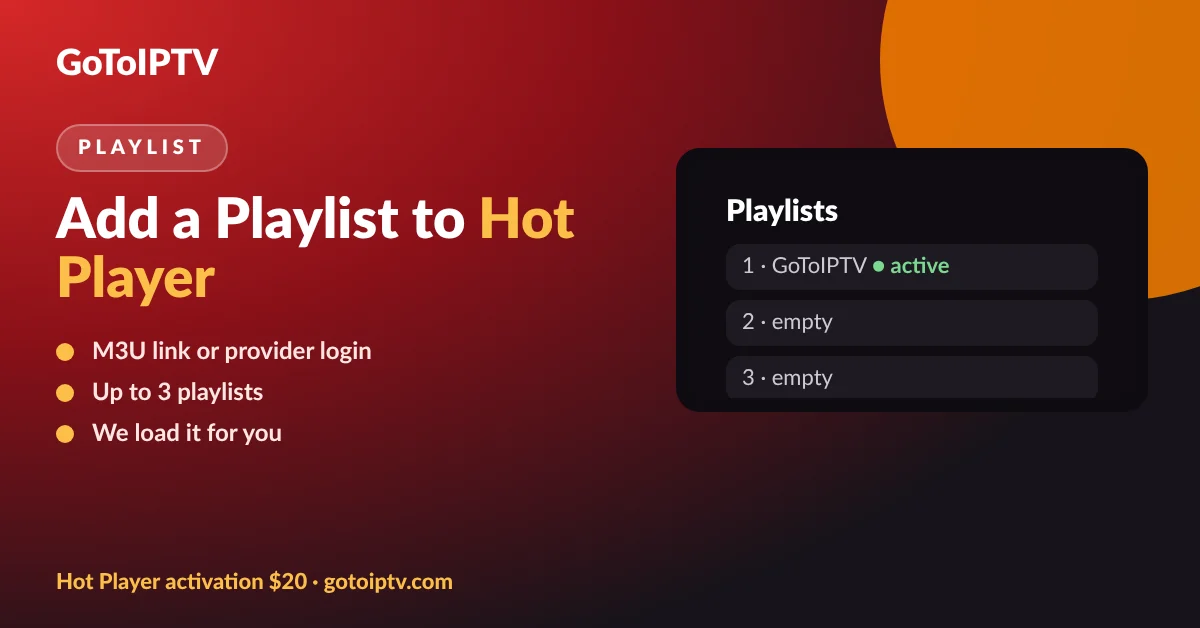
Hot Player can hold up to three playlists per device. Each one is linked to the address, which is why you never type a long link with the remote. When GoToIPTV activates your app, we add your playlist to your address and you simply tap Refresh.
Want to add another playlist or switch provider? Our Hot Player playlist guide explains how.
Do You Need Hot Player at All?
If your device is a Fire TV, Android TV, Google TV, Android phone or Windows PC, there is a free option too.
GoToIPTV has its own free player, GoTo Player, with no ads and no MAC address activation. On a Fire TV or Android TV you install it with Downloader code 1129312.
Hot Player is the better pick for Samsung and LG smart TVs, where GoTo Player is not available yet. Full comparison: Hot Player vs GoTo Player.
Keep Your Hot Player MAC Address Safe
A few simple habits keep your activation and your playlist safe.
- Share the Hot Player MAC address only with your seller, for example GoToIPTV for activation.
- Keep the lock on once your playlist works.
- Install Hot Player only from your device app store, never from unknown APK sites.
- Never pay activation fees to strangers on social media.
- Keep your order email: it shows your activation and device.
- Ask us on WhatsApp before changing anything on a working device.
More Hot Player Guides
Everything about Hot Player in one place:
Hot Player MAC Address FAQ
Where do I find my Hot Player MAC address?
Open Hot Player on the device you want to use. The Hot Player MAC address is shown on the start screen of the app, written like FF:00:FF:00:FF:00. Write it down exactly, letters and numbers included.
Why does Hot Player say my MAC address is locked?
Hot Player has a Lock MAC function that stops anyone from changing the playlist on that device. If it is locked, the playlist can only be changed after it is unlocked by whoever set the lock, which may be you or the seller who set up the app.
How do I unlock my Hot Player MAC address?
If you set the lock yourself, unlock it with the same details you used. If GoToIPTV set up your device, message us on WhatsApp with your Hot Player MAC address and we reload or unlock your playlist for you.
Is the Hot Player MAC address the same as my TV MAC address?
Not always. Always use the Hot Player MAC address shown inside the app, not the one in your TV network settings. The app address is the one that activation and playlists are linked to.
What does “secret code invalid” mean in Hot Player?
It usually means the code or key typed does not match the one linked to your device. Check for typos and the right device. If GoToIPTV handles your activation, send us the Hot Player MAC address and we check it for you.
Does reinstalling Hot Player change the MAC address?
Your activation is linked to the Hot Player MAC address of the device. If you move to a new TV or box, the address is different, so a new device needs its own activation.
How much is Hot Player activation?
At GoToIPTV a Hot Player lifetime activation costs $20 once for one device. The bundle gives you the same activation plus 1 month of IPTV free for $20.
How fast is activation after I send my MAC address?
Usually within minutes. As soon as it is done, open Hot Player and tap Refresh: your activation and playlist load.
Can I use one MAC address on two TVs?
No. Each device has its own Hot Player MAC address, and one activation covers one device. For two TVs you need two activations.
Is it safe to share my Hot Player MAC address?
Share it only with the seller who activates your app, such as GoToIPTV. The address alone does not give access to your bank or your accounts, but keeping your playlist locked protects your service.
Activate Your Hot Player Today
Send your Hot Player MAC address, tap Refresh and watch. One payment, lifetime activation, plus a free month of IPTV with the bundle.
