
Blog – iPTV Tips
IPTV Buffering Fix: 12 Ways to Stop Freezing for Good (2026)

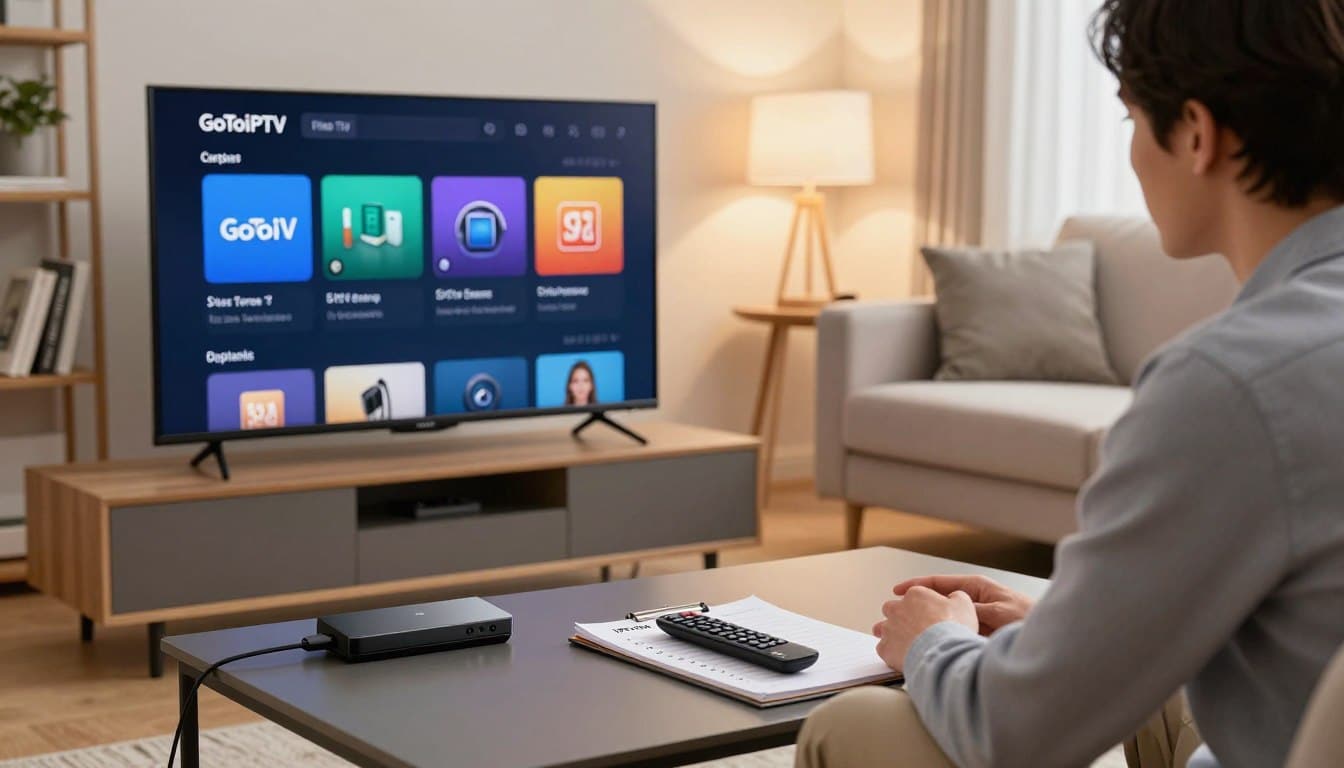
Nothing ruins a big match or a good film like a spinning wheel. The good news: most IPTV buffering problems are caused by something at home, and you can fix them in minutes. Work through these 12 steps in order, from the quickest to the more advanced.
First, find out where the problem is
Ask yourself three questions:
- Does it buffer on every channel or just one? One channel suggests a source problem. Every channel points to your connection or device.
- Does it happen at certain times? Evening-only buffering often means a busy network or internet provider throttling.
- Does it happen on every device? If your phone plays fine but the TV buffers, the TV’s Wi-Fi or app is the likely cause.
12 fixes for IPTV buffering
1. Restart everything
Unplug your router, modem and streaming device for 60 seconds, then plug them back in (router first). This clears memory and refreshes your connection.
2. Test your internet speed on the TV device
Run a speed test on the device you watch on, not on your phone. You need about 10–15 Mbps for HD and 25 Mbps for 4K, per screen.
3. Use Ethernet instead of Wi-Fi
A network cable is the single best fix for buffering. If a cable is not possible, use 5 GHz Wi-Fi, move the router closer, or add a mesh point.
4. Reduce other traffic
Big downloads, game updates, cloud backups and other streams on your network all compete for bandwidth. Pause them and test again.
5. Clear the app cache
On Firestick: Settings → Applications → Manage Installed Applications → your player → Clear cache. On Android TV: Settings → Apps → your player → Clear cache.
6. Update your player app and device
Old app versions can have playback bugs. Update the app and the system software, then restart.
7. Change the video player or decoder
Most IPTV apps let you choose between hardware and software decoding or different player engines. If a channel stutters, switch and test again.
8. Increase the buffer size
If your app has a buffer setting, choose medium or large. It adds a second or two of delay but makes playback much smoother on unstable connections.
9. Try a lower quality
If 4K buffers, try the HD version of the channel. It needs much less bandwidth.
10. Try a VPN if your provider throttles video
Some internet providers slow down video traffic at busy times. A good VPN can hide this traffic and remove the slowdown. Test with and without the VPN. GoToIPTV customers can add Surfshark VPN.
11. Change your DNS
Setting your device or router DNS to a fast public DNS (such as 1.1.1.1 or 8.8.8.8) can speed up connections to streaming servers.
12. Check your device is powerful enough
Very old or low-cost boxes struggle with 4K and modern apps. If your device is over 4–5 years old, a newer Firestick, Google TV or Android TV box can make a huge difference.
Buffering every 10 seconds?
Regular buffering at fixed intervals usually means the stream bitrate is higher than your connection can hold. Use Ethernet, choose the HD version and increase the buffer size (fixes 3, 8 and 9).
Buffering on Firestick specifically
Firesticks run hot and have limited storage. Clear the cache, uninstall apps you do not use, keep at least 1 GB free, and use the Amazon Ethernet adapter if you can. See our full IPTV on Firestick guide.
Still buffering? Contact support
If you have tried these fixes and one channel still buffers, message GoToIPTV support on WhatsApp (24/7) with the channel name and your device. We can check the stream for you.
Frequently asked questions
Why does IPTV buffer only in the evening?
Evenings are peak time for internet use, and some providers throttle video. Use Ethernet and test with a VPN.
Will a faster internet plan stop buffering?
Only if speed is the problem. Most buffering comes from Wi-Fi signal, device or app settings, so try the free fixes first.
Is buffering a sign of a bad IPTV service?
Not always. Test on another device with a cable. Use the 24-hour free trial to check a service before you buy.
Smooth streaming starts here
Try GoToIPTV with a free 24-hour trial and test it on your own connection.
One thought on “IPTV Buffering Fix: 12 Ways to Stop Freezing for Good (2026)”