
Blog – iPTV Tips
IPTV on Apple TV, iPhone and iPad: Easy Setup Guide (2026)

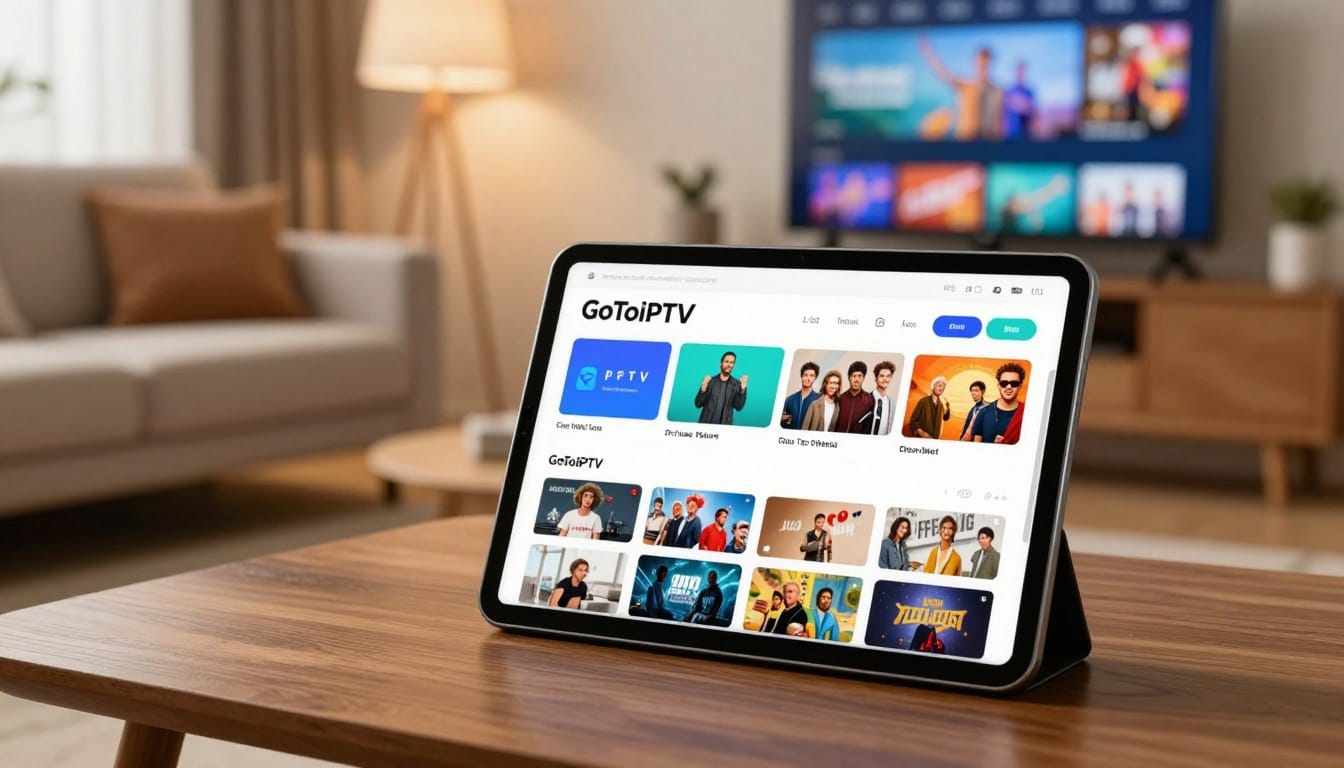
Apple devices are some of the smoothest ways to watch IPTV. With the right player app, an Apple TV 4K, iPhone or iPad gives you a fast, stable picture and a clean TV guide. This guide shows you how to set up IPTV on Apple TV, iPhone and iPad step by step.
What you need before you start
- An Apple TV HD or Apple TV 4K (tvOS), or an iPhone/iPad with a recent iOS or iPadOS version.
- An IPTV player app from the Apple App Store. The app is only a player: it does not include any channels.
- Your GoToIPTV login details, sent by email after you order or start your free trial. Depending on the app, you use either a playlist (M3U) link or a username, password and server address.
- A stable internet connection: about 10–15 Mbps for HD and 25 Mbps for 4K.
Step 1: Choose an IPTV player from the App Store
Open the App Store on your Apple TV (or iPhone/iPad) and search for “IPTV player”. Look for apps that:
- Are updated regularly and have good recent reviews.
- Support Xtream Codes login or M3U playlists with an EPG (TV guide).
- Offer the features you want, such as favourites, catch-up and multi-screen.
Only install apps from the official App Store. Never enter your Apple ID password into an IPTV app.
Step 2: Add your GoToIPTV account
- Open the player app and choose Add playlist or Add account.
- Select the login type that matches your email: Xtream/username login or M3U URL.
- Copy the details exactly as written, including the server address. Watch for capital letters and spaces.
- Save, then wait while the app loads channels, movies and series. The first load can take a minute.
Tip for Apple TV: typing with a remote is slow. Many apps let you add the playlist from your iPhone (same Wi-Fi) or by scanning a QR code. Use that option if it is offered.
Step 3: Set up the TV guide and favourites
- Turn on the EPG in the app settings so you see what is on now and next.
- Add your most-watched channels to Favourites for one-click access.
- Choose your preferred video player in settings. If a channel stutters, switching the player engine often helps.
Step 4: Test your picture quality
Open a few channels in different categories and a movie in 4K. If everything plays smoothly, you are done. If not, see the troubleshooting section below.
IPTV on iPhone and iPad
The setup is the same as on Apple TV, and even quicker because you can paste your login details. On iPhone and iPad you can also:
- Use AirPlay to send the picture to an Apple TV or AirPlay-compatible Smart TV.
- Watch in picture-in-picture while you use other apps (if the player supports it).
- Use mobile data when you are away. 4K streams use a lot of data, so choose HD on mobile.
Troubleshooting IPTV on Apple TV
- “Login failed”: recheck the server address, username and password. One wrong character stops the login.
- Buffering: use Ethernet on Apple TV 4K, or move your router closer. Our IPTV buffering fix guide covers every common cause.
- No TV guide: refresh the EPG in the app settings and check that your device time zone is correct.
- App crashes: update tvOS and the app, then restart the Apple TV (Settings → System → Restart).
Apple TV or another device?
Apple TV is excellent if you already use Apple products. If you are on a budget, a Firestick or Google TV device works very well too. See our guides for Firestick and Google TV.
Frequently asked questions
Is there a free IPTV app for Apple TV?
Some players are free with ads or limits, and others are paid. Choose one you are comfortable with; your GoToIPTV subscription works with any compatible player.
Can I use one subscription on Apple TV and iPhone?
A 1-line plan is for one screen at a time. To watch on both at the same time, choose a 2-line or 3-line plan.
Does GoToIPTV work in 4K on Apple TV 4K?
Yes, 4K content plays in 4K where available, as long as your internet is fast enough.
Get started
Claim your 24-hour free trial, test it on your Apple TV, then choose the 12-month plan for the best value.